File Converter Software in 2026: The 5 Best Options Side by Side
5 products for the best file converter software, ranked by fit, with starting costs and free tiers. Concise write-ups of every option. Clear verdicts.
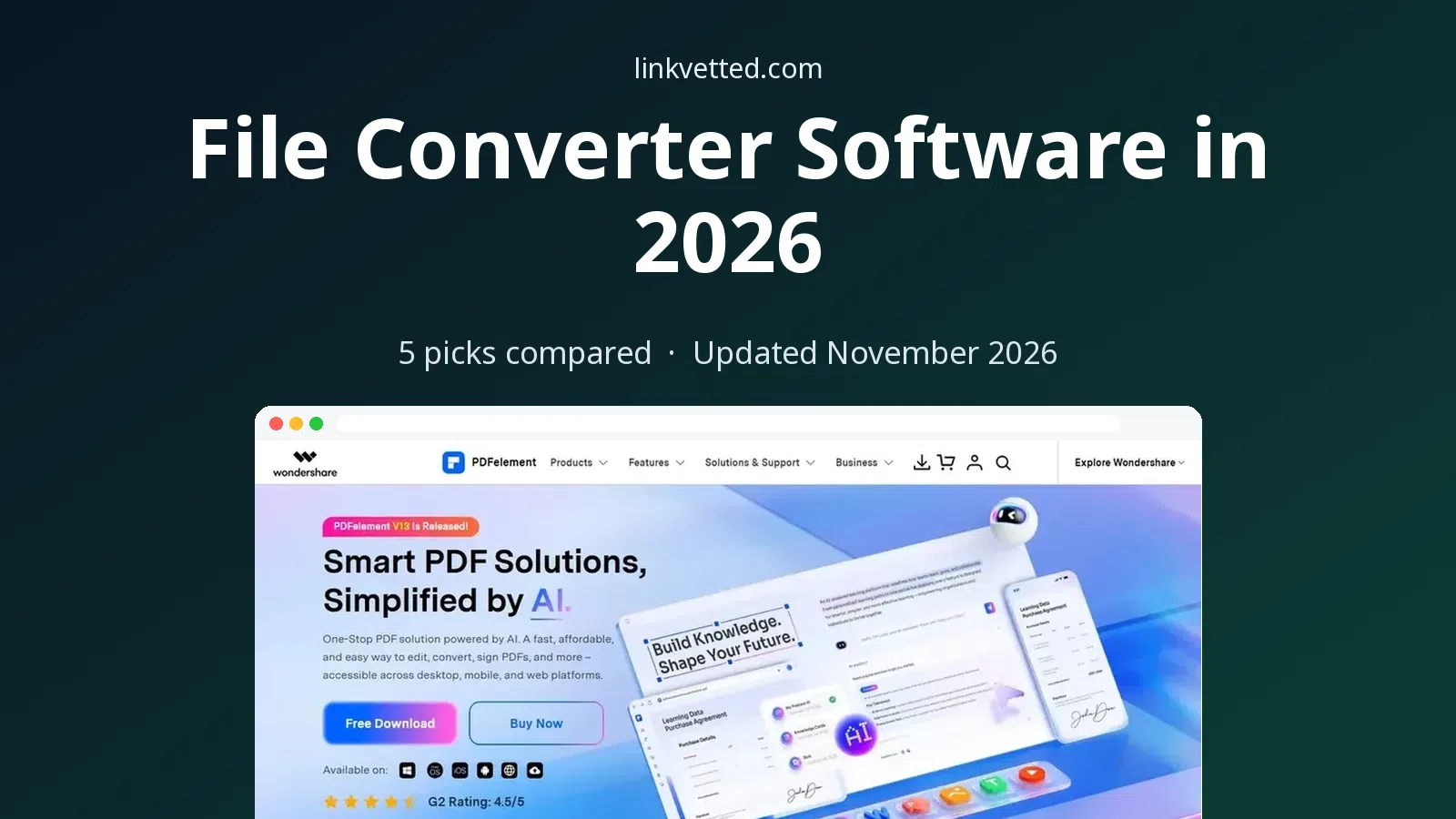
- Editor's choicePDF24 Creator
Free offline PDF conversion and editing
Starts atSee websiteVisit pdf24.orgFull review - Great alternativeWondershare PDFelement
Simple PDF editing and conversion across devices
Starts at$6.99 per weekVisit pdf.wondershare.comFull review - Also consider
 ABBYY FineReader PDF
OCR and document conversion
Starts at$16 a monthVisit abbyy.comFull review
Direct answer
For free offline PDF conversion and editing, PDF24 Creator is where this list starts. Listed starting prices: Wondershare PDFelement from $6.99 per week and ABBYY FineReader PDF from $16 a month. Wondershare PDFelement is better for simple PDF editing and conversion across devices, and ABBYY FineReader PDF is better for OCR and document conversion. The full list of 5 tools follows, with prices and free plan facts.
TL;DR:
- PDF24 Creator sits first on this list: free offline PDF conversion and editing.
- Nitro PDF Pro suits all-in-one PDF editing and conversion.
- Starting prices begin at $16 per month with ABBYY FineReader PDF.
- Check the limits for PDF24 Creator before you commit: may lack advanced features.
- PDF24 Creator, Nitro PDF Pro and the 3 others all need a premium plan or a trial, since no free plan is listed.
Last checked November 2026. Prices and plan details were read from the vendors' own pages in November 2026; vendors change plans often, so confirm the current price on the vendor site before you buy.
Quick comparison
| Tool | Best for | Starts at | Free plan? | |
|---|---|---|---|---|
| PDF24 Creator | Free offline PDF conversion and editing | See website | Not stated | Visit |
| Wondershare PDFelement | Simple PDF editing and conversion across devices | $6.99 per week | Not stated | Visit |
| ABBYY FineReader PDF | OCR and document conversion | $16 a month | Free trial | Visit |
 Adobe Acrobat Pro | Thorough PDF conversion and editing | See website | Not stated | Visit |
 Nitro PDF Pro | All-in-one PDF editing and conversion | See website | Not stated | Visit |
The best file converter software
This LinkVetted guide covers 5 options for file converter software. Each profile lists a starting price, free plan details, strengths and drawbacks, so you can drop poor fits quickly.
PDF24 Creator
Best for: Free offline PDF conversion and editing
Think of PDF24 Creator for free offline PDF conversion and editing. For users who require advanced OCR or deep editing, a premium tool like ABBYY FineReader PDF might be necessary.
Trade-offs to know: May lack advanced features.
Check the vendor site for PDF24 Creator pricing; none is listed in this comparison. On free options: Not stated.
- Contains merge, compress, edit, convert
- Fully free
- Interface may be less refined
Wondershare PDFelement
Best for: Simple PDF editing and conversion across devices
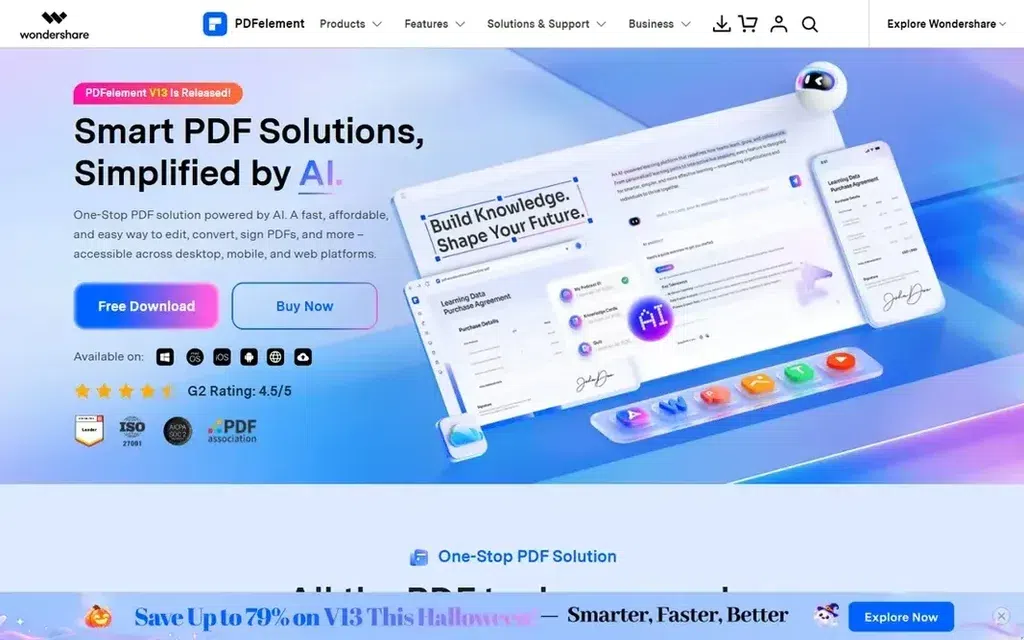
Wondershare PDFelement serves simple PDF editing and conversion across devices. Wondershare PDFelement is a feature-rich yet easy-to-use PDF editor that lets you build, edit, protect, and sign PDFs on desktop, mobile, and web.
Where it falls short: Advanced features may need a premium version.
In daily use, for users who require only entry-level conversion, a simpler tool like PDF24 Creator could suffice. Wondershare PDFelement pricing: $6.99 per week. Trial and free access: Not stated.
- Available on desktop, mobile, web
- Produce, edit, protect
- Mobile app may have restricted functionality
Think of ABBYY FineReader PDF for OCR and document conversion. The software also contains editing, sharing, and collaboration features, making it right for users who work with large volumes of documents. On top of that, the tool may be priced higher than more straightforward alternatives.
For occasional conversion, PDF24 Creator could be a better fit. As for the details, ABBYY FineReader PDF is a PDF editor powered by AI-based OCR technology. It is especially capable at converting scanned documents and images into editable formats like Excel and Word. What you pay to start with ABBYY FineReader PDF: $16 per month. As for free access: Free trial.
Where it falls short: May be complicated for simple tasks.
- Convert PDF to Excel, Word, more
- Edit and collaborate on PDFs
- Premium pricing
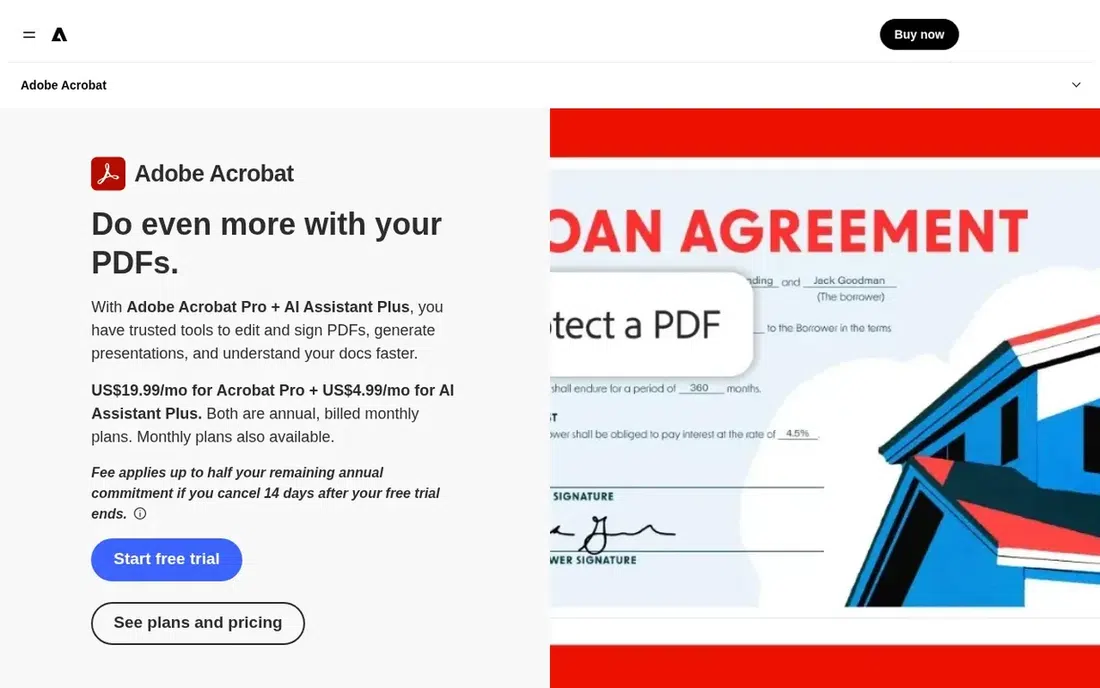
Adobe Acrobat Pro is a good fit for thorough PDF conversion and editing. Adobe Acrobat Pro is a well-known PDF software that lets you edit, convert, and share documents. It is aimed at professionals and teams that require a dependable tool for managing PDFs, including converting to and from other formats.
For everyday use, if you primarily need entry-level conversion without advanced editing, a more straightforward or free tool like PDF24 Creator might be more appropriate. Beyond that, the software is part of Adobe's document cloud ecosystem and connects with other Adobe products. Adobe Acrobat Pro does not show a starting price in this comparison, so check the vendor site for current pricing. As for free access: Not stated.
The main drawbacks: Can be complicated for simple tasks.
- Full-featured PDF editing and conversion
- Share and collaborate on documents
- Needs subscription
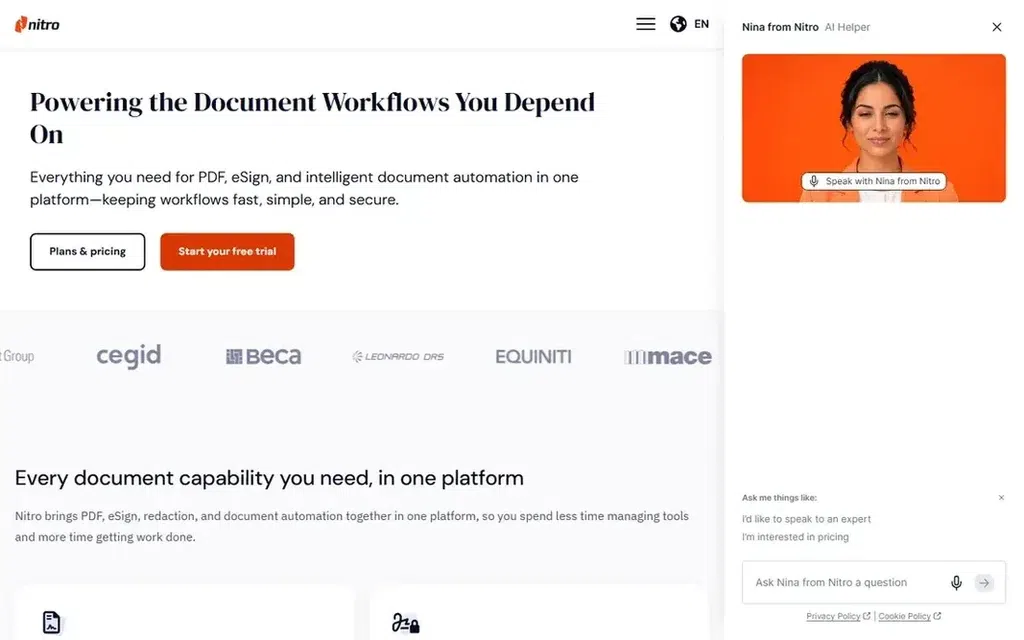
Nitro PDF Pro is aimed squarely at all-in-one PDF editing and conversion. Nitro PDF Pro is a full-featured PDF editor that lets you to edit, convert, sign, and protect documents. It aims to ease workflows for businesses and individuals who manage PDFs on a regular basis.
Drawbacks to consider: Not free.
The tool is positioned as an alternative to other premium PDF editors. On top of that, Whereas Nitro PDF Pro provides a wide feature set, it may not be the best fit for users who only need occasional conversion. Check the vendor site for Nitro PDF Pro pricing; none is listed in this comparison. Free access: Not stated.
- Simplifies document workflows
- Edit, convert, sign
- May have a ramp-up time
Our selection method
We compared the tools on published pricing, free plan or trial availability, feature coverage for file converter software, and the limits each vendor documents. Prices and plan limits come from vendor pages and can change, so confirm them on the vendor site before you buy. The order reflects how well each tool fits the most common buying scenario for file converter software, then price clarity, then free plan access. It is a starting point, not a verdict.
Pre-purchase checklist
- Ask PDF24 Creator, Adobe Acrobat Pro and Nitro PDF Pro for a written quote, since no starting price is shown.
- Run a trial of ABBYY FineReader PDF with real work before paying for a year; your own workflow is the best test.
- Before choosing PDF24 Creator, weigh its main limit: may lack advanced features.
- Check how data leaves Adobe Acrobat Pro: formats, limits and whether exports are available on every plan.
- Map your must-have features to a specific Nitro PDF Pro plan before you compare prices.
FAQ
Is PDF24 Creator the right pick for everyone comparing file converter software?
No single tool suits every team. PDF24 Creator comes first because it fits free offline PDF conversion and editing, while Wondershare PDFelement suits easy PDF editing and conversion across devices and ABBYY FineReader PDF suits OCR and document conversion. Match the tool to your own size, budget and workflow before deciding.
What is the best file converter software for PDFs?
This list starts with PDF24 Creator, which fits free offline PDF conversion and editing. For other needs, Wondershare PDFelement is aimed at simple PDF editing and conversion across devices, and ABBYY FineReader PDF at OCR and document conversion. Check each tool's price and main limit first.
How are the tools for file converter software ordered?
The order follows typical fit for file converter software, with PDF24 Creator first and Nitro PDF Pro last, then price clarity and free access. It is editorial judgement, not a score, so another team could rank the tools differently.
Which tool is a good match for converting scanned documents?
PDF24 Creator is the pick this page puts first, mainly for free offline PDF conversion and editing. If your situation differs, Wondershare PDFelement suits simple PDF editing and conversion across devices, and ABBYY FineReader PDF suits OCR and document conversion. Compare price and limits before you decide.
What is the cheapest option for file converter software in this list?
On published monthly entry prices, ABBYY FineReader PDF is the lowest here at $16 per month. Entry price is only part of the cost, because seats, add-ons and billing terms can change the total. Prices, free plan details and limits for all 5 tools in this file Converter software roundup sit on the individual cards above.
Can I try these options before paying?
Often, yes. ABBYY FineReader PDF offers a free trial. Use your own data and a real task during the test, and check what the free tier or trial limits before you rely on it. Each of the 5 options in this file Converter software guide has its own card above with the price, free plan and limits.
Sources
- https://www.pdf24.org
- https://pdf.wondershare.com
- https://www.abbyy.com/finereader
- https://www.adobe.com/acrobat/acrobat-pro.html
- https://www.gonitro.com/pdf-pro