6 Personal Productivity Software with Offline Sync Worth Shortlisting in 2026
Best personal productivity software with offline sync in 2026: 6 tools with starting prices, free plans and limits. Concise write-ups of every option. No hype.
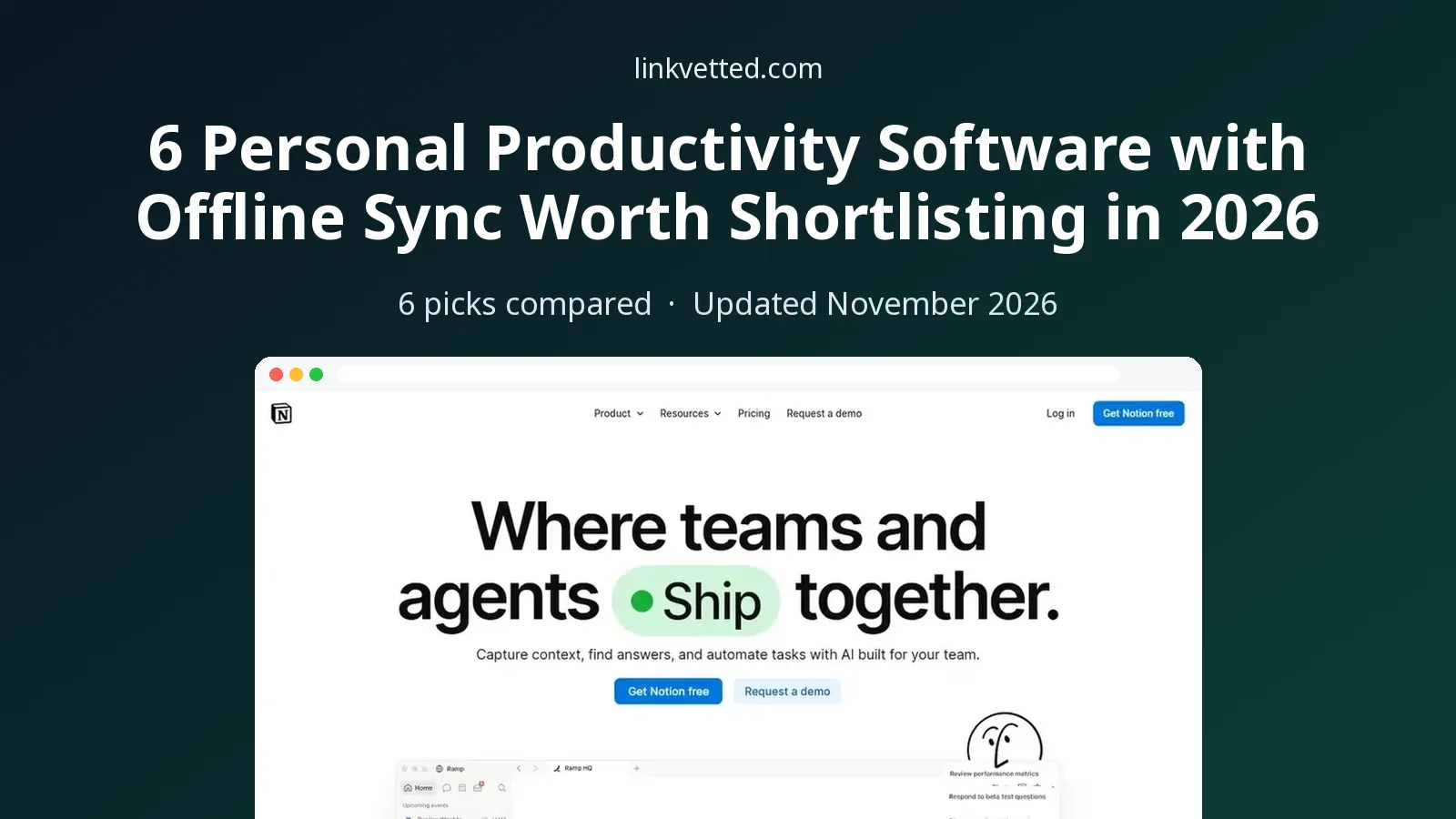
- Editor's choice
 Google Keep
Fast notes tied to Google
Starts atSee websiteVisit keep.google.comFull review - Great alternative
 Notion
Custom workspaces and automation
Starts at$10 per member per monthVisit notion.soFull review - Also consider
 TickTick
Tasks, calendar and habits together
Starts at$49.99 per yearVisit ticktick.comFull review
Direct answer
Google Keep is the first pick on this list for fast notes tied to Google. Listed starting prices: Notion from $10 per member per month, TickTick from $49.99 per year and Todoist from $5 per month. Notion fits custom workspaces and automation; TickTick fits tasks, calendar and habits together. Details, prices and limits for the rest of the 6 tools are below.
TL;DR:
- Google Keep takes the first slot, best suited to fast notes tied to Google.
- Starting prices begin at $4 per user per month with Obsidian.
- One limit worth knowing about Google Keep: restricted structure for large projects.
- Obsidian suits local-first private knowledge notes.
- 4 of 6 tools offer a free plan: Notion, TickTick, Todoist, Obsidian.
Last checked November 2026. Prices and plan details were read from the vendors' own pages in November 2026; vendors change plans often, so confirm the current price on the vendor site before you buy.
Quick comparison
| Tool | Best for | Starts at | Free plan? | |
|---|---|---|---|---|
| Google Keep | Fast notes tied to Google | See website | Not stated | Visit |
| Notion | Custom workspaces and automation | $10 per member per month | Yes | Visit |
| TickTick | Tasks, calendar and habits together | $49.99 per year | Yes | Visit |
 Todoist | Task lists for work and life | $5 per month | Yes | Visit |
 Microsoft OneNote | Structured digital notebooks with collaboration | See website | Not stated | Visit |
 Obsidian | Local-first private knowledge notes | $4 per user a month | Yes | Visit |
Tool-by-tool breakdown
Short on time? The summary and table above give the quick view of 6 tools for personal productivity software with offline sync, and the profiles that follow give the detail behind each entry.
Google Keep works best for fast notes tied to Google. Google Keep is a light note-taking service from Google for fast notes, lists and reminders.
Trade-offs to know: Restricted structure for large projects.
Keep gives you restricted structure for large projects, so it is not a replacement for a full notebook or workspace app. On top of that, users who require databases, linking or deep organization should look at Notion or Obsidian. Pricing for Google Keep is not stated here, so ask the vendor for current figures. Free plan details: Not stated.
- Straightforward note and list capture
- Light and quick to use
- Fewer advanced organization features
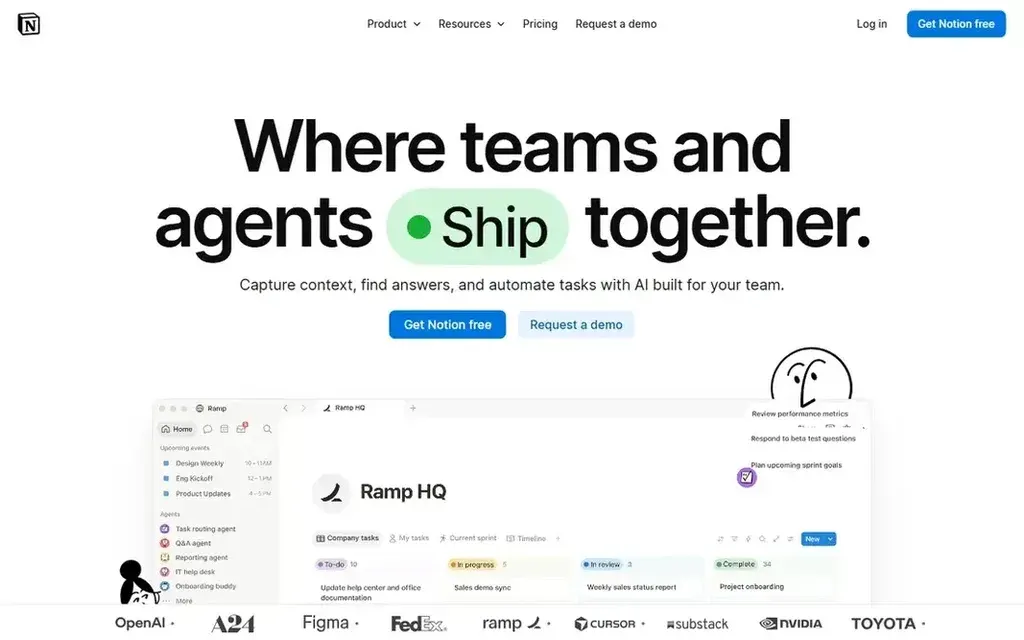
Notion works best for custom workspaces and automation. Notion describes itself as an AI workspace where teams get more done, with custom agents, cross-app search and automation of busywork.
That adaptability makes it handy for projects, notes and planning in one workspace. More specifically, for quick capture or straightforward to-do lists, a lighter app may be quicker. Price to start with Notion: $10 per member per month. Notion includes a free tier.
What to check first: Setup takes effort to structure well.
- Automation of repetitive work
- Adaptable pages and databases
- Can be complicated for straightforward note-taking
TickTick serves tasks, calendar and habits together. Since it bundles multiple tools, the interface can feel busy at first, and it is not a document or note workspace.
On top of that, if you only need a straightforward checklist, a leaner app may be enough. Price to start with TickTick: $49.99 per year. A free plan is available with TickTick.
What users get: calendar and habits in one app. Downsides: Less suited to long documents.
- Sync across all devices
- All-in-one daily planning
- Plenty of features can overwhelm new users
Todoist targets task lists for work and life. Individuals and teams can both use it to track what needs doing next.
In practice, if you need rich pages and databases, Notion or OneNote spans more ground. Todoist pricing: $5 per month. Todoist offers a free plan.
Drawbacks to consider: Not made for long-form notes.
- Clear to-do list focus
- Fits individuals and teams
- Restricted as a knowledge base
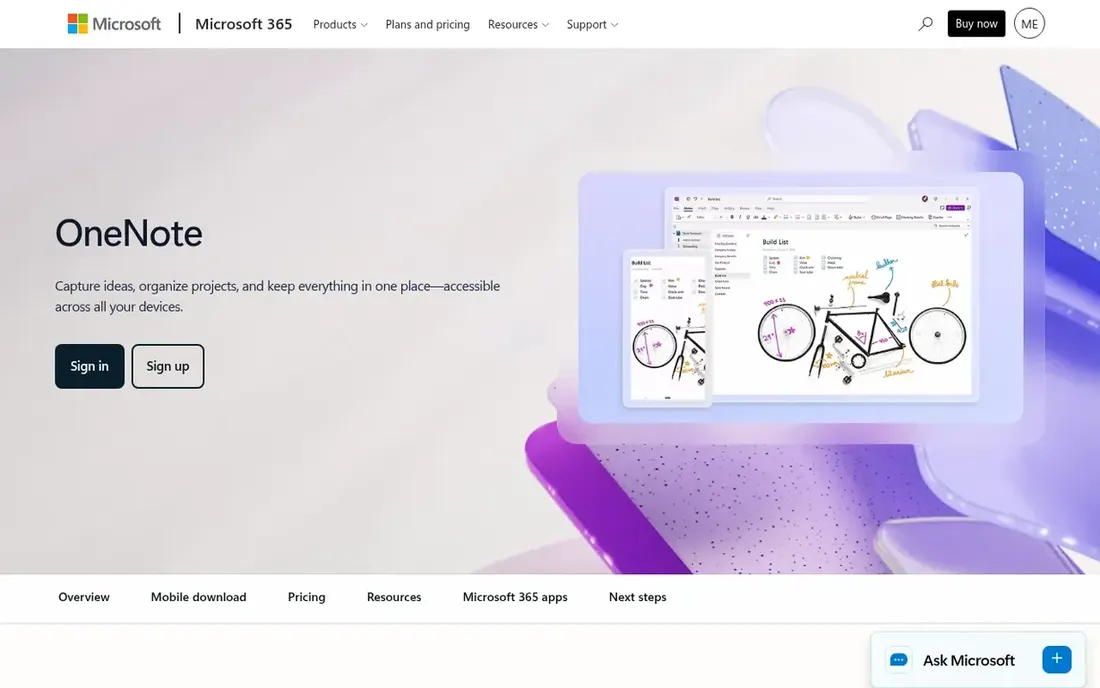
Microsoft OneNote makes the most sense for structured digital notebooks with collaboration. If you chiefly need plain task lists instead of rich notebooks, a dedicated to-do app will be more straightforward.
Also, choose OneNote when notebook structure and shared notes matter more than minimalism. Pricing for Microsoft OneNote is not stated here, so ask the vendor for current figures. As for free access: Not stated.
Drawbacks to consider: Formatting can feel inconsistent across systems.
- Works across devices with Microsoft 365
- Notebook and section organization
- Best experience tied to Microsoft ecosystem
Pick Obsidian if this describes you: local-first private knowledge notes. More specifically, pick Obsidian when file ownership and privacy outweigh convenience.
As for the details, syncing between devices normally needs configuring a sync method instead of relying on a built-in account, which layers on setup work. Beyond that, the adaptability also includes a ramp-up time. Starting cost for Obsidian: $4 per user per month. Free access exists with Obsidian.
Points against: Ramp-up time for advanced features.
- Private by design
- Notes stored as local files
- Sync setup needs additional configuration
How the list was put together
LinkVetted looked at what each vendor publishes: pricing, plan limits, feature coverage for personal productivity software with offline sync and stated drawbacks. No hands-on testing is claimed. Treat prices as a snapshot: vendors change plans often, so check the vendor site for the figure that applies today. The sequence is a judgement call: typical use case first, then pricing transparency, then free access. Use the profiles to check fit.
Pre-purchase checklist
- Confirm the entry price on the vendor page. For Google Keep and Microsoft OneNote that means a quote rather than a fixed price.
- Look at free plan limits closely: Notion, TickTick, Todoist and Obsidian have one, and the caps decide whether it is usable for real work.
- Read the limits listed for Google Keep first: restricted structure for large projects.
- Pick one real project and run it in Obsidian first; a small pilot shows fit faster than a checklist.
- Verify that exporting from Notion is possible on your plan and covers all your records.
FAQ
Which options for personal productivity software with offline sync have a free plan?
Notion, TickTick, Todoist and Obsidian offer a free plan in this list. Free plans usually cap users, projects or features, so check the limits on the vendor page.
Do these tools publish their prices?
Not all of them. Google Keep and Microsoft OneNote publish no starting price, so expect a quote request for those. The rest, Notion included, show a starting price, though seats and billing terms still change the final cost.
What is the cheapest option for personal productivity software with offline sync in this list?
On published monthly entry prices, Obsidian is the lowest here at $4 per user per month. Entry price is only part of the cost, because seats, add-ons and billing terms can change the total. For the full picture, the cards above cover all 6 entries of this personal productivity software with offline sync list, including price, free plan and limits.
Which app is a good match for notes that must work offline?
The first pick on this list is Google Keep, because it suits fast notes tied to Google. Notion is better for custom workspaces and automation, and TickTick for tasks, calendar and habits together. Check price and limits against your own needs before choosing.
How are the tools for personal productivity software with offline sync ordered?
Google Keep sits first and Obsidian last because the order follows typical fit for personal productivity software with offline sync, then price clarity and free access. It is a judgement call, so read each profile for fit and limits.
Is a workspace app like Notion right for offline use?
Notion is built around an adaptable workspace with pages, databases and automation, and its strength is customization instead of straightforward capture. If dependable offline access to plain notes is your priority, a notebook or local-first app may be a better fit.
Sources
- https://keep.google.com
- https://www.notion.so
- https://ticktick.com
- https://todoist.com
- https://www.microsoft.com/en-us/microsoft-365/onenote/digital-note-taking-app
- https://obsidian.md