The 6 Best Personal Productivity Software for Freelancers in 2026, Ranked
Best personal productivity software for freelancers in 2026: 6 tools with starting prices, free plans and limits. Each profile ends with a plain caveat.
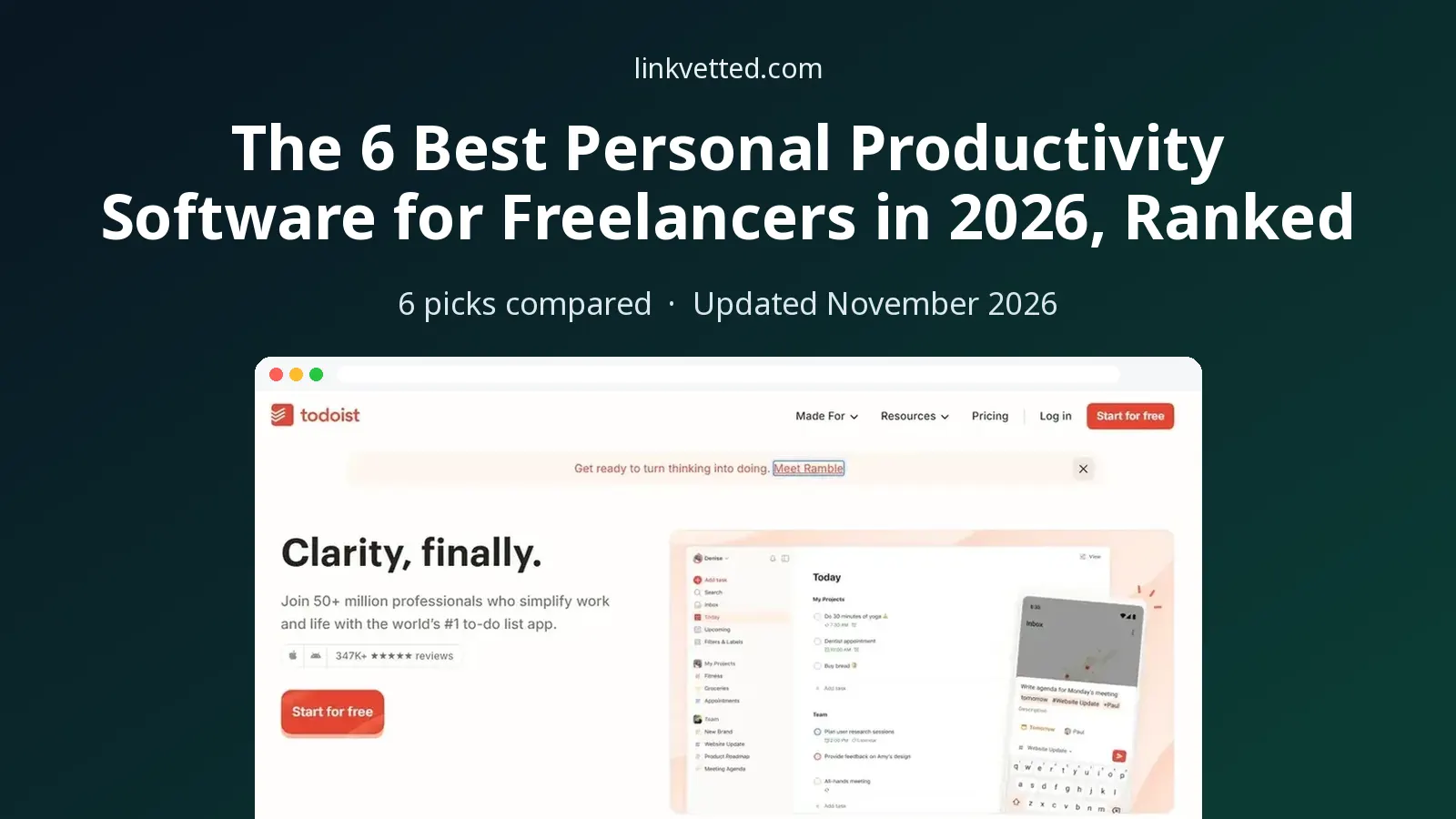
- Editor's choice
 ClickUp
Consolidating tasks, docs and goals
Starts at$9 per user a monthVisit clickup.comFull review - Great alternative
 Todoist
Straightforward task and to-do tracking
Starts at$5 a monthVisit todoist.comFull review - Also consider
 Trello
Visual boards for client projects
Starts at$5 per user a monthVisit trello.comFull review
Direct answer
For consolidating tasks, docs and goals, ClickUp is where this list starts. Listed starting prices: ClickUp from $9 per user a month, Todoist from $5 a month and Trello from $5 per user a month. Todoist is better for straightforward task and to-do tracking, and Trello is better for visual boards for client projects. The other 3 tools in the list cover narrower or pricier cases.
TL;DR:
- ClickUp is the opening pick, best for consolidating tasks, docs and goals.
- A fair warning about Todoist: restricted for long-form notes.
- A free plan is available from 4 of the 6 tools: ClickUp, Todoist, Trello, Notion.
- Todoist has the lowest monthly starting price in this list: $5 per month.
Last checked November 2026. Prices and plan details were read from the vendors' own pages in November 2026; vendors change plans often, so confirm the current price on the vendor site before you buy.
Quick comparison
| Tool | Best for | Starts at | Free plan? | |
|---|---|---|---|---|
| ClickUp | Consolidating tasks, docs and goals | $9 per user a month | Yes | Visit |
| Todoist | Straightforward task and to-do tracking | $5 a month | Yes | Visit |
| Trello | Visual boards for client projects | $5 per user a month | Yes | Visit |
 Notion | All-in-one workspace and notes | $10 per member a month | Yes | Visit |
 Microsoft 365 | Familiar office apps with cloud services | See website | Free trial | Visit |
 Google Workspace | Email, documents and collaboration | See website | Not stated | Visit |
The full personal productivity software for freelancers list
LinkVetted put together this guide to personal productivity software for freelancers for readers who want a clear shortlist without reading every vendor page. It compares 6 tools on starting price, free plans, who each one suits and where each one falls short.
Think of ClickUp for consolidating tasks, docs and goals. ClickUp describes itself as an everything app for work, combining tasks, docs, goals and chat with AI features.
Where ClickUp stands out: Tasks, docs; Wide feature coverage.
Downsides: Setup needs planning.
That breadth includes complexity, and new users can spend time configuring views and settings before getting value. Price to start with ClickUp: $9 per user per month. A free plan is available with ClickUp.
- Goals and chat in one
- AI features for productivity
- Feature depth can overwhelm
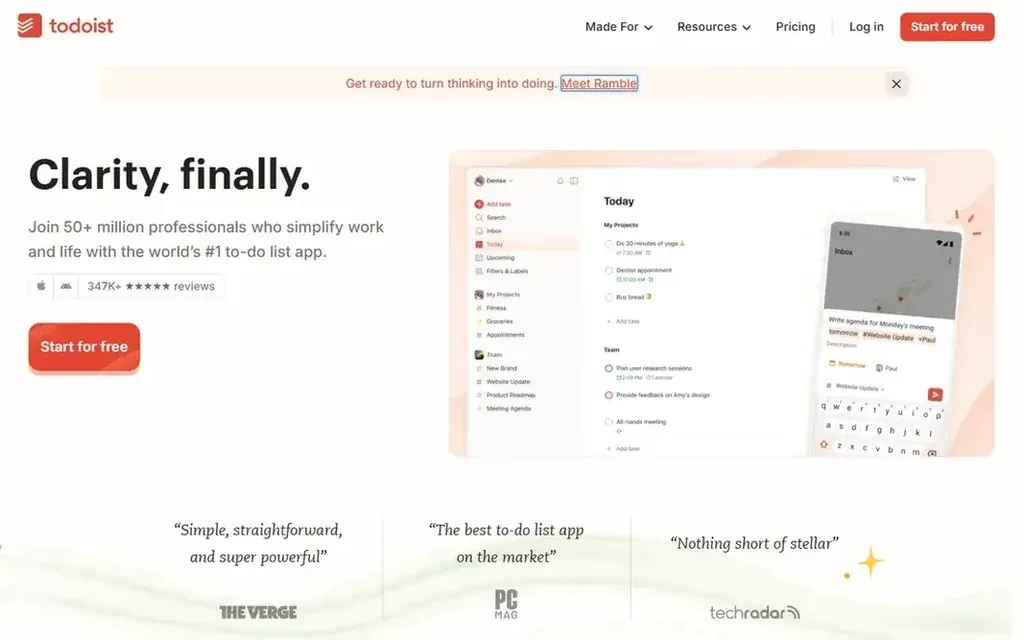
Where Todoist fits: straightforward task and to-do tracking. It performs well alongside separate tools for notes and documents.
Honest limits: Fewer visual planning views.
Highlights: quick task capture.
Worth adding: Todoist is not a document editor or a full project board, so heavy note takers and visual planners will need another tool. Entry price for Todoist: $5 per month. Todoist includes a free tier.
- Straightforward project organization
- Works across devices
- Limited for long-form notes
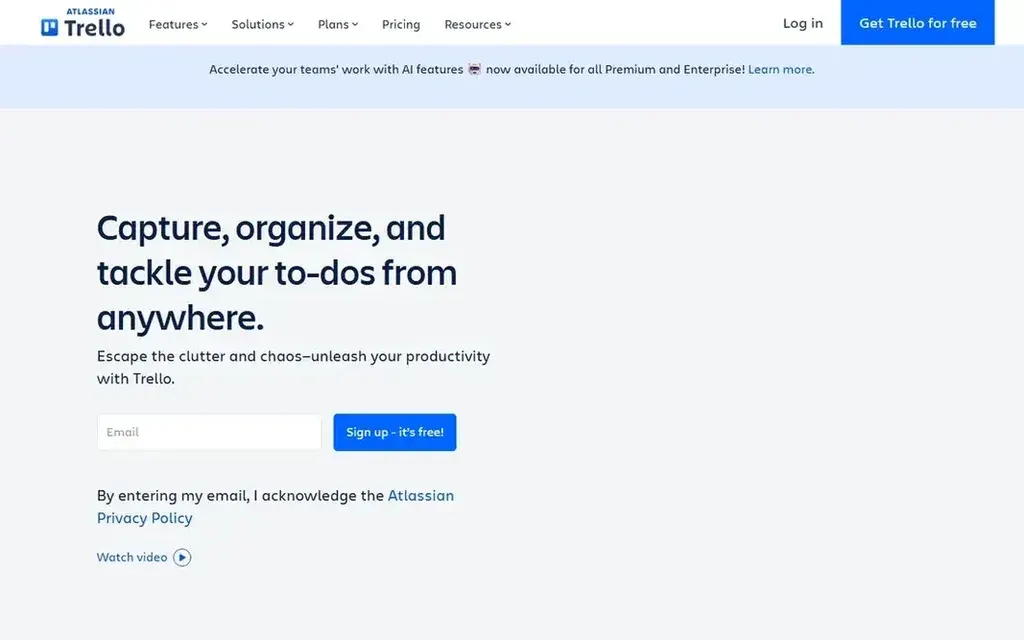
Trello is aimed squarely at visual boards for client projects. Trello organizes work on boards, lists and cards so freelancers can see project stages at a glance. Its inbox, boards and planner work from mobile along with desktop, which helps when you move between client sites or work from different places.
The main drawbacks: Boards get crowded on big projects.
It is a natural fit for visual thinkers and client-facing project tracking. On long or complicated projects, boards can fill up and lose clarity, and Trello is not aimed at broad documentation. As for the details, if your work relies on deep notes or databases, pair a board tool with a dedicated workspace. The starting price for Trello: $5 per user per month. A free plan is available with Trello.
- Drag-and-drop boards
- Mobile access to boards and planner
- Less suited to in-depth notes
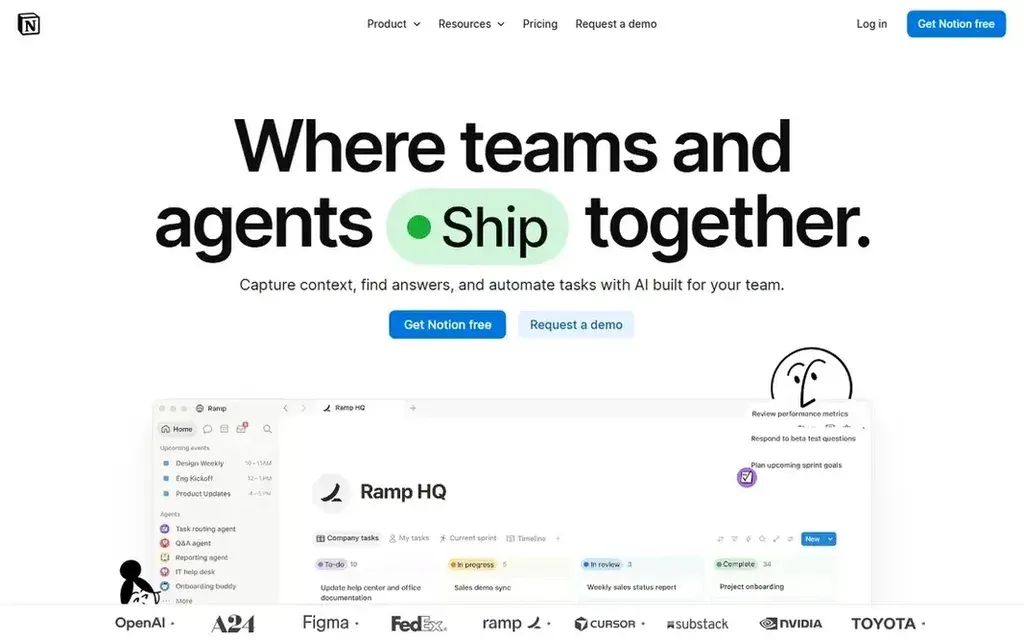
For all-in-one workspace and notes, Notion is a natural candidate. Since Notion is so adaptable, setting it up takes thought, and a sprawling workspace can become messy without conventions.
If you prefer a strict task list or a straightforward board, a more focused tool may be simpler to keep on track. Notion pricing: $10 per member per month. Notion offers a free plan.
Where it is weaker: Large workspaces need structure.
- Adaptable pages and databases
- Automation for routine work
- Can feel open-ended at first
Where Microsoft 365 fits: familiar office apps with cloud services. Microsoft 365 brings together productivity apps and cloud services with security features and AI assistance.
Trade-offs to know: Subscription-based access.
On top of that, the suite spans multiple apps, so coordinating files and settings takes some discipline, and access relies on a continuing subscription. This comparison lists no price for Microsoft 365; ask the vendor. Trial and free access: Free trial.
- Cloud services and security focus
- AI features in the suite
- Several apps to coordinate
Choose Google Workspace for email, documents and collaboration. Google Workspace supplies a suite of secure online productivity and collaboration tools for individuals and teams.
Downsides: Needs steady internet access.
From a buyer's view, if your work is largely offline or centered on a single task list, a more straightforward tool may serve you better. No starting price is listed for Google Workspace here; confirm pricing on the vendor site. Trial and free access: Not stated.
- Online collaboration tools
- Suits teams of any size
- Numerous apps to learn
Selection criteria
We compared the tools on published pricing, free plan or trial availability, feature coverage for personal productivity software for freelancers, and the limits each vendor documents. Figures are shown as the vendors publish them. Billing terms, seat minimums and add-ons can change the real cost. Tools are placed by general fit for personal productivity software for freelancers, with price clarity and free access as tie-breakers. A different team can reasonably rank them differently.
What to check before you buy
- Confirm the entry price on the vendor page. For Microsoft 365 and Google Workspace that means a quote rather than a fixed price.
- Check what the free option really includes: ClickUp, Todoist, Trello and Notion offer a free plan, and usage caps differ.
- Take the trial from Microsoft 365 and push a live task through it before you pay.
- Read the limits listed for ClickUp first: feature depth can overwhelm.
- Make sure Trello lets you export your data in a format another tool can read.
- Confirm the exact Google Workspace plan that includes your must-have features.
FAQ
Is ClickUp the right pick for everyone comparing personal productivity software for freelancers?
No single tool suits every team. ClickUp comes first because it fits consolidating tasks, docs and goals, while Todoist suits straightforward task and to-do tracking and Trello suits visual boards for client projects. Match the tool to your own size, budget and workflow before deciding.
What is the cheapest option for personal productivity software for freelancers in this list?
On published monthly entry prices, Todoist is the lowest here at $5 per month. Entry price is only part of the cost, because seats, add-ons and billing terms can change the total. Each of the 6 options in this personal productivity software for freelancers guide has its own card above with the price, free plan and limits.
Which options for personal productivity software for freelancers have a free plan?
On this list, ClickUp, Todoist, Trello and Notion include a free plan. Caps on seats, usage or features are common, so test the free plan against your real workload. One other tool offers a trial instead.
Can I try these tools before paying?
Often, yes. ClickUp, Todoist, Trello and Notion have a free plan and Microsoft 365 offers a free trial. Use your own data and a real task during the test, and check what the free tier or trial limits before you rely on it.
Which productivity tool is best for a freelancer just starting out?
The first pick on this list is ClickUp, because it suits consolidating tasks, docs and goals. Todoist is better for straightforward task and to-do tracking, and Trello for visual boards for client projects. Check price and limits against your own needs before choosing.
Sources
- https://clickup.com
- https://www.todoist.com
- https://trello.com
- https://www.notion.so
- https://www.microsoft.com/microsoft-365
- https://workspace.google.com