Best Productivity Software for Freelancers (2026): 6 Picks Checked on Vendor Pages
Best productivity software for freelancers in 2026: 6 tools with starting prices, free plans and limits. Cost notes and weak points included. Compare quickly.
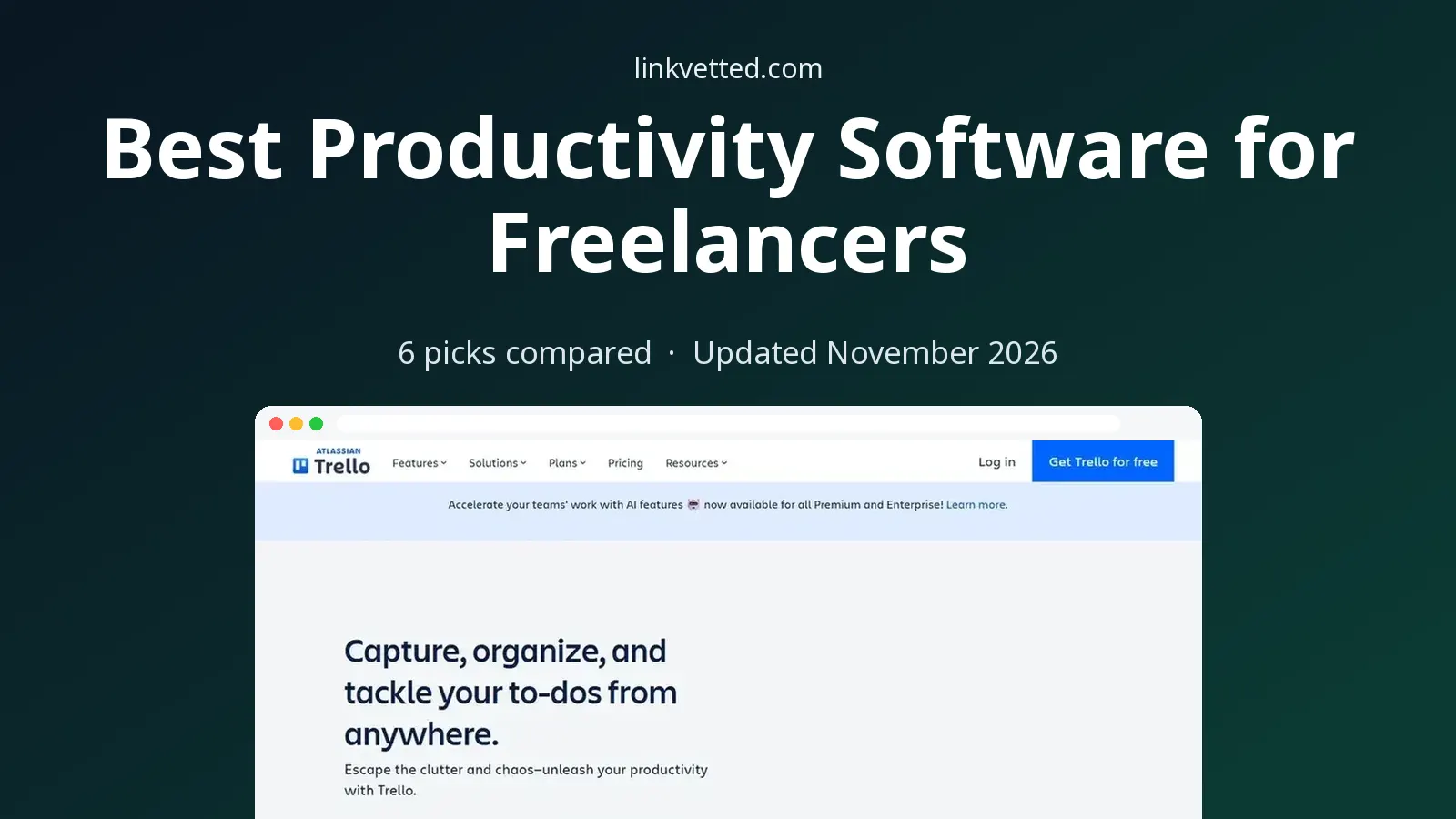
- Editor's choice
 ClickUp
Consolidating tasks, docs and goals
Starts at$9 per user a monthVisit clickup.comFull review - Great alternative
 Google Workspace
Online documents and collaboration
Starts atSee websiteVisit workspace.google.comFull review - Also consider
 Microsoft 365
Familiar office apps with cloud services
Starts atSee websiteVisit microsoft.comFull review
Direct answer
This list puts ClickUp first for consolidating tasks, docs and goals. Listed starting prices: ClickUp from $9 per user a month, Trello from $5 per user a month and Todoist from $5 a month. Look at Google Workspace for online documents and collaboration, and at Microsoft 365 for familiar office apps with cloud services. Details, prices and limits for the rest of the 6 tools are below.
TL;DR:
- ClickUp is the opening pick, best for consolidating tasks, docs and goals.
- Trello has the lowest monthly starting price in this list: $5 per user per month.
- A free plan is available from 4 of the 6 tools: ClickUp, Trello, Todoist, Notion.
- Trello comes with a trade-off: large boards get cluttered.
- Notion fits all-in-one workspace and client docs.
Last checked November 2026. Prices and plan details were read from the vendors' own pages in November 2026; vendors change plans often, so confirm the current price on the vendor site before you buy.
Quick comparison
| Tool | Best for | Starts at | Free plan? | |
|---|---|---|---|---|
| ClickUp | Consolidating tasks, docs and goals | $9 per user a month | Yes | Visit |
| Google Workspace | Online documents and collaboration | See website | Not stated | Visit |
| Microsoft 365 | Familiar office apps with cloud services | See website | Free trial | Visit |
 Trello | Visual boards for client projects | $5 per user a month | Yes | Visit |
 Todoist | Straightforward, steady task management | $5 a month | Yes | Visit |
 Notion | All-in-one workspace and client docs | $10 per member per month | Yes | Visit |
Productivity Software for Freelancers compared in detail
This LinkVetted guide covers 6 productivity software for freelancers. Each profile lists a starting price, free plan details, strengths and drawbacks, so you can drop poor fits quickly.
For consolidating tasks, docs and goals, ClickUp is a natural candidate. ClickUp is an everything app for work, combining tasks, docs, goals and chat with AI and human workflows.
Limits to weigh: Needs setup time.
Where ClickUp stands out: Tasks; docs and goals together.
In practice, if you prefer minimal tools, a focused task app is simpler to start with. As for the details, the breadth of features can overwhelm newcomers, and setup takes time before the workspace feels efficient. On cost, ClickUp starts like this: $9 per user per month. ClickUp includes a free tier.
- AI features for work
- Chat built in
- Feature set can overwhelm
In short, Google Workspace is for online documents and collaboration. Google Workspace supplies a suite of secure online productivity and collaboration tools for individuals and teams of all sizes.
Watch-outs: Setup for domains takes effort.
The online-first design means the best experience relies on a steady connection, and setting up a custom domain takes some effort. In daily use, if you prefer desktop office files, a different suite may suit you. Google Workspace shows no starting price here, so confirm the cost on the vendor site. Free access: Not stated.
- Online productivity tools
- Secure sharing and collaboration
- Needs internet for best use
Microsoft 365 makes the most sense for familiar office apps with cloud services. Microsoft 365 is a subscription suite of productivity apps and cloud services with security features and AI. The suite is broader and heavier than a straightforward task or note app, and it needs a continuing subscription.
Pick Microsoft 365 when office documents and email are central to your work. More specifically, freelancers who exchange Word, Excel or PowerPoint files with clients fit naturally here, since the formats are standard in numerous industries. This comparison lists no price for Microsoft 365; ask the vendor. On free options: Free trial.
Reasons to shortlist it: Cloud services and security.
Watch-outs: Heavier than single-purpose apps.
- Word
- Excel and PowerPoint
- Subscription required
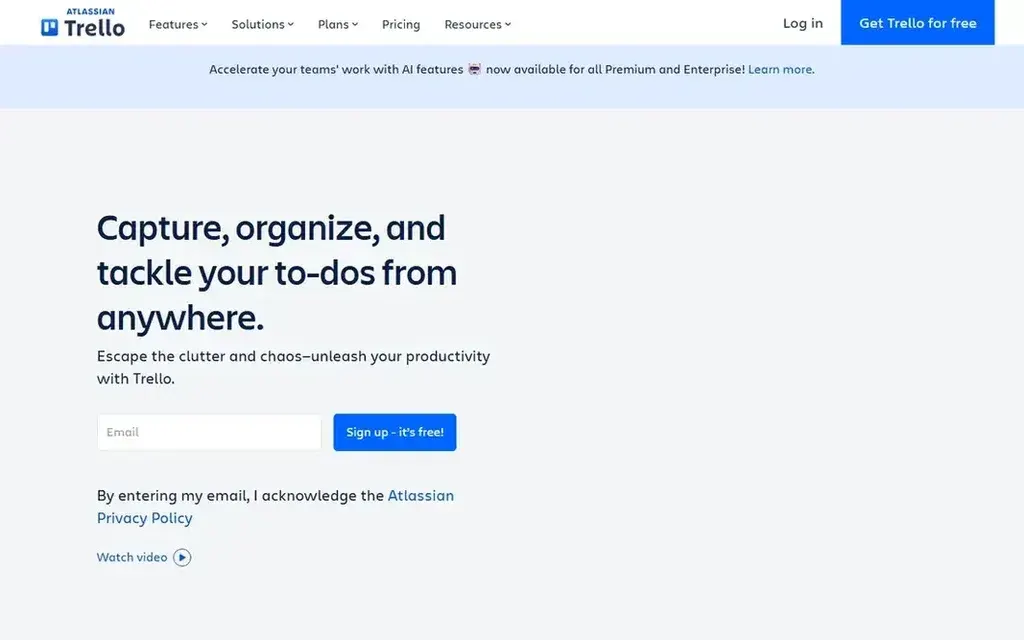
Trello works best for visual boards for client projects. Pick Trello for straightforward, visual project flow.
Points against: Restricted document depth.
In daily use, if you need goals, docs and chat in one place, look at a broader work app. Trello organizes to-dos on boards with lists and cards, plus Inbox and Planner views, accessible from mobile. Trello pricing: $5 per user per month. Free access exists with Trello.
- Mobile access anywhere
- Drag-and-drop boards
- Large boards get cluttered
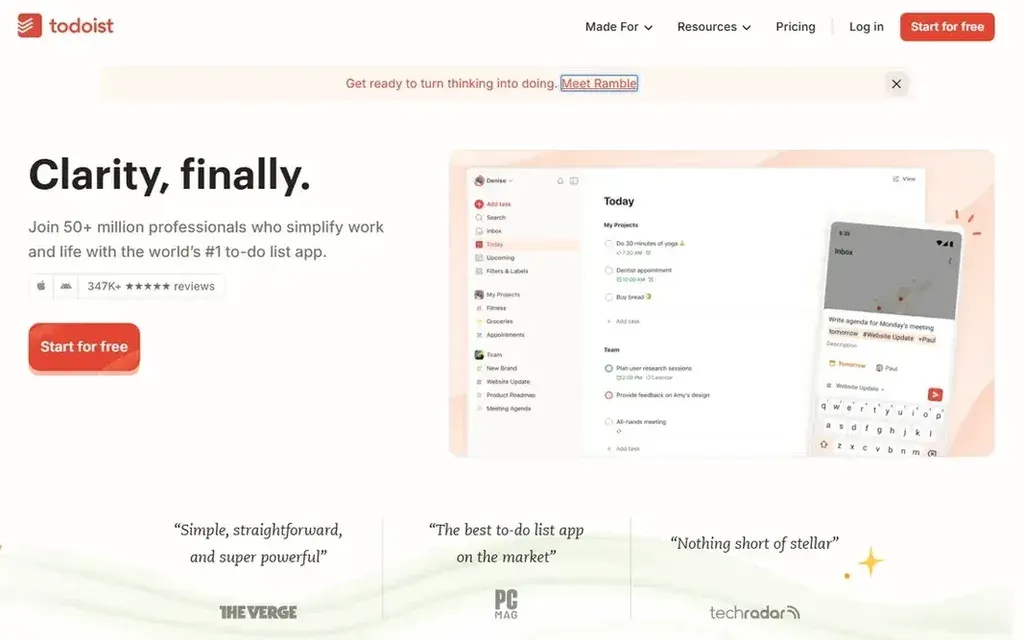
Todoist makes the most sense for straightforward, dependable task management. Freelancers with numerous small deliverables across clients benefit from a single list that stays tidy.
Also, if your projects need timelines, docs and chat together, a broader app may serve better. Starting cost for Todoist: $5 per month. Todoist has a free plan.
Where it falls short: Restricted document editing.
- Performs well on mobile
- Quick task capture
- Not a full project suite
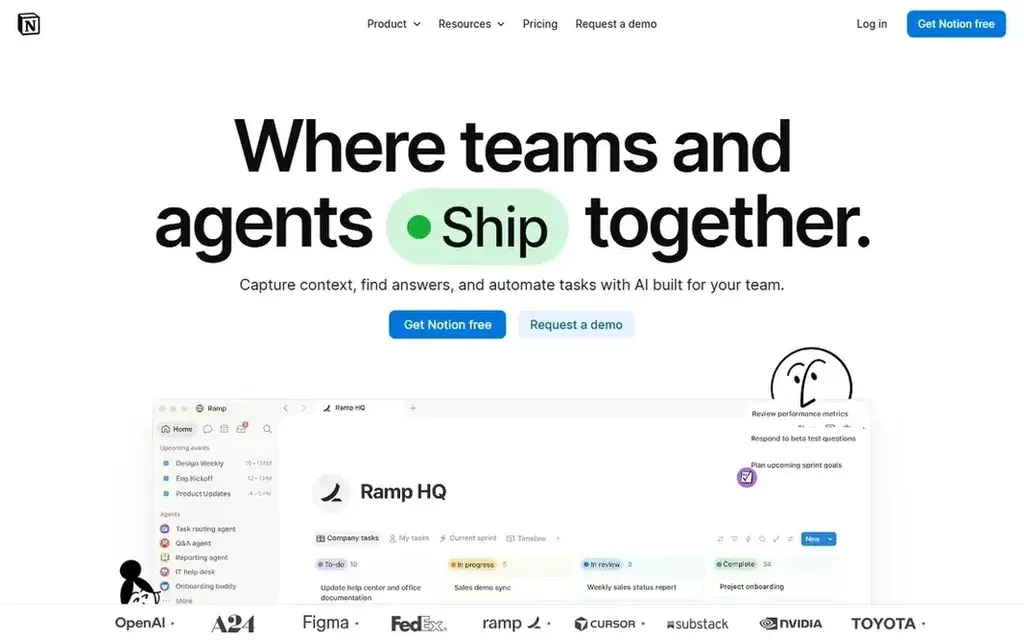
Notion makes the most sense for all-in-one workspace and client docs. The adaptability is also the limit: without a clear structure, pages multiply and the workspace gets messy.
The main drawbacks: Setup takes planning.
Also, freelancers who want notes, project trackers and client-facing documents in one place will find it adaptable, since you shape the structure yourself. Notion cost at the entry level: $10 per member per month. Notion includes a free tier.
- AI search across connected apps
- Automation for routine work
- Can feel open-ended at first
Our selection method
Things to verify first
- Get a written quote from Google Workspace and Microsoft 365; the list shows no starting price for them.
- Check what the free option really includes: ClickUp, Trello, Todoist and Notion offer a free plan, and usage caps differ.
- Use real work to test the free trial from Microsoft 365, rather than a demo project.
- Before choosing ClickUp, weigh its main limit: feature set can overwhelm.
- Add up seats, add-ons and usage charges for Notion before comparing it with cheaper entries.
- Find out what support Google Workspace includes on your plan, and whether onboarding help costs extra.
FAQ
Which options for productivity software for freelancers have a free plan?
ClickUp, Trello, Todoist and Notion offer a free plan in this list. Free plans usually cap users, projects or features, so check the limits on the vendor page. One other tool offers a trial instead.
Which tool is best for client-facing project updates?
This list starts with ClickUp, which fits consolidating tasks, docs and goals. For other needs, Google Workspace is aimed at online documents and collaboration, and Microsoft 365 at familiar office apps with cloud services. Check each tool's price and main limit first.
How are the tools for productivity software for freelancers ordered?
The order follows typical fit for productivity software for freelancers, with ClickUp first and Notion last, then price clarity and free access. It is editorial judgement, not a score, so another team could rank the tools differently.
Do these tools publish their prices?
Not all of them. Google Workspace and Microsoft 365 publish no starting price, so expect a quote request for those. The rest, ClickUp included, show a starting price, though seats and billing terms still change the final cost.
Can I try these tools before paying?
Often, yes. ClickUp, Trello, Todoist and Notion have a free plan and Microsoft 365 offers a free trial. Use your own data and a real task during the test, and check what the free tier or trial limits before you rely on it.
How should I choose between Microsoft 365 and Google Workspace?
Consider which file formats and collaboration style your clients use. Microsoft 365 suits industries that exchange Word, Excel and PowerPoint files, whereas Google Workspace centers on online documents and sharing. Both handle core productivity needs, so client expectations normally decide.
Sources
- https://clickup.com
- https://workspace.google.com
- https://www.microsoft.com/microsoft-365
- https://trello.com
- https://todoist.com
- https://www.notion.so