The 6 Best Platforms to Launch a Digital Magazine in 2026, Ranked
Best platforms to launch a digital magazine in 2026: 6 tools with starting prices, free plans and limits. The catches are listed up front. Pick with confidence.
- Editor's choiceReadymag
Design-focused, visually rich publications
Starts atSee websiteVisit readymag.comFull review - Great alternative
 Squarespace
Building a magazine website with integrated CMS
Starts at$12 a monthVisit squarespace.comFull review - Also consider
 Canva
Beginner-friendly design with templates
Starts atSee websiteVisit canva.comFull review
Direct answer
This list puts Readymag first for design-focused, visually rich publications. Listed starting prices: Squarespace from $12 a month. Squarespace fits building a magazine website with integrated CMS; Canva fits beginner-friendly design with templates. The remaining 3 options are covered below with prices and limits.
TL;DR:
- Readymag takes the first slot, best suited to design-focused, visually rich publications.
- A permanent free plan is missing from all 6 tools, Readymag and Joomag included; plan for a trial or a premium start.
- Joomag is the one to check for interactive and personalized content experiences.
- The main caution on Squarespace: less specialized for magazine layouts.
Last checked November 2026. Prices and plan details were read from the vendors' own pages in November 2026; vendors change plans often, so confirm the current price on the vendor site before you buy.
Quick comparison
| Tool | Best for | Starts at | Free plan? | |
|---|---|---|---|---|
| Readymag | Design-focused, visually rich publications | See website | Not stated | Visit |
| Squarespace | Building a magazine website with integrated CMS | $12 a month | Free trial | Visit |
| Canva | Beginner-friendly design with templates | See website | Not stated | Visit |
 Adobe InDesign | Professional layout and print-ready design | See website | Not stated | Visit |
| Calameo | Fast conversion of documents to flipbooks | See website | Not stated | Visit |
 Joomag | Interactive and personalized content experiences | See website | Not stated | Visit |
The full platforms to launch a digital magazine list
This LinkVetted guide covers 6 options for platforms to launch a digital magazine. Each profile lists a starting price, free plan details, strengths and drawbacks, so you can drop poor fits quickly.
Readymag
Best for: Design-focused, visually rich publications
Readymag is built with design-focused, visually rich publications in mind. It is a strong match for designers and creative teams who prioritize aesthetics and unique reading experiences.
For everyday use, Readymag lacks built-in distribution or monetization features, so you will have to deal with those separately. This comparison lists no price for Readymag; ask the vendor. On free options: Not stated.
Where it falls short: Less emphasis on distribution.
- Web-native publishing
- Capable design capabilities
- Needs design skills
For building a magazine website with integrated CMS, Squarespace is a natural candidate. Squarespace is a website builder that makes it possible for you to build a magazine-style website with integrated content management. It provides configurable templates and tools for blogging and selling subscriptions.
Drawbacks to consider: Less specialized for magazine layouts.
It is well suited to publishers who want a web presence combined with content delivery. If you need a specialized magazine experience, consider Calameo or Joomag. Beyond that, Squarespace is not a dedicated digital magazine product, so it lacks features like flipbook conversion or interactive page elements. Entry price for Squarespace: $12 per month. Free access: Free trial.
- Responsive templates
- Built-in blogging and CMS
- Restricted flipbook features
Canva makes the most sense for beginner-friendly design with templates. It gives you many different templates and drag-and-drop editing, making it accessible for non-designers.
Watch-outs: Restricted advanced layout control.
On top of that, for advanced layout needs, Adobe InDesign is more suitable. Worth adding: Canva may not offer the granular control required for complicated publications, and its export choices for digital magazines are restricted. Canva does not show a starting price in this comparison, so check the vendor site for current pricing. As for free access: Not stated.
- Simple drag-and-drop interface
- Large template library
- Less precise than pro tools
Adobe InDesign was built for professional layout and print-ready design. InDesign needs significant learning time and is not a web-based platform, so collaboration and online distribution need extra tools. From a buyer's view, for a more accessible, browser-based option, consider Canva or Readymag.
What Adobe InDesign does well: Industry-standard layout tools.
Points against: Steep learning curve.
Beyond that, Adobe InDesign is desktop publishing software for creating layouts for print and digital magazines. It provides precise control over typography, images, and page elements, making it the choice for professional designers. No starting price is listed for Adobe InDesign here; confirm pricing on the vendor site. Free access: Not stated.
- Integration with Adobe ecosystem
- Precise typography control
- Desktop-only software
Calameo
Best for: Fast conversion of documents to flipbooks
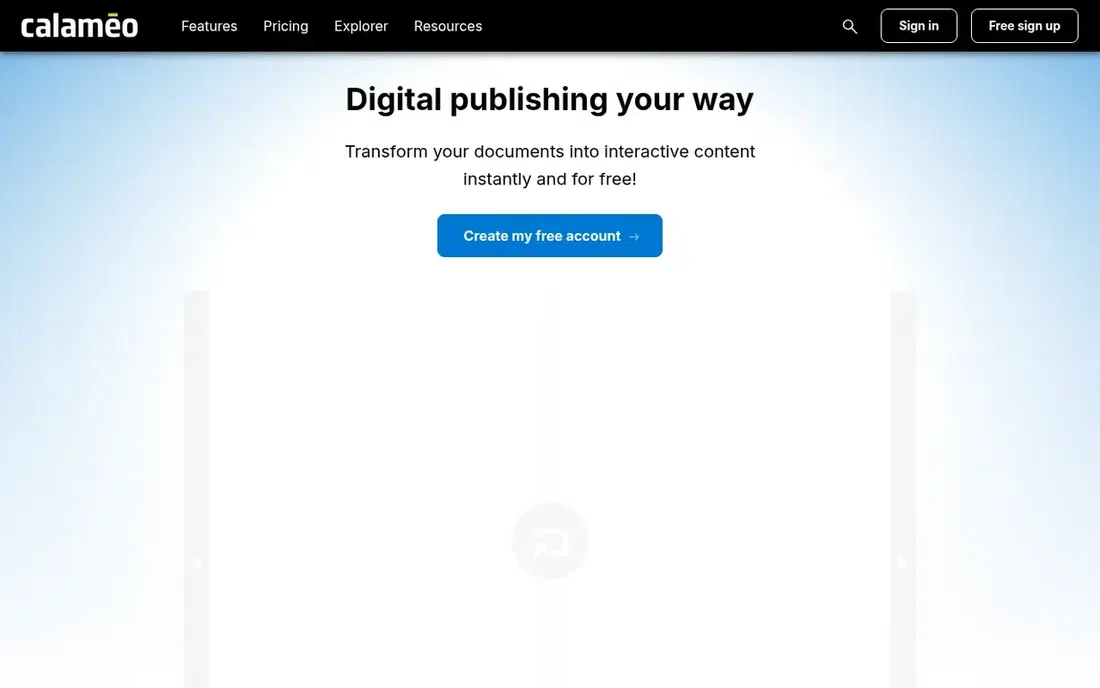
Calameo was built for fast conversion of documents to flipbooks. Calameo is a publishing system that transforms PDF documents into digital magazines and catalogs with a page-flipping effect.
The product emphasizes simplicity and wide sharing, making it a solid fit for small teams or individuals without advanced technical skills. Pricing for Calameo is not stated here, so ask the vendor for current figures. Free plan details: Not stated.
Drawbacks to consider: Restricted design customization.
- Interactive flipbook experience
- Simple upload and conversion
- Less suited for complicated interactivity
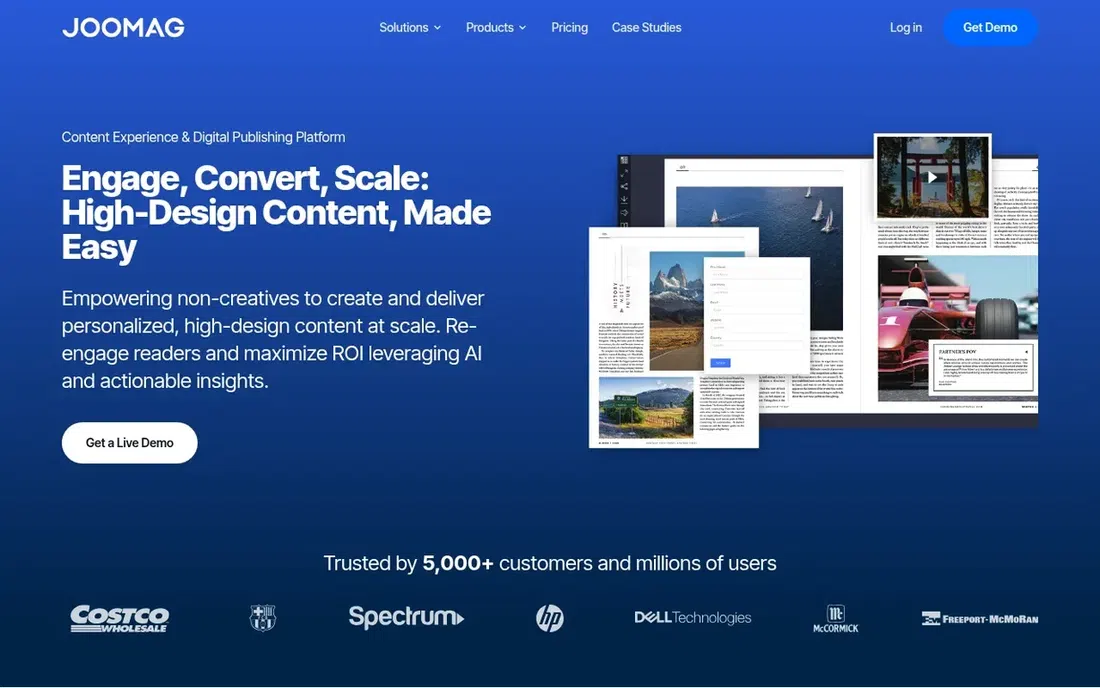
Joomag is a good fit for interactive and personalized content experiences. Joomag positions itself as a content experience product for creating and distributing high-design, interactive content for example magazines, catalogs, and reports. It supports personalization and interactive elements, making it a good match for publishers who want to engage readers with dynamic content.
As for the details, the product's advanced features can be overwhelming for users seeking a straightforward flipbook option. If you need entry-level document conversion without interactivity, Calameo might be more appropriate. Joomag shows no starting price here, so confirm the cost on the vendor site. Trial and free access: Not stated.
What to check first: Can be complicated for beginners.
- Rich interactive elements
- High-design templates
- May need training
How these tools were picked
Before you commit
- Confirm the entry price on the vendor page. For Readymag, Canva, Adobe InDesign and others that means a quote rather than a fixed price.
- Take the trial from Squarespace and push a live task through it before you pay.
- Read the limits listed for Readymag first: needs design skills.
- Let daily users try Calameo on real work; their feedback beats any feature checklist.
- Look at the help docs and support options for Joomag before you commit.
FAQ
Which product gives you the most design freedom?
Readymag offers deep design capabilities for creating custom, visually rich publications. Adobe InDesign also gives you professional-level layout control for those with design skills.
Does any tool for platforms to launch a digital magazine here have a free plan?
No tool in this list, Readymag and Joomag included, has a permanent free plan. Squarespace offer a trial. Trials and quotes are the usual route, so plan a short evaluation period.
Do these tools publish their prices?
Not all of them. Readymag, Canva, Adobe InDesign and others publish no starting price, so expect a quote request for those. The rest, Squarespace included, show a starting price, though seats and billing terms still change the final cost.
What is the easiest product to convert a PDF into a digital magazine?
Calameo is built for fast conversion of PDFs into flipbook-style magazines. It needs minimal setup and preserves your original layout.
How are the tools for platforms to launch a digital magazine ordered?
The order follows typical fit for platforms to launch a digital magazine, with Readymag first and Joomag last, then price clarity and free access. It is editorial judgement, not a score, so another team could rank the tools differently.
Is Readymag the right pick for everyone comparing platforms to launch a digital magazine?
No single tool suits every team. Readymag comes first because it fits design-focused, visually rich publications, while Squarespace suits building a magazine website with integrated CMS and Canva suits beginner-friendly design with templates. Match the tool to your own size, budget and workflow before deciding.
Sources
- https://readymag.com
- https://www.squarespace.com
- https://www.canva.com
- https://www.adobe.com/products/indesign.html
- https://en.calameo.com
- https://www.joomag.com