The 5 Best Automatic Transaction Capture Software in 2026, Ranked
Best automatic transaction capture software in 2026: 5 contenders with entry costs and free tiers. Prices and drawbacks included. Last reviewed November 2026.
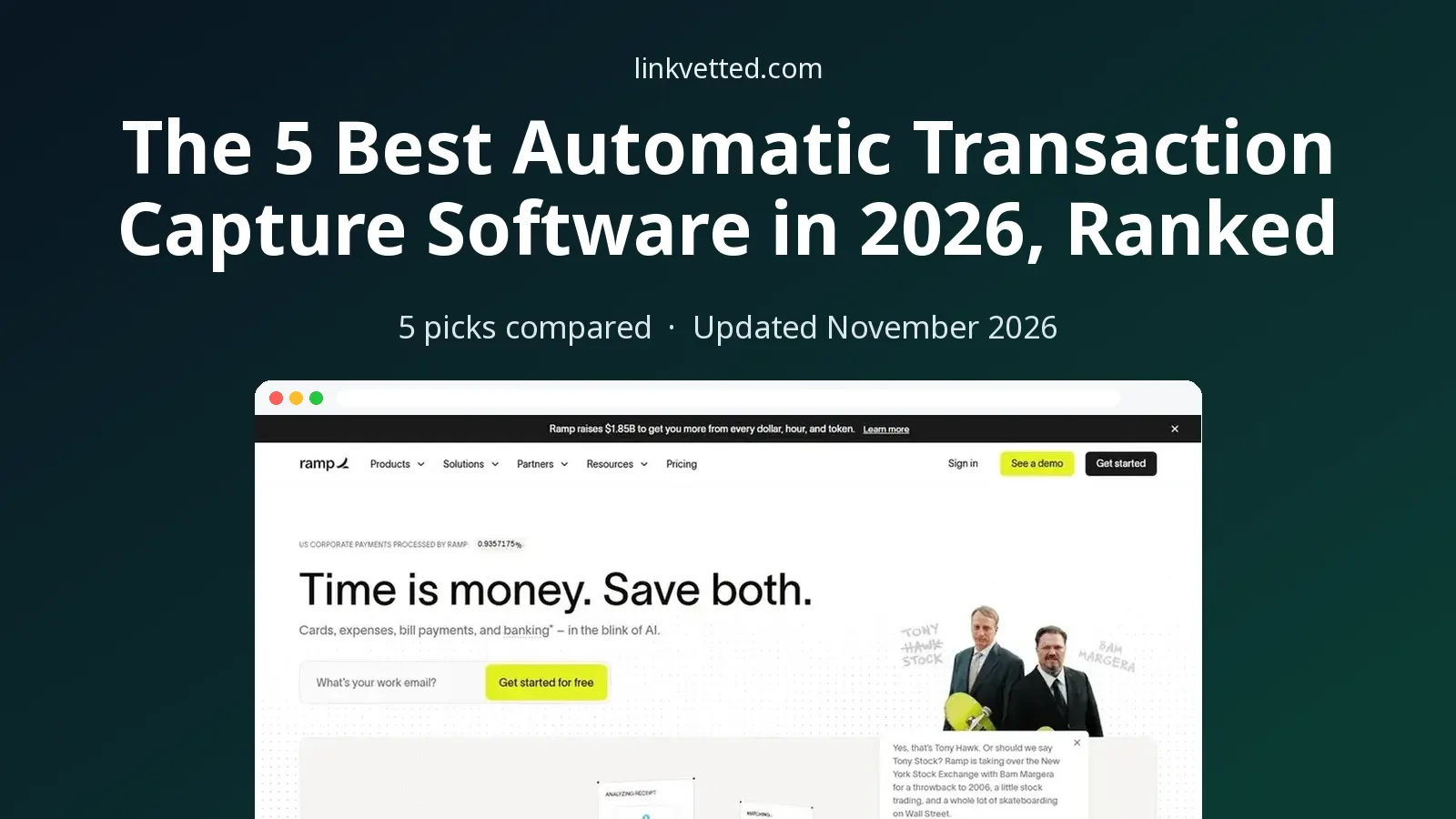
- Editor's choice
 Ramp
Cards plus spend controls
Starts at$15 per user a monthVisit ramp.comFull review - Great alternative
 SAP Concur
Travel, expense and invoice control
Starts at$7 per reportVisit concur.comFull review - Also consider
 Brex
Cards, banking and expenses
Starts at$12 per user a monthVisit brex.comFull review
Direct answer
For cards plus spend controls, Ramp is where this list starts. Listed starting prices: Ramp from $15 per user a month, SAP Concur from $7 per report and Brex from $12 per user a month. For a different need, SAP Concur covers travel, expense and invoice control and Brex covers cards, banking and expenses. Prices, free plans and limits for all 5 tools follow.
TL;DR:
- This list starts with Ramp, which is built for cards plus spend controls.
- The lowest published monthly entry price here is $11.40 per month, from QuickBooks Online.
- A free plan is available from 2 of the 5 tools: Ramp, Brex.
- QuickBooks Online fits accounting with transaction capture.
- What to know about Expensify first: less centred on full accounting.
Last checked November 2026. Prices and plan details were read from the vendors' own pages in November 2026; vendors change plans often, so confirm the current price on the vendor site before you buy.
Quick comparison
| Tool | Best for | Starts at | Free plan? | |
|---|---|---|---|---|
| Ramp | Cards plus spend controls | $15 per user a month | Yes | Visit |
| SAP Concur | Travel, expense and invoice control | $7 per report | Not stated | Visit |
| Brex | Cards, banking and expenses | $12 per user a month | Yes | Visit |
 Expensify | Receipt and expense capture | See website | Not stated | Visit |
 QuickBooks Online | Accounting with transaction capture | $11.40 per month | Free trial | Visit |
Tool-by-tool breakdown
LinkVetted put together this guide to automatic transaction capture software for readers who want a clear shortlist without reading every vendor page. It compares 5 tools on starting price, free plans, who each one suits and where each one falls short.
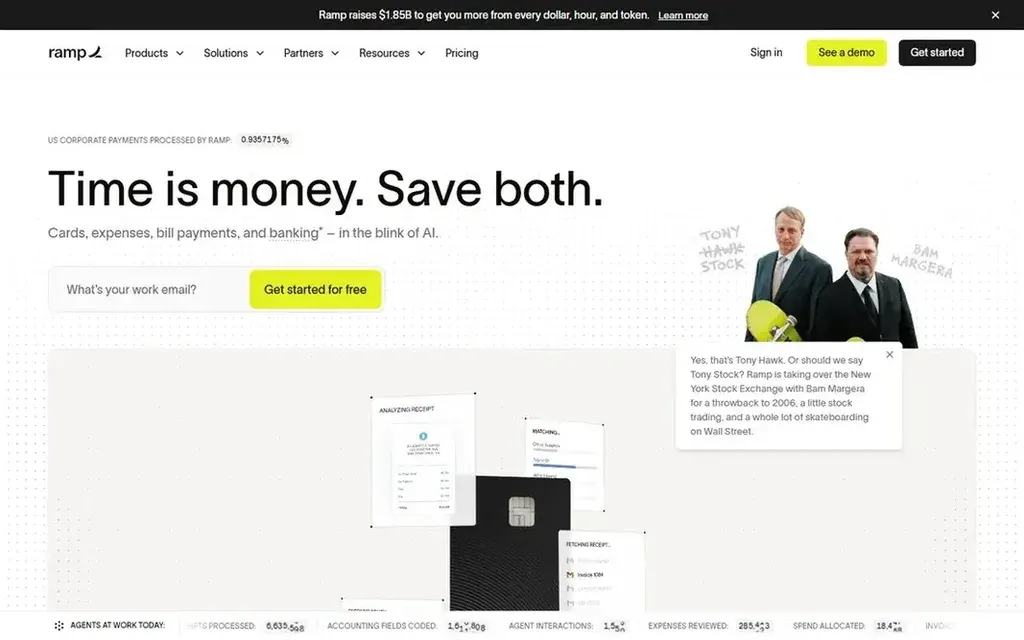
Think of Ramp for cards plus spend controls. Ramp is a spend management product that merges global corporate cards, travel, expenses and accounts payable.
Strengths: expenses and payables together.
It suits expanding companies with enough transaction volume to benefit from consolidated controls. What you pay to start with Ramp: $15 per user per month. Free access exists with Ramp.
Where it is weaker: Setup involves more moving parts.
- Automates finance operations
- Travel
- Wide product may overwhelm small teams
Think of SAP Concur for travel, expense and invoice control. If you want fast, straightforward expense capture, a lighter tool is likely simpler to run.
Drawbacks to consider: Heavier than small teams need.
SAP Concur is spend management software for travel, expense and invoice, positioned around total visibility and greater control. Bigger finance and travel teams are the clearest fit. What you pay to start with SAP Concur: $7 per report. Free access: Not stated.
- Aimed at visibility and control
- Expense and invoice
- Can be complicated to administer
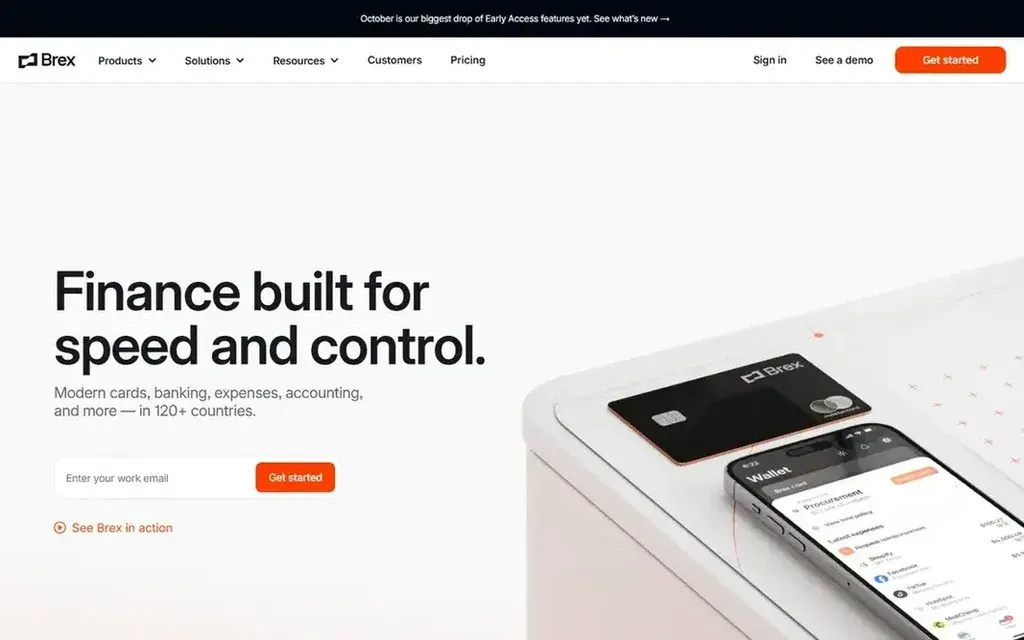
Pick Brex if this describes you: cards, banking and expenses. If you want a light capture tool, consider a narrower choice. For everyday use, Brex presents itself as a modern finance software, pairing company cards and banking with expense management and process automation.
Points against: Needs commitment to the system.
It is a reasonable fit for firms scaling their finance operations. Beyond that, like other wide systems, Brex asks you to adopt its ecosystem instead of plug into an existing one, which may not suit businesses with established banking relationships. Brex pricing: $12 per user per month. Brex offers a free plan.
- Expense automation features
- Company cards alongside banking
- Feature depth may exceed straightforward needs
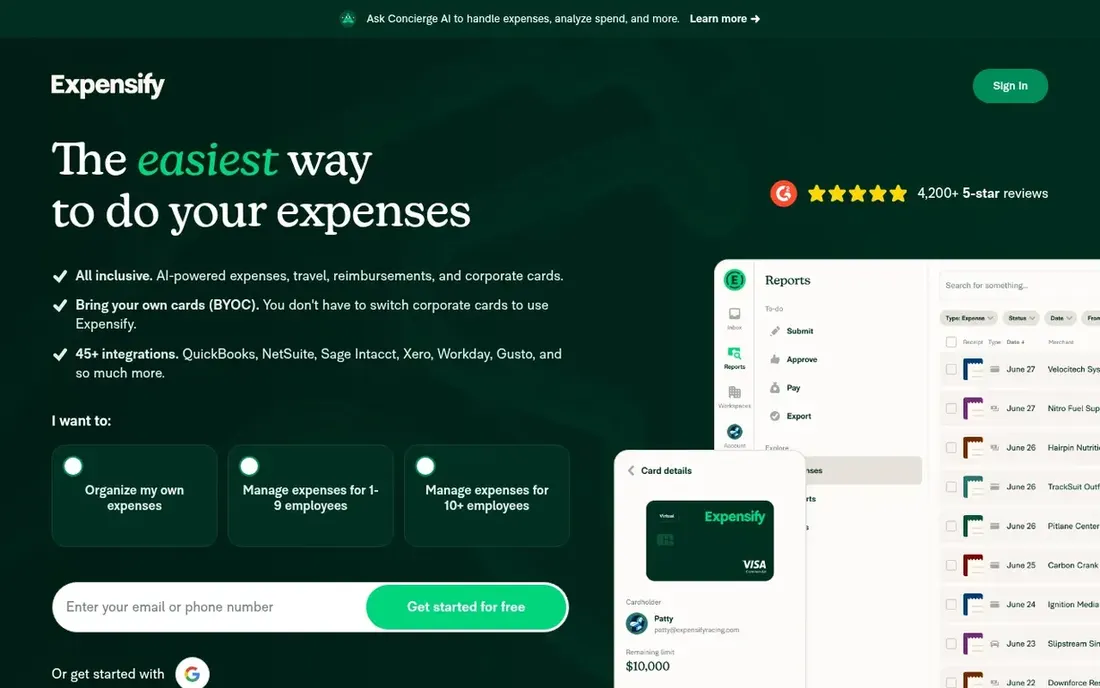
In short, Expensify is for receipt and expense capture. Since it is built around expenses, it is not a full accounting system and gives you less depth on cards, banking and accounts payable than broader products.
Limits to weigh: Card and banking features are restricted.
Pricing for Expensify is not stated here, so ask the vendor for current figures. Free plan details: Not stated.
- Spend management features in one system
- Straightforward fit for employee expense reporting
- Less centred on full accounting
QuickBooks Online serves accounting with transaction capture. QuickBooks Online is accounting software that also helps organize and handle business expenses, so bank and card transactions can be captured and categorized alongside the books.
Watch-outs: Less specialized than dedicated expense tools.
From a buyer's view, if expense policy enforcement is the priority, pair accounting with a focused tool. What you pay to start with QuickBooks Online: $11.40 per month. On free options: Free trial.
- Simple setup described by vendor
- Quick
- Expense capture is one part of a suite
How we compared the tools
For each of the 5 tools we noted price, free plan or trial, fit for automatic transaction capture software and the main limit, using vendor pages and documentation. Where a price is missing, the vendor does not list one publicly or ties it to a quote. Always confirm before budgeting. The sequence is a judgement call: typical use case first, then pricing transparency, then free access. Use the profiles to check fit.
Before you commit
- Confirm the entry price on the vendor page. For Expensify that means a quote rather than a fixed price.
- Check what the free option really includes: Ramp and Brex offer a free plan, and usage caps differ.
- Take the trial from QuickBooks Online and push a live task through it before you pay.
- Before choosing Ramp, weigh its main limit: broad system may overwhelm small teams.
- Ask Ramp about contract length, onboarding fees and user minimums before you sign.
- Total up the real monthly cost of SAP Concur, including add-ons, extra users and usage-based fees.
FAQ
Can I try these options before paying?
Often, yes. Ramp and Brex have a free plan and QuickBooks Online offers a free trial. Use your own data and a real task during the test, and check what the free tier or trial limits before you rely on it.
Do these tools publish their prices?
Not all of them. Expensify publishes no starting price, so expect a quote request for it. The rest, Ramp included, show a starting price, though seats and billing terms still change the final cost.
What is the cheapest option for automatic transaction capture software in this list?
On published monthly entry prices, QuickBooks Online is the lowest here at $11.40 per month. Entry price is only part of the cost, because seats, add-ons and billing terms can change the total.
What does automatic transaction capture software do?
It pulls card and bank activity into a central system so expenses and bookkeeping records update with less manual entry. Numerous tools add receipt matching, approval routing and budget controls on top of that capture layer.
Which options for automatic transaction capture software have a free plan?
Ramp and Brex offer a free plan in this list. Free plans usually cap users, projects or features, so check the limits on the vendor page. One other tool offers a trial instead.
Sources
- https://ramp.com
- https://www.concur.com
- https://www.brex.com
- https://www.expensify.com
- https://quickbooks.intuit.com