Platforms for Automated Time Capture in 2026: The 5 Best Options Side by Side
Searching for the best platforms for automated time capture? Here are 5 options with prices and free plans. Notes on cost and gaps for each tool. Decide faster.
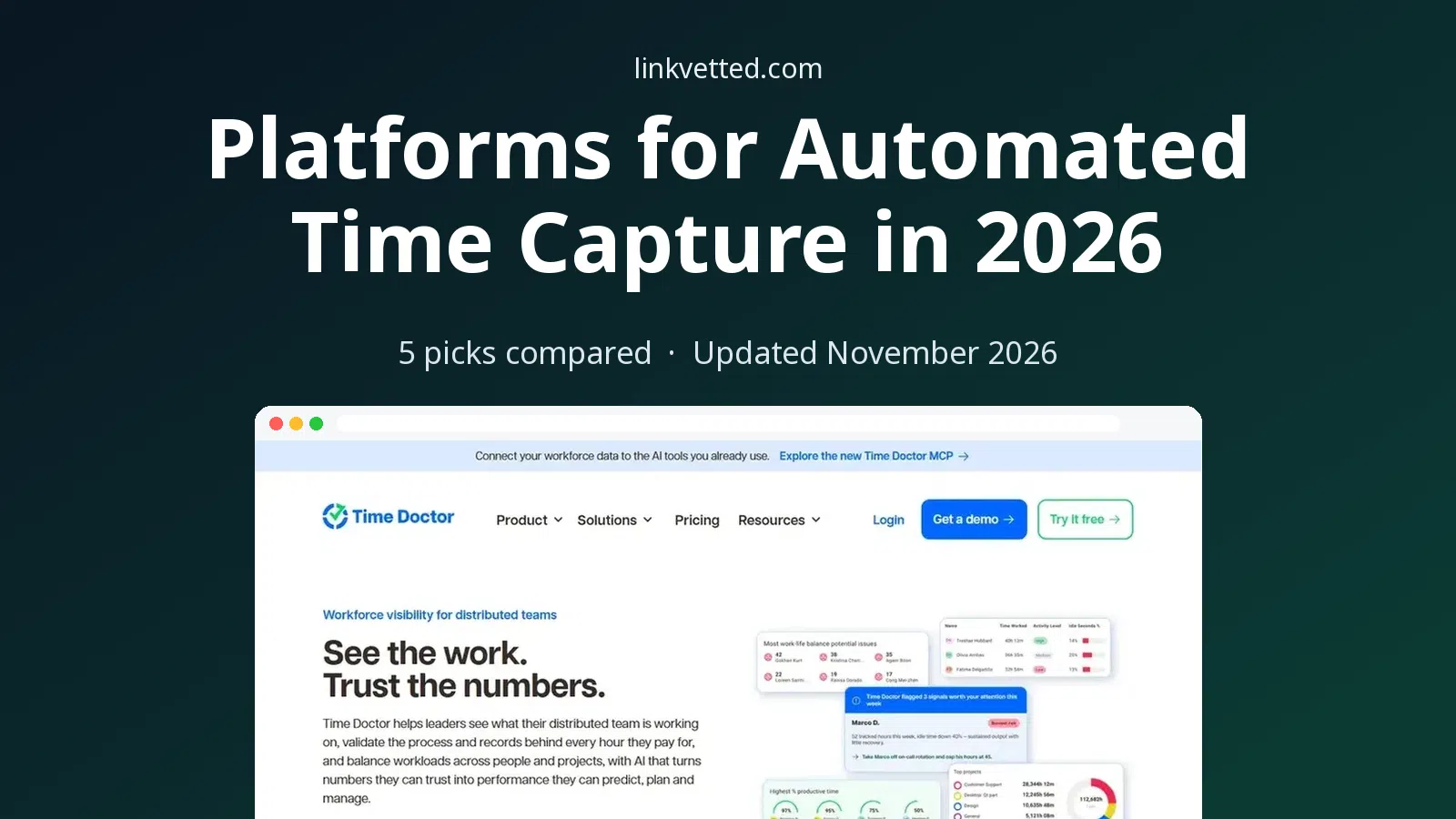
- Editor's choice
 Time Doctor
Distributed teams needing process visibility
Starts at$6.67 per user a monthVisit timedoctor.comFull review - Great alternative
 Toggl Track
Capacity planning and profitability tracking
Starts atSee websiteVisit toggl.comFull review - Also consider
 Hubstaff
Teams needing time capture with payments
Starts at$10 per seat a monthVisit hubstaff.comFull review
Direct answer
Time Doctor comes first here, mainly for distributed teams needing process visibility. Listed starting prices: Time Doctor from $6.67 per user a month, Hubstaff from $10 per seat a month and ActivTrak from $7 per worker per month. Toggl Track fits capacity planning and profitability tracking; Hubstaff fits teams needing time capture with payments. The remaining 2 options are covered below with prices and limits.
TL;DR:
- Top of the list is Time Doctor, which targets distributed teams needing process visibility.
- Free plans exist at 2 of 5 tools (ActivTrak, Clockify).
- Starting prices begin at $6.67 per user per month with Time Doctor.
- For straightforward timesheets across projects, Clockify is worth a look.
- Before buying Time Doctor, weigh this: visibility features may feel heavy for small teams.
Last checked November 2026. Prices and plan details were read from the vendors' own pages in November 2026; vendors change plans often, so confirm the current price on the vendor site before you buy.
Quick comparison
| Tool | Best for | Starts at | Free plan? | |
|---|---|---|---|---|
| Time Doctor | Distributed teams needing process visibility | $6.67 per user a month | Free trial | Visit |
| Toggl Track | Capacity planning and profitability tracking | See website | Not stated | Visit |
| Hubstaff | Teams needing time capture with payments | $10 per seat a month | Free trial | Visit |
 ActivTrak | Work intelligence across tools and AI | $7 per worker per month | Yes | Visit |
 Clockify | Straightforward timesheets across projects | See website | Yes | Visit |
The 5 tools in detail
This LinkVetted guide covers 5 options for platforms for automated time capture. Each profile lists a starting price, free plan details, strengths and drawbacks, so you can drop poor fits quickly.
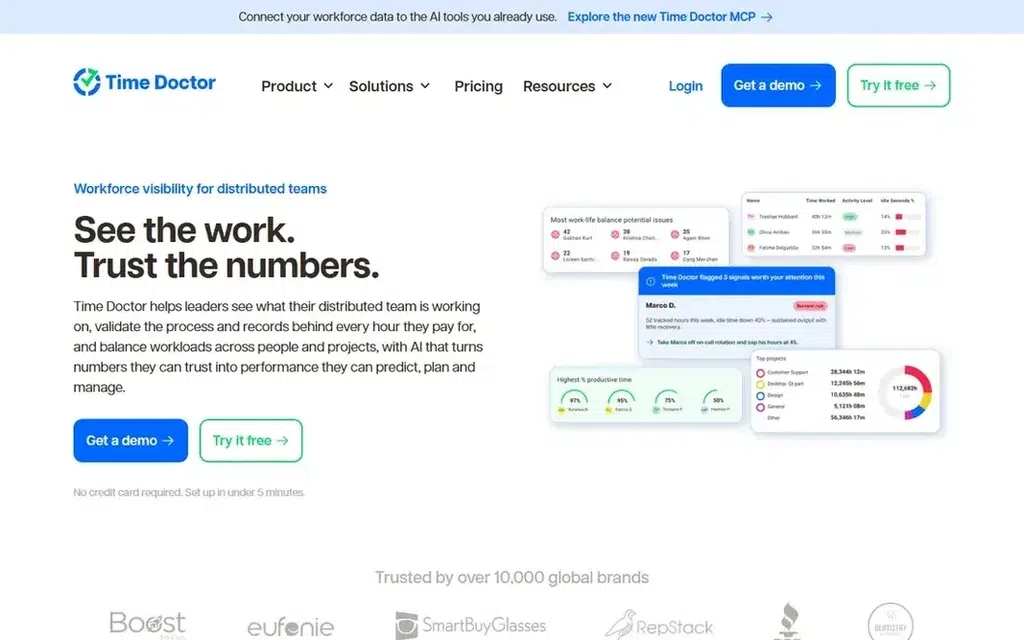
Time Doctor is aimed squarely at distributed teams needing process visibility. Smaller teams with straightforward needs may find a lighter tracker sufficient. Beyond that, Time Doctor is designed for leaders who require visibility into distributed teams.
Drawbacks to consider: Requires clear communication with staff.
It records time automatically and helps validate the process behind each hour, so managers can see not just duration but how work happens. Worth adding: AI answers grounded in real data add a layer of querying that fits organizations reviewing workflows across plenty of locations. Time Doctor pricing: $6.67 per user per month. Trial and free access: Free trial.
- Displays what distributed teams work on
- AI answers grounded in tracked data
- Visibility features may feel heavy for small teams
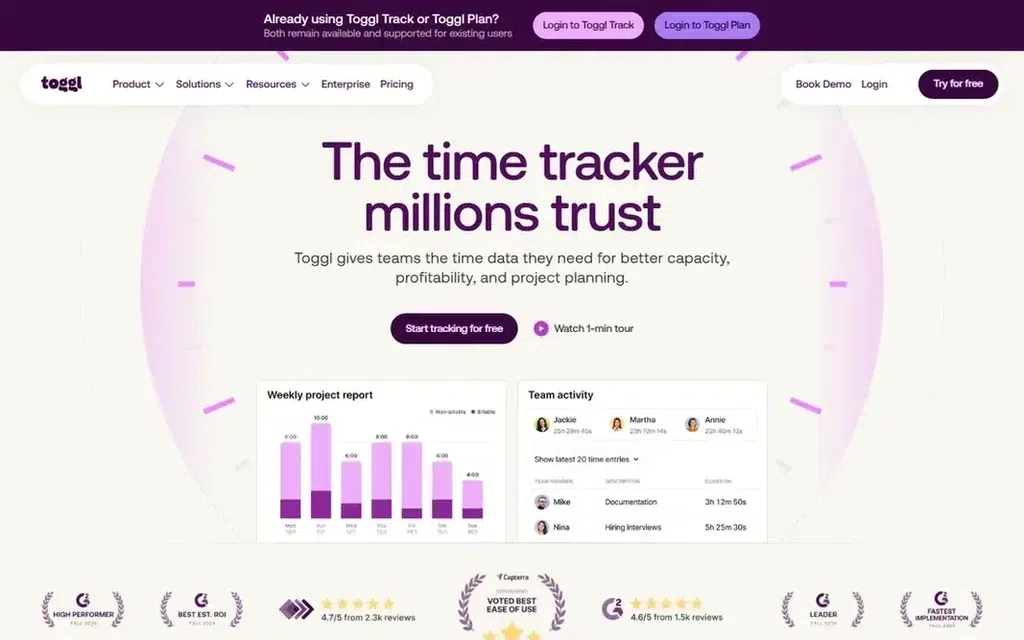
Toggl Track was built for capacity planning and profitability tracking. Because it leans on structured projects and tasks, setup needs discipline to keep entries consistent.
Check the vendor site for Toggl Track pricing; none is listed in this comparison. Free options: Not stated.
Downsides: Not concentrated on passive background capture.
- Profitability calculations
- Project and task management included
- Advanced planning may take time to configure
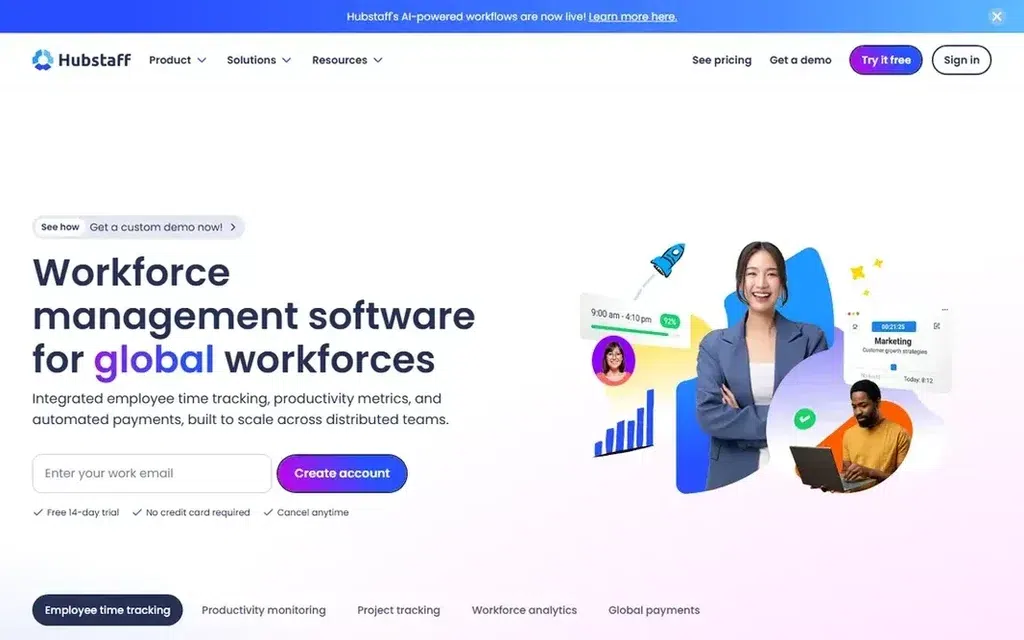
Hubstaff works best for teams needing time capture with payments. If you only need light personal time logging, a more straightforward tracker may be enough.
Choose Hubstaff when automatic capture must link to payments and cost reporting. The starting price for Hubstaff: $10 per seat per month. On free options: Free trial.
Downsides: Full feature set may overwhelm small teams.
- Approved hours flow into payments
- Automatic time tracking with productivity insights
- Some monitoring features need clear policy
Pick ActivTrak if this describes you: work intelligence across tools and AI. ActivTrak positions itself around work intelligence, helping leaders understand how work gets done across people, tools, and AI. It captures activity data and turns it into insights instead of simple timesheets.
Choose ActivTrak when work intelligence and productivity optimization are the priority over entry-level time entry. Rollout should contain clear communication about what is captured and why. For everyday use, the analytics emphasis can be more than a team needs if the goal is only recording billable hours. ActivTrak starts at: $7 per worker per month. ActivTrak has a free plan.
Trade-offs to know: Needs thoughtful rollout with teams.
- Work intelligence across people and tools
- Helps leaders see how work gets done
- Analytics focus may exceed straightforward time capture
Clockify is a good fit for straightforward timesheets across projects. Choose Clockify when a straightforward, project-based timesheet is the central requirement. The tool is lighter on deep workforce analytics and passive capture than some monitoring-focused products.
Downsides: Less depth in workforce analytics.
Clockify is a time tracking and timesheet app that lets people record work hours across projects. Its simplicity makes it simple to roll out to a team that needs consistent timesheets without a long setup. Check the vendor site for Clockify pricing; none is listed in this comparison. A free plan is available with Clockify.
- Straightforward to introduce to a team
- Straightforward time tracker and timesheet
- Automation relies on how teams use timers
What went into this list
A buyer's checklist
- Ask Toggl Track and Clockify for a written quote, since no starting price is shown.
- Read the fine print on the free plans from ActivTrak and Clockify; seat, project and feature caps differ.
- Use real work to test the free trial from Time Doctor and Hubstaff, rather than a demo project.
- Before choosing Time Doctor, weigh its main limit: visibility features may feel heavy for small teams.
- Compare total cost, not headline price: for Hubstaff, add extra seats, add-ons and any usage-based charges.
- A short pilot of Time Doctor with your real workflow tells you more than a feature table.
FAQ
Is Time Doctor the right pick for everyone comparing platforms for automated time capture?
No single tool suits every team. Time Doctor comes first because it fits distributed teams needing process visibility, while Toggl Track suits capacity planning and profitability tracking and Hubstaff suits teams needing time capture with payments. Match the tool to your own size, budget and workflow before deciding.
Which system is best for distributed teams?
For most readers this guide would start with Time Doctor, built for distributed teams needing process visibility. Toggl Track is the alternative for capacity planning and profitability tracking, and Hubstaff for teams needing time capture with payments. The right answer depends on budget and workflow.
What is automatic time capture?
Automatic time capture records work time with minimal manual input, frequently through background activity tracking or project-based timers. Systems differ in how passive the capture is and how much review the data needs.
Which options for platforms for automated time capture have a free plan?
On this list, ActivTrak and Clockify include a free plan. Caps on seats, usage or features are common, so test the free plan against your real workload. Several others offer a trial instead.
Can I try these tools before paying?
Often, yes. ActivTrak and Clockify have a free plan and Time Doctor and Hubstaff offer a free trial. Use your own data and a real task during the test, and check what the free tier or trial limits before you rely on it.
How are the tools for platforms for automated time capture ordered?
The order follows typical fit for platforms for automated time capture, with Time Doctor first and Clockify last, then price clarity and free access. It is editorial judgement, not a score, so another team could rank the tools differently.
Sources
- https://www.timedoctor.com
- https://toggl.com/track
- https://hubstaff.com
- https://www.activtrak.com
- https://clockify.me