Best Construction Time Tracking Apps in 2026: 8 Apps Compared
Looking for the best construction time tracking app? We compared 8 construction time tracking tools for crews, GPS, job costing and payroll today for 2026.

- Editor's choice
 ClockShark
Job costing and crew scheduling
Starts at$42 per month plus $9.50 per userVisit clockshark.comFull review - Great alternative
 Workyard
Cost code labor reporting
Starts at$6 per user per monthVisit workyard.comFull review - Also consider
 busybusy
Low-cost crew tracking
Starts atFreeVisit busybusy.comFull review
TL;DR:
- ClockShark is our pick for construction crews that need job costing, crew clock-ins and scheduling in one tool.
- Workyard suits contractors who need labor costs grouped by project and cost code for payroll.
- busybusy is a strong low-cost option, with a free plan for up to 100 users in recent comparisons.
- Always check base fees, per-user fees and contract length together, since a low per-user price can hide a high monthly total.
Quick comparison
| Tool | Best for | Starts at | Free plan? | |
|---|---|---|---|---|
| ClockShark | Job costing and crew scheduling | $42 per month plus $9.50 per user | No | Visit |
| Workyard | Cost code labor reporting | $6 per user per month | Free trial | Visit |
| busybusy | Low-cost crew tracking | Free | Yes | Visit |
 QuickBooks Time | QuickBooks payroll users | $20 per month plus $10 per user | Free trial | Visit |
 Raken | Daily reports plus time tracking | See website | Free trial | Visit |
 ExakTime | Kiosk and GPS time clocks | See website | No | Visit |
 Clockify | Simple free time tracking | Free | Yes | Visit |
 Connecteam | All-in-one field workforce app | See website | Yes | Visit |
The best construction time tracking app
Construction time tracking is different from office time tracking. Crews move between sites, foremen clock in whole teams, hours must tie to jobs and cost codes, and payroll needs clean, approved timesheets. The eight below cover that work, from dedicated construction tools to general apps that can work for smaller crews.
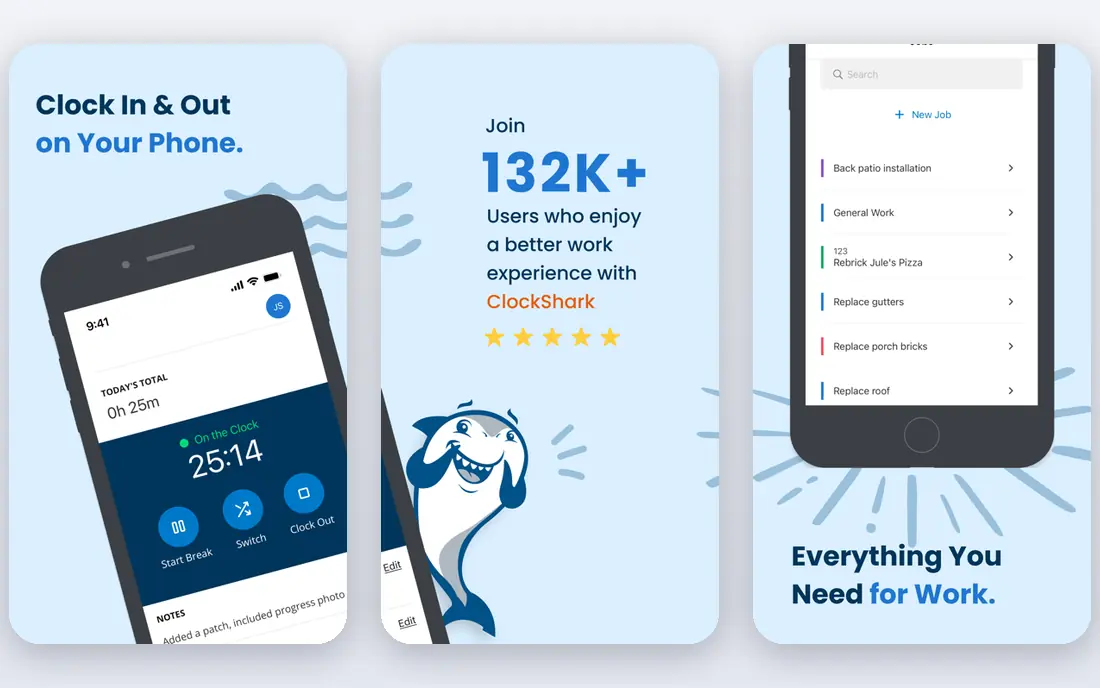
ClockShark is built for construction and field service teams organized around jobs and crews. Workers clock in by job and task from a mobile app or the web, a foreman can clock a whole crew in at once with CrewClock, and GPS adds location context for each shift. Scheduling, time-off handling on Pro, and integrations with QuickBooks, ADP, Sage, Xero and Gusto help move approved hours toward payroll and job costing.
Pricing in recent comparisons lists Standard at 42 dollars per month plus 9.50 dollars per active user, and Pro at 63 dollars per month plus 11.50 dollars per user, with a 14-day trial and no free tier. Some comparisons also note a three-year contract term, so confirm contract length before signing. For a growing crew that needs job costing and scheduling together, ClockShark is still the most construction-focused pick here.
- CrewClock for whole crews
- Job and task tracking
- GPS and geofencing
- No permanent free tier
- Base fee plus per-user fees add up
- Current plans include a long contract term in some comparisons

Workyard is a GPS time tracking and workforce platform for construction and field service crews, with hours tied to projects and cost codes. Its Pro plan links hours to cost codes and automatically calculates labor cost, which helps bookkeepers and project managers see job costs without manual spreadsheets. It also offers crew clock-in, scheduling and integrations with QuickBooks, ADP, Gusto and Sage.
Recent comparisons list Starter from 6 dollars per user per month and Pro from 13 dollars per user per month, both billed annually, with a 14-day trial, though a base fee may apply, so confirm the total. Workyard suits contractors whose main pain is labor cost by project, rather than just knowing who clocked in.
- Project and cost code reporting
- Automatic labor cost calculation
- Payroll integrations
- Job-cost workflow sits on Pro
- GPS tracking on personal phones needs a clear policy
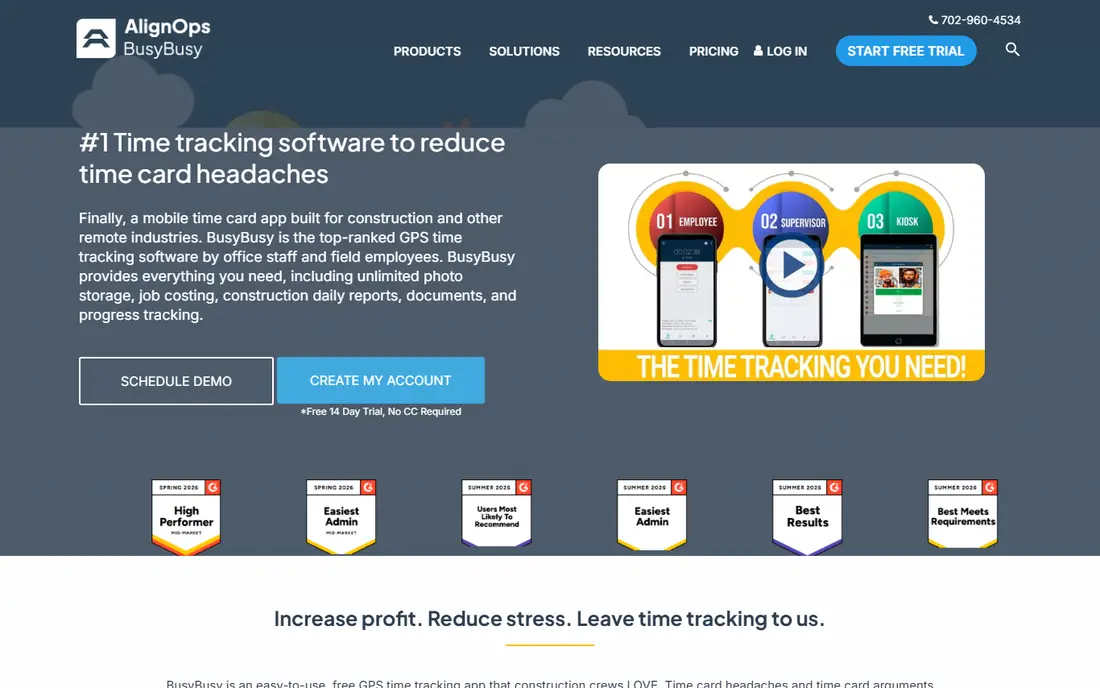
busybusy is built for field crews, with phone clock-in, GPS verification and time recorded against jobs, plus equipment time tracking that many construction tools charge extra for. Its free plan, listed for up to 100 users in recent comparisons, makes it an unusually low-cost starting point for a small crew, with paid tiers billed per active user for advanced features.
The trade-off is depth. Advanced supervisor tools, reporting and integrations sit on paid plans, and the interface is simpler than ClockShark or Workyard. For a small contractor who needs reliable crew time tracking without a large monthly bill, busybusy is a practical first choice.
- Free plan for up to 100 users in recent comparisons
- Labor and equipment time tracking
- GPS verification
- Advanced supervisor tools need paid plans
- Interface is simpler than ClockShark
QuickBooks Time, formerly TSheets, is the natural choice for contractors already using QuickBooks for payroll and invoicing. Approved hours sync into QuickBooks, reducing double entry, while Premium adds GPS while clocked in, geofencing reminders, scheduling by job and a time kiosk. Elite adds project tracking and estimates versus actuals for job costing.
Recent comparisons list Premium at 20 dollars per month plus 10 dollars per user, and Elite at 40 dollars per month plus 12 dollars per user, following a price rise in July 2026. That per-user cost grows quickly for larger crews, and QuickBooks Time is less construction-specific than ClockShark. For a QuickBooks shop, the payroll sync often outweighs those limits.
- Syncs approved hours with QuickBooks
- GPS and geofencing on Premium
- Time kiosk
- Per-user fees add up
- Less construction-specific than ClockShark or Workyard
Raken combines daily field reports with time tracking, so a foreman can record crew hours, progress photos, safety notes and project updates in one daily log. That combination suits general contractors and project managers who need a job record, not just a timesheet, for clients and compliance. Time cards tie to projects, and reports can be shared without separate paperwork.
Raken is broader than a pure time clock, so a crew that only needs clock-in and payroll may find it larger than necessary, and pricing varies by plan. For contractors who already struggle with daily reports, Raken time tracking plus reporting in one app can replace two separate tools.
- Daily field reports
- Time cards tied to projects
- Photo and safety documentation
- Pricing is by quote for some plans
- Time tracking is part of a wider field reporting tool
ExakTime, now part of Arcoro, offers mobile time tracking plus jobsite time clocks, including rugged options for sites where phones are not practical for every worker. GPS, geofencing and face verification options help confirm who clocked in and where, and integrations move approved hours toward payroll systems. That hardware option is a real advantage for large sites, remote work and crews with mixed device access.
Pricing is by quote, and hardware, if needed, adds to the total, so small crews should compare ExakTime with a phone-only tool like busybusy first. For larger contractors who need a physical clock on site plus mobile tracking, ExakTime is a proven, construction-focused option.
- Rugged time clocks and mobile app
- GPS and geofencing
- Payroll integrations
- Pricing is by quote
- Hardware costs can add to the total
Clockify is a general time tracker with a free plan for unlimited users, which makes it useful for a very small contractor who just needs clean timesheets. Workers can start a timer, log hours by project, and managers can review and export timesheets for payroll. Its simplicity is the point, and setup takes minutes rather than a training session.
Clockify lacks the construction-specific depth of ClockShark, Workyard or Raken, including crew clock-ins, cost code reporting and field GPS workflows. For a solo contractor or a tiny crew with simple jobs, that may be enough. For a growing crew with multiple sites and cost codes, a construction tool will save more time than Clockify free tier saves in fees.
- Free plan for unlimited users
- Simple timer and timesheets
- Easy exports
- No construction-specific job costing by default
- GPS and field features are thinner
Connecteam is an all-in-one workforce app for field teams, combining a GPS time clock with scheduling, forms, checklists, training and team communication. That breadth suits contractors who want one app for clock-ins, safety forms, announcements and schedules, rather than separate tools for each job. Its free tier covers small teams, with paid plans adding more users and advanced features.
Time tracking alone is simpler than ClockShark or Workyard, and construction-specific cost code depth is thinner. For a contractor who needs time tracking plus field communication and forms, Connecteam all-in-one approach can replace several apps, even if its time clock is not the deepest here.
- Time clock with GPS
- Scheduling, forms and communication in one app
- Free tier for small teams
- Time tracking is part of a wider platform
- Advanced features need paid plans
How we picked these
We compared vendor feature pages and recent construction time tracking comparisons, and we favored tools that support mobile clock-in, job or project tracking, GPS or geofencing, and payroll exports. We included dedicated construction tools, a QuickBooks-integrated option, a free general tracker and an all-in-one field app, since crews vary in size and needs. We left out office-only timers that lack job-site workflows.
How to choose construction time tracking software
Start with a real week on site. Test clock-in from a phone with weak signal, a foreman clocking in a crew, a worker switching jobs mid-day, and a manager approving a timesheet for payroll. Those four tasks reveal more than a feature list, since field conditions, gloves, sunlight and battery life all affect a time clock app.
GPS, privacy and payroll accuracy
Be clear with crews about what GPS tracks and when, since tracking only while clocked in is very different from all-day tracking. Check geofence reminders, overtime rules, break handling and approval workflows, and confirm how approved hours export to your payroll system. A tool that produces clean, approved timesheets will save more than a cheaper tool that needs manual cleanup every pay period.
Total cost and contract terms
Add base fees, per-user fees, hardware and implementation to the quoted price, and check contract length, renewal and cancellation terms before signing. A low per-user price with a high base fee can be expensive for a small crew, while a free plan can be cheapest for a tiny team. Trial the tool with one crew for a full pay period before rolling it out company-wide.
FAQ
What is the best time tracking software for construction?
ClockShark is the best construction time tracking software for most crews, thanks to job costing, CrewClock and scheduling in one tool. Workyard suits cost code reporting, while busybusy suits small crews on a budget. The best choice depends on crew size, job costing needs and payroll system.
What is the best construction time tracking app for small crews?
busybusy and Clockify suit small crews best, thanks to free tiers and simple setup. busybusy adds GPS and equipment tracking for field work, while Clockify is simpler and more general. Start with a free tier, test it for a full pay period, and upgrade only when job costing or scheduling becomes a bottleneck.
Does construction time tracking software include GPS?
Most dedicated tools here include GPS, including ClockShark, Workyard, busybusy, QuickBooks Time and Connecteam, though the details vary. Some track location only while clocked in, while others offer geofence reminders or live maps. Check the privacy policy and settings, and tell crews clearly what is tracked and when.
Can construction time tracking integrate with payroll?
Yes, most tools here integrate with QuickBooks, ADP, Gusto, Sage or similar payroll systems, either directly or through exports. Confirm the integration for your exact payroll product during a trial, and test an approved timesheet export end to end. A clean export matters more than a long integration list that does not cover your system.
How much does construction time tracking cost?
Costs range from free for small crews on busybusy or Clockify, to ClockShark Standard at 42 dollars per month plus 9.50 dollars per user, and QuickBooks Time Premium at 20 dollars per month plus 10 dollars per user. Workyard Starter is listed from 6 dollars per user per month. Add base fees, hardware and contract terms to any quote before comparing totals.