Best Compensation Planning Software in 2026: 8 Tools Compared
We compare the best compensation planning software across 8 tools, covering pay cycles, merit and bonus rules, market data, equity and approvals in detail.
- Editor's choice
 Pave
Tech and high-growth employers
Starts atSee websiteVisit pave.comFull review - Great alternative
 Payscale
Large employers consolidating pay data
Starts atSee websiteVisit payscale.comFull review - Also consider
 Carta Total Compensation
Venture-backed private companies
Starts atSee websiteVisit carta.comFull review
TL;DR:
- Market data quality matters as much as cycle tools. Ask how data is sourced, refreshed and checked.
- Pay cycles need budget controls, approvals and audit trails, not just a spreadsheet with a new design.
- Quote-based pricing is common here, so compare the full cycle cost, including market data and support.
- Test a full cycle, including edge cases such as promotions and mid-year joiners, before the live run.
Quick comparison
| Tool | Best for | Starts at | Free plan? | |
|---|---|---|---|---|
| Pave | Tech and high-growth employers | See website | Yes | Visit |
| Payscale | Large employers consolidating pay data | See website | No | Visit |
| Carta Total Compensation | Venture-backed private companies | See website | No | Visit |
 Lattice Compensation | Mid-sized teams using Lattice for people work | $19 per seat per month | No | Visit |
 Workday Compensation | Large global enterprises on Workday | See website | No | Visit |
 Beqom | Global enterprises with complex pay rules | See website | No | Visit |
 Aeqium | Teams wanting clear pay cycle logic | See website | No | Visit |
 Ravio | European and high-growth tech employers | See website | No | Visit |
The best compensation planning software
Pay decisions affect retention, fairness and budgets at once. Compensation planning software brings merit increases, bonuses, equity and approvals into one cycle, with controls that keep managers inside policy.
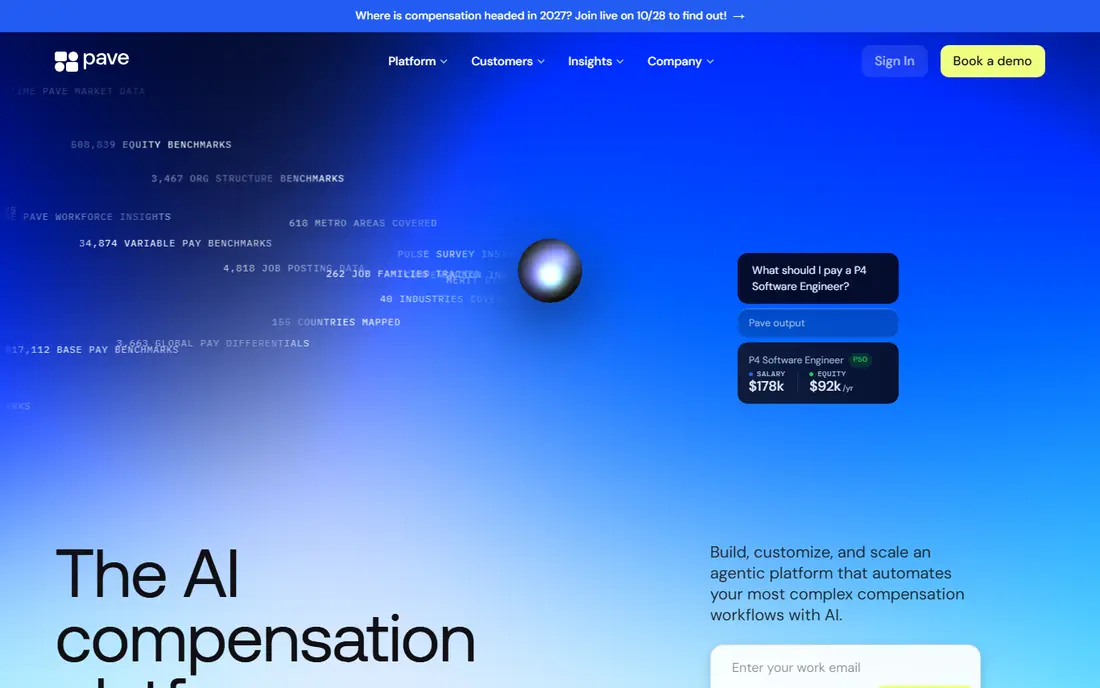
First, consider Pave. Pave fits high-growth and technology employers that want market data refreshed from real employer inputs, not yearly surveys alone.
HRIS links pull job and pay data into benchmarks, which helps teams compare salary and equity together and spot pay gaps before offers go out.
Full planning features sit behind a quote, so smaller teams should confirm which modules are included and whether the free market data tier meets their needs.
- Real-time market data from HRIS links
- Total compensation views
- Equity context
- Pricing is quote-based
- Free tier covers market data only for smaller firms
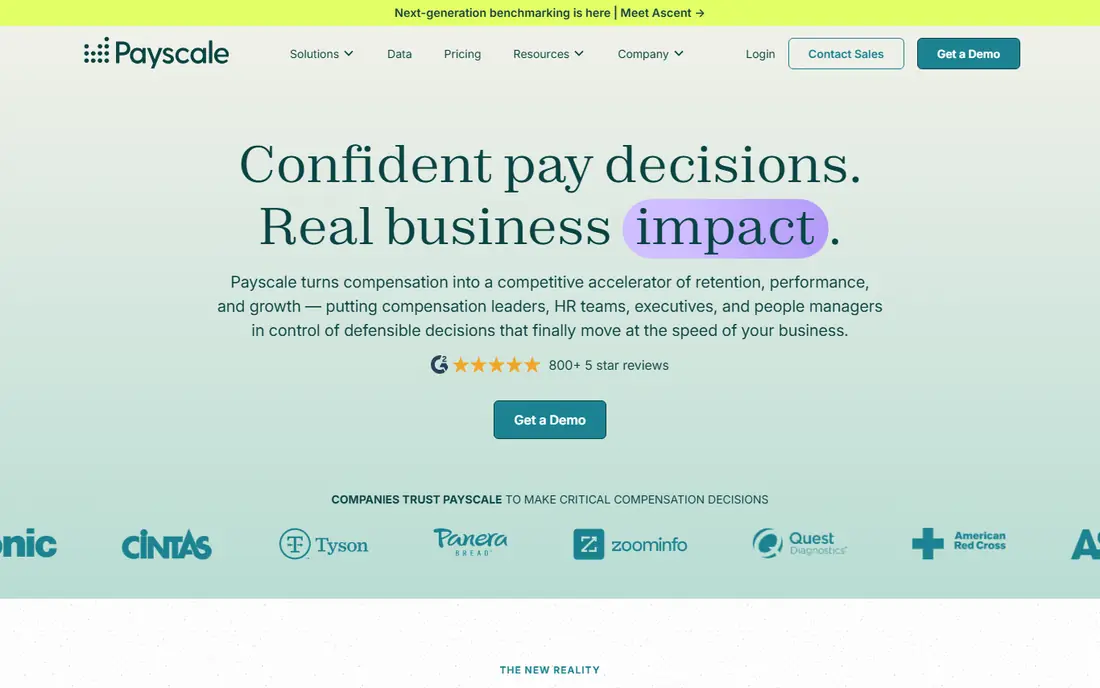
Next, look at Payscale. Payscale fits large employers that need to price many jobs, combine survey sources and run structured pay cycles.
Its data breadth helps teams that hire across many locations and job families, and its planning tools support merit, bonus and range management in one cycle.
Pricing is not published, and building a clean job catalog takes effort. Teams should allow time for data work and confirm support during the first cycle.
- Broad pay data and survey sources
- Job pricing and planning tools
- Reporting
- Quote-based pricing
- Setup can take time for large job catalogs

Another strong option is Carta Total Compensation. Carta Total Compensation fits private companies that already manage equity on Carta and want pay and equity viewed together.
That link matters for offers. Teams can see salary, bonus and equity value in one view, which helps managers explain total pay without separate spreadsheets.
Public companies and firms outside the Carta ecosystem get less benefit, and buyers should confirm benchmark coverage for their roles and locations.
- Equity-aware total compensation views
- Benchmark data for private firms
- Cap table links
- Best fit stays with private company equity work
- Pricing is quote-based
For a different fit, Lattice Compensation. Lattice Compensation fits teams that already use Lattice for performance and engagement, and want pay cycles in the same system.
Linking reviews to pay helps managers see ratings, goals and pay history together, which supports more consistent merit decisions across teams.
Teams that do not use Lattice elsewhere should compare the combined cost, and confirm how market data is sourced for their roles.
- Pay cycles linked to performance reviews
- Budget controls
- Manager guidance
- Full value needs Lattice Foundations
- Market data is a separate question
Teams with tighter budgets often check Workday Compensation. Workday Compensation fits large enterprises that already run HR, payroll and talent work in Workday.
Pay cycles, approvals and audit trails sit inside the same HR system, which helps global teams apply one set of rules across countries and worker types.
Firms outside Workday should not buy it for compensation alone. Implementation and licensing reflect an enterprise platform, not a standalone pay tool.
- Global pay cycles inside Workday HCM
- Strong controls and audit trails
- Broad HR links
- Enterprise scope and cost
- Best value stays inside Workday
A further option is Beqom. Beqom fits global enterprises with complex bonus plans, long-term incentives and varied local pay rules.
Its rule engine handles many plan types in one cycle, which helps firms that now run pay in spreadsheets or separate local tools.
Complex rules need careful design and testing. Teams should run a full cycle on test data before the live cycle, and confirm local compliance support.
- Flexible merit, bonus and long-term incentive rules
- Global pay support
- Quote-based pricing
- Setup needs careful rule design
If scale matters most, Aeqium. Aeqium fits teams that want to build merit matrices, bonus formulas and proration rules without heavy custom code.
Writing cycle logic in plain language helps HR teams test scenarios and explain decisions to managers, rather than handing logic to developers for each change.
As a newer vendor, it deserves careful reference checks. Ask for customers of a similar size and cycle complexity, and test the full approval flow.
- Plain-language cycle logic
- Merit and bonus modelling
- Manager workflows
- Newer vendor, so reference checks matter
- Pricing is quote-based
Finally, consider Ravio. Ravio fits high-growth employers, with strong coverage in Europe, that want benchmarks refreshed from employer HRIS data.
Monthly validation and total rewards views, covering salary, equity, variable pay and benefits, help teams defend offers and pay decisions.
Teams hiring mainly outside tech roles should check coverage for their job families and locations before relying on the benchmarks for every role.
- Real-time benchmarks from HRIS data
- Total rewards views
- Monthly validation
- Coverage is strongest in tech roles
- Pricing varies by company size
How we picked these
We reviewed official feature pages, pricing pages, app store listings, privacy policies and public user reviews for each product, and kept only tools that are available today and that fit the topic directly. We checked that each product offers the core capability in its category, such as SLA rules, key rotation, work orders, pay cycles, supplier mapping, membership billing, route settlement, dunning or order screening, rather than a related feature in a general tool.
We did not claim hands-on testing, and we did not invent prices, awards or ratings. Where a vendor does not publish a starting price, we show See website, and we note where higher tiers carry the features buyers often need. Prices can change, so we recommend confirming the current price on the vendor site before you buy.
We also looked at whether each vendor explains its security, privacy and support terms in plain language on its own site. A clear privacy policy, a named support route and published status information help buyers judge a vendor before a trial, and they matter most when the tool will hold sensitive customer, employee or payment data.
How to run a fair pay cycle with software
Start with clean job and level data. If job titles, levels and locations are inconsistent, no planning tool will produce fair results, and managers will lose trust in the first cycle. Agree on pay ranges, merit guidelines and bonus rules before the cycle opens, and publish them to managers in plain language.
Then use the software to enforce the rules and record the reasons. Budget caps, approval chains and audit logs help HR spot outliers, such as a team that awards top increases to every member. After the cycle, review pay equity results by group, location and level, and fix data or policy gaps before the next cycle, rather than carrying them forward.
Before you sign, ask for a written quote that lists every user, module, add-on and support tier you will need in the first year. Confirm what happens when you add users, change plans or cancel, and check whether data export is included. A clear quote makes it easier to compare tools fairly, and it avoids surprises when the first renewal arrives.
FAQ
What is compensation planning software?
It manages pay cycles for merit increases, bonuses, equity and promotions in one system. Managers receive budgets and guidelines, submit recommendations, and route them for approval, while HR tracks totals, audit trails and policy exceptions. It replaces spreadsheets that are hard to control, version and audit.
Do we need market data as well as planning tools?
Most teams do, since planning without market context can lock in pay that is too low or too high. Some tools include market data, while others link to a separate benchmark provider. Confirm whether data is included, how often it refreshes, and which roles and locations it covers.
How does this software support pay fairness?
It applies the same ranges and guidelines to every manager, flags outliers, and records reasons for each decision. HR can then review results by level, location and demographic group, subject to local law and privacy rules. Fairness still depends on clean job data and honest manager input.
Can small teams use these tools?
Small teams can, but they should weigh quote-based pricing against their headcount. Some tools offer free market data tiers or lighter plans, while others suit firms with hundreds of staff. A small team with simple pay rules may start with one planning module and add market data later.
What should we test before buying?
Run a test cycle with real job data, including promotions, new joiners, part-time staff and bonus edge cases. Check budget controls, approval routing, manager guidance and reporting. Ask how the vendor handles data privacy, since pay data is sensitive and access must be tightly controlled.
How long does implementation usually take?
Implementation time varies with team size, data quality and the number of integrations. A small team with clean data can often go live in weeks, while a larger rollout with migration and training can take months. Ask each vendor for a phased plan with clear milestones, and allow time for staff training before the old system is switched off.