Choosing Compensation Planning Software for Small Business in 2026: 6 Options Compared
Best compensation planning software for small business in 2026: 6 contenders with entry costs and free tiers. Prices and drawbacks included. Start here.
- Editor's choice
 Pave
AI-native benchmarking and merit cycles
Starts atSee websiteVisit pave.comFull review - Great alternative
 Workday
Large-scale HR and finance products
Starts atSee websiteVisit workday.comFull review - Also consider
 Rippling
Unified HR, IT and finance operations
Starts at$8 per employee a monthVisit rippling.comFull review
Direct answer
Pave comes first here, mainly for AI-native benchmarking and merit cycles. Listed starting prices: Rippling from $8 per employee a month. For a different need, Workday covers large-scale HR and finance products and Rippling covers unified HR, IT and finance operations. The remaining 3 options are covered below with prices and limits.
TL;DR:
- Pave takes the first slot, best suited to AI-native benchmarking and merit cycles.
- Barley suits straightforward merit cycles and pay bands.
- Carta is the only tool of the 6 with a free plan.
- The cheapest monthly starting price in the list is $8 per employee per month, offered by Rippling.
- What to know about Workday first: heavy for small business needs.
Last checked November 2026. Prices and plan details were read from the vendors' own pages in November 2026; vendors change plans often, so confirm the current price on the vendor site before you buy.
Quick comparison
| Tool | Best for | Starts at | Free plan? | |
|---|---|---|---|---|
| Pave | AI-native benchmarking and merit cycles | See website | Not stated | Visit |
| Workday | Large-scale HR and finance products | See website | Not stated | Visit |
| Rippling | Unified HR, IT and finance operations | $8 per employee a month | Not stated | Visit |
 Carta | Equity and private capital management | See website | Yes | Visit |
 PayScale | Salary data and defensible pay decisions | See website | Not stated | Visit |
| Barley | Straightforward merit cycles and pay bands | See website | Not stated | Visit |
6 options for compensation planning software for small business in detail
LinkVetted put together this guide to compensation planning software for small business for readers who want a clear shortlist without reading every vendor page. It compares 6 tools on starting price, free plans, who each one suits and where each one falls short.
Pick Pave if this describes you: AI-native benchmarking and merit cycles. Pave describes an AI-native compensation management system for benchmarking pay, pricing jobs and running merit cycles in one place. In practice, very small teams with simple pay structures may find a lighter planning tool sufficient, so weigh scope against actual planning complexity.
What to check first: Smaller teams may not need full scope.
The product assumes you have job and employee data organized enough to feed benchmarking and cycles. Also, for an expanding small business, that combination can replace spreadsheets and separate data sources with one workflow for planning and market comparison. Pave does not show a starting price in this comparison, so check the vendor site for current pricing. On free options: Not stated.
- AI-native system design
- Benchmarking
- Adoption needs clean job data
Where Workday fits: large-scale HR and finance products. For most small firms, Workday's enterprise orientation can outweigh the benefits, and setup demands time and specialist help.
Its breadth means compensation planning can link to finance and workforce data, which appeals to organizations with layered approval and reporting requirements instead of lean teams. This comparison lists no price for Workday; ask the vendor. Free plan details: Not stated.
Highlights: Enterprise HR. What to check first: Implementation demands resources.
- Wide planning and reporting scope
- AI system positioning
- Heavy for small business needs
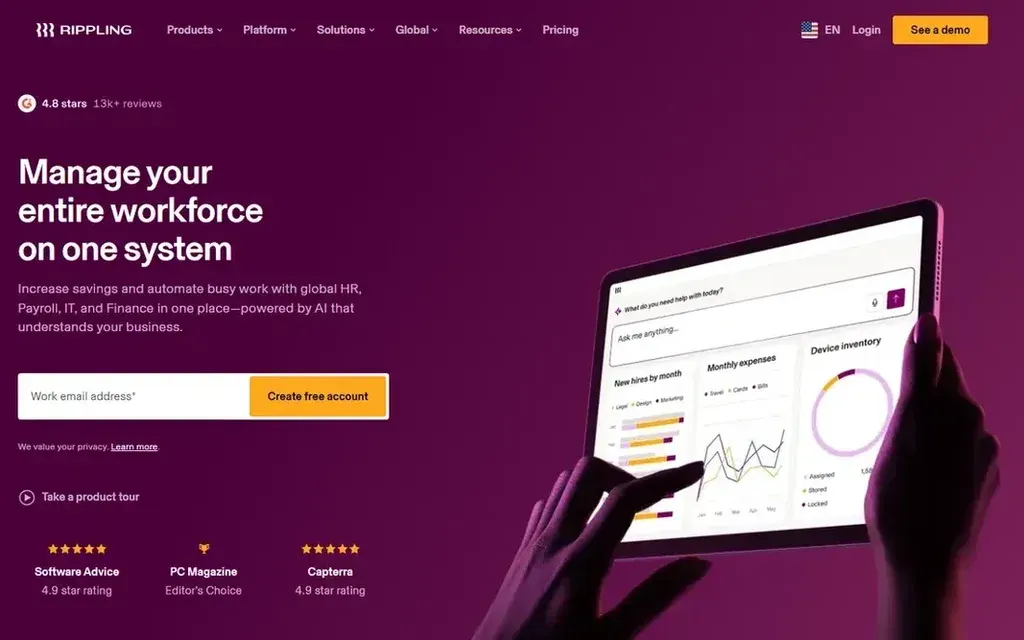
Rippling targets unified HR, IT and finance operations. For a small business, that means compensation and payroll data can sit alongside the systems that run people and devices.
More specifically, since Rippling handles numerous functions, teams wanting deep, dedicated compensation intelligence may find specialist tools more focused. Price to start with Rippling: $8 per employee per month. As for free access: Not stated.
What users get: Shared data system across apps. Honest limits: Compensation depth may trail specialists.
- Wide workforce management scope
- HR
- Breadth can mean more setup work
Carta is built with equity and private capital management in mind. Carta describes an ERP for private capital that combines software and services across equity, fund and portfolio management.
Points against: Not a dedicated compensation planner.
Consider it when equity administration is the core need and compensation planning is secondary. Carta is not a purpose-built compensation planning tool, so merit cycles and pay bands are better handled elsewhere. Carta shows no starting price here, so confirm the cost on the vendor site. Free access exists with Carta.
- Software plus services model
- Links equity and fund management
- Broader suite may exceed small needs
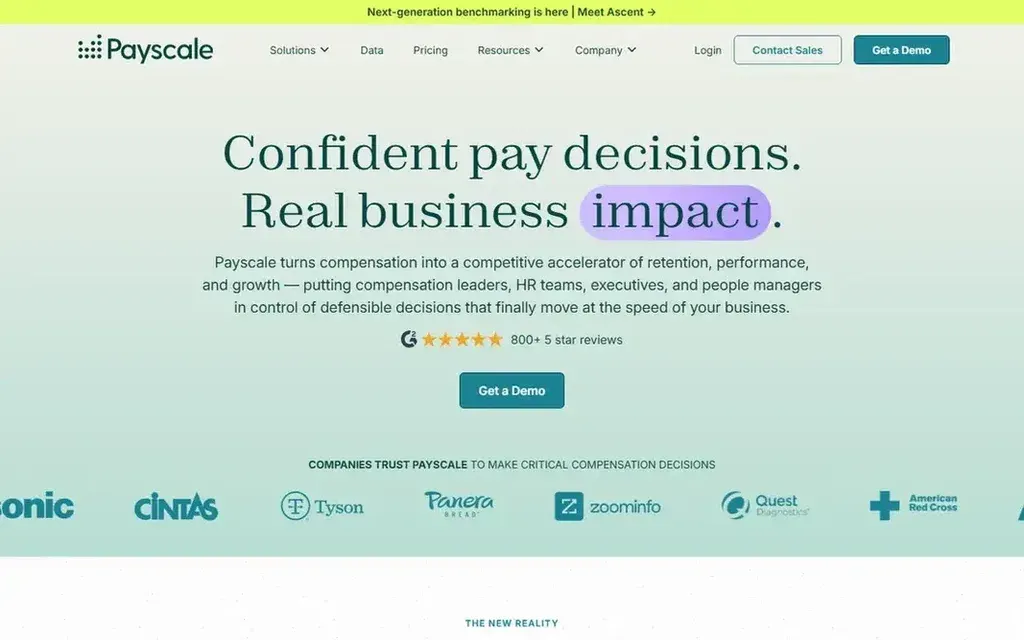
For salary data and defensible pay decisions, PayScale is a natural candidate. It fits small firms that want market context behind pay choices instead of only a planning workflow.
In daily use, pick PayScale when benchmarking and pay rationale are the priority. Check the vendor site for PayScale pricing; none is listed in this comparison. On free options: Not stated.
Where it is weaker: Narrower than full HR suites.
- Workflows and insights together
- Data
- Data-driven setup takes effort
Barley
Best for: Straightforward merit cycles and pay bands
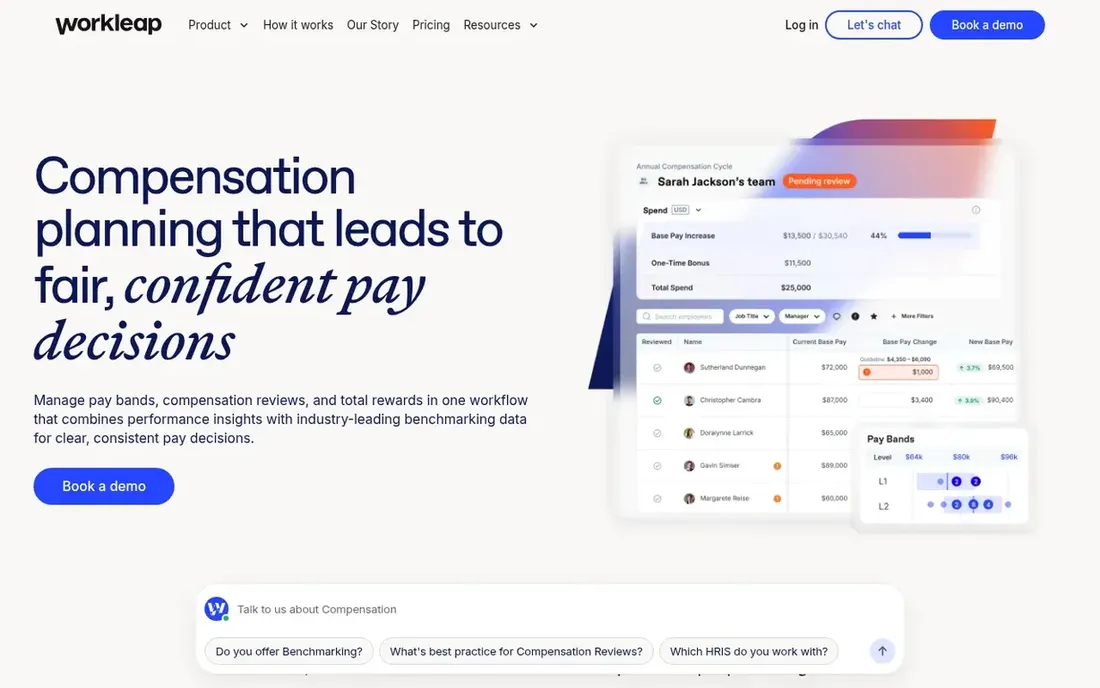
Barley works best for simple merit cycles and pay bands. That makes it a natural fit for small companies running a structured review cycle without a large compensation team.
As for the details, Barley's scope is compensation planning instead of a full HR system, so payroll and core records live elsewhere. Check the vendor site for Barley pricing; none is listed in this comparison. As for free access: Not stated.
Trade-offs to know: Less suited to wide HR operations.
- Helps communicate total rewards
- Made for merit cycle planning
- Focused scope may need extras
Selection criteria
Before you commit
- Get a written quote from Pave, Workday, Carta and others; the list shows no starting price for them.
- Test the free plan from Carta against your real workload before relying on it.
- Read the limits listed for Pave first: smaller teams may not need full scope.
- Confirm you can export your data from Pave, so leaving later does not mean losing records.
- Confirm minimum seats and billing terms with Workday before you commit to an annual plan.
FAQ
Which options for compensation planning software for small business have a free plan?
Carta is the only tool in this list with a free plan. Free plans usually cap users, projects or features, so check the limits on the vendor page.
Do these tools publish their prices?
Not all of them. Pave, Workday, Carta and others publish no starting price, so expect a quote request for those. The rest, Rippling included, show a starting price, though seats and billing terms still change the final cost.
How are the tools for compensation planning software for small business ordered?
The order follows typical fit for compensation planning software for small business, with Pave first and Barley last, then price clarity and free access. It is editorial judgement, not a score, so another team could rank the tools differently.
Is Pave the right pick for everyone comparing compensation planning software for small business?
No single tool suits every team. Pave comes first because it fits AI-native benchmarking and merit cycles, while Workday suits large-scale HR and finance platforms and Rippling suits unified HR, IT and finance operations. Match the tool to your own size, budget and workflow before deciding.
When does equity management software make sense for compensation?
If you issue equity as part of pay, a system like Carta can keep ownership records connected to broader planning. It is not a substitute for merit cycle planning, so numerous teams pair it with a dedicated compensation tool.
Sources
- https://www.pave.com
- https://www.workday.com
- https://www.rippling.com
- https://carta.com
- https://www.payscale.com
- https://www.barley.io