Best AI Tools for Workforce Planning in 2026: 7 Tools Compared
We compared the best ai tools for workforce planning and best ai workforce planning software for hiring, skills, scheduling, and headcount plans for buyers.
- Editor's choice
 Visier
People analytics and planning
Starts atSee websiteVisit visier.comFull review - Great alternative
 Anaplan
Enterprise headcount modeling
Starts atSee websiteVisit anaplan.comFull review - Also consider
 Workday
HR and workforce plans in one system
Starts atSee websiteVisit workday.comFull review
TL;DR:
- AI workforce tools help with forecasting, skills gaps, hiring plans, and scenario modeling, but they do not replace manager judgment.
- Visier and Anaplan suit larger companies with complex headcount models, while Pigment and Planful suit faster planning cycles.
- Data quality decides the result. Clean HR, payroll, and hiring data matter more than any AI feature.
- Most enterprise pricing is quote based, so demo with your real org structure and hiring plan.
Quick comparison
| Tool | Best for | Starts at | Free plan? | |
|---|---|---|---|---|
| Visier | People analytics and planning | See website | No | Visit |
| Anaplan | Enterprise headcount modeling | See website | No | Visit |
| Workday | HR and workforce plans in one system | See website | No | Visit |
 Pigment | Fast scenario planning | See website | Free trial | Visit |
 Planful | Finance linked workforce plans | See website | No | Visit |
 Board | Integrated business planning | See website | No | Visit |
 Orgvue | Org design and workforce modeling | See website | No | Visit |
The best AI tools for workforce planning
We picked tools that use AI or advanced analytics for forecasting, skills, or scenario work, not just basic scheduling. Each one below fits a different planning need, from people analytics to finance linked headcount models.
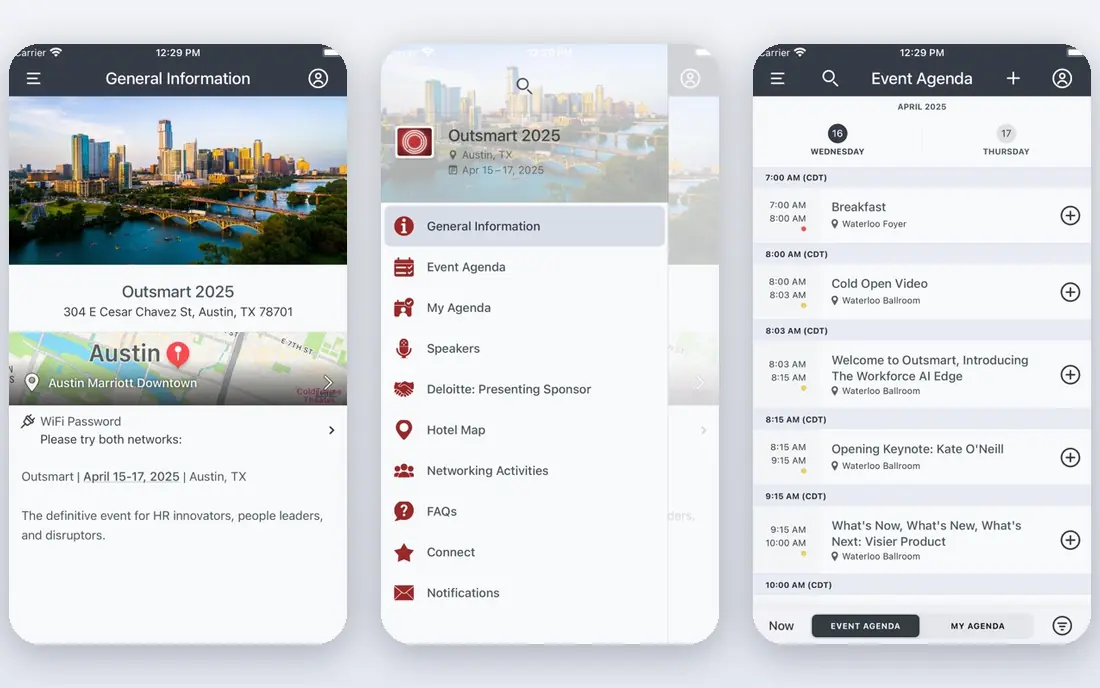
Visier is our pick for companies that want to understand their workforce before they plan it. It pulls HR data together, shows headcount, attrition, hiring, and skills patterns, and helps planners forecast what happens if hiring slows or attrition rises. Managers get dashboards they can read without analyst help, which helps planning conversations move from opinion to shared numbers. For large companies, that shared view across teams and locations is often the main value.
The limit is data readiness. Visier works best when HR, payroll, and hiring data are already clean and connected. If job titles, locations, and manager data are messy, the forecasts will be messy too, no matter how good the AI looks in a demo. Pricing is quote based, so scope the modules and data sources in your quote. We would choose Visier when people analytics is the gap, and when the team can own data quality after launch.
- Strong people analytics
- Attrition and hiring forecasts
- Clear workforce dashboards
- Quote based pricing
- Best value when HR data is already clean
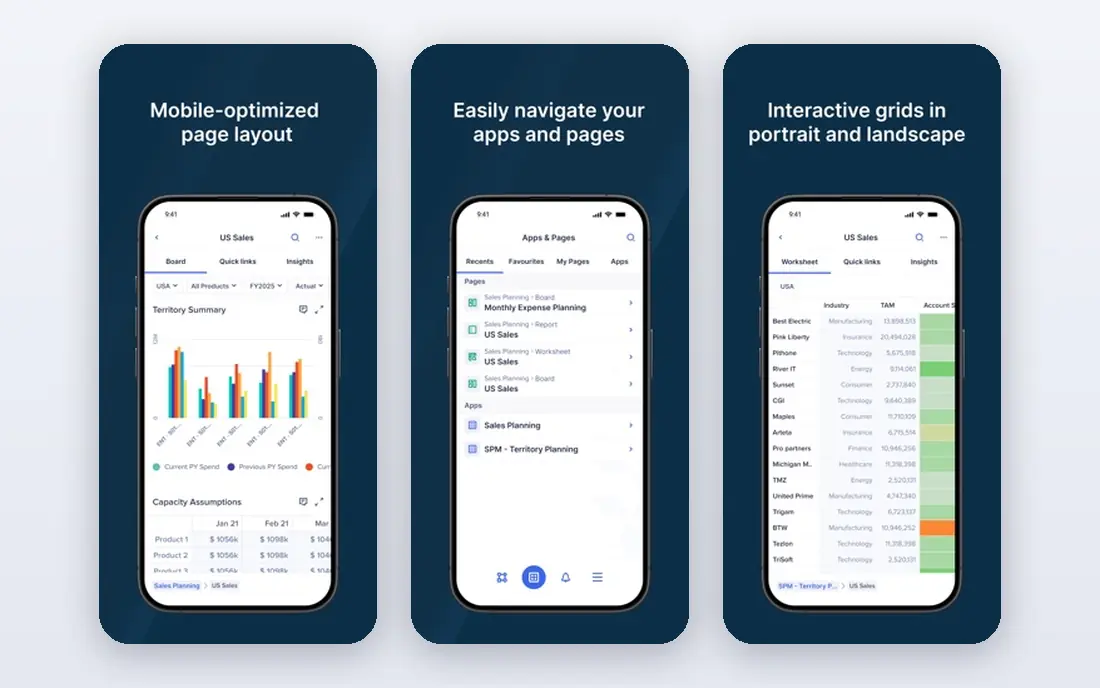
Anaplan suits large companies that need connected, detailed headcount models. Planners can model hiring, attrition, transfers, promotions, and costs, then compare scenarios side by side, such as a hiring freeze against a growth plan. Because Anaplan also covers finance planning, workforce costs can link to budgets in the same model, which helps finance and HR agree on one plan. That connection is valuable when headcount is the largest cost in the business.
The trade off is skill. Anaplan models need builders who understand planning logic, and a poorly built model can be hard to maintain. Smaller companies may find it more platform than they need. We would shortlist Anaplan when headcount modeling is complex, when scenarios matter, and when finance and HR must plan from the same numbers.
- Flexible connected planning models
- Scenario comparison
- Strong for finance and HR together
- Quote based pricing
- Needs skilled model builders
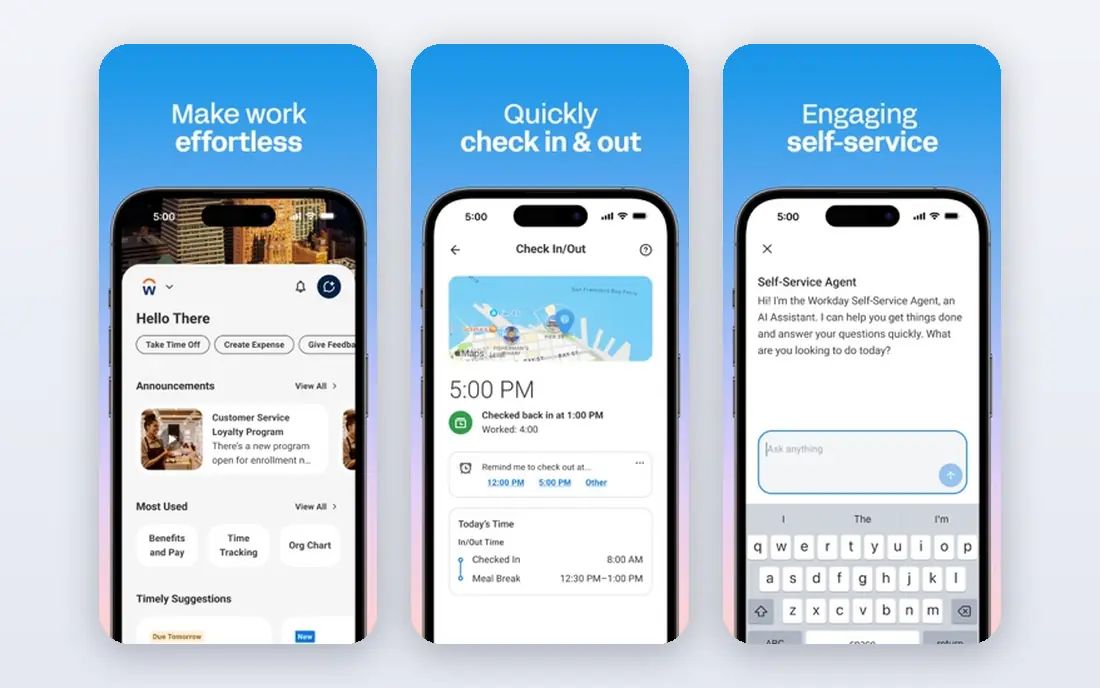
Workday fits large employers that already run HR and payroll on Workday and want workforce planning in the same system. Keeping HR data, hiring plans, and costs in one place reduces the reconciliation work that happens when planning lives in spreadsheets and HR lives elsewhere. Newer Workday releases add AI assisted insights for skills, hiring, and workforce trends, which help planners spot gaps earlier. For a company already on Workday, that integration is a strong reason to stay inside the platform.
The downside is enterprise scale and time. Workday pricing is quote based, and implementation can be long, especially for global employers with many entities. It is not a quick tool for a small team that only needs a hiring forecast. We would choose Workday when HR is already on the platform, when global scale matters, and when the team can support a full implementation.
- HR, payroll, and planning in one system
- Strong for large employers
- AI assisted insights in newer releases
- Quote based enterprise pricing
- Implementation can be long
Pigment suits teams that want fast scenario planning without the heavy model building of older enterprise tools. Planners can build headcount and cost models visually, test scenarios, and share results with finance and HR in a clear interface. AI features help with forecasting and anomaly checks, which can flag a hiring plan that looks out of line with past patterns. The trial helps a team test whether the interface fits its planning style before a contract.
The limit is extreme complexity. Pigment will handle most mid market and growth company models well, but a very large, multi entity model with deep custom logic may still fit Anaplan or Board better. Pricing is quote based, so ask for a price tied to your user count and planning use cases. We would pick Pigment when speed and ease of use matter, and when planners want to test many scenarios in a planning cycle.
- Fast, visual planning models
- AI assisted forecasting help
- Easier to learn than older planning tools
- Quote based pricing
- Less depth than Anaplan for very complex models
Planful fits companies where workforce planning is mainly a finance problem: how many people, at what cost, against what budget. It links headcount plans to budgets, forecasts, and actuals, so finance can see the cost impact of a hiring plan without waiting for a spreadsheet update. Approval workflows help finance and HR agree on changes, which matters when hiring plans change mid quarter. For finance led planning cycles, that structure is a real advantage.
The catch is people analytics depth. Planful is stronger on cost and budget than on skills, attrition, or people analytics, so a team that needs deep HR insight may pair it with Visier or Workday data. Pricing is quote based, so scope the planning modules you need. We would choose Planful when finance owns the planning cycle, and when budget accuracy matters more than detailed people analytics.
- Links workforce costs to budgets and forecasts
- Strong finance planning
- Structured approval workflows
- Quote based pricing
- HR specific analytics are less deep than Visier
Board suits companies that want workforce planning inside a broader business plan, covering finance, HR, and operations together. Planners can model headcount, costs, and operational drivers in one platform, then report results without exporting to separate tools. That integrated view helps when hiring plans depend on sales, production, or service demand, not just on HR targets. The platform is flexible, so models can be shaped to a company's real drivers.
The trade off is setup skill and cost. Board is an enterprise platform, and models need skilled planners to build and maintain. Pricing is quote based, so a small team may find it more than it needs. We would shortlist Board when workforce planning must connect to sales or operations plans, and when one integrated platform beats several separate planning tools.
- Combines planning, analytics, and reporting
- Good for finance, HR, and operations together
- Flexible models
- Quote based pricing
- Setup needs skilled planners
Orgvue fits companies planning a restructure, a merger, or a major org change. It lets planners model org structures, roles, spans of control, and workforce costs, then test scenarios before announcing a change. Clear org visualizations help leaders see the impact of a proposed structure, such as manager spans, layers, and cost, instead of debating a spreadsheet. That visual, scenario based approach is valuable during sensitive workforce changes.
The limit is finance depth. Orgvue is stronger on org design and workforce modeling than on full budget and forecast planning, so some teams pair it with a finance planning tool. Pricing is quote based, and the value depends on how often you model org changes. We would choose Orgvue when org design is the main planning job, and when scenario testing for restructures needs a dedicated, visual tool.
- Org design and workforce modeling in one view
- Scenario testing for restructures
- Clear org visualizations
- Quote based pricing
- Less finance depth than Planful or Anaplan
How we picked these
We compared official product pages, pricing pages, and public feature descriptions for workforce planning tools, and we favored tools still sold in 2026 with AI or advanced analytics for forecasting, skills, or scenarios. We looked for headcount modeling, scenario comparison, data integration, and reporting, and we noted where pricing was quote based. We did not claim hands on testing with a real company workforce, and we did not include simple scheduling tools that do not model headcount or skills.
What to check before you buy workforce planning software
Start with your planning questions, not a feature list. Write down the decisions you need to make each quarter, such as how many to hire, where skills are missing, and what a hiring freeze would cost. Those questions will show whether you need people analytics, finance planning, org design, or all three.
Data, scenarios, and owners
Test the tool with your real org structure, job data, and hiring plan. Build two scenarios, such as growth and freeze, and check whether the results make sense to finance and HR together. Name the owner for HR data quality, because a planning tool with stale data will lose trust in one cycle.
AI limits and bias checks
Treat AI forecasts as a starting point. Check how the tool explains a forecast, what data it uses, and how it handles small teams where a few departures change the pattern. Review any hiring or attrition insight for bias, and keep human approval on every workforce decision that affects people.
FAQ
What is the best ai workforce planning software for a mid sized company?
Pigment and Planful are good mid market starting points, depending on whether speed or finance linkage matters more. Visier suits a mid sized company that needs people analytics first. Demo with your real org data before choosing.
How does AI help workforce planning?
AI helps by forecasting attrition and hiring needs, flagging skills gaps, and testing scenarios faster than manual spreadsheets. It works best with clean, complete HR data, and it still needs human review for decisions that affect hiring, pay, or restructures.
Do I need a separate workforce tool if I use Workday?
Not always. If Workday already covers your HR and planning needs, adding another tool may duplicate work. A separate tool makes sense when you need deeper people analytics, faster scenario modeling, or org design that Workday does not cover well for your use case.
How much does workforce planning software cost?
Most enterprise tools on this list use quote based pricing, which varies by users, modules, and data sources. Expect a sales process and an implementation quote, and ask for total year one cost including setup and training.
Can AI workforce tools reduce bias in hiring?
They can help by surfacing patterns, but they can also repeat bias in past data. Use AI as a check, not a decision maker, review outputs for fairness, and keep human approval on hiring and promotion decisions.