Best Compensation Management Software in 2026: 8 Tools Compared
Best compensation management software for 2026: compare 8 compensation software tools, pricing, and features for pay bands, cycles, and benchmarking. Compa

- Editor's choice
 Lattice
teams linking pay to performance reviews
Starts at$13 per seat per monthVisit lattice.comFull review - Great alternative
 Payscale
enterprises needing market data and planning
Starts atSee websiteVisit payscale.comFull review - Also consider
 Salary.com
large US employers needing salary data
Starts atSee websiteVisit salary.comFull review
TL;DR:
- Most compensation vendors are quote-only, while Lattice publishes a $13 base plus a $6 compensation add-on.
- Specialist benchmarking tools suit data-heavy teams, while HR platforms suit teams that want pay inside reviews.
- Lattice suits mid-market teams, Payscale and Salary.com suit data-heavy employers, and Workday suits large Workday users.
- Check whether market data, pay equity analysis, and total rewards statements are included or add-ons.
Quick comparison
| Tool | Best for | Starts at | Free plan? | |
|---|---|---|---|---|
| Lattice | teams linking pay to performance reviews | $13 per seat per month | Free trial | Visit |
| Payscale | enterprises needing market data and planning | See website | Free trial | Visit |
| Salary.com | large US employers needing salary data | See website | Free trial | Visit |
 Pave | tech companies wanting real-time benchmarks | See website | Yes | Visit |
 Workday | large global employers on Workday HCM | See website | No | Visit |
 BambooHR | small teams already using BambooHR | See website | Free trial | Visit |
 HiBob | mid-size teams wanting HR plus compensation | See website | No | Visit |
 Beqom | global employers with complex pay programs | See website | No | Visit |
The best compensation management software
We compared official feature pages, pricing pages, mobile or web app listings, and public documentation for each option below. The list mixes well known leaders with smaller tools that fit specific needs, so you can shortlist two or three and trial them with real work.
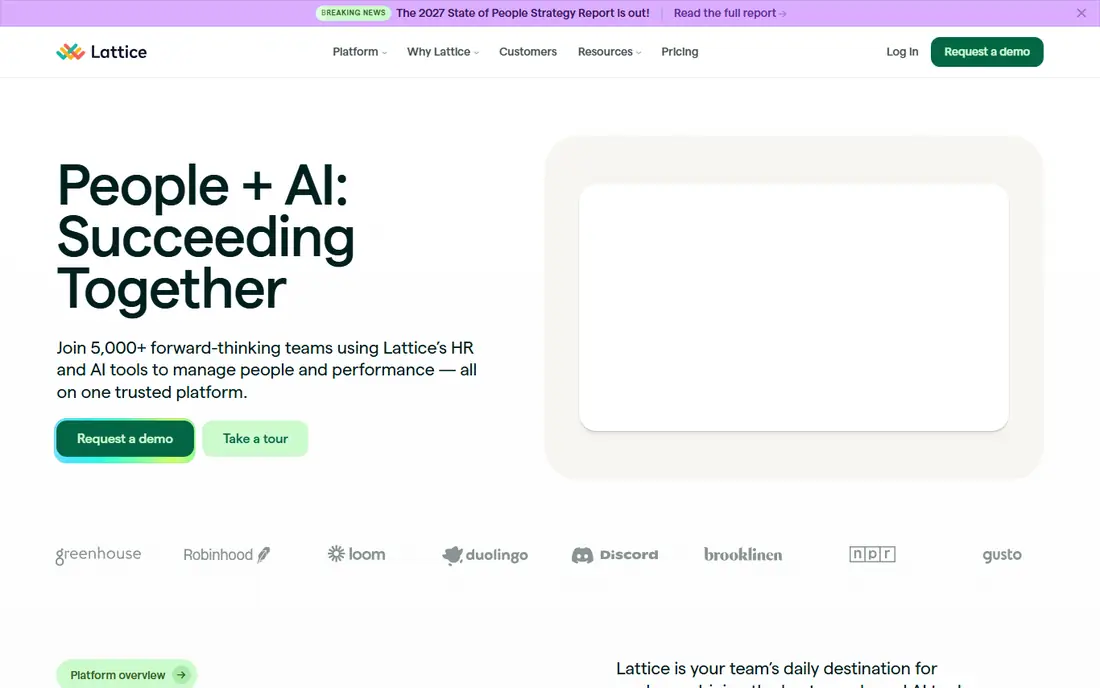
For many buyers, this is the first option worth a close look. Lattice fits teams linking pay to performance reviews. It stands out for compensation cycles tied to reviews; pay bands and shareable pay statements; clear manager workflows. That combination makes it useful in daily work, not only on a demo page, and it helps explain why so many teams keep returning to it when they compare options side by side.
The test that matters is one real pay cycle: budgets, manager recommendations, approvals, and pay statements, checked end to end. The trade-off is compensation is an add-on to a base plan; a minimum annual agreement applies. Before you commit, check the current price of $13 per seat per month and the free plan status of Free trial on the vendor site, because plan limits and prices change. If the limits fit your team size and workflow, it is a sound shortlist choice.
- Compensation cycles tied to reviews
- Pay bands and shareable pay statements
- Clear manager workflows
- Compensation is an add-on to a base plan
- A minimum annual agreement applies
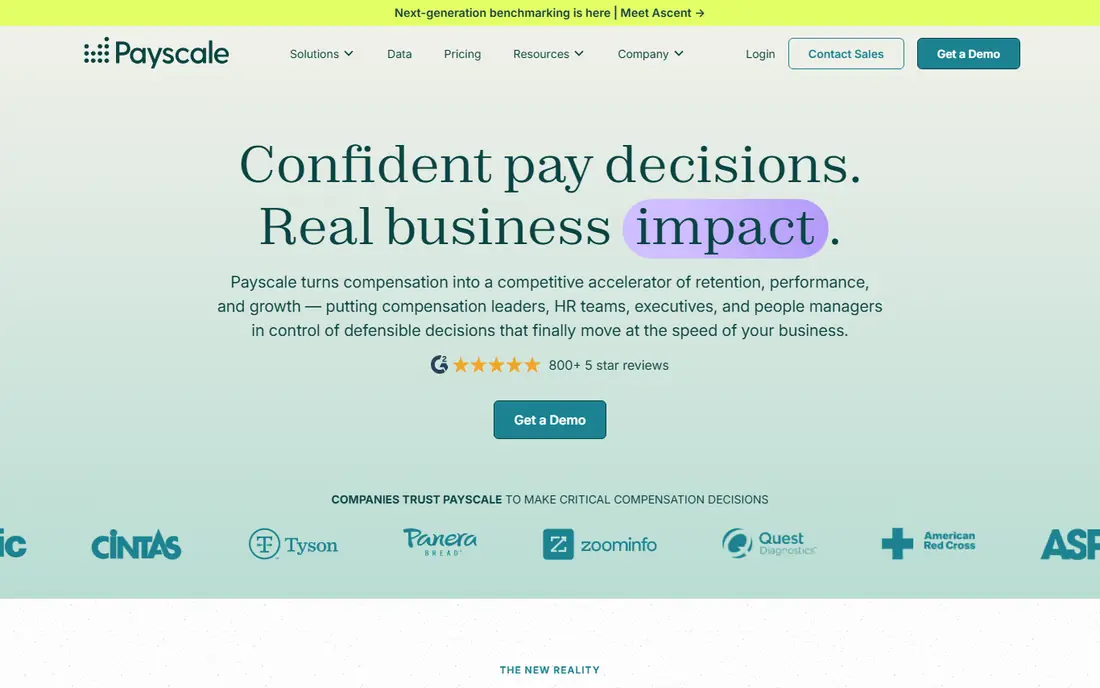
This option earns its place for a clear, practical reason. Payscale fits enterprises needing market data and planning. It stands out for broad market data; pay benchmarking and planning tools; pay equity features on higher plans. That combination makes it useful in daily work, not only on a demo page, and it helps explain why so many teams keep returning to it when they compare options side by side.
A good compensation tool should show where each pay decision came from, so HR and finance can audit the cycle later. The trade-off is quote-only pricing; setup and data work can be heavy for small teams. Before you commit, check the current price of See website and the free plan status of Free trial on the vendor site, because plan limits and prices change. If the limits fit your team size and workflow, it is a sound shortlist choice.
- Broad market data
- Pay benchmarking and planning tools
- Pay equity features on higher plans
- Quote-only pricing
- Setup and data work can be heavy for small teams
If you want a focused tool rather than a sprawling suite, start here. Salary.com fits large US employers needing salary data. It stands out for CompAnalyst market data; compensation planning tools; a long history in salary benchmarking. That combination makes it useful in daily work, not only on a demo page, and it helps explain why so many teams keep returning to it when they compare options side by side.
For pay tools, data coverage matters most, so check role and location coverage before you judge dashboards or pricing. The trade-off is quote-only pricing; the full platform can feel complex for small HR teams. Before you commit, check the current price of See website and the free plan status of Free trial on the vendor site, because plan limits and prices change. If the limits fit your team size and workflow, it is a sound shortlist choice.
- CompAnalyst market data
- Compensation planning tools
- A long history in salary benchmarking
- Quote-only pricing
- The full platform can feel complex for small HR teams
This is a strong choice when simplicity matters more than sheer depth. Pave fits tech companies wanting real-time benchmarks. It stands out for real-time market data; a free tier for smaller teams on some plans; clear benchmarking views. That combination makes it useful in daily work, not only on a demo page, and it helps explain why so many teams keep returning to it when they compare options side by side.
The test that matters is one real pay cycle: budgets, manager recommendations, approvals, and pay statements, checked end to end. The trade-off is full planning features are quote-only; coverage varies by role and location. Before you commit, check the current price of See website and the free plan status of Yes on the vendor site, because plan limits and prices change. If the limits fit your team size and workflow, it is a sound shortlist choice.
- Real-time market data
- A free tier for smaller teams on some plans
- Clear benchmarking views
- Full planning features are quote-only
- Coverage varies by role and location
Teams that need a dependable everyday option should weigh this one carefully. Workday fits large global employers on Workday HCM. It stands out for compensation inside a full HR and finance platform; salary bands and review cycles; strong reporting. That combination makes it useful in daily work, not only on a demo page, and it helps explain why so many teams keep returning to it when they compare options side by side.
A good compensation tool should show where each pay decision came from, so HR and finance can audit the cycle later. The trade-off is quote-only pricing; implementation is a large project for most teams. Before you commit, check the current price of See website and the free plan status of No on the vendor site, because plan limits and prices change. If the limits fit your team size and workflow, it is a sound shortlist choice.
- Compensation inside a full HR and finance platform
- Salary bands and review cycles
- Strong reporting
- Quote-only pricing
- Implementation is a large project for most teams
This pick suits buyers who want proven tools with wide support. BambooHR fits small teams already using BambooHR. It stands out for compensation tools inside a familiar HR system; employee records and reporting in one place; simple manager views. That combination makes it useful in daily work, not only on a demo page, and it helps explain why so many teams keep returning to it when they compare options side by side.
For pay tools, data coverage matters most, so check role and location coverage before you judge dashboards or pricing. The trade-off is compensation features sit on higher tiers; market data depth is lighter than specialist tools. Before you commit, check the current price of See website and the free plan status of Free trial on the vendor site, because plan limits and prices change. If the limits fit your team size and workflow, it is a sound shortlist choice.
- Compensation tools inside a familiar HR system
- Employee records and reporting in one place
- Simple manager views
- Compensation features sit on higher tiers
- Market data depth is lighter than specialist tools
For a balance of price and features, this one deserves attention. HiBob fits mid-size teams wanting HR plus compensation. It stands out for a modern HR platform with compensation workflows; performance and pay in one system; global team support. That combination makes it useful in daily work, not only on a demo page, and it helps explain why so many teams keep returning to it when they compare options side by side.
The test that matters is one real pay cycle: budgets, manager recommendations, approvals, and pay statements, checked end to end. The trade-off is quote-only pricing; compensation depth varies by plan and region. Before you commit, check the current price of See website and the free plan status of No on the vendor site, because plan limits and prices change. If the limits fit your team size and workflow, it is a sound shortlist choice.
- A modern HR platform with compensation workflows
- Performance and pay in one system
- Global team support
- Quote-only pricing
- Compensation depth varies by plan and region
This final pick rounds out the list with a different strength. Beqom fits global employers with complex pay programs. It stands out for support for complex salary, bonus, and equity programs; global pay structures; strong compliance tools. That combination makes it useful in daily work, not only on a demo page, and it helps explain why so many teams keep returning to it when they compare options side by side.
A good compensation tool should show where each pay decision came from, so HR and finance can audit the cycle later. The trade-off is quote-only pricing; implementation and setup need specialist time. Before you commit, check the current price of See website and the free plan status of No on the vendor site, because plan limits and prices change. If the limits fit your team size and workflow, it is a sound shortlist choice.
- Support for complex salary, bonus, and equity programs
- Global pay structures
- Strong compliance tools
- Quote-only pricing
- Implementation and setup need specialist time
How we picked these
This is not financial or legal advice. Pay decisions affect employees and carry legal risk, so have pay bands, equity analysis, and policy changes reviewed by a qualified compensation professional or employment lawyer before you share them. We compared official vendor pages, pricing pages, and public product descriptions for compensation tools that are still sold in 2026. We kept tools that handle pay bands, merit cycles, benchmarking, or total rewards, and we marked quote-only vendors as See website. We weighed market data, cycle workflows, approvals, reporting, and pricing transparency. We did not claim hands-on testing.
How to pick compensation software
Start with the job you need done. Benchmarking tools answer what the market pays for a role in a location. Planning tools run merit cycles, budgets, and approvals. HR platforms tie pay to performance reviews and employee records. A tool that is strong in one job may be weak in another, so list your top three jobs before you shortlist. If you only need market data this quarter, a benchmarking tool may be enough, while a full cycle tool is better when managers, budgets, and approvals are all involved.
What to check before you pay
Data quality and coverage matter more than dashboard polish. Ask which survey sources feed the benchmarks, how fresh the data is, and how well your roles and locations are covered. Check whether pay equity analysis is included, whether managers see only their own teams, and whether you can export a clear audit trail for each decision. Also ask about HRIS integration, because manual data entry in a pay cycle creates errors and delays that are hard to fix later.
How to run a useful trial
Run a small pilot with one real cycle or one job family, using anonymized data if needed. Test how managers submit recommendations, how budgets are enforced, and how employees receive pay statements. Review the output with HR and finance before you roll it out widely. If the pilot reveals gaps in data, approvals, or reporting, fix them now, because pay cycles leave little room for errors once letters go out.
FAQ
What is the best compensation software?
Lattice is a strong choice for mid-market teams that want compensation tied to performance reviews. Payscale and Salary.com suit employers that need deep market data, while Workday suits large employers already on Workday. The best compensation management platform depends on company size, data needs, and whether you run formal pay cycles.
What is the top compensation management software for small teams?
Lattice and BambooHR are practical for smaller teams because they sit inside wider HR tools with clearer pricing and simpler workflows. Pave offers a free tier for smaller teams on some plans. Small teams should avoid heavy enterprise platforms unless they already have HR and data staff to run them.
How much does compensation management software cost?
Most vendors are quote-only, so costs vary by headcount, modules, and data needs. Lattice publishes a base plan at $13 per seat per month, with compensation as a $6 add-on and a minimum annual agreement. Always ask for the total annual cost, including data, implementation, and support, before you compare quotes.
What is the difference between benchmarking and compensation planning?
Benchmarking compares your pay with market data for roles and locations. Compensation planning runs merit cycles, budgets, approvals, and pay statements. Some tools do both, while others focus on one job. Pick the job you need first, then check whether the second job is included or an add-on.
Do I need pay equity software as well?
Pay equity analysis is sometimes included in compensation tools and sometimes sold as a separate product. If closing pay gaps is a core goal, ask vendors exactly what analysis, remediation workflows, and reporting they include. Have results reviewed by a qualified professional before you act on them.