Top 5 Compensation Management Software for Remote Teams for 2026 (Prices and Free Plans)
Weighing the best compensation management software for remote teams? We lined up 5 products by cost, free access and fit. Every pick gets a straight assessment.
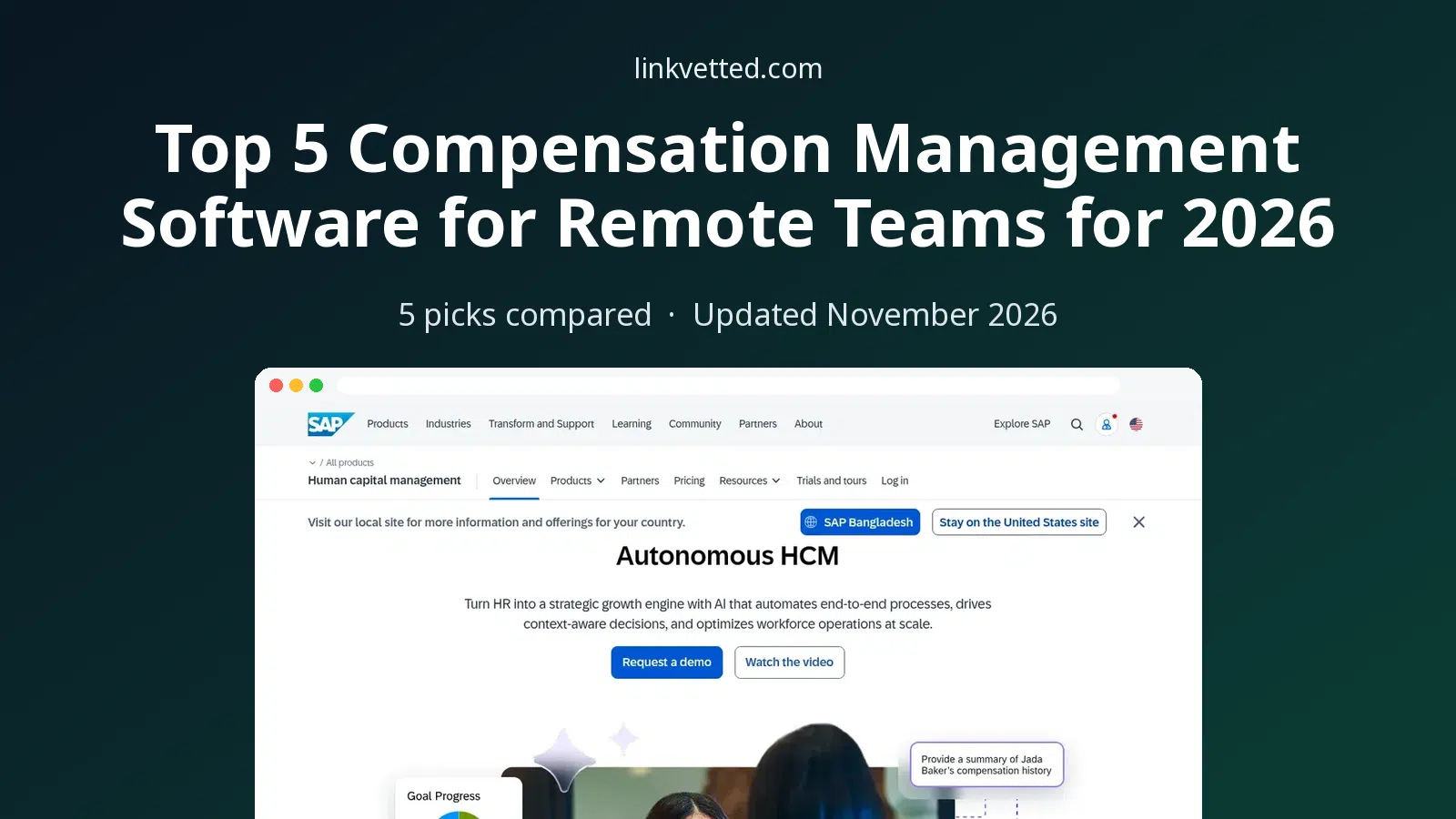
- Editor's choice
 SAP SuccessFactors
Automatic HR and compensation processes
Starts atSee websiteVisit sap.comFull review - Great alternative
 Paycom
All-in-one HR and payroll automation
Starts atSee websiteVisit paycom.comFull review - Also consider
 Deel
Global payroll and compliance for remote teams
Starts at$14 per worker per monthVisit deel.comFull review
Direct answer
Start with SAP SuccessFactors if you need automated HR and compensation processes. Listed starting prices: Deel from $14 per worker per month and Rippling from $8 per employee a month. Paycom is the stronger choice for all-in-one HR and payroll automation, while Deel suits global payroll and compliance for remote teams. All 5 tools are compared below on price, free plan and limits.
TL;DR:
- Number one here is SAP SuccessFactors, a fit for automatic HR and compensation processes.
- For the cheapest start, look at Rippling: $8 per employee per month.
- Rippling is the one to check for unified HR, IT, and finance for remote teams.
- One limit worth knowing about Paycom: restricted flexibility for highly customized needs.
- None of the 5 tools, from SAP SuccessFactors to Rippling, has a free plan, so budget for a subscription or use a trial.
Last checked November 2026. Prices and plan details were read from the vendors' own pages in November 2026; vendors change plans often, so confirm the current price on the vendor site before you buy.
Quick comparison
| Tool | Best for | Starts at | Free plan? | |
|---|---|---|---|---|
| SAP SuccessFactors | Automatic HR and compensation processes | See website | Not stated | Visit |
| Paycom | All-in-one HR and payroll automation | See website | Not stated | Visit |
| Deel | Global payroll and compliance for remote teams | $14 per worker per month | Not stated | Visit |
 Workday HCM | Enterprise compensation planning and analytics | See website | Not stated | Visit |
 Rippling | Unified HR, IT, and finance for remote teams | $8 per employee a month | Not stated | Visit |
Every option for compensation management software for remote teams explained
If you are comparing compensation management software for remote teams, this page covers 5 tools in one place: what each is best for, what it costs to start, whether it has a free plan, and the main limit to know about.
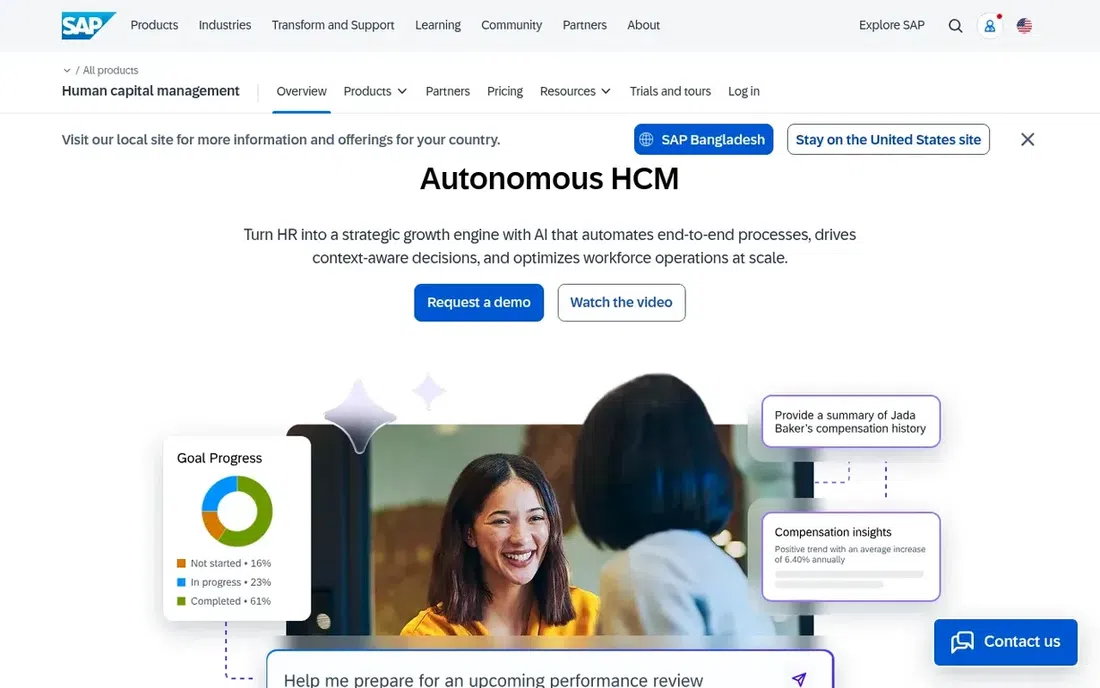
SAP SuccessFactors was built for automated HR and compensation processes. It aims to boost efficiency and optimize workforce processes with AI options, which can support compensation planning for remote teams.
Where it is weaker: May need dedicated IT support.
SAP SuccessFactors does not show a starting price in this comparison, so check the vendor site for current pricing. Free options: Not stated.
- Full HCM suite
- Advanced automation for HR tasks
- Configuration can be time-consuming
Paycom was built for all-in-one HR and payroll automation. Paycom is an HR and payroll software that eliminates thousands of decisions through full-solution automation across the employee life cycle, per its homepage. It operates on a single database to help employees and leaders work smarter, which can simplify compensation management for remote teams.
From a buyer's view, Explore Workday HCM or SAP SuccessFactors if you need deeper configurability and enterprise-grade analytics. From a buyer's view, the product is well-suited for organizations that want an integrated, automatic approach to payroll and HR without juggling several systems. No starting price is listed for Paycom here; confirm pricing on the vendor site. Free access: Not stated.
Where it falls short: May not suit very small teams.
- Full-solution automation
- Single database for HR and payroll
- Restricted adaptability for highly customized needs
Deel is built with global payroll and compliance for remote teams in mind. Deel is a global payroll, compliance, HR, and HRIS product that lets you hire, pay, and run teams in plenty of countries, as stated on its homepage.
Deel's strength in global employment may be unnecessary for teams operating in a single country, where more straightforward payroll tools could suffice. Entry price for Deel: $14 per worker per month. Free plan details: Not stated.
What to check first: Focus on global can add complexity.
- Global payroll and compliance
- Simplified HR operations
- May be less thorough for domestic-only teams

For enterprise compensation planning and analytics, Workday HCM is a natural candidate. Workday HCM is an enterprise AI system for HR, finance, and IT, as described on its homepage. It supports compensation management within a broader suite that helps remote teams align pay with performance and budgets.
Points against: May be expensive for smaller teams.
In daily use, consider alternatives like Rippling or Deel if you need quicker deployment or a lighter footprint for remote compensation management. The system is made for organizations that require solid analytics and integrated workflows across departments, making it a fit for bigger remote teams with complicated compensation structures. Pricing for Workday HCM is not stated here, so ask the vendor for current figures. Free plan details: Not stated.
- AI-driven insights for compensation decisions
- Unified HR and finance platform
- Implementation can be complicated
Where Rippling fits: unified HR, IT, and finance for remote teams. Rippling is a workforce management system that merges HR, IT, and finance apps on a unified data product, based on its homepage. It eliminates friction from running a business, which can help remote teams run compensation alongside device management and other operations.
Worth adding: Rippling's wide scope might be more than necessary if you only need compensation management. Its modular setup can take time to configure. It may not match the compensation depth of enterprise HCM suites like Workday HCM. What you pay to start with Rippling: $8 per employee per month. Free options: Not stated.
Points against: Can need setup across multiple modules.
What works well: Merges HR, IT.
- Finance apps
- Simplified workforce management
- May be overkill for straightforward compensation needs
How we compared the tools
What to confirm before you sign up
- Ask SAP SuccessFactors, Paycom and Workday HCM for a written quote, since no starting price is shown.
- Before choosing SAP SuccessFactors, weigh its main limit: configuration can be time-consuming.
- Look at the renewal terms for Rippling: auto-renewal, notice periods and price changes can matter more than the first-year price.
- Compare total cost, not headline price: for Deel, add extra seats, add-ons and any usage-based charges.
- Check how data leaves Paycom: formats, limits and whether exports are available on every plan.
FAQ
Is SAP SuccessFactors the right pick for everyone comparing compensation management software for remote teams?
No single tool suits every team. SAP SuccessFactors comes first because it fits automated HR and compensation processes, while Paycom suits all-in-one HR and payroll automation and Deel suits global payroll and compliance for remote teams. Match the tool to your own size, budget and workflow before deciding.
Does any tool for compensation management software for remote teams here have a free plan?
No tool in this list, SAP SuccessFactors and Rippling included, has a permanent free plan. Trials and quotes are the usual route, so plan a short evaluation period.
Can Deel run compensation for contractors and employees in several countries?
Yes, Deel concentrates on global payroll and compliance, allowing you to hire, pay, and handle teams in plenty of countries. This makes it a solid fit for remote teams with international workers.
How are the tools for compensation management software for remote teams ordered?
The order follows typical fit for compensation management software for remote teams, with SAP SuccessFactors first and Rippling last, then price clarity and free access. It is editorial judgement, not a score, so another team could rank the tools differently.
Is Rippling a decent choice for remote team compensation management?
Rippling merges HR, IT, and finance on a unified product, which can simplify compensation management for remote teams by centralizing data. Even so, it may be more than needed for teams focused solely on compensation.
What is the cheapest option for compensation management software for remote teams in this list?
On published monthly entry prices, Rippling is the lowest here at $8 per employee per month. Entry price is only part of the cost, because seats, add-ons and billing terms can change the total. Each of the 5 options in this compensation management software for remote teams guide has its own card above with the price, free plan and limits.
Sources
- https://www.sap.com/products/hcm.html
- https://www.paycom.com
- https://www.deel.com
- https://www.workday.com
- https://www.rippling.com