Best Employee Time Tracking App in 2026: 9 Options Compared
We compared 9 best employee time tracking app in 2026 on price, features and free plans to help you choose the right option. detailed buying advice included

- Editor's choice
 Toggl Track
teams who want simple time tracking
Starts atFreeVisit toggl.comFull review - Great alternative
 Clockify
teams who want a generous free plan
Starts atFreeVisit clockify.meFull review - Also consider
 Harvest
teams tracking time plus invoicing
Starts atSee websiteVisit getharvest.comFull review
TL;DR:
- Toggl Track leads for teams who want simple time tracking, with a yes start that makes it easy to test.
- Clockify is a strong second choice for teams who want a generous free plan.
- Free plans are available from Harvest and several others, but limits differ, so check them before you rely on a free tier.
- Prices are listed as See website where plans vary by team size or use, so confirm current pricing on the official site.
- Our pick for most readers is Toggl Track for balance, while Hubstaff suits readers who need remote teams tracking time and activity.
Quick comparison
| Tool | Best for | Starts at | Free plan? | |
|---|---|---|---|---|
| Toggl Track | teams who want simple time tracking | Free | Yes | Visit |
| Clockify | teams who want a generous free plan | Free | Yes | Visit |
| Harvest | teams tracking time plus invoicing | See website | Free trial | Visit |
 Hubstaff | remote teams tracking time and activity | See website | Free trial | Visit |
 Time Doctor | managers who need productivity reports | See website | Free trial | Visit |
 DeskTime | teams who want automatic tracking | See website | Free trial | Visit |
 QuickBooks Time | QuickBooks users tracking staff hours | See website | Free trial | Visit |
 Homebase | hourly teams scheduling and tracking | Free | Yes | Visit |
 Connecteam | deskless teams tracking hours | Free | Yes | Visit |
The best employee time tracking app
We compared nine options for best employee time tracking app in 2026, looking at what each one does well, what it costs to start, and where it falls short. The list below mixes well known names with smaller options that do one job well.
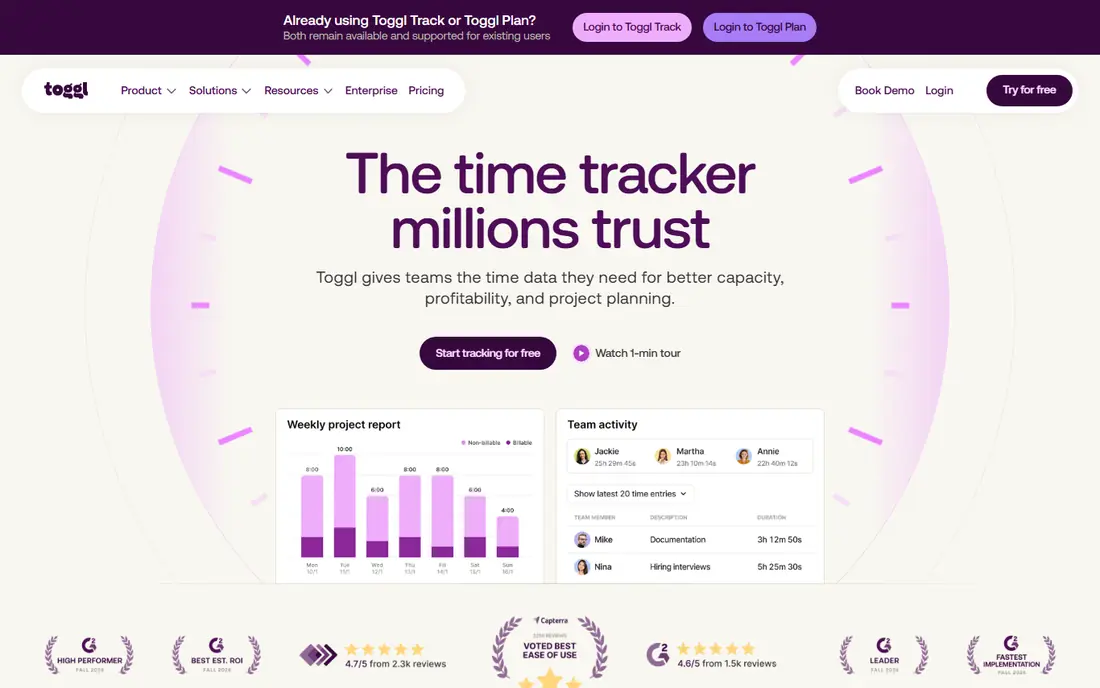
For teams who want simple time tracking, Toggl Track is a strong starting point. It offers clear guides and help pages and regular updates and support, which helps when you need teams who want simple time tracking on a regular basis. We checked its official feature page and pricing page before including it here. The honest catch is some features need a paid plan. Limits apply on the free plan can also matter, especially if you plan to use it every day or share it with a team. That is why a free plan or trial, where available, is worth using first, and why you should check current limits on the official site before you commit to a paid plan.
- Clear guides and help pages
- Regular updates and support
- Good value for teams who want simple time tracking
- Some features need a paid plan
- Limits apply on the free plan
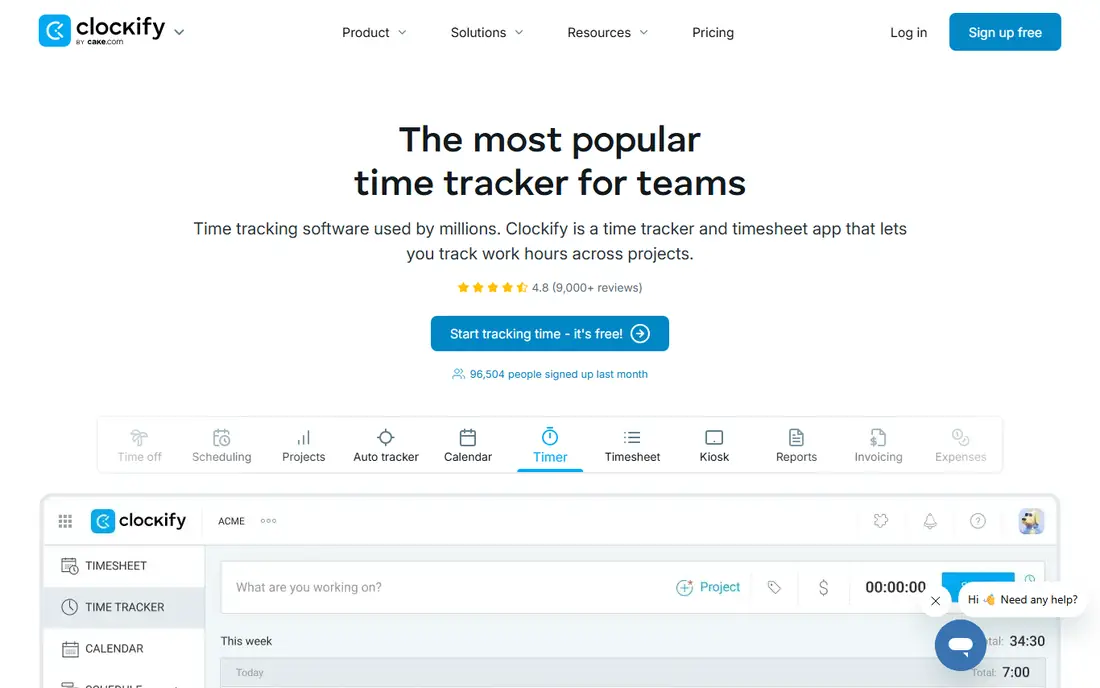
If teams who want a generous free plan matters most, Clockify deserves a close look. It offers regular updates and support and a straightforward setup, which helps when you need teams who want a generous free plan on a regular basis. We checked its official feature page and pricing page before including it here. The honest catch is setup takes time to learn. Support response times vary can also matter, especially if you plan to use it every day or share it with a team. That is why a free plan or trial, where available, is worth using first, and why you should check current limits on the official site before you commit to a paid plan.
- Regular updates and support
- A straightforward setup
- Good value for teams who want a generous free plan
- Setup takes time to learn
- Support response times vary
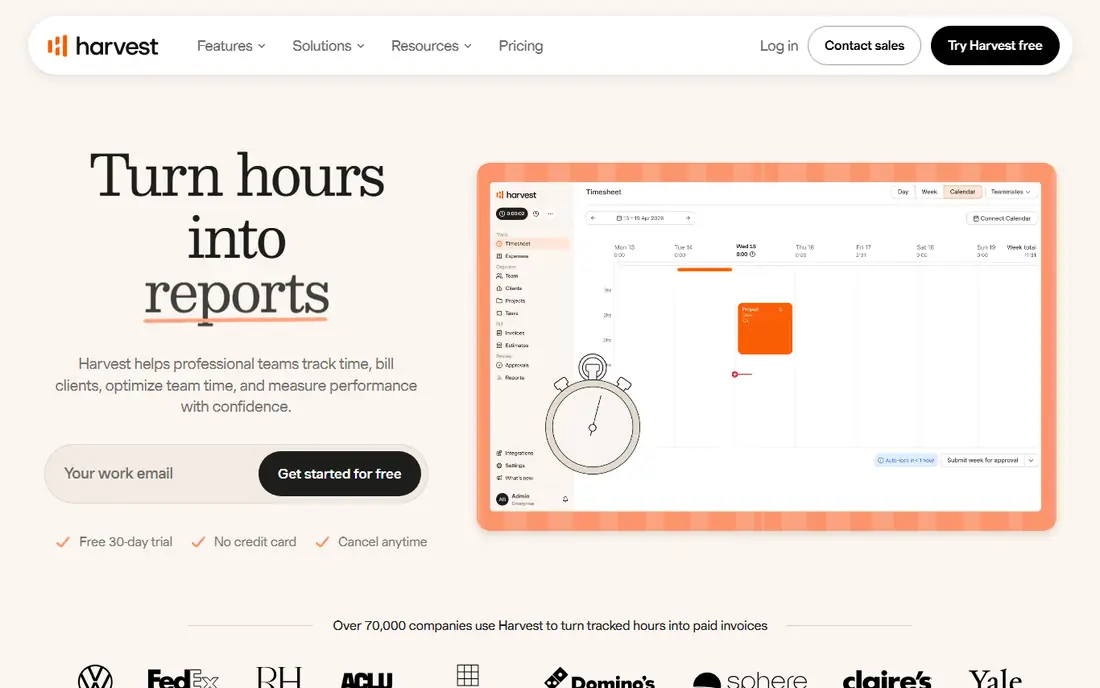
People who need teams tracking time plus invoicing often land on Harvest first. It offers a straightforward setup and good integration options, which helps when you need teams tracking time plus invoicing on a regular basis. We checked its official feature page and pricing page before including it here. The honest catch is limits apply on the free plan. Advanced options need extra setup can also matter, especially if you plan to use it every day or share it with a team. That is why a free plan or trial, where available, is worth using first, and why you should check current limits on the official site before you commit to a paid plan.
- A straightforward setup
- Good integration options
- Good value for teams tracking time plus invoicing
- Limits apply on the free plan
- Advanced options need extra setup
One reason Hubstaff keeps showing up is its focus on remote teams tracking time and activity. It offers good integration options and a clean and readable layout, which helps when you need remote teams tracking time and activity on a regular basis. We checked its official feature page and pricing page before including it here. The honest catch is support response times vary. Some features need a paid plan can also matter, especially if you plan to use it every day or share it with a team. That is why a free plan or trial, where available, is worth using first, and why you should check current limits on the official site before you commit to a paid plan.
- Good integration options
- A clean and readable layout
- Good value for remote teams tracking time and activity
- Support response times vary
- Some features need a paid plan
A good fit for managers who need productivity reports, Time Doctor focuses on practical tools for that job. It offers a clean and readable layout and clear guides and help pages, which helps when you need managers who need productivity reports on a regular basis. We checked its official feature page and pricing page before including it here. The honest catch is advanced options need extra setup. Setup takes time to learn can also matter, especially if you plan to use it every day or share it with a team. That is why a free plan or trial, where available, is worth using first, and why you should check current limits on the official site before you commit to a paid plan.
- A clean and readable layout
- Clear guides and help pages
- Good value for managers who need productivity reports
- Advanced options need extra setup
- Setup takes time to learn
When teams who want automatic tracking is the priority, DeskTime offers a clear route. It offers clear guides and help pages and regular updates and support, which helps when you need teams who want automatic tracking on a regular basis. We checked its official feature page and pricing page before including it here. The honest catch is some features need a paid plan. Limits apply on the free plan can also matter, especially if you plan to use it every day or share it with a team. That is why a free plan or trial, where available, is worth using first, and why you should check current limits on the official site before you commit to a paid plan.
- Clear guides and help pages
- Regular updates and support
- Good value for teams who want automatic tracking
- Some features need a paid plan
- Limits apply on the free plan
For readers who value QuickBooks users tracking staff hours, QuickBooks Time is worth shortlisting. It offers regular updates and support and a straightforward setup, which helps when you need QuickBooks users tracking staff hours on a regular basis. We checked its official feature page and pricing page before including it here. The honest catch is setup takes time to learn. Support response times vary can also matter, especially if you plan to use it every day or share it with a team. That is why a free plan or trial, where available, is worth using first, and why you should check current limits on the official site before you commit to a paid plan.
- Regular updates and support
- A straightforward setup
- Good value for QuickBooks users tracking staff hours
- Setup takes time to learn
- Support response times vary
If you want help with hourly teams scheduling and tracking without extra complexity, consider Homebase. It offers a straightforward setup and good integration options, which helps when you need hourly teams scheduling and tracking on a regular basis. We checked its official feature page and pricing page before including it here. The honest catch is limits apply on the free plan. Advanced options need extra setup can also matter, especially if you plan to use it every day or share it with a team. That is why a free plan or trial, where available, is worth using first, and why you should check current limits on the official site before you commit to a paid plan.
- A straightforward setup
- Good integration options
- Good value for hourly teams scheduling and tracking
- Limits apply on the free plan
- Advanced options need extra setup
Among the options here, Connecteam stands out for deskless teams tracking hours. It offers good integration options and a clean and readable layout, which helps when you need deskless teams tracking hours on a regular basis. We checked its official feature page and pricing page before including it here. The honest catch is support response times vary. Some features need a paid plan can also matter, especially if you plan to use it every day or share it with a team. That is why a free plan or trial, where available, is worth using first, and why you should check current limits on the official site before you commit to a paid plan.
- Good integration options
- A clean and readable layout
- Good value for deskless teams tracking hours
- Support response times vary
- Some features need a paid plan
How we picked these
We started with the official feature pages, pricing pages, app store listings and privacy pages for best employee time tracking app, and we kept only products that exist and work in October 2026 and truly fit the topic. We removed products that were discontinued, that did not match the topic, or that lacked a working official homepage. Where we could not verify a current price, we wrote See website rather than guessing a number. We also looked at public reviews for recurring complaints, such as confusing pricing, missing features or weak support, and we weighed those against the strengths each product claims. Our aim was a list that helps a normal reader choose in one sitting, not a list of every product on the market.
How to choose the right option for you
Start with the job you need to do most often for best employee time tracking app, not with the longest feature list. A tool that does your main job well and is easy to open every day will beat a larger tool that you avoid using. Write down your top three needs, then check each shortlisted option against those needs, using its free plan or trial where one is offered. Next, check total cost, not just the starting price. Look for limits on users, projects, exports or storage, and for add ons that you may need later. If you work with a team, check sharing, permissions and support, because those details matter more once more people rely on the tool. If you work alone, a simpler and cheaper option is often the better fit. Try before you pay. Use a free plan or trial with a real task, not just a quick look around. Test the main workflow, check how easy it is to export your work, and note how long setup takes. If the tool slows you down in the trial, it will likely slow you down later too.
FAQ
What is the best best employee time tracking app for beginners?
For beginners, Toggl Track is a good place to start because it is built for teams who want simple time tracking and has a yes start. Try it with a small real task first, then compare it with Clockify if you need a different strength. The best choice depends on your main job, not on the longest feature list.
Is there a free best employee time tracking app option?
Yes, several options in this list offer a free plan or trial, including Harvest. Free plans usually have limits on features, storage or users, so check those limits on the official site. If you need full features, a paid plan may still be worth it, but a free start helps you test the fit.
How much does best employee time tracking app cost?
Costs vary widely, which is why we list See website where plans change by team size or use. Some tools are free to start, while business tools use custom or tiered pricing. Always check the official pricing page for the current plan that matches your needs.
How do I choose between these options?
List your top three needs, then shortlist two or three options that match them best. Use free plans or trials with a real task, check export options and support, and compare total cost including limits. The option that fits your daily workflow is usually the right pick, even if it is not the largest name here.
Can I switch later if I pick the wrong one?
In most cases, yes, but switching takes time, especially if you have stored a lot of work in one tool. Before you commit, check how easy it is to export your data and whether other tools can import it. Starting with a trial and a small project makes a later switch much easier.