Platform with Best Onboarding Experience in 2026: The 6 Best Options Side by Side
Compare 6 picks for platform with best onboarding experience, with prices, free plans and who each fits. Notes on cost and gaps for each tool. Quick to scan.
- Editor's choice
 Asana
Guided project and workflow setup
Starts at$10.99 per user per monthVisit asana.comFull review - Great alternative
 Notion
Self-built workspaces and templates
Starts at$10 per member per monthVisit notion.soFull review - Also consider
 Airtable
Structured data and workflow apps
Starts at$20 per user a monthVisit airtable.comFull review
Direct answer
Start with Asana if you need guided project and workflow setup. Listed starting prices: Asana from $10.99 per user per month, Notion from $10 per member per month and Airtable from $20 per user a month. Alternatives: Notion for self-built workspaces and templates, and Airtable for structured data and workflow apps. The full list of 6 tools follows, with prices and free plan facts.
TL;DR:
- Asana takes the first slot, best suited to guided project and workflow setup.
- One limit worth knowing about Notion: blank canvas can overwhelm new users.
- For quick team communication rollout, Slack is worth a look.
- Slack has the lowest monthly starting price in this list: $4.38 per user per month.
- Only 5 of the 6 tools have a free plan (Asana, Notion, Airtable, Monday.com, Slack), so check the caps.
Last checked November 2026. Prices and plan details were read from the vendors' own pages in November 2026; vendors change plans often, so confirm the current price on the vendor site before you buy.
Quick comparison
| Tool | Best for | Starts at | Free plan? | |
|---|---|---|---|---|
| Asana | Guided project and workflow setup | $10.99 per user per month | Yes | Visit |
| Notion | Self-built workspaces and templates | $10 per member per month | Yes | Visit |
| Airtable | Structured data and workflow apps | $20 per user a month | Yes | Visit |
 Monday.com | Visual workspace with AI agents | $9 per seat per month | Yes | Visit |
 Stripe | Guided payment product setup | $10.00 a month | Not stated | Visit |
 Slack | Quick team communication rollout | $4.38 per user a month | Yes | Visit |
The 6 tools in detail
Short on time? The summary and table above give the quick view of 6 tools for platform with best onboarding experience, and the profiles that follow give the detail behind each entry.
Choose Asana for guided project and workflow setup. Asana is work and project management software for teams and AI agents to plan, automate and execute critical workflows together.
As projects multiply, workspaces can get cluttered without conventions, and advanced automation needs time to learn. Onboarding is structured around projects, tasks and assignments, so new users can see where their work lives. On cost, Asana starts like this: $10.99 per user per month. Asana has a free plan.
Trade-offs to know: Large workspaces need naming rules.
- Supports human and agent teams
- Clear project and task structure
- Advanced automation takes learning
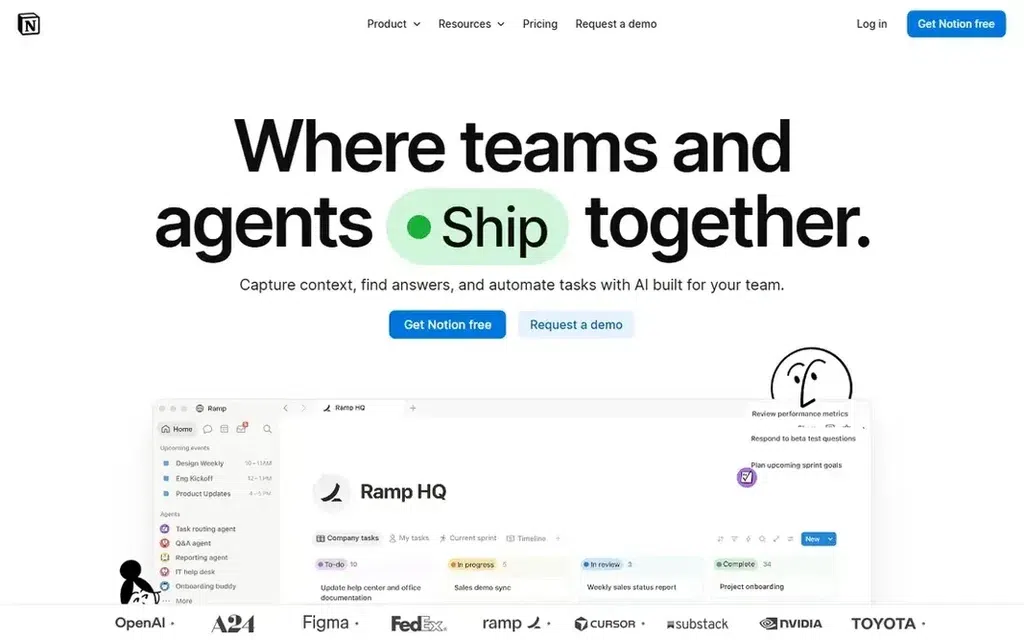
Where Notion fits: self-built workspaces and templates. Onboarding is mostly self-directed: you start from templates or a blank page and shape pages, databases and workflows to match how your team works.
That fits teams that want control over structure and are comfortable designing their own setup instead of following a fixed script. What you pay to start with Notion: $10 per member per month. Notion has a free plan.
Watch-outs: Blank canvas can overwhelm new users.
- AI search across connected apps
- Adaptable page and database building
- Structure relies on your own planning
Think of Airtable for structured data and workflow apps. Airtable is a product for building AI workflows, apps and agents, with live collaboration and automation for repetitive tasks.
More specifically, getting the most from Airtable needs thinking through your data model, and complicated bases can become hard to maintain. Beyond that, onboarding frequently starts from a template, which hands teams a working structure they can adapt. On cost, Airtable starts like this: $20 per user per month. Free access exists with Airtable.
Limits to weigh: Data modeling takes planning.
- Merges databases with apps
- Automation for repetitive tasks
- Advanced setups grow complicated
Monday.com is aimed squarely at visual workspace with AI agents. Monday.com is an AI workspace where people and agents work side by side to execute, handle and operate together.
The main drawbacks: Boards need structure to stay handy.
For everyday use, the adaptability can result in over-configuration, and boards lose value without agreed structure. What you pay to start with Monday.com: $9 per seat per month. You can start on Monday.com without paying.
- AI agents alongside people
- Adaptable setup for plenty of workflows
- Adaptability can invite over-configuration
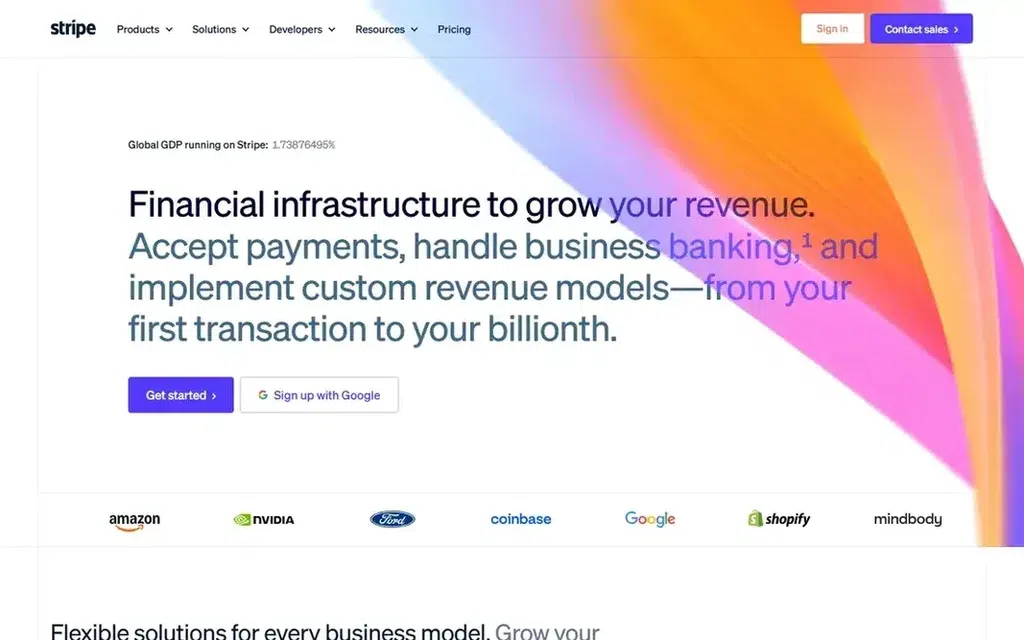
Stripe is aimed squarely at guided payment system setup. Its onboarding leans on documentation and guided configuration, which fits companies that want a clear path from signup to accepting payments.
Stripe cost at the entry level: $10.00 per month. Free plan details: Not stated.
Points against: Needs technical comfort for advanced use.
- Structured setup path for payments
- Clear developer documentation
- Payment setup involves compliance steps
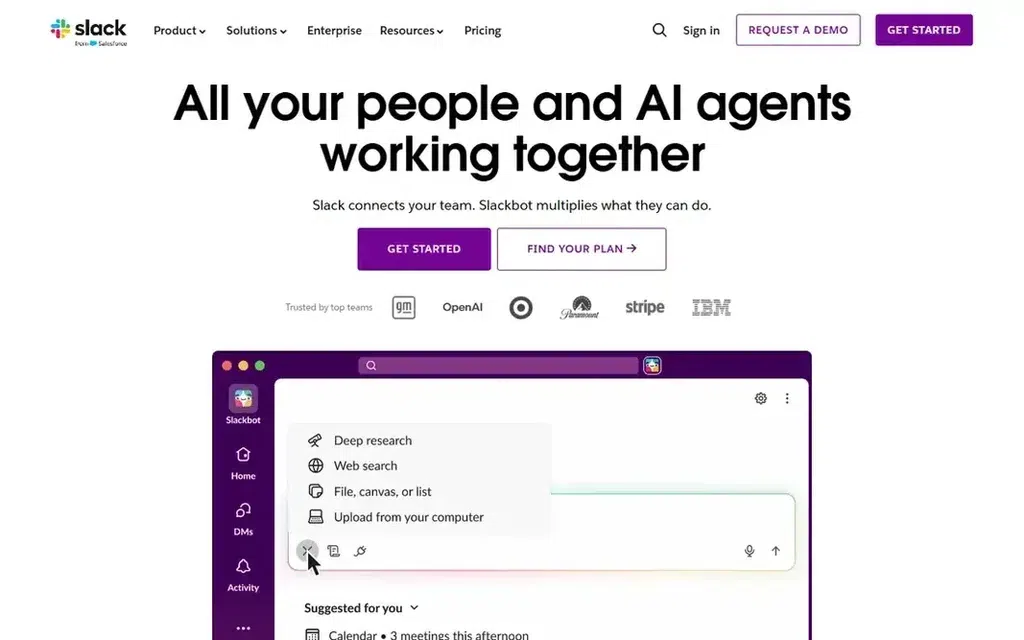
Think of Slack for quick team communication rollout. Onboarding is quick since channels map naturally to teams and projects, so people can join conversations and start collaborating almost at once.
On top of that, without channel conventions, workspaces can become noisy and hard to navigate as they grow. As for the details, if your priority is structured project planning instead of conversation, a dedicated work management tool may serve you better. Price to start with Slack: $4.38 per user per month. A free plan is available with Slack.
Drawbacks to consider: Notification overload without rules.
- Workflow automation built in
- Fast channel-based setup
- Structure needs governance over time
How these tools were picked
What to check before you buy
- Check the vendor page for the current price: Slack starts at $4.38 per user per month here, and seats or billing terms can move it.
- Look at free plan limits closely: Asana, Notion, Airtable and others have one, and the caps decide whether it is usable for real work.
- Before choosing Asana, weigh its main limit: large workspaces need naming rules.
- Look at which plan of Monday.com unlocks the features you need; entry tiers are often cut down.
- Look at the renewal terms for Airtable: auto-renewal, notice periods and price changes can matter more than the first-year price.
FAQ
Do these tools publish their prices?
Yes. Every tool from Asana to Slack shows a starting price, though seats, add-ons and billing terms still change the final cost.
Which options for platform with best onboarding experience have a free plan?
On this list, Asana, Notion, Airtable, Monday.com and Slack include a free plan. Caps on seats, usage or features are common, so test the free plan against your real workload.
What is the cheapest option for platform with best onboarding experience in this list?
On published monthly entry prices, Slack is the lowest here at $4.38 per user per month. Entry price is only part of the cost, because seats, add-ons and billing terms can change the total. For the full picture, the cards above cover all 6 entries of this platform with best onboarding experience list, including price, free plan and limits.
Can I customize onboarding in Notion and Airtable?
That adaptability helps teams with clear plans but can slow down those who want a fixed script. Consider how much design work your team can take on.
What should I check before choosing an onboarding product?
Confirm documented setup guidance, template availability, import choices and how well the tool matches your workflow type. Also check integration needs and whether your team prefers a guided or self-directed start.
How are the tools for platform with best onboarding experience ordered?
The order follows typical fit for platform with best onboarding experience, with Asana first and Slack last, then price clarity and free access. It is editorial judgement, not a score, so another team could rank the tools differently.
Sources
- https://asana.com
- https://www.notion.so
- https://www.airtable.com
- https://monday.com
- https://stripe.com
- https://slack.com