6 Best Digital Employee Experience Management Software for 2026, Vetted and Compared
Compare 6 picks for the best digital employee experience management software, with prices, free plans and who each fits. Real limits included. Costs up front.
- Editor's choice
 Workvivo
AI-native employee experience and community
Starts atPricing on requestVisit workvivo.comFull review - Great alternative
 ServiceNow
Workflow automation and employee service delivery
Starts atPricing on requestVisit servicenow.comFull review - Also consider
 Workday
HR and finance-centric employee experience
Starts atPricing on requestVisit workday.comFull review
Direct answer
Start with Workvivo if you need AI-native employee experience and community. For a different need, ServiceNow covers workflow automation and employee service delivery and Workday covers HR and finance-centric employee experience. The full list of 6 tools follows, with free plan facts. None of these vendors publish plan prices, so pricing is on request for every option.
TL;DR:
- This list starts with Workvivo, which is built for AI-native employee experience and community.
- Microsoft Viva fits integrated employee experience within Microsoft 365.
- No starting price is shown for any of the 6 tools, Workvivo and Microsoft Viva included, so plan time for sales calls.
- A fair warning about Workvivo: may be less known in some markets.
- None of the 6 tools, from Workvivo to Microsoft Viva, has a free plan, so budget for a subscription or use a trial.
Last checked November 2026. Pricing on request: vendors did not publish plan prices when this guide was last checked (November 2026), so ask each vendor for a written quote.
Quick comparison
| Tool | Best for | Starts at | Free plan? | |
|---|---|---|---|---|
| Workvivo | AI-native employee experience and community | Pricing on request | No | Visit |
| ServiceNow | Workflow automation and employee service delivery | Pricing on request | Not stated | Visit |
| Workday | HR and finance-centric employee experience | Pricing on request | Not stated | Visit |
 Simpplr | AI-powered intranet with EX agents | Pricing on request | Free trial | Visit |
 LumApps | Adaptable and scalable employee intranet | Pricing on request | Not stated | Visit |
 Microsoft Viva | Integrated employee experience within Microsoft 365 | Pricing on request | Not stated | Visit |
Digital Employee Experience Management Software compared in detail
LinkVetted put together this guide to digital employee experience management software for readers who want a clear shortlist without reading every vendor page. It compares 6 tools on starting price, free plans, who each one suits and where each one falls short.
Workvivo targets AI-native employee experience and community. If you need a full suite for HR and finance, consider Workday or ServiceNow.
More specifically, Workvivo is especially appealing to firms that value social collaboration and AI-driven personalization. In daily use, Workvivo is an AI-native employee experience product that enables people, unlocks knowledge, and deepens understanding. This comparison lists no price for Workvivo; ask the vendor. Workvivo has no free plan.
Points against: Restricted public pricing information.
- Fosters community and understanding
- AI-native system for modern EX
- May be less known in some markets
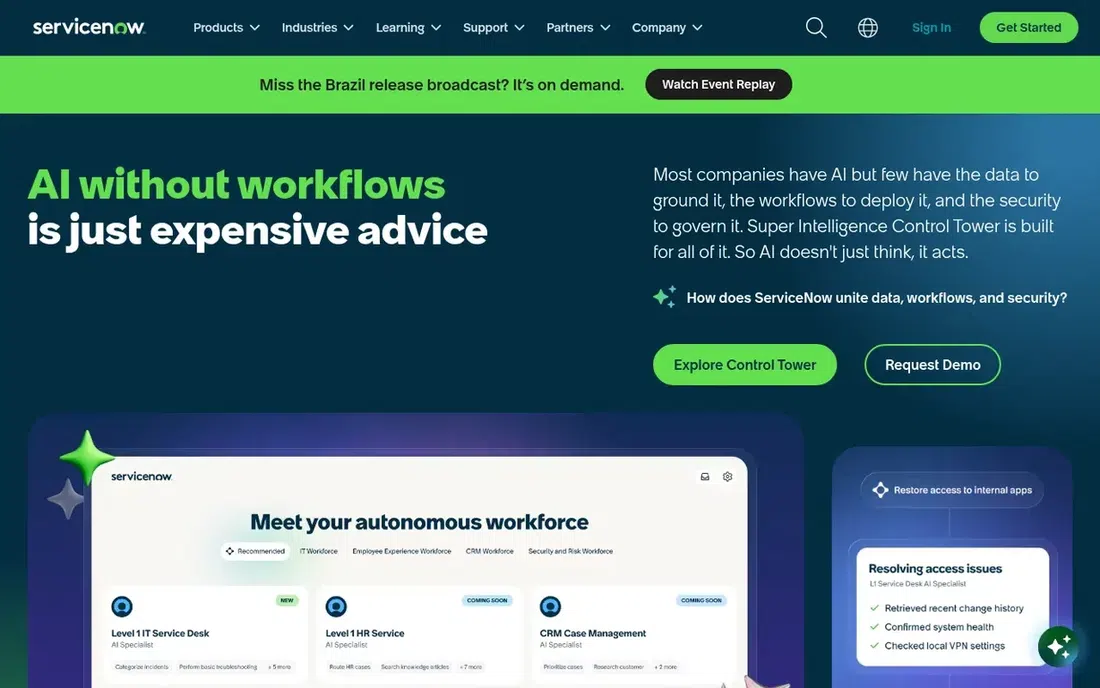
Pick ServiceNow if this describes you: workflow automation and employee service delivery. For more straightforward communication and intranet needs, LumApps or Workvivo might be a better fit.
Drawbacks to consider: Can be expensive for full-scale deployment.
Pricing for ServiceNow is not stated here, so ask the vendor for current figures. Free plan details: Not stated.
- Capable AI system for enterprise workflows
- Simplifies employee service and support processes
- Steep ramp-up time and configuration effort
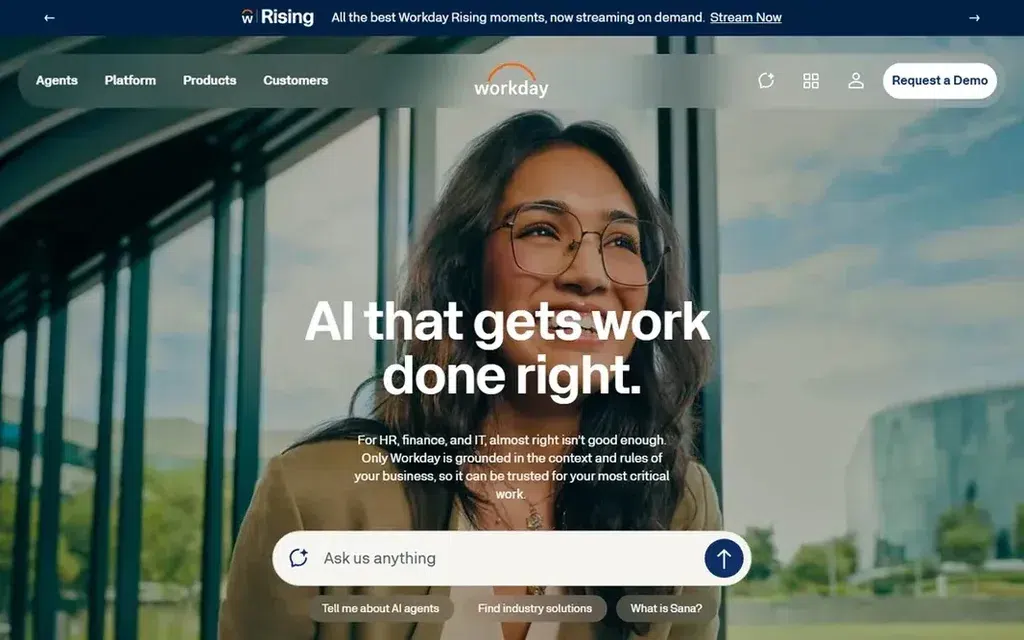
Workday was built for HR and finance-centric employee experience. Workday is an enterprise AI product for HR, finance, and IT, now enhanced with Sana and agentic AI. It provides a full suite for managing people, finances, and planning, with employee experience embedded across HR processes.
Worth adding: Workday's breadth means it can be complicated to deploy and customize, commonly requiring dedicated resources. It may not be the best fit for firms looking for a light, standalone EX tool. Check the vendor site for Workday pricing; none is listed in this comparison. As for free access: Not stated.
Drawbacks to consider: Implementation can be complicated and time-consuming.
- AI and agentic capabilities for simplified workflows
- Unified system for HR, finance, IT
- May be overkill for smaller organizations
Choose Simpplr for AI-powered intranet with EX agents. Simpplr is an AI-powered intranet product with specialized EX agents that help employees stay informed, find what they need, get support, and move everyday needs forward. Also, as a newer product, Simpplr may have fewer integrations than more established suites.
The main drawbacks: May need integration for full HR functionality.
What users get: Modern. It concentrates on intranet and EX agents, so organizations needing deep HR or finance capabilities might pair it with another system. Beyond that, if you want a thorough suite from a single vendor, Microsoft Viva or Workday could be better. This comparison lists no price for Simpplr; ask the vendor. Trial and free access: Free trial.
- Approachable interface
- Helps employees stay informed and find support
- Newer player compared with some established vendors
LumApps targets adaptable and scalable employee intranet. Whereas LumApps is adaptable, it may need significant configuration to align with specific workflows. It boosts communication, productivity, and learning by offering a central hub for company news, tools, and resources.
The main drawbacks: May need IT resources for customization.
In daily use, organizations without dedicated IT support might find setup challenging. Beyond that, LumApps is a solid fit for mid-size to large enterprises seeking a configurable digital workplace. If you prioritize out-of-the-box AI or agent-based support, Simpplr could be a more solid choice. LumApps does not show a starting price in this comparison, so check the vendor site for current pricing. Trial and free access: Not stated.
- Capable communication and collaboration features
- Highly customizable intranet experience
- Pricing not transparent for all budgets
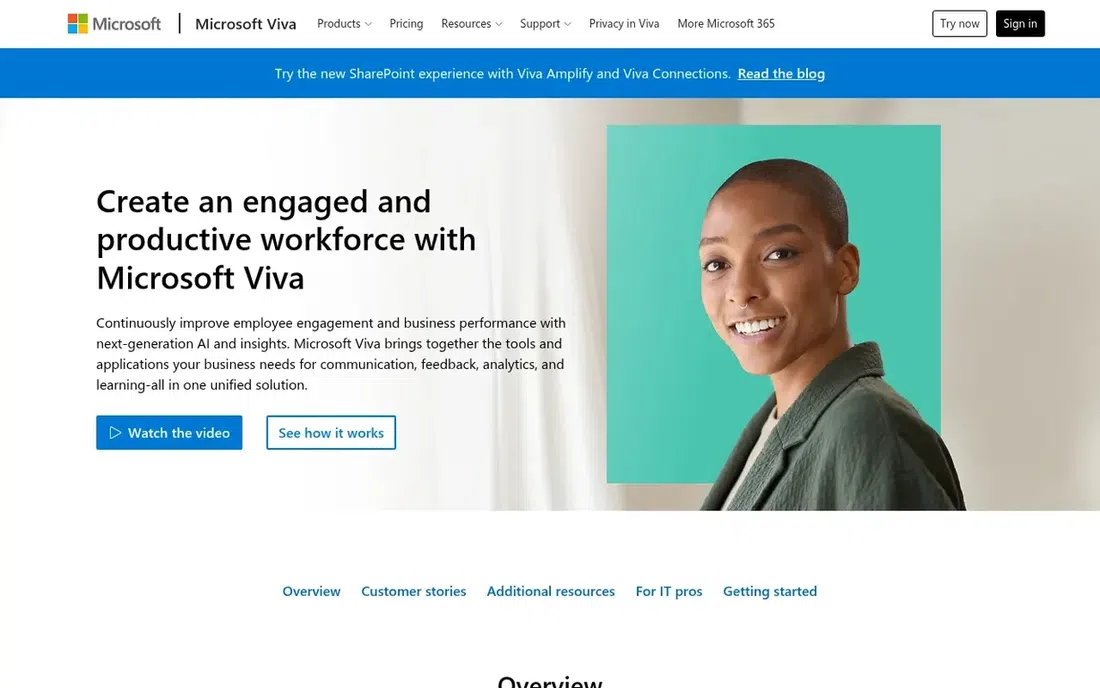
In short, Microsoft Viva is for integrated employee experience within Microsoft 365. Microsoft Viva is an employee experience product that boosts engagement, connection, insights, and growth, enabling teams to be their best from anywhere. It brings together tools for communications, knowledge, learning, and well-being, making it a solid fit for organizations already invested in the Microsoft ecosystem.
Viva's effectiveness is closely tied to Microsoft 365 adoption; organizations using other productivity suites may find integration less smooth. Also, some modules need extra licensing and setup. Pricing for Microsoft Viva is not stated here, so ask the vendor for current figures. As for free access: Not stated.
The main drawbacks: Best value for organizations already using Microsoft 365.
- Full suite handling engagement, insights, growth
- AI-powered features for personalized experiences
- May need extra configuration for full functionality
How these tools were picked
The comparison looks at four things: starting price, free access, how well the feature set matches digital employee experience management software, and the main limit of each tool. Where a price is missing, the vendor does not list one publicly or ties it to a quote. Always confirm before budgeting. Position on the page reflects fit for a typical buyer first, with price clarity and free access breaking ties. Treat it as a guide, not a ruling.
What to confirm before you sign up
- Request quotes from Workvivo, Microsoft Viva and the others; the list shows no fixed prices.
- Run a trial of Simpplr with real work before paying for a year; your own workflow is the best test.
- Before choosing Workvivo, weigh its main limit: may be less known in some markets.
- Work out what Simpplr costs with your real seat count, add-ons and usage, not just the entry price.
- Let daily users try Microsoft Viva on real work; their feedback beats any feature checklist.
FAQ
Do these tools publish their prices?
No. None of the tools, from Workvivo to Microsoft Viva, shows a fixed starting price here, so budget time for quotes.
Can I try these options before paying?
Often, yes. Simpplr offers a free trial. Use your own data and a real task during the test, and check what the free tier or trial limits before you rely on it. Prices, free plan details and limits for all 6 tools in this digital employee experience management software roundup sit on the individual cards above.
Does any tool for digital employee experience management software here have a free plan?
A permanent free plan is not offered by Workvivo, Microsoft Viva or the other tools here. Simpplr offer a trial. Plan a short evaluation period instead.
How are the tools for digital employee experience management software ordered?
Workvivo sits first and Microsoft Viva last because the order follows typical fit for digital employee experience management software, then price clarity and free access. It is a judgement call, so read each profile for fit and limits.
What is digital employee experience management software?
Digital employee experience management software helps organizations boost engagement, communication, and productivity by offering tools for intranet, collaboration, and insights. It usually contains features like personalized content, analytics, and workflow automation to enhance the employee journey.
Sources
- https://www.workvivo.com
- https://www.servicenow.com
- https://www.workday.com
- https://www.simpplr.com
- https://www.lumapps.com
- https://www.microsoft.com/en-us/microsoft-viva