6 Best Defect Tracking Software for 2026, Vetted and Compared
Best defect tracking software: 6 contenders ranked by fit, with entry costs and free tiers. Clear notes on pricing gaps and limits. Narrow your shortlist.
- Editor's choice
 Redmine
Open-source project and issue tracking
Starts atSee websiteVisit redmine.orgFull review - Great alternative
 Asana
Work management with defect workflows
Starts at$10.99 per user a monthVisit asana.comFull review - Also consider
 YouTrack
All-in-one tracking for product teams
Starts atSee websiteVisit jetbrains.comFull review
Direct answer
This list puts Redmine first for open-source project and issue tracking. Listed starting prices: Asana from $10.99 per user a month. Asana is better for work management with defect workflows, and YouTrack is better for all-in-one tracking for product teams. The other 3 tools in the list cover narrower or pricier cases.
TL;DR:
- Redmine is the opening pick, best for open-source project and issue tracking.
- Check the limits for Redmine before you commit: setup and maintenance required.
- The cheapest monthly starting price in the list is $10.99 per user per month, offered by Asana.
- MantisBT is the one to check for light self-hosted bug tracking.
- Asana stands alone as the one tool in this list with a free plan.
Last checked November 2026. Prices and plan details were read from the vendors' own pages in November 2026; vendors change plans often, so confirm the current price on the vendor site before you buy.
Quick comparison
| Tool | Best for | Starts at | Free plan? | |
|---|---|---|---|---|
| Redmine | Open-source project and issue tracking | See website | Not stated | Visit |
| Asana | Work management with defect workflows | $10.99 per user a month | Yes | Visit |
| YouTrack | All-in-one tracking for product teams | See website | Not stated | Visit |
 Azure DevOps | Microsoft-aligned teams needing planning and CI/CD | See website | Not stated | Visit |
 Jira | Teams wanting adaptable planning with defect tracking | See website | Not stated | Visit |
 MantisBT | Light self-hosted bug tracking | See website | Not stated | Visit |
Defect Tracking Software, one by one
If you are comparing defect tracking software, this page covers 6 tools in one place: what each is best for, what it costs to start, whether it has a free plan, and the main limit to know about.
Redmine serves open-source project and issue tracking. Teams wanting a hosted service with vendor support may prefer another choice. From a buyer's view, pick Redmine when self-hosting and open-source adaptability matter most.
What to check first: Setup and maintenance required.
In daily use, Redmine is an open-source project management and issue tracking application that teams self-host. It supports several projects and issue tracking within an adaptable structure. Redmine shows no starting price here, so confirm the cost on the vendor site. Free options: Not stated.
- Adaptable project structure
- Issue tracking with project features
- Extensions vary in quality
Where Asana fits: work management with defect workflows. Asana is work management software for teams and AI agents, with planning, automation and execution of workflows described on its homepage.
Starting cost for Asana: $10.99 per user per month. You can start on Asana without paying.
Downsides: Not a dedicated bug tracker.
- Supports human and AI agent teams
- Clear work management interface
- Defect tracking needs configuration
YouTrack is built with all-in-one tracking for product teams in mind. YouTrack from JetBrains is project management software that places tasks, projects, a knowledge base, customer support and collaboration in one place, as described on its homepage.
More specifically, choose YouTrack when you want defect tracking alongside project management and team knowledge. Also, the all-in-one approach means more features to evaluate and configure than a dedicated bug tracker. No starting price is listed for YouTrack here; confirm pricing on the vendor site. Free plan details: Not stated.
Points against: Wide feature set may overwhelm.
- Made for every team member
- Projects and knowledge base together
- Less centred on bugs alone
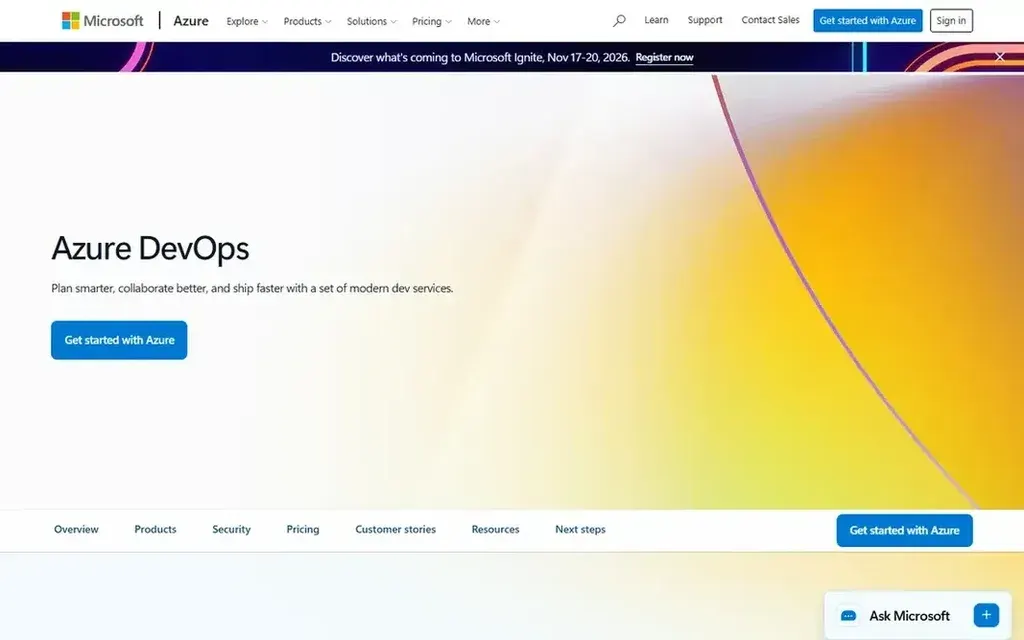
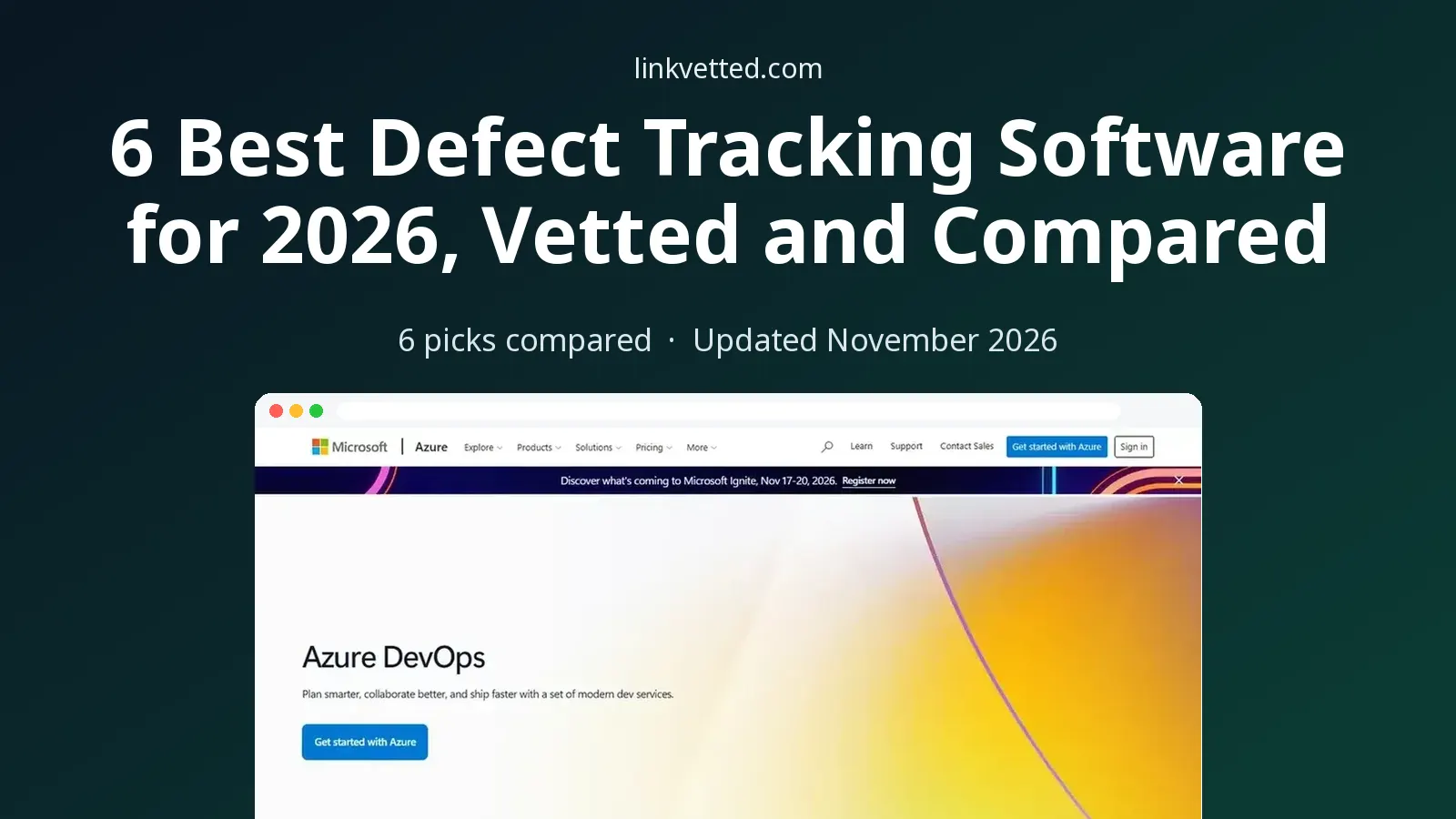
For Microsoft-aligned teams needing planning and CI/CD, Azure DevOps is a natural candidate. Azure DevOps is Microsoft's service for planning, collaborating and shipping software, with agile tools, CI/CD and agentic AI described on its homepage. In daily use, organizations outside the Microsoft ecosystem may prefer a more focused tracker.
The system handles plenty of ground, so teams may need time to learn its structure and decide which services to adopt. Pick Azure DevOps when you want defect tracking tightly connected to pipelines and agile planning. No starting price is listed for Azure DevOps here; confirm pricing on the vendor site. Trial and free access: Not stated.
Limits to weigh: Wide surface area to learn.
- Agentic AI features
- CI/CD integrated with tracking
- Best value inside Microsoft ecosystem
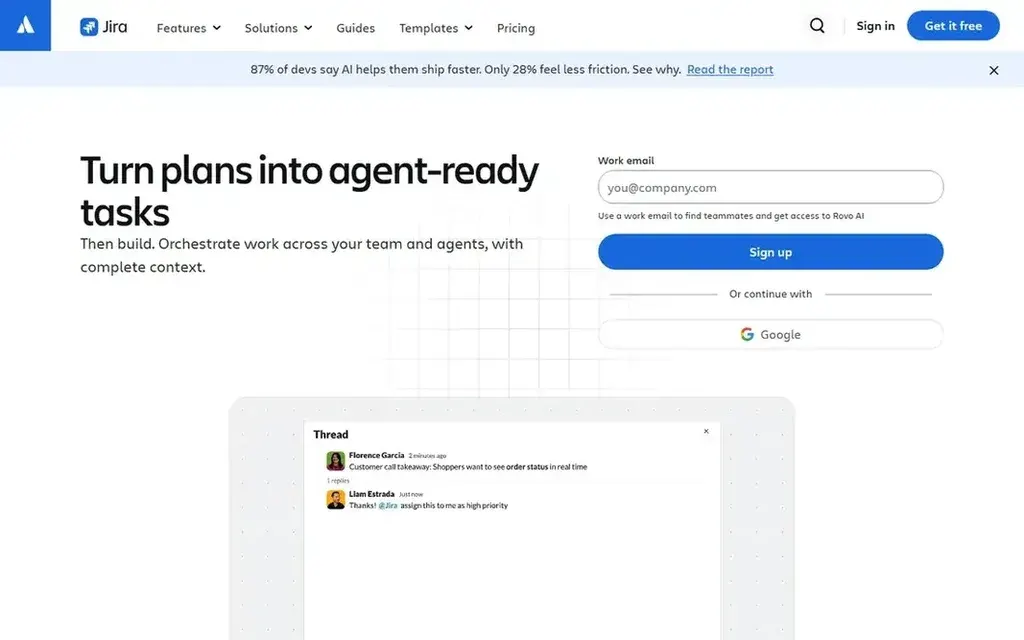
Jira makes the most sense for teams wanting adaptable planning with defect tracking. Jira is a project management product from Atlassian that teams use to plan, track and release software, with defect tracking handled through customizable issue types and workflows.
In daily use, the adaptability that makes Jira adaptable also means setup and administration can take effort, and smaller teams may find the model heavier than needed. Worth adding: choose Jira when defect tracking should live alongside planning and project visibility. Jira shows no starting price here, so confirm the cost on the vendor site. Free options: Not stated.
Where it is weaker: May be more than small teams need.
- AI agents for planning and tracking
- Capable ecosystem of integrations
- Configuration can become complicated
MantisBT serves light self-hosted bug tracking. It is a focused defect tracker rather than a full planning suite.
On top of that, since MantisBT concentrates on bug tracking, teams needing roadmaps, portfolios or integrated CI/CD may need extra tools. No starting price is listed for MantisBT here; confirm pricing on the vendor site. Free access: Not stated.
Drawbacks to consider: Restricted project management scope.
- Runs on PHP with typical databases
- Web-based and open source
- Needs hosting and maintenance
What went into this list
Selection started from tools commonly considered for defect tracking software, then narrowed to 6 that have clear pricing information or a clear quote process. Where a price is missing, the vendor does not list one publicly or ties it to a quote. Always confirm before budgeting. The sequence is a judgement call: typical use case first, then pricing transparency, then free access. Use the profiles to check fit.
Before you commit
- Ask Redmine, YouTrack, Azure DevOps and others for a written quote, since no starting price is shown.
- Look at the free plan from Asana closely: its caps decide whether it is usable for real work.
- Read the limits listed for Redmine first: setup and maintenance required.
- Confirm you can export your data from Jira, so leaving later does not mean losing records.
- Work out what Redmine costs with your real seat count, add-ons and usage, not just the entry price.
FAQ
What should I look for in defect tracking software?
Focus on how bugs are recorded, assigned and verified, and whether workflows match your process. Also check integrations with your development tools, reporting for triage, and hosting or administration requirements.
How are the tools for defect tracking software ordered?
The order follows typical fit for defect tracking software, with Redmine first and MantisBT last, then price clarity and free access. It is editorial judgement, not a score, so another team could rank the tools differently.
Can general project management tools track defects?
Tools for example Jira, YouTrack and Asana can model defects through tasks or issues and link them to broader work. Dedicated trackers may still be preferable for high bug volume or engineering-specific triage and reporting.
Do these tools publish their prices?
Not all of them. Redmine, YouTrack, Azure DevOps and others publish no starting price, so expect a quote request for those. The rest, Asana included, show a starting price, though seats and billing terms still change the final cost.
Is Redmine the right pick for everyone comparing defect tracking software?
No single tool suits every team. Redmine comes first because it fits open-source project and issue tracking, while Asana suits work management with defect workflows and YouTrack suits all-in-one tracking for product teams. Match the tool to your own size, budget and workflow before deciding.
What is the cheapest option for defect tracking software in this list?
On published monthly entry prices, Asana is the lowest here at $10.99 per user per month. Entry price is only part of the cost, because seats, add-ons and billing terms can change the total.
Sources
- https://www.redmine.org
- https://asana.com
- https://www.jetbrains.com/youtrack
- https://azure.microsoft.com/en-us/products/devops
- https://www.atlassian.com/software/jira
- https://www.mantisbt.org