Best Applicant Tracking Software in 2026: 8 Tools Compared
Compare the best applicant tracking software in 2026, from Greenhouse and Lever to Workable and JazzHR, with pricing and hiring advice for growing firms.

- Editor's choice
 Greenhouse
Larger teams and structured hiring
Starts atSee websiteVisit greenhouse.comFull review - Great alternative
 Lever
Recruiting CRM and midsize teams
Starts atSee websiteVisit lever.coFull review - Also consider
 Workable
Growing firms and clear pricing
Starts at$299 per monthVisit workable.comFull review
TL;DR:
- Workable offers the clearest published pricing among the larger tools here.
- Greenhouse and Lever suit larger teams with complex hiring and reporting needs.
- JazzHR and Breezy HR give small teams a lower-cost entry point.
- Add-ons for texting, video, and assessments can change the true monthly cost.
Quick comparison
| Tool | Best for | Starts at | Free plan? | |
|---|---|---|---|---|
| Greenhouse | Larger teams and structured hiring | See website | No | Visit |
| Lever | Recruiting CRM and midsize teams | See website | No | Visit |
| Workable | Growing firms and clear pricing | $299 per month | Free trial | Visit |
 JazzHR | Small businesses on a budget | $1,000 per year | No | Visit |
 Breezy HR | Visual pipelines for small teams | $157 per month | Yes | Visit |
 Zoho Recruit | Zoho users and small agencies | $25 per user per month | Free trial | Visit |
 Ashby | Data-driven hiring teams | See website | No | Visit |
 Recruitee | Midsize teams and collaboration | See website | No | Visit |
The best applicant tracking software
We compared hiring tools that post jobs, track candidates, and support fair, structured interviews. Our pick for most growing firms is Workable, because it combines clear pricing with a broad hiring toolkit. Greenhouse is the stronger choice for larger teams that need deep reporting and controls.
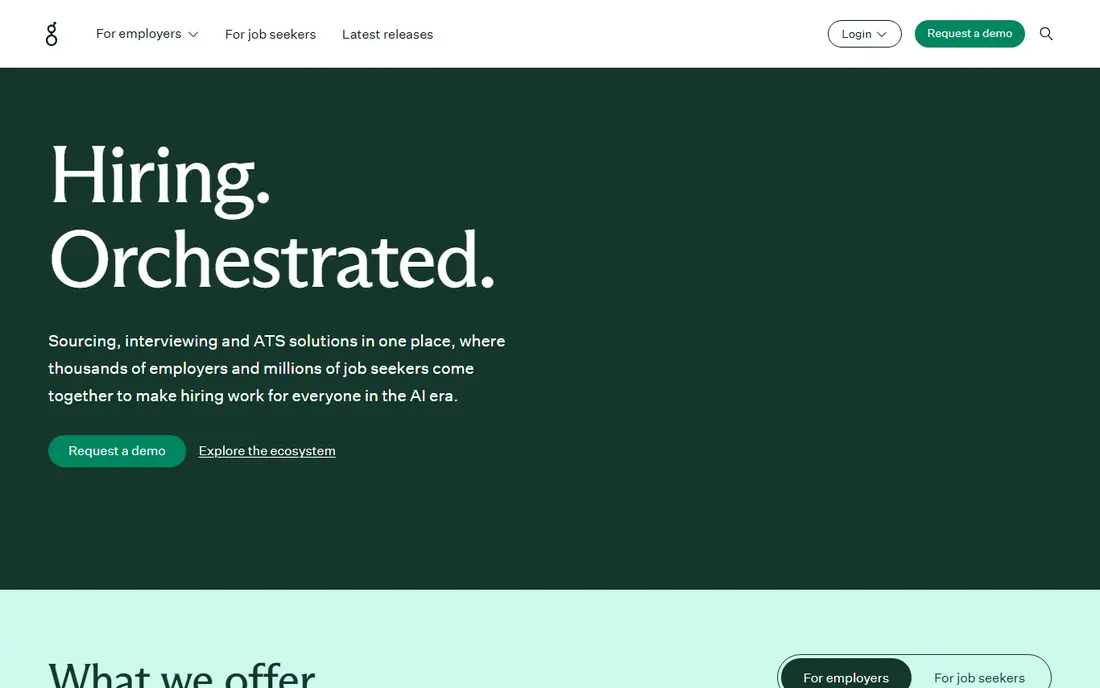
Greenhouse is built for teams that hire often and want a consistent process for every role. Structured interview kits, scorecards, and approval flows help hiring managers compare candidates on the same criteria, rather than on gut feeling alone. Its reporting also shows where candidates drop out and which sources work best.
The catch is price and setup. Greenhouse is sold by quote, so small teams cannot compare a simple monthly figure, and configuring scorecards, stages, and permissions takes planning. It fits best when hiring volume, compliance, and reporting justify that investment.
- Structured interview kits
- Strong reporting
- Wide integration set
- Quote-only pricing
- Setup takes time for small teams
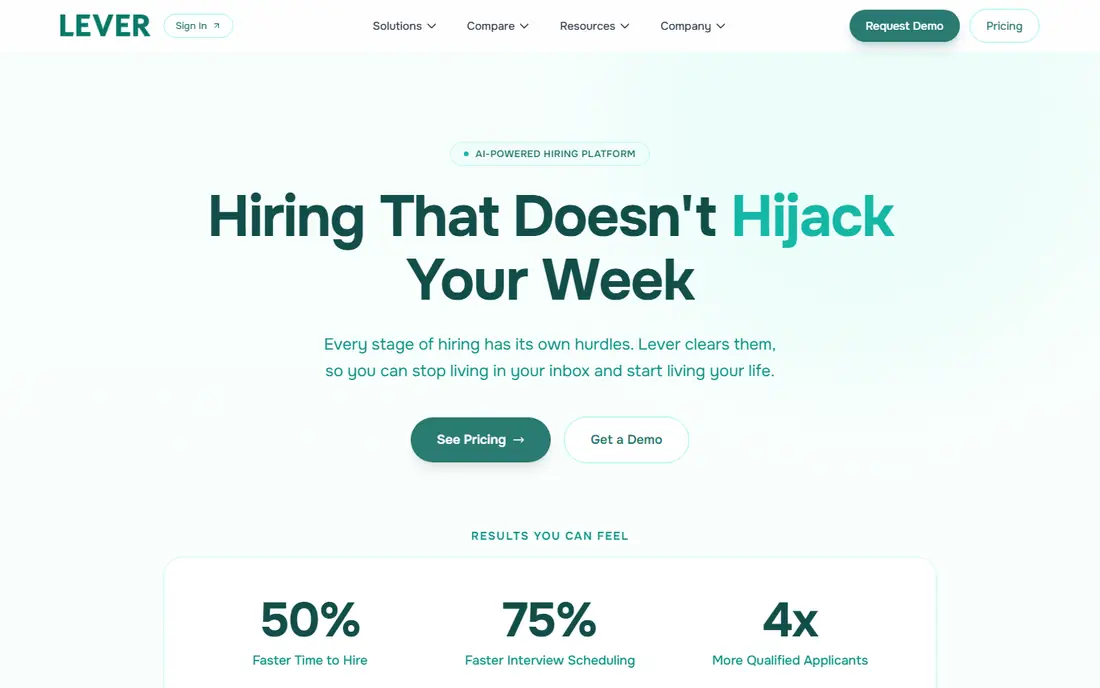
Lever blends an applicant tracker with a recruiting CRM, so teams can nurture past candidates and source new ones in the same system. Automation can move candidates, send reminders, and trigger tasks, which cuts manual follow-up for busy recruiters. Its sourcing tools help teams build talent pools before a role opens.
The catch is cost clarity. Lever is quote-only, and some advanced AI features sit outside the base plan. Small teams with only a few hires a year may find it more than they need. It fits best when sourcing and relationship building matter as much as tracking active applicants.
- Candidate CRM
- Automation
- Strong sourcing tools
- Quote-only pricing
- Some AI features cost extra
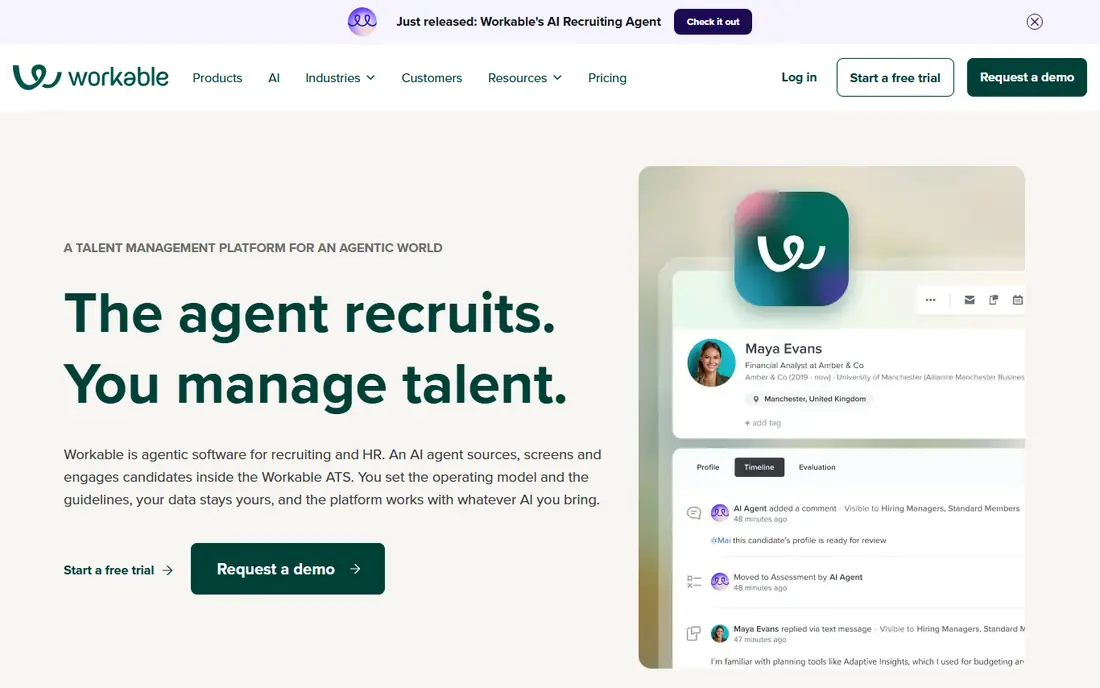
Workable is the practical middle ground for many growing firms. It posts jobs, tracks candidates, supports collaboration, and includes a sourcing suite, all with published pricing that makes budgeting easier. An HR bundle can add onboarding and time off for teams that want hiring and HR in one place.
The catch is add-ons. On the Standard plan, texting, video interviews, and assessments cost extra each month, and prices rise with company size. Buyers should price the bundle they actually need, not just the base plan, and test the mobile experience for hiring managers.
- Published pricing
- Sourcing suite
- Optional HR bundle
- Texting, video, and assessments are paid add-ons on Standard
JazzHR gives small businesses a focused hiring tool at a lower entry cost than enterprise systems. It covers job posting, candidate tracking, email templates, and basic reporting, which is enough for teams hiring a handful of roles each year. Its annual entry plan is easy to budget.
The catch is limits. The entry plan caps monthly job postings, and standard pricing does not apply to agencies, franchises, multi-location firms, or firms over 250 staff. Check those terms before you buy, and compare the next tier if you hire often or post many roles.
- Low entry cost
- Job posting
- Candidate workflows
- Job posting caps on entry plan
- Standard pricing has eligibility limits
Breezy HR makes hiring visual. Candidates move along a drag-and-drop pipeline, and team members can comment, score, and schedule without hunting through email. A free starter plan with one active position lets tiny teams test the workflow before paying.
The catch is add-ons and tiers. AI features and SMS texting cost extra, and e-signatures and custom scorecards start on higher plans. For a small team with simple hiring, the free or entry plan may be enough. For heavier hiring, price the tier that includes the tools you will actually use.
- Free starter plan
- Visual pipeline
- Easy collaboration
- AI and texting are paid add-ons
- E-signatures need higher tiers
Zoho Recruit suits teams that already use Zoho tools or that want per-user pricing. It covers job posting, resume parsing, candidate tracking, and client or department management for agencies and in-house teams. Its low entry price makes it easy to add recruiters as a team grows.
The catch is polish. The interface can feel dense at first, and some automation and reporting features sit on higher tiers. Teams outside the Zoho world should test its job board and email integrations carefully. For value-first buyers, it remains a strong option.
- Low per-user price
- Zoho links
- Resume parsing
- Interface can feel dense
- Some features need higher tiers
Ashby is built for teams that want hiring data they can act on. It links sourcing, scheduling, interviews, and offers, and its analytics show conversion rates, time to hire, and interviewer load. That view helps teams fix slow stages instead of guessing where hiring stalls.
The catch is depth. Ashby is a full hiring platform, so small teams with simple needs may find setup heavier than a lighter tool. Pricing details vary by plan, so request a clear quote for your team size and modules. It fits best when hiring is a core, repeated operation.
- Strong analytics
- Scheduling
- Structured hiring tools
- Quote and tier details vary
- Smaller teams may find it deep
Recruitee, now part of Tellent, gives midsize teams a collaborative hiring workspace with career sites, workflows, and automation. Hiring managers can review, comment, and schedule in one place, which reduces the email threads that slow decisions. Its automation can move candidates and send reminders on schedule.
The catch is price clarity. Recruitee is quote-only, so buyers must request a figure for their size and needs. Teams should also confirm the current brand and support path, since the Tellent name appears in newer material. For midsize hiring, it is a capable alternative to the largest names.
- Collaborative hiring
- Career site tools
- Workflow automation
- Quote-only pricing
- Brand now sits under Tellent
How we picked these
We compared official feature and pricing pages, product documentation, and public reviews, and we noted where pricing is published, quoted, or capped by jobs and users. We favored tools that are actively sold in October 2026 and that explain add-on costs for texting, video, and assessments. We did not claim hands-on testing. Where a vendor quotes rather than publishes a price, we wrote See website instead of guessing.
Price the full hiring workflow, not just the base plan
Start by mapping your hiring flow: post, source, screen, interview, offer, and onboard. Count how many roles you fill each year, how many hiring managers take part, and which add-ons you truly need, such as texting, video interviews, or assessments. Those answers set the real cost, since several tools charge extra for features that look standard in a demo. Next, test the candidate experience. Apply for a test role on mobile, check how long it takes, and see whether status updates are clear. A slow or confusing application can cost you good candidates before a human ever reviews them. Check fairness tools too, such as structured scorecards, anonymized review options, and clear audit trails, since consistent hiring protects both candidates and your firm. Finally, confirm data export and integrations with your HR system, email, and calendar before you sign, so a future move does not trap your hiring history.
Before you sign, ask for a full export sample. A good vendor should show how candidates, notes, and files export in a usable format, since hiring history is valuable even if you later change tools.
FAQ
What applicant tracking software is best?
Workable is our default pick for growing firms because its pricing is published and its toolkit is broad. Greenhouse suits larger teams that need deep reporting, while JazzHR and Breezy HR suit smaller budgets.
How much does applicant tracking software cost?
Workable starts at $299 per month, JazzHR starts at $1,000 per year, and Breezy HR starts at $157 per month. Greenhouse, Lever, Ashby, and Recruitee are quote-only, so request a full quote including add-ons.
Is there a free applicant tracking system?
Breezy HR offers a free starter plan with one active position, and Zoho Recruit offers a free trial. Free plans suit very light hiring, but paid plans are usually needed for multiple roles and team collaboration.
Do I need an ATS for a small business?
If you hire more than a few people a year, an ATS saves time, keeps candidate notes in one place, and makes follow-up more consistent. For one rare hire, a simple job post and shared inbox may be enough.
What features matter most in an ATS?
Job posting, a clear candidate pipeline, team collaboration, scheduling, structured interviews, and reporting matter most. Add-ons such as texting and assessments help, but only if your team will use them every week.
How long does it take to set up an ATS?
A small team can set up a simple ATS in a few days, while larger teams may need several weeks for scorecards, stages, and integrations. Start with one role type, test the full flow, and expand to other roles once hiring managers are comfortable.