Best Digital Employee Experience Software in 2026: 9 Tools Compared
Compare the best digital employee experience software for endpoint health, sentiment, and automation, from Nexthink and ControlUp to Lakeside SysTrack.
- Editor's choice
 Nexthink
Broad DEX monitoring and automation
Starts atSee websiteVisit nexthink.comFull review - Great alternative
 Lakeside SysTrack
Workplace analytics and planning
Starts atSee websiteVisit lakesidesoftware.comFull review - Also consider
 ControlUp
Real-time monitoring and remediation
Starts atSee websiteVisit controlup.comFull review
TL;DR:
- Digital employee experience tools combine endpoint monitoring, app performance, sentiment surveys, and automation to find friction before tickets pile up.
- Nexthink and ControlUp lead for broad monitoring and remediation, while Lakeside SysTrack leads for workplace analytics and planning.
- Sentiment data matters as much as device data, because a fast laptop can still frustrate staff if apps, access, or support are confusing.
- Most DEX tools price by endpoint and by quote, so pilot scope, agent coverage, and data retention shape total cost.
- Privacy and consent need care, since DEX agents collect device and usage data, so choose tools with clear controls and employee communication.
Quick comparison
| Tool | Best for | Starts at | Free plan? | |
|---|---|---|---|---|
| Nexthink | Broad DEX monitoring and automation | See website | No | Visit |
| Lakeside SysTrack | Workplace analytics and planning | See website | No | Visit |
| ControlUp | Real-time monitoring and remediation | See website | No | Visit |
 1E | Endpoint automation and experience | See website | No | Visit |
 Riverbed Aternity | End-user app performance | See website | No | Visit |
 Ivanti Neurons | Self-healing endpoint management | See website | No | Visit |
 TeamViewer DEX | DEX with remote support | See website | No | Visit |
 Tanium | Endpoint visibility and control | See website | No | Visit |
 Catchpoint | Internet and app experience monitoring | See website | No | Visit |
The best digital employee experience software
We compared tools on endpoint coverage, app monitoring, sentiment, automation, and integration with service management. Our pick for most large IT teams is Nexthink, because it pairs broad monitoring with sentiment and automation in one platform.
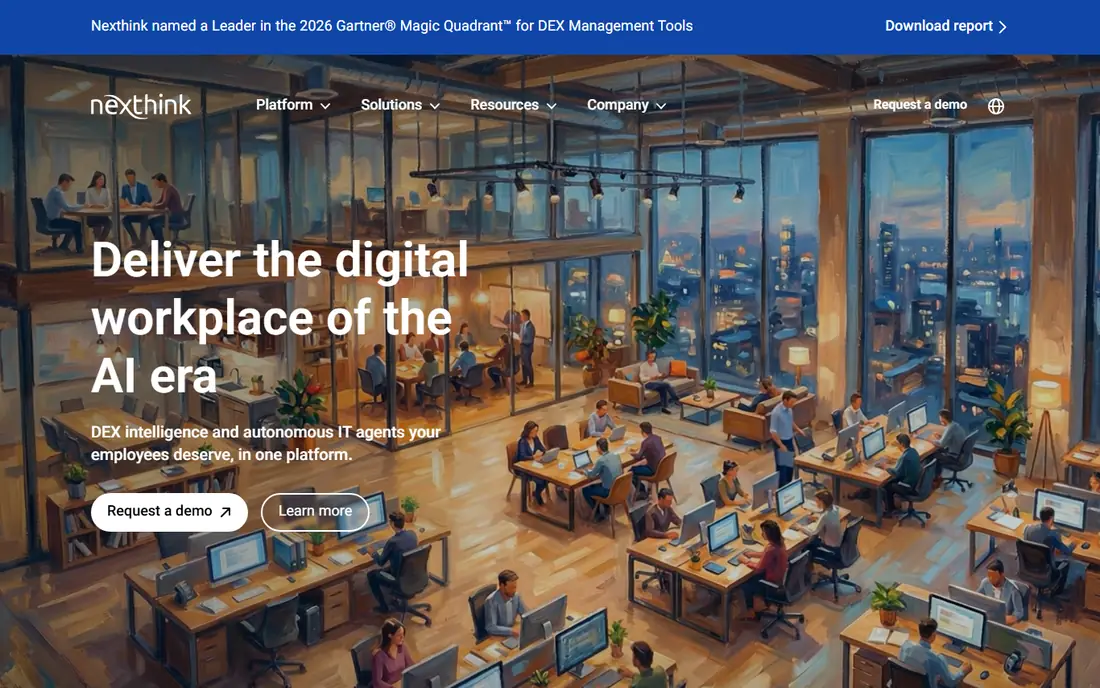
Nexthink fits IT teams that support hybrid and remote staff across many devices and locations. Its platform tracks device health, app performance, and network issues, then links those signals to employee sentiment, so IT can see whether a technical problem actually hurts work. Automated remediation can fix common issues such as disk, service, or app problems without a ticket.
The trade-off is implementation effort. Scores, alerts, and automations need tuning to each environment, and a small IT team may find the scope larger than needed. Pilot with one department, agree on the top five employee pain points, and measure ticket volume and sentiment before expanding.
- Broad endpoint, app, and network visibility
- Employee sentiment surveys tied to technical data
- Automation for common fixes
- Enterprise pricing and scope suit larger teams
- Full value needs time to tune scores and automations
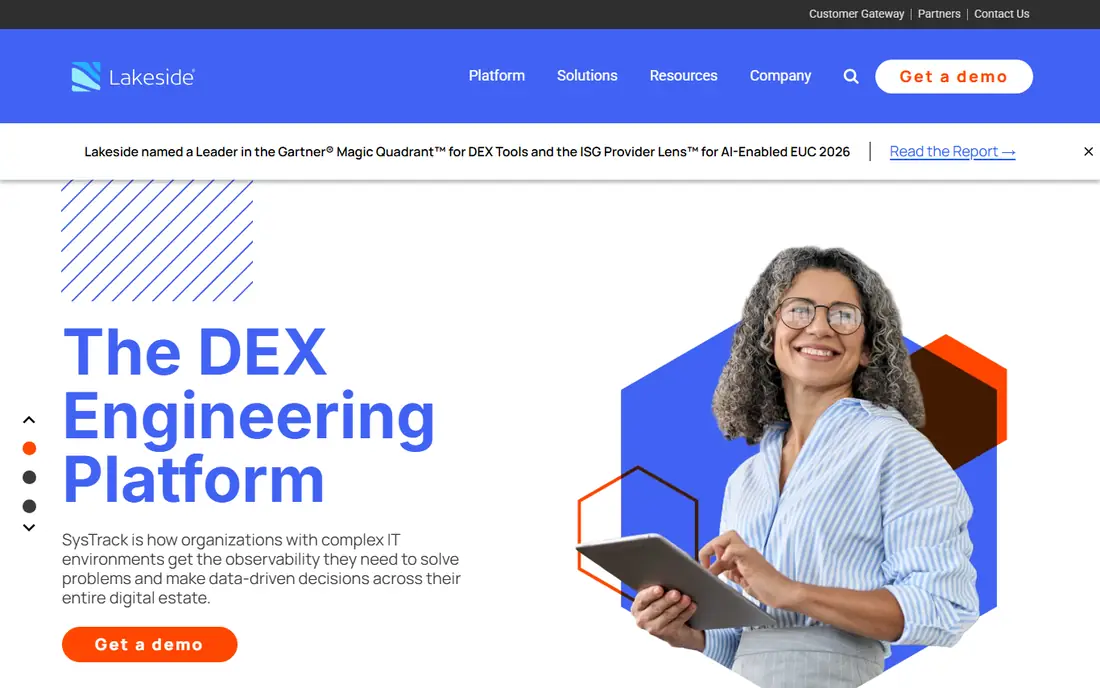
Lakeside SysTrack fits IT leaders who need to plan hardware refreshes, cut unused software, and understand how staff actually use apps. Its Digital Experience Cloud, powered by SysTrack, gathers device and app data that helps teams decide which laptops to replace, which licenses to drop, and where performance problems cluster. That planning value suits large estates with mixed devices.
Teams that mainly need fast incident response may want stronger real-time remediation alongside SysTrack. Pair it with clear service processes, or compare its remediation features directly with ControlUp and Nexthink during a pilot, using the same incident scenarios for each tool.
- Deep workplace analytics for devices, apps, and usage
- Planning tools for refresh and rationalization
- Strong reporting
- Analytics strength can outweigh real-time remediation for some teams
- Enterprise pricing is quoted
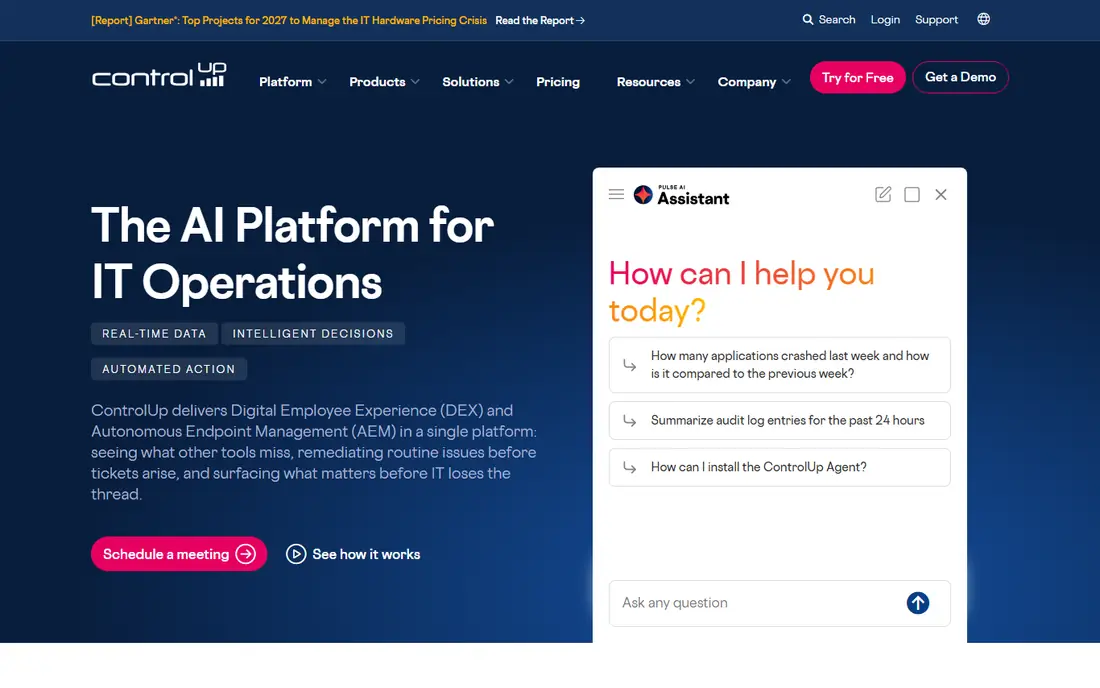
ControlUp fits teams that run Citrix, Azure Virtual Desktop, or other virtual environments alongside physical laptops. Its real-time view helps IT spot session, logon, and app problems as they happen, rather than after users complain. Autonomous remediation can restart services, clear issues, and reduce manual work for support teams.
Laptop-only teams should check whether they need that virtual depth. If most staff use standard laptops and cloud apps, a simpler DEX tool may cover the main needs at lower cost. Ask for a pilot that includes your actual virtual and physical mix, not only a demo environment.
- Real-time monitoring across physical, virtual, and cloud desktops
- Strong VDI support
- Autonomous remediation options
- VDI and virtual desktop strength may exceed needs of laptop-only teams
- Enterprise pricing is quoted
1E fits large IT teams that want to ask questions across thousands of endpoints and act on answers quickly. Its Tachyon Experience tools combine responsiveness, stability, performance, and sentiment views, while automation can fix issues at scale. Software asset intelligence also helps teams find unused licenses and reduce waste.
The honest limit is admin skill. Powerful automation needs testing, approval, and rollback plans, or a broad fix can cause new problems. Start with read-only queries and low-risk automations, and build governance before you automate high-impact changes.
- Tachyon platform for real-time endpoint queries and automation
- Sentiment and experience analytics
- Software asset intelligence
- Automation depth needs skilled admin time
- Pricing and packaging vary by module
Riverbed Aternity fits teams whose main employee pain is slow or unstable business apps, rather than device hardware alone. It tracks app response, crashes, and device health from the user perspective, which helps IT prove whether a problem sits in the app, the device, or the network. That evidence speeds triage between app owners, network teams, and support.
Teams that also need sentiment surveys or broad IT service workflows may need to pair Aternity with another tool. Confirm which sentiment, ticketing, and automation features sit inside the plan you buy, and test app coverage for your most important business apps.
- Strong app and device performance monitoring
- End-user experience scoring
- Integration with Riverbed network tools
- App performance focus may need a separate sentiment or service tool
- Enterprise pricing is quoted
Ivanti Neurons fits IT teams that want endpoint management and experience improvement in one family of tools. Its self-healing features can fix disk, battery, app, and service issues automatically, while DEX scores highlight devices and users at risk. That pairing helps support teams move from reactive tickets to preventive fixes.
The catch is portfolio complexity. Ivanti sells many related products, so buyers should confirm exactly which Neurons modules cover DEX, automation, and reporting. Ask for a single quote that lists modules, endpoint counts, and integrations with your ticketing system.
- Self-healing and automation for common endpoint issues
- DEX scoring and predictive analytics
- Broad device management range
- Broad Ivanti portfolio can confuse product choice
- Full value needs integration with existing service tools
TeamViewer DEX fits support teams that already use TeamViewer for remote help and want experience data alongside support sessions. Its DEX tools monitor devices and apps, offer automations, and link issues to remote sessions when hands-on help is needed. That combination suits distributed teams with limited on-site support.
Buyers should compare DEX depth directly with Nexthink and ControlUp, since TeamViewer strength lies more in remote access than in pure DEX analytics. Pilot with the same device mix and incident types you use to judge rivals, and check data retention and reporting limits.
- DEX monitoring plus remote access and support in one vendor
- Automation library
- Useful for distributed support teams
- DEX is newer than its remote support core, so depth varies by use case
- Enterprise pricing is quoted
Tanium fits large enterprises that need to see and act on every endpoint quickly, especially for security, patching, and compliance. Its agent-based platform can query and remediate endpoints at scale, which helps IT and security teams share one source of endpoint truth. That control also supports DEX work, such as finding slow devices or failing apps across an estate.
Teams whose main goal is employee sentiment and experience scoring may find Tanium narrower than Nexthink or Lakeside. Use it when endpoint control and security are the top priorities, and pair it with sentiment surveys or a DEX dashboard if experience measurement is also required.
- Fast endpoint visibility and control at scale
- Strong security and compliance use cases
- Large enterprise deployment record
- Experience and sentiment features are narrower than pure DEX leaders
- Setup suits skilled enterprise teams
Catchpoint fits teams whose employee problems come from SaaS apps, internet paths, or third-party services rather than laptops alone. Its synthetic monitoring tests real user journeys across networks and providers, so IT can prove whether a slow app is caused by an internal system, an ISP, or a SaaS vendor. That evidence helps in vendor and network disputes.
The limit is device coverage. Catchpoint does not replace endpoint agents for laptop health, disk, or local app crashes. Pair it with an endpoint DEX tool when you need both network and device views, and confirm which SaaS apps and regions your plan covers.
- Internet performance monitoring for SaaS, web, and network paths
- Synthetic tests that mimic user journeys
- Strong outage detection
- Network and app focus is narrower than full endpoint DEX
- Needs pairing with endpoint tools for device-level issues
How we picked these
We compared official product pages, DEX category lists, and public reviews to judge endpoint, app, sentiment, and automation coverage. We favored tools with a named DEX practice and sustained enterprise use, rather than generic monitoring tools that only track servers. We also mixed endpoint-led, analytics-led, and network-led tools, since DEX problems can start in any of those places.
We did not claim hands-on deployment in a live enterprise estate, and we did not treat vendor scores as comparable across tools, since each vendor defines experience differently. Most DEX prices are quoted by endpoint, so we used See website where no standard price is published. Readers should pilot with real devices and apps, and confirm agent privacy controls before rolling out.
How to choose a DEX tool
Start with the top employee complaints, not with a feature list. Slow logons, crashing apps, poor video calls, and confusing access each point to different tools, and a DEX platform should prove it can find and fix those specific problems. Collect ticket themes and survey comments for the last quarter, then use them as pilot test cases.
Privacy, consent, and trust
Explain to staff what the agent collects, what it does not collect, and how data will be used. Choose tools with role-based access, data retention controls, and options to exclude personal apps or data. A DEX program that feels like surveillance will lose trust, even if it improves device health, so publish a plain summary and a contact for questions.
Pilot, score, and automate in stages
Pilot with one department and a mix of devices, locations, and apps, and compare ticket volume, resolution time, and sentiment before and after. Do not trust a vendor score alone, since definitions differ, so track your own metrics alongside it. Automate low-risk fixes first, such as service restarts and disk cleanup, and require approval for higher-risk changes.
Integration with service management
Confirm that DEX alerts create tickets, link to assets, and feed reporting in your ITSM tool, such as ServiceNow. Without that link, DEX data stays in a separate dashboard and support teams may ignore it. Also check API access, data export, and retention, since long-term trend reporting needs consistent historical data.
FAQ
What are the best digital employee experience tools for remote teams?
Nexthink, ControlUp, and Ivanti Neurons all support remote and hybrid teams, with Nexthink offering broad monitoring plus sentiment, ControlUp offering real-time remediation, and Ivanti offering self-healing automation. The best choice depends on whether your main pain is device health, virtual desktops, or ticket volume. Pilot each finalist with remote staff on home networks, not only office devices.
What is the best digital employee experience platform for a small company?
Most DEX tools in this list target mid-size and large enterprises, so a small company should start with simpler monitoring, device management, and staff surveys before buying a full DEX platform. Tools such as Microsoft Intune, Google endpoint tools, or a help desk with sentiment surveys may cover early needs. Move to a DEX platform when ticket volume, device count, or remote work makes manual tracking unreliable.
How does DEX software differ from regular IT monitoring?
Regular monitoring often tracks servers, networks, and uptime, while DEX tools track the experience from the employee device and app perspective, plus sentiment. That shift matters because a server can be up while an app still feels slow for staff. DEX tools combine device, app, network, and sentiment data to find problems that server dashboards miss.
Does DEX software monitor employees?
DEX agents collect device, app, and performance data, and some tools collect usage and sentiment, so privacy controls matter. Choose tools that limit collection to work devices and work apps, offer retention controls, and support employee communication. Tell staff what is collected and why, and avoid using DEX data for individual performance judgments unless that use is clearly disclosed and lawful.
How much does DEX software cost?
Most vendors price by endpoint and by quote, with cost varying by modules, data retention, and support. Small pilots may cost far less than a full estate rollout, while large enterprises pay per endpoint per year plus implementation. Ask for a quote based on your endpoint count, required modules, and retention period, and include admin time in the total.
Can DEX tools replace a help desk?
No, DEX tools reduce tickets and speed fixes, but staff still need a help desk for requests, access, training, and complex problems. The best result pairs DEX automation with a clear service catalog and skilled support staff. Measure success by fewer repeat tickets and faster resolution, not by ticket count alone.
Sources
https://www.nexthink.com https://www.lakesidesoftware.com https://www.controlup.com https://www.1e.com https://www.riverbed.com https://www.ivanti.com https://www.teamviewer.com https://www.tanium.com https://www.catchpoint.com