Best Customer Onboarding Software in 2026: 9 Tools Compared
Searching for the best customer onboarding software? We compare nine in-app, portal and video tools on price, setup, analytics and fit for SaaS teams.
- Editor's choice
 Appcues
No-code in-product experiences
Starts at$249 per monthVisit appcues.comFull review - Great alternative
 Userpilot
Activation-focused onboarding
Starts at$299 per monthVisit userpilot.comFull review - Also consider
 UserGuiding
Budget-friendly product tours
Starts at$89 per monthVisit userguiding.comFull review
TL;DR:
- Appcues, Userpilot and Userflow lead for no-code in-product tours, tooltips and checklists inside a SaaS app.
- UserGuiding is the lowest-cost paid option here, starting at $89 per month, while Pendo offers a free tier for up to 500 monthly active users in published reports.
- Rocketlane and GUIDEcx suit B2B onboarding projects, where implementation, tasks and customer portals matter more than product tours.
- Price by monthly active users, not just seats, since tour tools charge for the users who see the tours.
Quick comparison
| Tool | Best for | Starts at | Free plan? | |
|---|---|---|---|---|
| Appcues | No-code in-product experiences | $249 per month | No | Visit |
| Userpilot | Activation-focused onboarding | $299 per month | Free trial | Visit |
| UserGuiding | Budget-friendly product tours | $89 per month | Free trial | Visit |
 Userflow | Clean builder for web apps | $240 per month | Free trial | Visit |
 Pendo | Product analytics plus guides | See website | Yes | Visit |
 Chameleon | Highly customized in-product UX | See website | Free trial | Visit |
 WalkMe | Enterprise digital adoption | See website | No | Visit |
 Rocketlane | B2B onboarding projects | $19 per user per month | Free trial | Visit |
 GUIDEcx | Implementation management | See website | No | Visit |
The best customer onboarding software
Customer onboarding software covers two different jobs. Some tools guide users inside your product with tours and checklists. Others manage the B2B implementation project with tasks, portals and timelines. We compared both types, using official pricing pages, feature pages and public reviews.
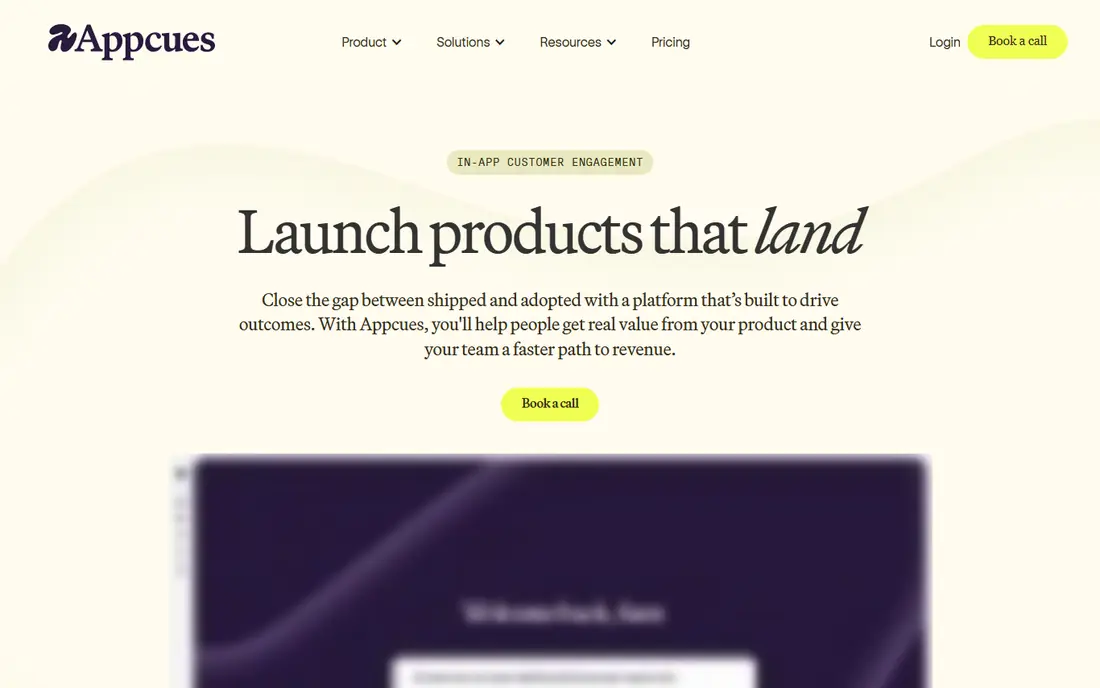
Appcues is a well-known choice for SaaS teams that want to build onboarding inside the product without developer help. Product teams can create tours, checklists, modals and tooltips with a visual builder, target them by user segment, and track completion and activation.
Pricing starts at $249 per month on annual billing for the Essentials plan in recent reports, based on a set monthly active user limit. That model means you should model your real user count before comparing prices. A team with 2,500 users pays a different rate from a team with 25,000.
The main limit is cost growth. As your user base grows, Appcues pricing grows with it, so budget for that curve. For a SaaS team focused on activation and feature adoption, Appcues remains a clear, proven pick.
- No-code builder for tours, checklists and tooltips
- Good targeting and analytics
- Strong fit for SaaS activation
- No free plan
- Costs rise with monthly active users
- Some advanced features need higher tiers

Userpilot focuses on getting new users to value fast. You can build product tours, checklists, tooltips and in-app surveys, then target them by behavior, plan or signup date. Analytics show which flows lead to activation, so teams can improve the weakest step first.
Pricing is listed at $299 per month on annual billing for the Starter plan in recent reports, covering a set number of monthly active users. A 14-day free trial lets you test the builder with your own app before paying. That trial is worth using, since tour quality depends on how well the builder fits your product.
Userpilot suits SaaS teams that treat onboarding as a growth lever, not just a help page. If your main need is a simple tour for a small app, UserGuiding may offer better value.
- Behavioral targeting for tours and surveys
- Analytics tied to onboarding flows
- Checklists and tooltips
- Higher starting price than UserGuiding or Userflow
- MAU-based pricing needs careful modelling
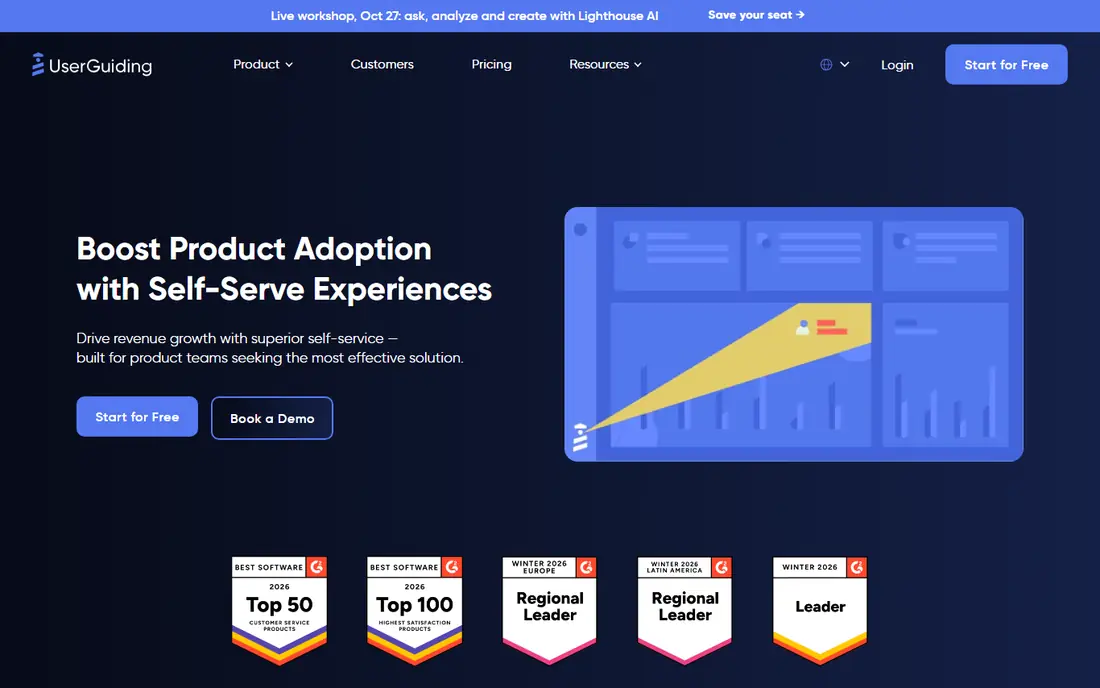
UserGuiding is our pick for small SaaS teams on a budget. The Basic plan starts at $89 per month on annual billing in recent reports, well below Appcues and Userpilot. You can still build product tours, tooltips, checklists and surveys without code.
Setup is fast, which matters when a small team has no dedicated onboarding specialist. You can publish a first tour in a day, test it with new signups, and adjust based on completion data. A free trial helps you confirm the builder works with your app.
The trade-off is depth. Analytics and targeting are lighter than Pendo or Userpilot, and design customization is more limited than Chameleon. For a first onboarding tool, that simplicity is often the right balance.
- Lowest paid starting price in this list
- Simple no-code tour builder
- Good for small SaaS teams
- Fewer advanced analytics than Pendo or Userpilot
- Customization is more limited than Chameleon
Userflow is praised for a clean builder and a polished end-user experience. Tours, checklists and surveys look native inside a web app, rather than like an add-on banner. That polish matters when onboarding is part of your brand impression.
Pricing starts at $240 per month for 3,000 monthly active users in recent reports, with a free trial. Targeting, analytics and checklist features cover most SaaS onboarding needs, and setup is generally faster than enterprise tools.
The main limit is platform focus. Userflow is strongest for web apps, so teams with a primary mobile app should check mobile support carefully. For web-first SaaS, Userflow is a strong alternative to Appcues and Userpilot.
- Clean, fast builder for web apps
- Good targeting and analytics
- Strong user experience for end users
- Web-focused, so mobile app coverage is limited
- MAU-based pricing
Pendo combines product analytics with in-app guides, which helps teams see not just whether users finished a tour, but what they did next. You can track feature adoption, build guides and surveys, and segment users by behavior. That link between guidance and analytics is the main reason to choose Pendo.
A free tier for up to 500 monthly active users in published reports makes Pendo accessible for a very small product or a trial project. Paid pricing is quote-based, so larger teams need a sales conversation to get a firm figure. That lack of published pricing is a drawback for budget planning.
Pendo suits product teams that already want analytics and guides together. If you only need tours, a cheaper tour-only tool may be simpler and faster to launch.
- Product analytics plus in-app guides in one platform
- Free tier for up to 500 monthly active users in reports
- Strong enterprise reporting
- Full pricing is quote-based
- Setup is heavier than tour-only tools
Chameleon is built for teams that care deeply about how onboarding looks and feels. Tours, tooltips, modals and surveys can be styled to match your product closely, with deeper CSS customization than most rivals. That control appeals to design-led SaaS companies.
You can target experiences by user segment, test variations, and track completion. A free trial lets you test the builder and styling options before committing. Pricing is quote-based in recent reports, with some sources listing entry points around $279 per month, so confirm the current figure on a demo.
The trade-off is effort. Deep customization takes design time, and a team that wants a quick standard tour may prefer UserGuiding or Userflow. For a product where onboarding must feel native, Chameleon is worth the extra work.
- Deep customization for in-product experiences
- Tours, tooltips and surveys
- Good for design-led teams
- Pricing is quote-based
- Customization takes more design time than simpler builders
WalkMe is the enterprise end of this list. It guides users across multiple applications, not just one SaaS product, which suits large companies rolling out new systems to thousands of employees or customers. Digital adoption analytics show where users struggle and which guidance helps.
Implementation is the main cost. Published reports place WalkMe pricing at enterprise levels, often $9,000 or more per year, with setup taking weeks. That investment only makes sense for large organizations with dedicated teams and complex software estates.
Small and midsize SaaS teams should not start here. Appcues, Userpilot or Userflow will launch faster and cost far less. Choose WalkMe when you need cross-app adoption at enterprise scale.
- Cross-application guidance for large enterprises
- Strong digital adoption analytics
- Deep workflow support
- Enterprise pricing and long implementation
- Overkill for small SaaS teams
Rocketlane handles the other side of onboarding: the implementation project. When a B2B customer signs, you need a plan, tasks, owners, deadlines and a shared portal where the customer can see progress and upload documents. Rocketlane is built for that workflow.
Pricing is listed from $19 per user per month on annual billing in recent reports, with some plans listing higher per-user rates for advanced features. A free trial helps you test the portal and project templates with a real customer onboarding.
Do not buy Rocketlane expecting in-app tours. Pair it with Appcues or Userpilot if you need both a project portal and in-product guidance. For B2B SaaS with a hands-on implementation, Rocketlane is a strong pick.
- Project plans, tasks and customer portals for B2B onboarding
- Time-to-value tracking
- Integrations with CRM tools
- Not a product tour tool
- Pricing varies by plan and user count in different reports
GUIDEcx, often written GuideCX, is another B2B implementation platform. It helps customer success teams manage onboarding projects, track tasks and milestones, and show customers a clear path to value. Time-to-value analytics help leaders see which projects stall and why.
The customer-facing view is a strength. Clients can see what is done, what is next, and who owns each step, which reduces status emails and confusion. Integrations with CRM and communication tools keep project data in sync.
Pricing is quote-based, so get a firm figure for your team size and project volume. GUIDEcx suits B2B SaaS with a dedicated implementation or customer success team. Self-serve SaaS products will get more value from a tour tool such as Appcues or Userflow.
- Clear implementation project tracking
- Time-to-value analytics
- Customer-facing project views
- Quote-based pricing
- Less suited to self-serve SaaS with no implementation team
How we picked these
We compared official pricing pages, feature pages and public reviews. We looked for tools that operate in 2026, handle customer onboarding as a core job, and publish enough detail to compare fairly.
We included in-product tour tools, analytics-led tools, enterprise adoption tools and B2B project tools, because onboarding means different things for self-serve and enterprise SaaS. Where pricing was quote-based, we wrote See website rather than guessing.
How to choose an onboarding tool for your model
Match the tool to your onboarding model. Self-serve SaaS needs in-product tours and checklists. Sales-led B2B SaaS needs project portals and task tracking. Enterprise SaaS may need both, plus analytics to prove time-to-value.
Tours, portals and measurement
For tours, test the builder with your own app and check mobile support, targeting and analytics. For portals, test the customer view with a real onboarding plan and confirm document handling. In both cases, agree on one success metric, such as activation rate or time-to-value, before you launch.
Pricing by users, seats and projects
Tour tools usually charge by monthly active users, so forecast user growth for a year, not just this month. Project tools usually charge by internal users, so count your customer success and implementation team. Ask about overage charges, since a successful launch can push you into a higher tier fast.
FAQ
What is the best customer onboarding software?
Appcues and Userpilot lead for in-product onboarding in SaaS apps, with no-code tours, checklists and activation analytics. UserGuiding is best for a low budget, Pendo is best when you also need product analytics, and Rocketlane is best for B2B implementation projects. The right pick depends on whether onboarding happens inside the product or as a managed project.
What is the best customer onboarding platform for B2B SaaS?
Rocketlane and GUIDEcx lead for B2B onboarding projects, with project plans, customer portals and time-to-value tracking. Appcues or Userpilot can sit alongside them for in-product guidance. Choose the project tool first if your onboarding involves an implementation team and a customer timeline.
How much does customer onboarding software cost?
Tour tools in this list range from $89 per month for UserGuiding to $299 per month for Userpilot on annual billing, with MAU limits that affect the real price. Pendo offers a free tier for up to 500 monthly active users in reports, while WalkMe and GUIDEcx are quote-based. Project tools such as Rocketlane start at $19 per user per month in reports.
What is the difference between onboarding software and product tour software?
Product tour software is a subset of onboarding software. Tours guide users inside an app with tooltips and checklists. Full onboarding software can also include project management, customer portals, messaging, video guides and analytics. Many teams use a tour tool plus a project tool together.
Do onboarding tools work for mobile apps?
Some do, but coverage varies. Userflow and Chameleon focus more on web apps, so check mobile support carefully if your product is mobile-first. Appcues, Userpilot and Pendo also have different mobile capabilities by plan. Test with your actual mobile app during a trial before you buy.
How do I measure onboarding success?
Track activation rate, time-to-value, tour completion, and support tickets from new users. For B2B onboarding, track project completion time and milestone delays. Pick one primary metric, review it weekly at first, and improve the weakest step in the flow before adding new tours.