Top 5 Audio to Text Translation Software for 2026 (Prices and Free Plans)
Best audio to text translation software in 2026: 5 contenders with entry costs and free tiers. Each tool is judged on the same checks. Updated for 2026.
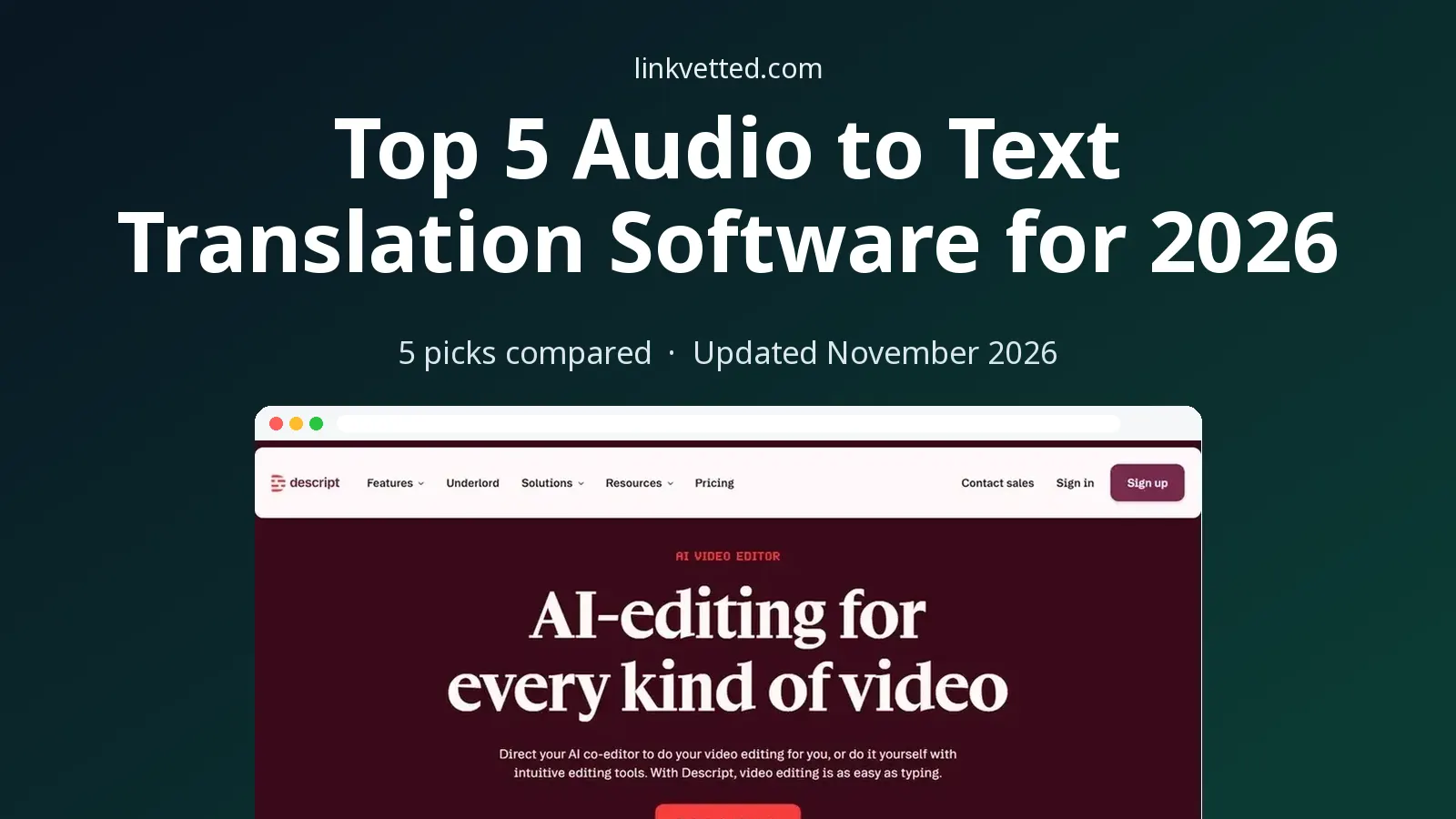
- Editor's choice
 Trint
Newsroom and media workflows
Starts atSee websiteVisit trint.comFull review - Great alternative
 Descript
Editing audio and video by text
Starts at$16 per person a monthVisit descript.comFull review - Also consider
 Sonix
Multilingual transcription with summaries
Starts at$10 per hourVisit sonix.aiFull review
Direct answer
Trint leads the list, best for newsroom and media workflows. Listed starting prices: Descript from $16 per person a month, Sonix from $10 per hour and Otter.ai from $8.33 per user per month. Descript is better for editing audio and video by text, and Sonix is better for multilingual transcription with summaries. The full list of 5 tools follows, with prices and free plan facts.
TL;DR:
- Trint is the opening pick, best for newsroom and media workflows.
- Deepgram is the one to check for developer speech-to-text APIs.
- The lowest published monthly entry price here is $8.33 per user per month, from Otter.ai.
- Descript, Otter.ai, Deepgram: these are the 3 tools out of 5 that offer a free plan.
- Check the limits for Trint before you commit: media-centric instead of general office use.
Last checked November 2026. Prices and plan details were read from the vendors' own pages in November 2026; vendors change plans often, so confirm the current price on the vendor site before you buy.
Quick comparison
| Tool | Best for | Starts at | Free plan? | |
|---|---|---|---|---|
| Trint | Newsroom and media workflows | See website | Not stated | Visit |
| Descript | Editing audio and video by text | $16 per person a month | Yes | Visit |
| Sonix | Multilingual transcription with summaries | $10 per hour | Free trial | Visit |
 Otter.ai | Live meeting notes and summaries | $8.33 per user per month | Yes | Visit |
 Deepgram | Developer speech-to-text APIs | See website | Yes | Visit |
The 5 tools in detail
LinkVetted put together this guide to audio to text translation software for readers who want a clear shortlist without reading every vendor page. It compares 5 tools on starting price, free plans, who each one suits and where each one falls short.
Trint is built with newsroom and media workflows in mind. Trint describes AI-connected media production that helps fast-track a first draft, letting users transcribe, translate and collaborate across numerous languages. It is positioned for newsrooms and media teams that move from raw recordings to publishable text.
More specifically, collaboration features support editors and reporters working together on the same material. Trint is oriented toward media production, so teams seeking straightforward meeting notes or a speech API may prefer other choices. Trint does not show a starting price in this comparison, so check the vendor site for current pricing. Trial and free access: Not stated.
Points against: Not a developer API product.
Where it shines: Transcribe.
- Translate and collaborate
- Broad language support
- Media-centric rather than general office use
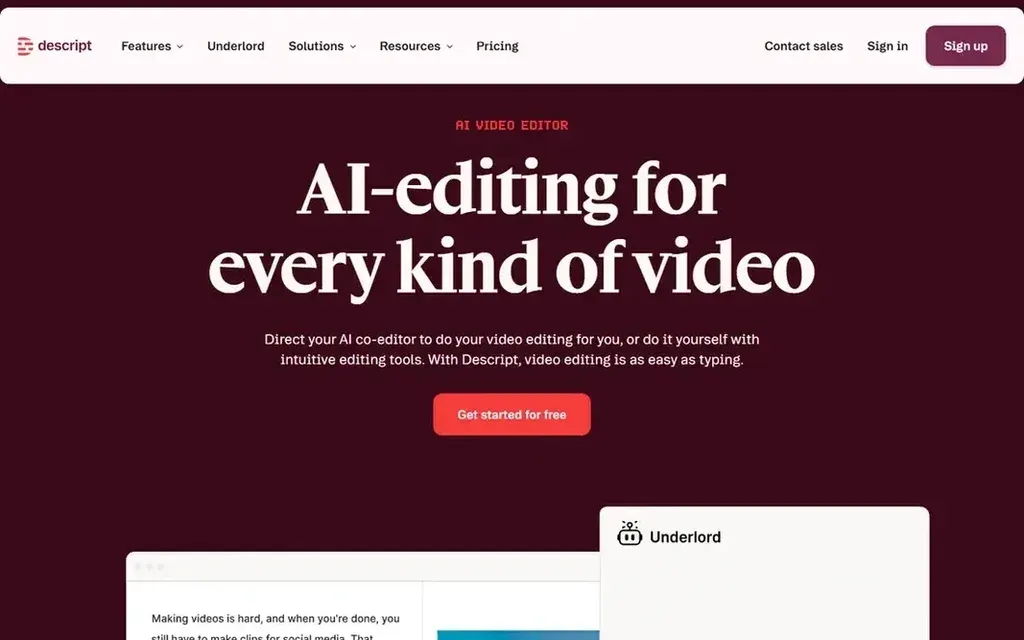
Think of Descript for editing audio and video by text. If you primarily need automatic meeting notes or verified investigative records, another tool may fit better.
What users get: Edit media like a document.
Limits to weigh: Less concentrated on legal documentation. More specifically, the text-based approach keeps production and transcription in a single workspace. Descript starts at: $16 per person per month. A free plan is available with Descript.
- Record, transcribe
- Edit and publish
- Meeting summaries not the core aim
Sonix is aimed squarely at multilingual transcription with summaries. Sonix markets AI transcription that converts audio and video to text rapidly, with support for plenty of languages, AI summaries and speaker detection. In practice, speaker detection helps when several voices appear in a recording.
Beyond that, Sonix is transcription and summarization focused, so it is not a full video editor or a legal evidence system. If you have to edit media by text or document court-ready findings, look elsewhere. Sonix cost at the entry level: $10 per hour. Trial and free access: Free trial.
Trade-offs to know: Not a media editor.
- Quick audio and video transcription
- AI summaries and speaker detection
- Not geared toward legal evidence work
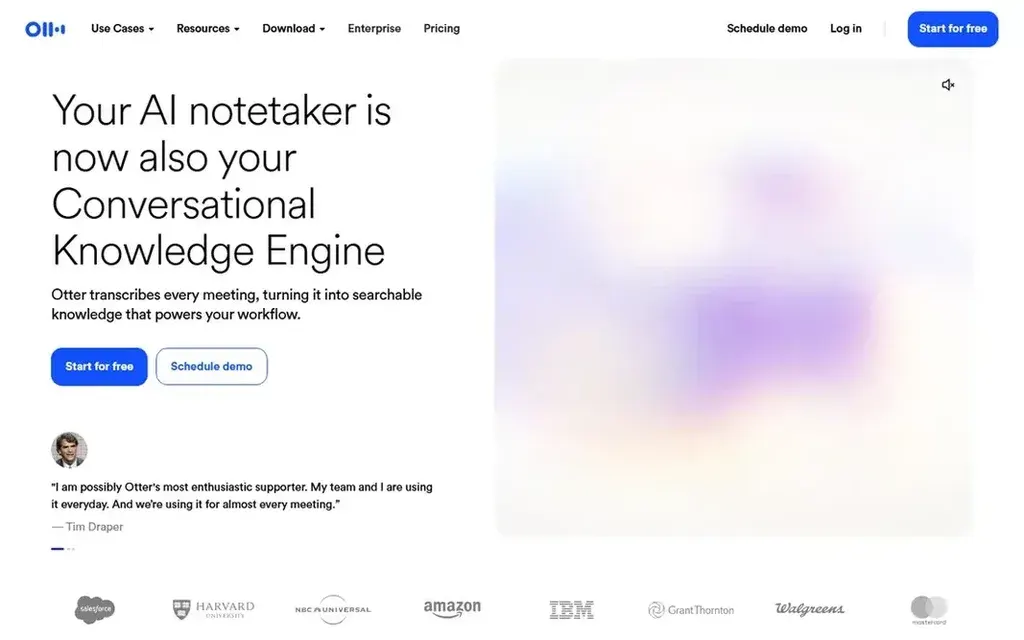
Otter.ai works best for live meeting notes and summaries. For knowledge workers who live in calls, it cuts manual note taking.
Limits to weigh: Restricted fit for developer API needs.
On top of that, since it centers on meetings, Otter is less suited to heavy media editing or deep investigative documentation. More specifically, if your priority is editing recorded audio or video by text, a production-oriented editor may serve you better. Otter.ai cost at the entry level: $8.33 per user per month. A free plan is available with Otter.ai.
- Live chat and insights
- Automated summaries and action items
- Meeting-focused instead of production editing
Where Deepgram fits: developer speech-to-text APIs. Deepgram offers enterprise voice AI through speech-to-text, text-to-speech and voice agent APIs that are live and made for scale. More specifically, the API approach permits custom integration into voice applications.
Drawbacks to consider: Needs development work.
Deepgram is an infrastructure product, so non-technical users will not find a straightforward editing or meeting interface. In daily use, if you want out-of-the-box transcription with summaries, a consumer-facing tool is simpler. Deepgram shows no starting price here, so confirm the cost on the vendor site. A free plan is available with Deepgram.
- Live processing
- Text-to-speech and voice agent APIs
- Not an end-user notetaker
How the list was put together
Pricing pages, product documentation and feature lists were the main sources, and every entry carries at least one honest drawback. Figures are shown as the vendors publish them. Billing terms, seat minimums and add-ons can change the real cost. Order on the page follows fit for the typical buyer first, then price transparency and free access. Your own requirements should decide the final pick.
Before you commit
- Ask Trint and Deepgram for a written quote, since no starting price is shown.
- Read the fine print on the free plans from Descript, Otter.ai and Deepgram; seat, project and feature caps differ.
- Take the trial from Sonix and push a live task through it before you pay.
- Before choosing Trint, weigh its main limit: media-centric instead of general office use.
- Map your must-have features to a specific Deepgram plan before you compare prices.
- Check whether Sonix bills monthly or annually, and what cancelling early costs.
FAQ
How are the tools for audio to text translation software ordered?
Trint sits first and Deepgram last because the order follows typical fit for audio to text translation software, then price clarity and free access. It is a judgement call, so read each profile for fit and limits.
Which options for audio to text translation software have a free plan?
On this list, Descript, Otter.ai and Deepgram include a free plan. Caps on seats, usage or features are common, so test the free plan against your real workload. One other tool offers a trial instead.
Do these tools publish their prices?
Not all of them. Trint and Deepgram publish no starting price, so expect a quote request for those. The rest, Descript included, show a starting price, though seats and billing terms still change the final cost.
Is Trint the right pick for everyone comparing audio to text translation software?
No single tool suits every team. Trint comes first because it fits newsroom and media workflows, while Descript suits editing audio and video by text and Sonix suits multilingual transcription with summaries. Match the tool to your own size, budget and workflow before deciding.
What is the difference between transcription and translation here?
Transcription converts speech into text in the original language, while translation renders that text into another language. Decide which capability your workflow actually relies on.