Best Audio Translation Services in 2026: 8 Services Compared
Compare the best audio translation services for live events, meetings and video dubbing, with prices, language coverage and accuracy trade-offs explained.
- Editor's choice
 Wordly
Live conference captions and audio
Starts at$1,500 per 10 hoursVisit wordly.aiFull review - Great alternative
 Interprefy
Human interpreters plus AI
Starts atSee websiteVisit interprefy.comFull review - Also consider
 KUDO
Large hybrid events
Starts atSee websiteVisit kudo.comFull review
TL;DR:
- Live event translation and video dubbing are different jobs: Wordly, Interprefy and KUDO suit live stages, while Rask AI, ElevenLabs and HeyGen suit recorded video.
- Wordly offers the clearest live-event price in this list, at about 1,500 dollars for a 10-hour package, while Interprefy and KUDO price by event.
- For recorded dubbing, monthly plans start near 22 dollars at ElevenLabs and 29 dollars at HeyGen, but per-minute costs depend on how much you actually use.
- Human interpreters still win for legal, medical and diplomatic settings, where an AI error carries real risk.
- Always test with your own speaker, accent and vocabulary before you buy, because published language counts do not guarantee quality in your language pair.
Quick comparison
| Tool | Best for | Starts at | Free plan? | |
|---|---|---|---|---|
| Wordly | Live conference captions and audio | $1,500 per 10 hours | No | Visit |
| Interprefy | Human interpreters plus AI | See website | No | Visit |
| KUDO | Large hybrid events | See website | No | Visit |
 DeepL Voice | Meeting translation quality | See website | No | Visit |
 Rask AI | Video dubbing at scale | $60 per month | Free trial | Visit |
 ElevenLabs | Voice dubbing and cloning | $22 per month | Yes | Visit |
 HeyGen | Dubbing with lip sync | $29 per month | Yes | Visit |
 Maestra | Live plus post-production | $79 per month | No | Visit |
The best audio translation services
Audio translation now covers two worlds: live speech at events and meetings, and recorded audio and video that needs dubbing into another language. This list covers both, so you can match the tool to the job.
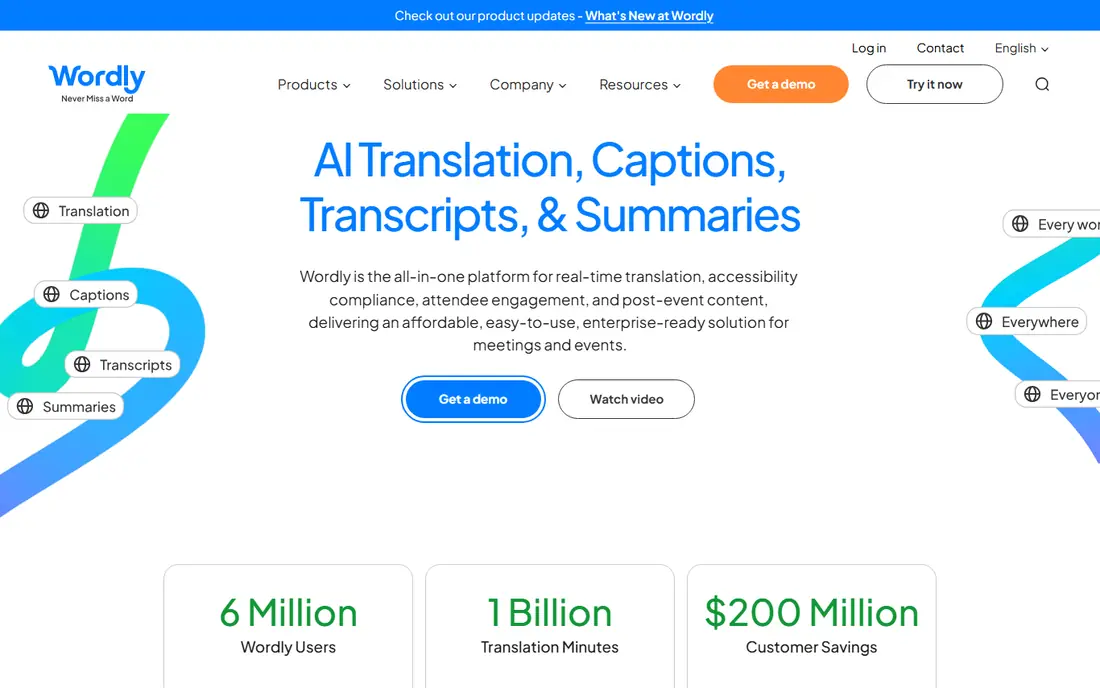
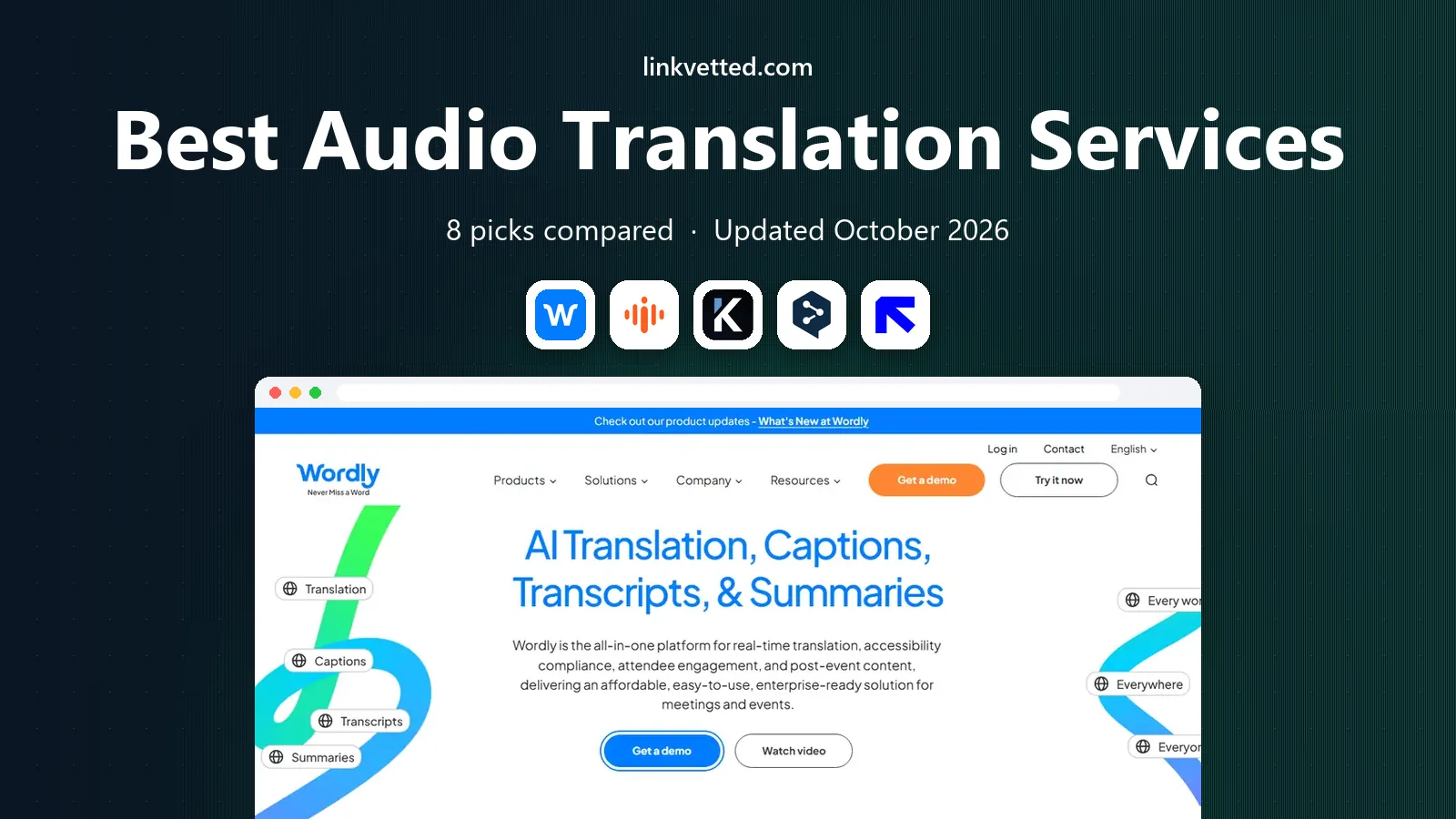
Wordly is the most established AI-only live translation platform in this list. Attendees scan a code or open a link and follow live captions or translated audio on their own phones, in dozens of languages. Organisers buy hour packages, which makes budgeting simple for a conference with a known schedule.
The limit is the format. Wordly suits a stage, a keynote or a panel, where one person speaks and many listen. It is less suited to interactive meetings, where people talk over each other and need two-way translation. If your event is one-to-many and AI quality is acceptable, Wordly is a practical and predictable choice.
- Live captions and audio on attendee phones
- Works with Zoom, Teams, Webex and Meet
- Prepaid hour packages
- Built for one-to-many events, not two-way conversation
- No human interpreter to fall back on
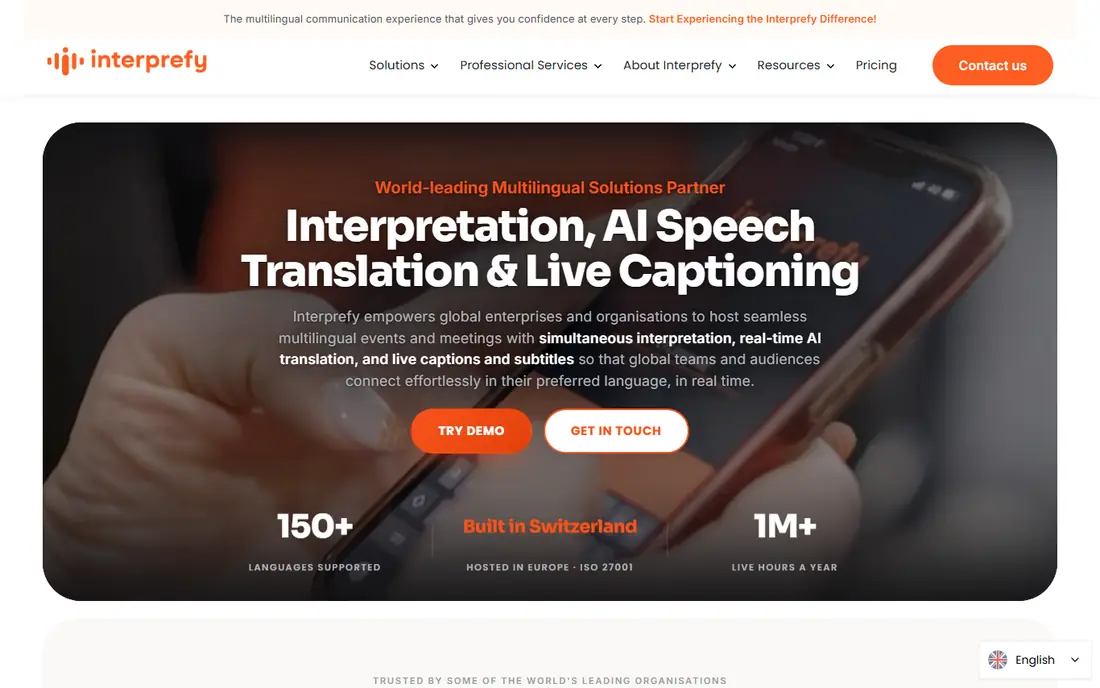
Interprefy began in remote simultaneous interpretation and now pairs human interpreters with an AI tier. That mix suits congresses, diplomatic meetings and regulated events, where accuracy and accountability matter more than speed or low cost. Attendees join from web or mobile, and organisers can run several language channels at once.
The trade-off is process. Pricing is by event, and setting up interpreters takes more planning than buying an AI hour package. For a small internal webinar, that overhead is hard to justify. For a high-stakes event where a mistranslation could cause legal or political harm, Interprefy is the safer choice.
- Certified human interpreters available
- AI tier for lower-stakes sessions
- Broad platform support
- Per-event quotes mean a longer sales process
- Heaviest setup for a simple webinar
KUDO offers a similar blend to Interprefy: professional interpreters for critical sessions, plus AI speech translation for wider coverage. Its integrations with Teams, Zoom and Meet help hybrid events where some attendees are in a hall and others are online. NGOs, governments and large companies use it for multilingual conferences.
As with Interprefy, pricing is on request, so expect a sales conversation and a custom quote. Small teams running a single webinar will likely find Wordly or Maestra simpler. Large organisers who need interpreters, AI backup and event support under one contract will find KUDO a strong fit.
- Human interpreters and AI speech translation in one contract
- Teams, Zoom and Meet integrations
- Enterprise event experience
- Quote-based pricing
- Enterprise focus can feel heavy for small events
DeepL Voice brings DeepL's translation quality to live meetings, with translated speech and subtitles for Teams, Zoom and Meet calls. For companies that already trust DeepL for written translation, the voice product feels like a natural extension. Quality on major European languages is a particular strength.
The limits are coverage and pricing. DeepL Voice covers fewer languages than Wordly or KUDO, and team meeting plans are quote-based rather than self-serve. If your meetings run in French, German, Spanish or other major languages, test it first. If you need many smaller languages, check the list before you commit.
- Strong reputation for translation quality
- Meeting integrations
- Captions plus subtitles
- Meeting translation is quote-based for teams
- Language coverage is narrower than some rivals
Rask AI is built for recorded video: upload a video, choose target languages, and get dubbed audio with cloned or synthetic voices. Creators with a back catalogue can localise dozens of videos without re-recording each one. The Creator plan starts at 60 dollars per month, which is accessible for a small channel.
The catch is volume. Minutes are credit-based, and a long video library can burn through a plan quickly. Lip sync, where the mouth movement matches the new audio, is also limited on lower tiers. For short social videos and course content, Rask works well. For feature-length work, price the full library, not just one video.
- Dubbing in 130 plus languages
- Voice cloning options
- Built for creators and teams with video libraries
- Creator plan minutes run out fast at scale
- Lip sync is limited on lower tiers
ElevenLabs is best known for voice generation, and its dubbing tools let creators translate spoken audio while keeping a natural-sounding voice. The Creator plan starts at 22 dollars per month, with shared credits that cover dubbing and other voice work. A free tier lets you test voice quality before paying.
The main limit is that ElevenLabs dubs audio, not video lip movement. If you need the speaker's lips to match the new language, pair it with a video tool or choose HeyGen instead. For podcasts, audiobooks, training audio and voiceover work, ElevenLabs offers strong quality at a low entry price.
- High-quality synthetic voices
- Voice cloning
- Free tier to test
- 32 dubbing languages listed
- Audio only, no lip sync
- Shared credits mean minutes vary by use
HeyGen stands out for video dubbing with lip sync, so a translated speaker looks more natural on screen. The Creator plan starts at 29 dollars per month, and the platform supports a wide language list. Creators who make talking-head videos, ads and training clips will notice the difference lip sync makes.
Credit use is the watch point. Lip sync costs credits per minute, and the translation allowance depends on the plan, so a long video can cost more than the monthly price suggests. Check the current credit table for your plan, test one full video, and only then commit to a larger library.
- Lip sync for translated video
- 175 plus languages listed
- Avatar and video tools in the same platform
- Translation allowance varies by plan
- Credit use per minute needs careful checking
Maestra bridges live and recorded work. Its live product takes audio from a stage, mixer or video call and returns live captions and translated audio, while its wider platform handles transcription, subtitling and dubbing after the event. That combination suits teams who run live sessions and then reuse the recordings.
Plans are published, with Premium at 79 dollars per month in recent comparisons, but caps on session length, languages and audience size vary. There are no human interpreters, so Maestra fits best where AI quality is acceptable and the audience joins from a browser. For a team that needs both live and post-production tools, it reduces the number of vendors to manage.
- Live captions and translation plus transcription and dubbing
- Browser-based attendee access
- Published plans
- Session length, language and audience caps vary by plan
- No human interpreters
How we picked these
We compared live translation platforms and dubbing tools that are available today, using vendor pricing pages and recent 2026 comparisons of live translation and dubbing tools. We included both live-event and recorded-video tools because buyers often use the term audio translation for both jobs, and we marked pricing as See website where vendors price by quote or by event. We did not claim hands-on testing, and we treated third-party price summaries as a guide to confirm on the vendor site.
What to check before you buy
Separate live from recorded needs
Live tools need low delay, stable audio input and attendee access without an app install. Recorded tools need voice quality, lip sync and credit maths. Buying a live tool for dubbing, or a dubbing tool for a live conference, will disappoint even if the vendor list looks similar.
Test your language pair, not the language count
A vendor may list 130 languages, but quality varies sharply by pair, accent and vocabulary. Run a test with your own speaker, your own terms and your own audience devices. Listen for names, numbers and technical terms, which are where AI translation fails first.
Check consent for voice cloning
If you clone a speaker's voice, get clear consent in writing and check the vendor's voice-cloning safeguards. Cloned voices can be misused, and a reputable vendor should offer verification and removal controls. Never clone a voice without permission.
FAQ
What is the best audio translation service for a conference?
Wordly suits AI-only conferences with a known hour count, while Interprefy and KUDO suit events that need human interpreters. Maestra is a middle option if you also need post-production transcription and dubbing.
Can AI audio translation replace human interpreters?
For casual meetings, webinars and content localisation, AI often suffices. For legal, medical, diplomatic and safety-critical settings, human interpreters remain the safer choice, because they handle nuance, context and accountability in ways AI cannot yet match.
How much does audio translation cost?
Live AI packages start near 1,500 dollars for 10 hours at Wordly, while dubbing plans start near 22 dollars per month at ElevenLabs and 29 dollars at HeyGen. Human interpreter services price by event, so request a quote based on hours, languages and audience size.
Does audio translation work for video dubbing?
Yes. Rask AI, HeyGen, ElevenLabs and Maestra all support dubbing for recorded audio and video, with HeyGen adding lip sync. Choose based on whether you need lip sync, voice cloning, or simply a clean translated voice track.
What languages do these services support?
Coverage varies: HeyGen lists 175 plus languages, Rask AI lists 130 plus, Maestra lists 125 plus, and DeepL Voice covers fewer languages with a quality focus. Always confirm your exact language pair and test it before buying.