Best Audit Management Software in 2026: 8 Tools Compared
Compare the best audit management software for internal audit, SOX and compliance work, with pricing, features and honest trade-offs for each tool in 2026.
- Editor's choice
 AuditBoard
Large internal audit and SOX programs
Starts atSee websiteVisit auditboard.comFull review - Great alternative
 Workiva
Audit work linked to financial reporting
Starts atSee websiteVisit workiva.comFull review - Also consider
 MetricStream
Large enterprise risk and audit programs
Starts atSee websiteVisit metricstream.comFull review
TL;DR:
- Most enterprise audit platforms use quote-based pricing, so budget talks should start with modules, user count and audit scope.
- AuditBoard, Workiva and MetricStream suit larger teams with formal SOX, risk and reporting programs.
- Drata and Vanta suit smaller teams that need to prepare for a first SOC 2 or ISO audit without a large internal audit department.
- Hyperproof and LogicGate offer more flexible workflows for teams that want to shape controls and evidence around their own process.
- Ideagen fits teams that want a long-established audit workflow with strong planning and reporting tools.
Quick comparison
| Tool | Best for | Starts at | Free plan? | |
|---|---|---|---|---|
| AuditBoard | Large internal audit and SOX programs | See website | No | Visit |
| Workiva | Audit work linked to financial reporting | See website | No | Visit |
| MetricStream | Large enterprise risk and audit programs | See website | No | Visit |
 Drata | First-time SOC 2 and ISO preparation | See website | No | Visit |
 Vanta | Automated compliance evidence collection | See website | No | Visit |
 Hyperproof | Flexible control and evidence workflows | See website | No | Visit |
 LogicGate | Custom risk and audit workflows | See website | No | Visit |
 Ideagen | Established internal audit teams | See website | No | Visit |
The best audit management software
Audit work fails when evidence lives in spreadsheets, email threads and shared drives. The tools below bring planning, fieldwork, issues and reporting into one place, with varying depth for SOX, internal audit and framework compliance.
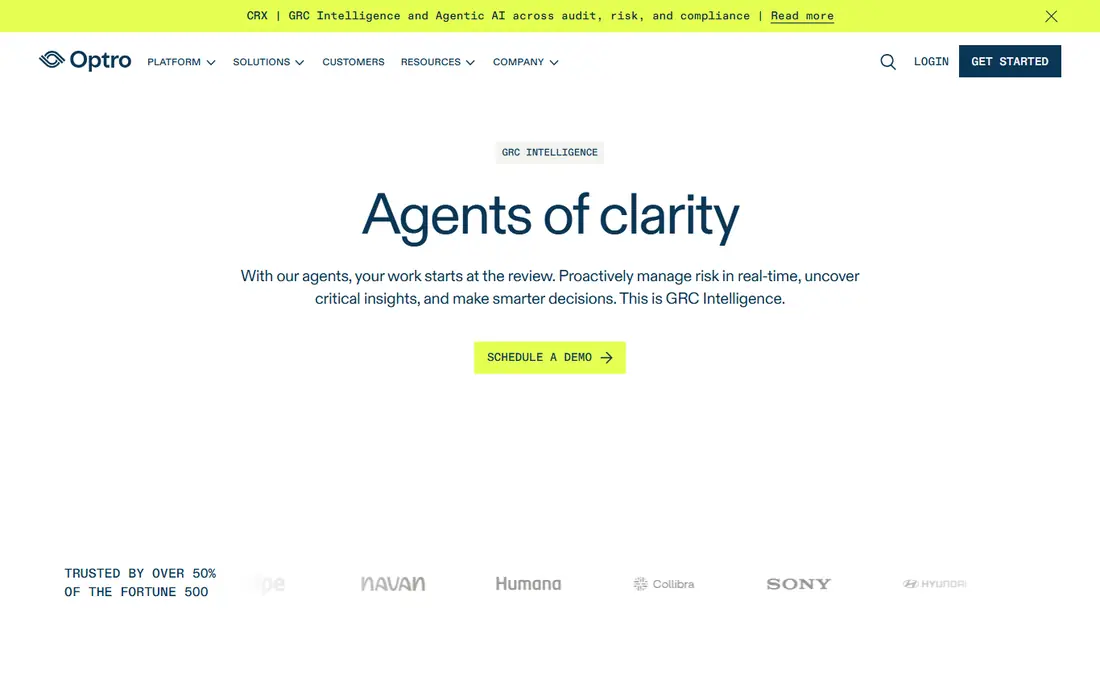
AuditBoard is built for teams that run a full audit universe, annual plan and SOX testing cycle. It links risks, controls, test results and issues, so a control change shows up across related audits rather than sitting in one spreadsheet. That connected view helps audit leaders explain coverage to management and the board.
The trade-off is scale and cost. Smaller teams may find the platform larger than they need, and pricing requires a sales conversation. For a mid-size or large company with formal SOX duties, though, that depth is the point. Ask for a demo using your own audit plan and control set, and check how long onboarding takes for your team size.
- Strong SOX and internal audit modules
- Connected risk and controls views
- Good reporting for audit committees
- Quote-based pricing
- Implementation can take time for large programs

Workiva started in financial reporting, and that history shows in its audit tools. Teams can tie audit workpapers, controls and evidence to the numbers and narratives that appear in reports. When a figure changes, linked sections can be checked and updated in a controlled way, which reduces late-stage surprises.
This is a good fit when audit, finance and reporting teams need to work from the same source data. It is less of a fit for a small team that only needs a simple audit tracker. Pricing is quoted, so compare the modules you actually need against a narrower audit tool before signing.
- Links audit evidence to reports and filings
- Strong document and data controls
- Useful for finance teams
- Quote-based pricing
- Broad platform can feel complex at first
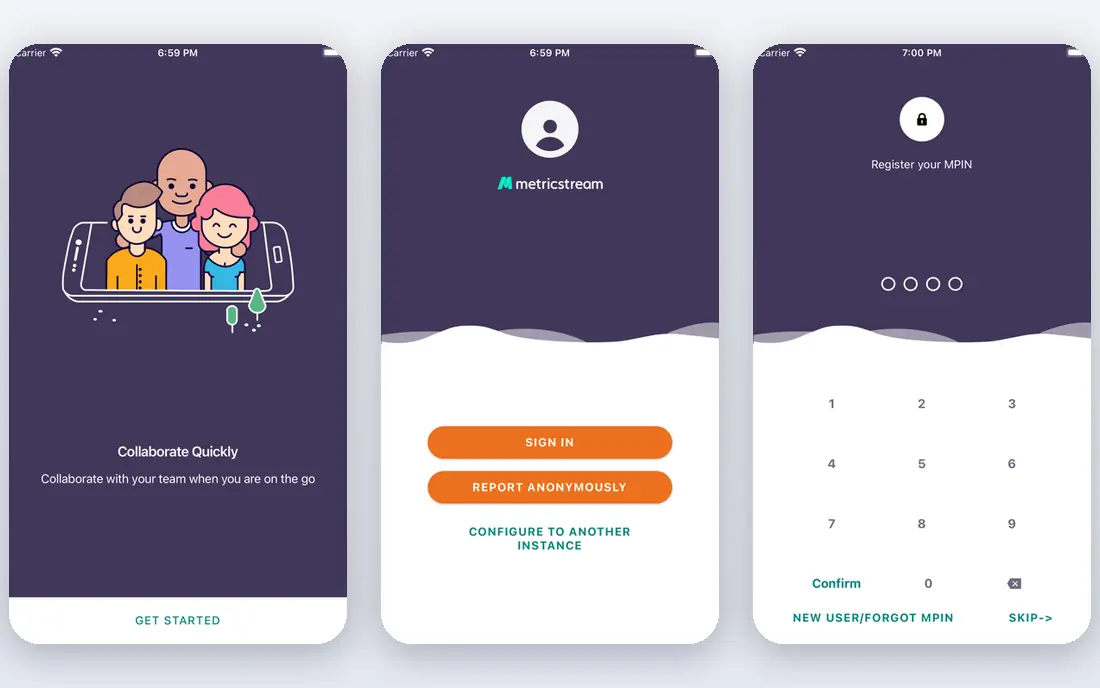
MetricStream suits large, regulated organisations that run audit alongside risk management, compliance and third-party oversight. Its workflows can be shaped to match complex approval chains, regional requirements and multiple business units. Reporting can roll results up for senior leaders while keeping detail for auditors.
That breadth comes with a heavier implementation. Teams should plan for configuration, training and governance of the platform itself. If your audit program is small, a lighter tool will be faster to adopt. If you operate across many entities and frameworks, MetricStream gives you room to grow without switching systems.
- Broad governance, risk and compliance coverage
- Configurable workflows
- Strong enterprise reporting
- Quote-based pricing
- Setup and administration need dedicated effort
Drata focuses on getting a company audit-ready for frameworks such as SOC 2 and ISO 27001. It connects to cloud services, HR tools and code repositories, then pulls evidence for controls on a schedule. That automation saves the manual chasing that often slows a first audit.
Auditors still need to review evidence and judge controls, and Drata does not replace an internal audit department. For a growing software or services company, it is a practical bridge between spreadsheets and a full enterprise platform. Check which integrations cover your stack before you commit, since coverage drives most of the time saved.
- Automated evidence collection from common tools
- Clear control tracking
- Helpful for first audits
- Less suited to deep internal audit planning
- Pricing is quoted
Vanta works in a similar space to Drata, with continuous monitoring of controls and automated tests that flag gaps early. Teams get a task list for fixes, document requests and policy gaps, which keeps audit preparation moving between annual audits. It also supports several frameworks from one control set, so work done for SOC 2 can support ISO or HIPAA efforts where controls overlap.
The honest limit is scope. Vanta is strong on compliance readiness and weaker on classic internal audit planning, sampling and workpaper review. Pair it with an internal audit process if your board expects that depth. For many startups and mid-size firms, its monitoring and evidence automation are the main draw.
- Broad integration library
- Continuous control monitoring
- Clear task lists for remediation
- Pricing is quoted
- Deeper internal audit work needs other tools
Hyperproof lets teams map one control to several frameworks, which avoids duplicating work when a company pursues more than one certification. Evidence can be linked, refreshed on a schedule and reviewed in one place. That structure helps compliance managers show auditors exactly where each control stands.
It appeals to teams that want flexibility without building everything in spreadsheets. The platform is less well known than AuditBoard or MetricStream, so ask for customer references in your industry and confirm support hours. If framework overlap is your main pain, Hyperproof deserves a close look.
- Flexible control mapping across frameworks
- Good evidence organisation
- Clear audit trail
- Pricing is quoted
- Smaller brand than the enterprise leaders
LogicGate Risk Cloud lets business users build audit, risk and compliance workflows without heavy coding. Teams can design intake forms, approval steps, scoring and reporting around their own process rather than forcing their process into a fixed template. That flexibility suits organisations whose audit work changes often or spans several departments.
Flexibility also means discipline matters. A poorly designed workflow can create confusion, so plan your fields, owners and review steps before building. LogicGate works best when one or two owners govern the design. If you want a ready-made audit methodology out of the box, a more prescriptive tool may fit better.
- No-code workflow building
- Adaptable to different audit styles
- Good risk linkage
- Pricing is quoted
- Building workflows takes planning time
Ideagen, formerly known for Pentana and related audit products, serves internal audit teams that want proven planning, fieldwork and reporting. It handles multi-year plans, risk scoring, resource scheduling and issue tracking in a structured way. Teams moving from spreadsheets often find its audit logic familiar.
Newer platforms may look fresher, and Ideagen can feel traditional by comparison. What it offers in return is depth for classic internal audit work. If your team values a stable, well-understood audit method over flashy automation, Ideagen is a steady choice. Request a demo focused on your reporting needs, since board and committee reports are where many teams judge it.
- Long track record in audit
- Solid planning and reporting
- Supports complex audit universes
- Pricing is quoted
- Interface can feel traditional next to newer tools
How we picked these
We compared official product pages, pricing pages, framework coverage and public documentation for audit, risk and compliance platforms. We favoured tools with clear audit planning, evidence handling, issue tracking and reporting, and we excluded generic project tools that lack audit-specific workflows. Prices are shown as See website where vendors use quoted pricing, rather than repeating third-party estimates. We did not claim hands-on testing; this comparison rests on vendor material, documentation and public reviews.
What to check before you buy audit software
Start with scope, not features. List the audits you run each year, the frameworks you must meet and the reports your board expects. That list quickly separates a compliance automation tool from a full internal audit platform. A SOC 2 startup and a public company with SOX duties need different depth, even if both say they need audit software.
Evidence and integrations
Check how evidence gets into the system. Automated integrations save time, but only if they cover your cloud, HR and finance tools. Ask how often evidence refreshes, who reviews it and how auditors access it. A tool that requires constant manual uploads will not fix a spreadsheet problem.
Controls, issues and reporting
Look at how controls link to risks, tests and issues. You want one issue to show its owner, due date, remediation steps and retest result. Reporting should serve two audiences: auditors who need detail and leaders who need a clear summary. Test the dashboard and board report in a demo, not just the marketing screenshots.
Implementation and total cost
Quote-based pricing makes total cost hard to compare. Ask what implementation, training and support cost, how long setup takes and what happens when you add users or modules. Get references from companies of similar size and industry. A cheaper quote that needs months of consulting may cost more than a higher quote with a faster start.
FAQ
What is audit management software?
Audit management software plans audits, organises fieldwork and evidence, tracks issues and produces reports. It replaces scattered spreadsheets and email with one audit trail. Teams use it for internal audit, SOX testing and compliance framework preparation.
How much does audit management software cost?
Most enterprise tools use quoted pricing based on modules, users and scope. Smaller compliance automation tools also tend to quote rather than publish a flat rate. Ask vendors for a written quote that includes implementation, training and support, so you can compare total cost.
Do I need audit software for SOC 2?
You do not have to use dedicated software to pass SOC 2, but automation helps. Tools such as Drata and Vanta collect evidence and monitor controls between audits. A small company can start with those tools and add deeper internal audit software later if needed.
What is the difference between internal audit software and compliance software?
Internal audit software focuses on audit planning, sampling, workpapers and reporting for an audit team. Compliance software focuses on meeting a framework, collecting evidence and tracking controls. Some platforms do both, but many lean one way, so check which job matters most to you.
Can audit software replace auditors?
No. Software organises evidence, tracks tasks and flags gaps, but auditors still judge risk, test controls and form opinions. The best result pairs a good platform with skilled auditors who know your business and its risks.
How long does implementation take?
It varies from weeks for a focused compliance tool to months for a large enterprise platform. Timing depends on data migration, workflow design, integrations and training. Ask for a written implementation plan with milestones before you sign.