Best Audio Engine Software in 2026: 9 Engines Compared
Compare the best audio engine software for 2026, from game middleware like FMOD and Wwise to lightweight libraries for apps and developer tools in this guide.
- Editor's choice
 FMOD Studio
Game audio teams that want a fast authoring workflow
Starts atFreeVisit fmod.comFull review - Great alternative
 Wwise
Large games with complex adaptive sound
Starts atFreeVisit audiokinetic.comFull review - Also consider
 CRIWARE ADX
Games with heavy voice, video, and streaming audio needs
Starts atSee websiteVisit cri-mw.co.jpFull review
TL;DR:
- FMOD Studio and Wwise are the two leading game audio middleware options, with free paths for small projects.
- Unity Audio and Unreal MetaSounds suit teams already building in those engines and cost nothing extra.
- Lightweight libraries like SoLoud, miniaudio, and OpenAL Soft fit apps and tools that need playback without a full authoring suite.
- Licensing thresholds matter, so check budget and revenue limits before shipping a commercial title.
Quick comparison
| Tool | Best for | Starts at | Free plan? | |
|---|---|---|---|---|
| FMOD Studio | Game audio teams that want a fast authoring workflow | Free | Yes | Visit |
| Wwise | Large games with complex adaptive sound | Free | Yes | Visit |
| CRIWARE ADX | Games with heavy voice, video, and streaming audio needs | See website | Free trial | Visit |
 Unity Audio | Games built in Unity without extra middleware | Free | Yes | Visit |
 Unreal MetaSounds | Games built in Unreal Engine with procedural audio | Free | Yes | Visit |
 Miles Sound System | Licensed audio for games that need proven tech support | See website | Free trial | Visit |
 SoLoud | Simple audio playback in games, demos, and tools | Free | Yes | Visit |
 miniaudio | Single-file audio in C and C++ applications | Free | Yes | Visit |
 OpenAL Soft | Open 3D audio in cross-platform games and apps | Free | Yes | Visit |
The best audio engine software
An audio engine handles playback, mixing, spatial sound, and interactive music in games and apps. Some are full authoring suites with editors, while others are code libraries you call from your own program. The right pick depends on your team, your engine, and your budget.
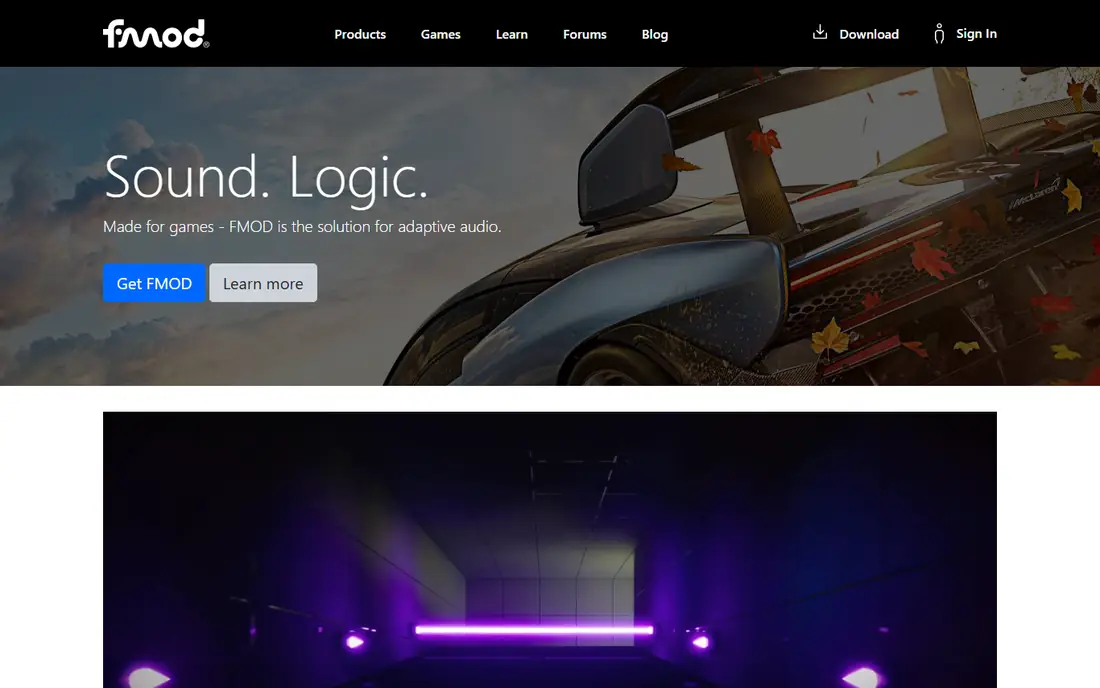
FMOD Studio lets sound designers build events on a timeline, add parameters for distance or game state, and package sounds into banks for the game. Its interface feels familiar to anyone who has used a music production tool, which shortens the learning curve for composers moving into games.
Licensing is indie-friendly at the small end. Projects under set budget and revenue limits can use a free indie license, with paid tiers from $2,000 per title at higher budgets. Check the current thresholds before you ship, because they decide when a paid license is required.
- Familiar DAW-style timeline and parameters
- Live update while a game runs
- Strong Unity and Unreal integration
- Paid tiers kick in above budget thresholds
- Logo or credit requirements apply on free indie terms

Wwise, from Audiokinetic, is the other major game audio middleware, and it is known for deep control over states, switches, and real-time parameter controls. Sound designers can build rich adaptive systems without writing code, while programmers get a full API for runtime control.
The indie tier is free for projects under a $250,000 production budget, with Pro starting at $7,000 per project and platform. Teams that need premium plugins or direct engineering support move to higher tiers, so budget for audio early on large titles.
- Deep interactive music and state systems
- Extensive documentation
- Free for small-budget and non-commercial projects
- Interface can overwhelm newcomers
- Paid tiers start at $7,000 per project and platform
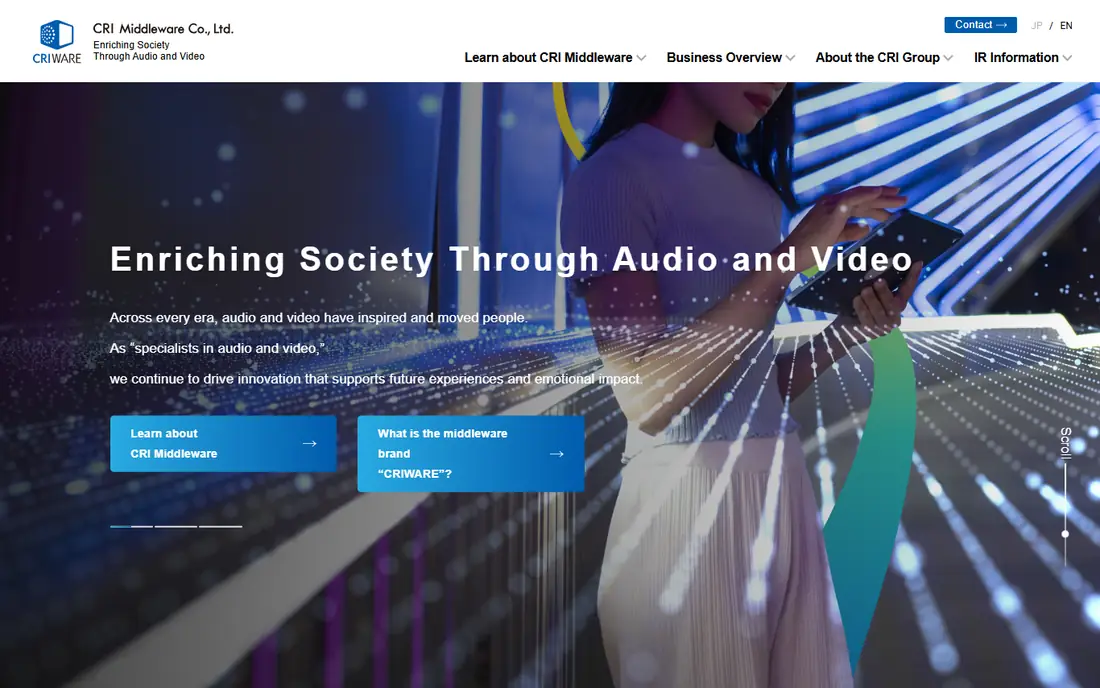
CRIWARE ADX, from CRI Middleware, is widely used in Japanese-developed games and beyond, especially where voice lines, cutscenes, and large sound sets must stream smoothly. It handles interactive music, 3D audio, and video playback in one system, which suits story-heavy and mobile titles.
Pricing is not published as a simple list, so contact CRI for a quote based on platforms and project size. If your game leans heavily on voice and video, ADX deserves a place on the shortlist alongside FMOD and Wwise.
- Strong voice and video playback
- Efficient streaming for large audio sets
- Proven in many shipped console and mobile titles
- Pricing is handled through sales
- Smaller indie community than FMOD or Wwise
Unity Audio is the built-in sound system in the Unity engine, and it covers the needs of many small and mid-sized games. You get an audio mixer, 3D spatial settings, effects, and clip playback without buying or learning a separate tool. For mobile games, prototypes, and modest projects, that is often enough.
Its limits show on complex adaptive music or large sound designs, where dedicated middleware offers stronger authoring tools. Many Unity teams start with built-in audio and add FMOD or Wwise only when the sound design demands it.
- Built into Unity at no extra cost
- Simple mixer and 3D sound setup
- Large tutorial community
- Adaptive music tools are more limited than FMOD or Wwise
- Large projects may still add middleware
Unreal MetaSounds
Best for: Games built in Unreal Engine with procedural audio
MetaSounds is Unreal Engine's node-based audio system, letting designers build sounds from oscillators, samplers, and effects inside the editor. It supports procedural audio, dynamic mixing, and runtime parameter control, all without a separate middleware purchase. For Unreal teams, that integration is a strong advantage.
The obvious limit is scope. MetaSounds only makes sense inside Unreal, so teams building in other engines should look at FMOD, Wwise, or a code library instead. Inside Unreal, it is a capable and cost-free starting point.
- Built into Unreal Engine
- Node-based sound design
- Procedural and dynamic audio without extra licenses
- Tied to Unreal Engine
- Learning curve for designers new to node graphs
Miles Sound System
Best for: Licensed audio for games that need proven tech support
Miles Sound System, from RAD Game Tools, has shipped in games for decades and remains a solid licensed option for studios that want proven playback, streaming, and 3D audio with commercial support. It integrates with major engines and platforms, and it suits teams that prefer a code-driven approach over a separate authoring app.
Licensing is handled through RAD, so pricing is not a simple public list. Miles fits studios that value stability and support over the newest authoring interface.
- Long track record in shipped games
- Supports many platforms
- Commercial support available
- Quote-based licensing
- Authoring tools are less modern than FMOD Studio or Wwise
SoLoud is a lightweight, open-source audio engine for C and C++ that focuses on getting sound playing quickly. It handles mixing, filters, 3D positioning, and streaming with a small API, which makes it a good fit for game jams, tools, and hobby projects. It also has bindings for other languages through community ports.
You will not get a FMOD-style event editor here. SoLoud is a library, so sound design lives in code or in files you prepare elsewhere. For programmers who want control without license fees, that trade is fine.
- Free and open source
- Easy to integrate
- Supports filters, 3D audio, and speech synthesis basics
- No full authoring editor
- Smaller community than major middleware
miniaudio is a popular single-file audio library for playback, capture, mixing, and basic effects. Developers drop it into a project, call a small set of functions, and get sound working on Windows, macOS, Linux, and mobile platforms without extra dependencies. Its low overhead suits apps, emulators, and tools where a full engine would be overkill.
Like SoLoud, miniaudio is code-first. There is no timeline editor or event system, so interactive music and complex adaptive design require manual work. For straightforward playback and capture, it is hard to beat for simplicity.
- Free and open source
- Single header-style library
- Low overhead and wide platform support
- No authoring tools
- You manage mixing and effects in code
OpenAL Soft is an open-source implementation of the OpenAL 3D audio API, used by games and simulators that need positional sound. It supports HRTF for headphone spatial audio, environmental effects, and multi-channel output, and it runs across desktop platforms. Teams porting older OpenAL projects often choose it as a maintained path forward.
It is a playback library, not a design suite, so content still comes from your own pipeline. For open-source projects and cross-platform tools, its license and stability are strong selling points.
- Free and open source
- Standard 3D audio API
- Good HRTF and effects support
- Development pace is steady rather than fast
- No authoring editor included
How we picked these
We compared official documentation, licensing pages, and platform support for each engine, and we favored tools that are actively maintained in 2026. We included full middleware suites, engine-built-in systems, and code libraries so that game teams, app developers, and hobbyists can each find a realistic option. Where pricing is quoted, we said so rather than guessing.
What to check before you buy
Start with your game engine and team skills. If you build in Unity or Unreal, the built-in audio may cover your first release. If your sound designer needs timeline editing and live tuning, FMOD or Wwise will save more time than any license saving is worth.
Read the license thresholds carefully
FMOD and Wwise both offer free tiers with budget or revenue limits, and paid tiers are priced per title and platform. Confirm how your budget is counted, whether ports count separately, and what credit or logo terms apply, before you commit to a tool for a commercial release.
Test on target platforms early
Audio behavior varies across consoles, mobile devices, and headsets. Test streaming, voice counts, and 3D positioning on real hardware during pre-production, not at the end of the project. Performance problems in audio are much cheaper to fix early.
Plan your content pipeline
Middleware tools need banks, events, and naming rules that stay consistent as content grows. Agree on naming, parameter ranges, and bank splitting before dozens of sounds exist. A messy pipeline slows every later change.
FAQ
What is audio engine software?
It is software that plays, mixes, and positions sound in games and apps. It handles music, effects, voice, and spatial audio, and in middleware tools it also lets designers build interactive sound that reacts to gameplay.
Is FMOD or Wwise better for indie games?
Both offer free tiers for small projects. FMOD often feels quicker to learn for composers because of its DAW-style interface, while Wwise offers deeper state and switch systems for complex adaptive audio. Try both on a small scene before choosing.
Do I need middleware if I use Unity or Unreal?
Not always. Unity Audio and Unreal MetaSounds cover many projects at no extra cost. Middleware becomes worth it when sound design grows complex, when you need live tuning during play, or when a dedicated sound team needs stronger authoring tools.
Are SoLoud, miniaudio, and OpenAL Soft really free?
Yes, they are open-source libraries with permissive or free licenses. You still pay for your own development time and any content creation tools, but there is no per-title license fee for the libraries themselves.
What is adaptive audio?
Adaptive audio changes based on gameplay, such as music layers that add instruments during combat or sound effects that shift with player location. Middleware tools make this easier through parameters, states, and interactive music systems.
How much does game audio middleware cost at scale?
It depends on budget and platforms. FMOD paid tiers start around $2,000 to $6,000 per title in published summaries, and Wwise Pro starts around $7,000 per project and platform, with higher tiers for large productions. Confirm current terms with the vendor before budgeting.