Best Computer Assisted Translation Software in 2026: 9 Tools Compared
Compare the best computer assisted translation software in 2026, with CAT tools, translation memory, terminology control, and pricing for translators and teams.
- Editor's choice
 Trados Studio
Translators working with agencies
Starts atSee websiteVisit trados.comFull review - Great alternative
 memoQ
Translators and teams wanting flexible licensing
Starts atSee websiteVisit memoq.comFull review - Also consider
 Phrase
Cloud-based localization teams
Starts at$27 per monthVisit phrase.comFull review
TL;DR:
- Computer assisted translation software, or CAT tools, reuse past translations through translation memory, enforce terminology, and check quality, which saves time and improves consistency.
- Trados Studio remains the agency default, memoQ offers flexible licensing, and Phrase leads for cloud-based team localization.
- Free options such as Smartcat, MateCat, and CafeTran Espresso can cover freelancers and small teams without a license bill.
- File format support matters more than feature lists: confirm your clients accept your tool's package format before you buy.
- Our pick for most agency-facing freelancers is Trados Studio, with memoQ as the flexible alternative and Smartcat as the free starting point.
Quick comparison
| Tool | Best for | Starts at | Free plan? | |
|---|---|---|---|---|
| Trados Studio | Translators working with agencies | See website | Free trial | Visit |
| memoQ | Translators and teams wanting flexible licensing | See website | Free trial | Visit |
| Phrase | Cloud-based localization teams | $27 per month | Free trial | Visit |
 Smartcat | Free CAT tool plus a linguist marketplace | Free | Yes | Visit |
 Wordfast Pro | Affordable professional desktop CAT | See website | Free trial | Visit |
 Crowdin | Software and app localization teams | Free | Yes | Visit |
 Lokalise | Developer-centric product localization | $144 per month | Free trial | Visit |
 MateCat | Free browser-based CAT for translators | Free | Yes | Visit |
 CafeTran Espresso | Highly configurable desktop CAT | $80 per year | Free trial | Visit |
The best computer assisted translation software
CAT tools differ in platform, licensing, and team features, but they all center on translation memory, terminology, and quality checks. The right tool depends on who sends you work and what formats they require.
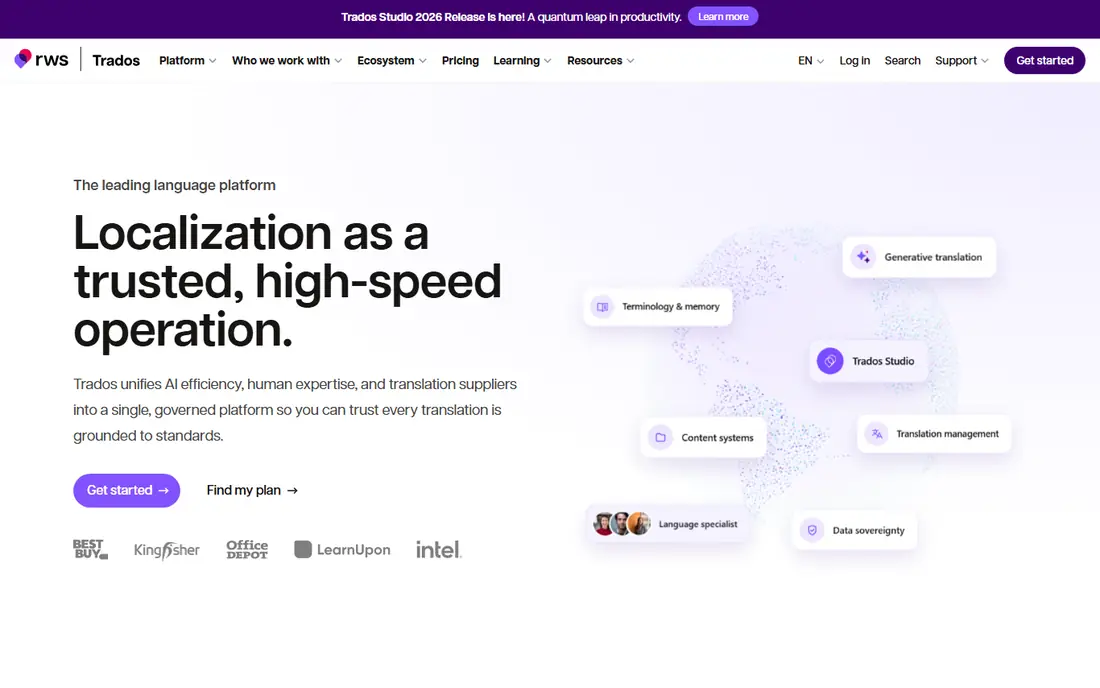
Trados Studio, from RWS, is the tool most translation agencies expect, and that alone makes it the safest purchase for freelancers whose income depends on agency work. Its translation memory, terminology management, and quality checks are mature, and its file support covers the formats agencies send most often. Cloud features now sit alongside the desktop editor for team projects.
RWS no longer sells new perpetual licenses, so freelancers face an ongoing subscription, with annual pricing varying by tier and region. The desktop interface also takes time to learn. If agencies are your main clients, Trados is still the default choice, and its acceptance outweighs its cost for most agency translators.
- Widest agency acceptance
- Mature translation memory and terminology
- Broad file format support
- Subscription only for new licenses
- Higher cost than many rivals
- Desktop learning curve
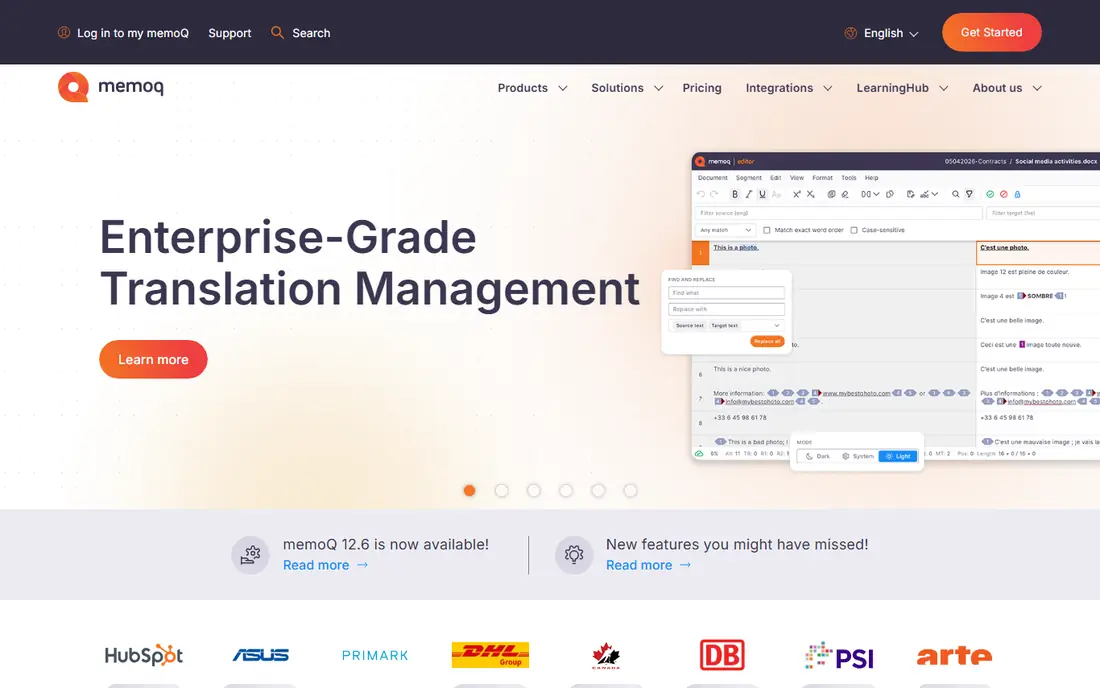
memoQ is the strongest rival to Trados, with a loyal following among freelancers and agencies, especially in Europe. It offers both subscription and perpetual licenses, which changes long-term math for translators who prefer a one-time purchase plus optional support. Its quality assurance, terminology control, and LiveDocs feature, which lets translators use reference documents directly as translation memory, are genuine strengths.
memoQ is less cloud-native than Phrase, and agency server pricing is quoted, so team buyers should scope that separately. For translators who want professional power with licensing choice, memoQ is an excellent alternative to Trados, and many agencies accept its packages.
- Subscription or perpetual license options
- Strong QA and terminology
- LiveDocs reference handling
- Desktop heritage means less cloud-native workflow than Phrase
- Server pricing for agencies is quoted
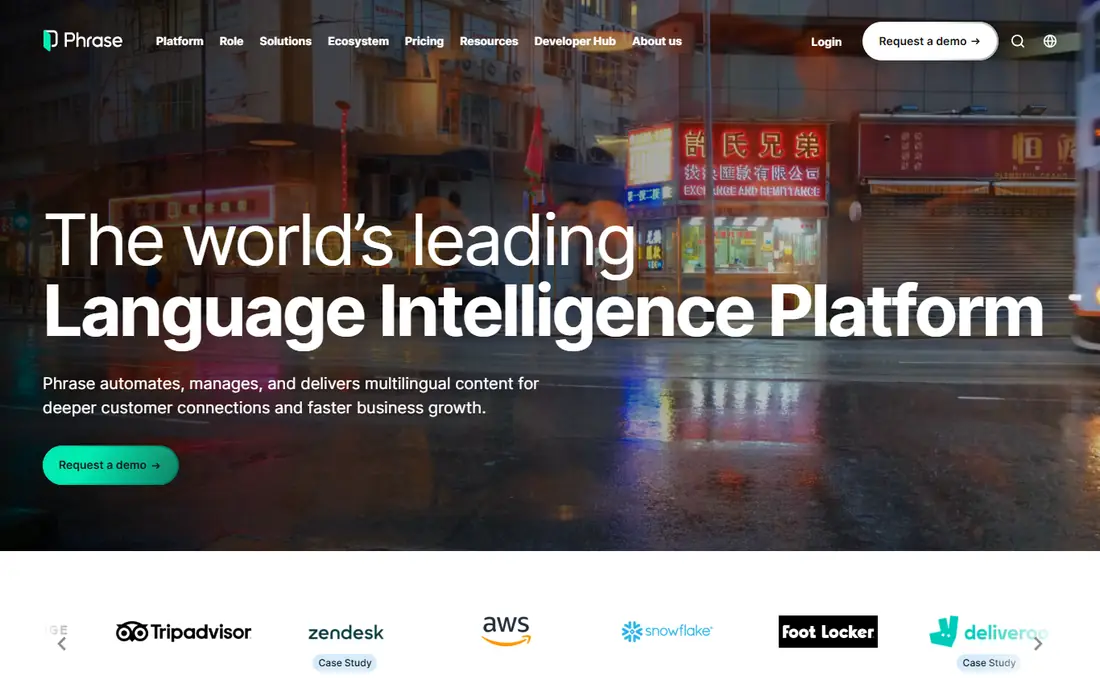
Phrase, formerly Memsource, is the cloud localization platform for teams that need automation, workflow control, and analytics across many languages and projects. Its CAT editor supports in-context preview, so translators see how text fits in software or web pages, and its workflow engine routes work, reviews, and quality checks without spreadsheets. That structure suits product and content teams at scale.
Per-seat and tiered pricing means costs rise as more people join, so small freelancers may find a desktop tool cheaper. For localization teams that need a managed cloud platform with strong automation, Phrase is the leading choice in this list.
- Cloud-native platform
- Strong workflow automation and analytics
- In-context preview
- Per-seat costs climb with company-wide rollout
- Freelancers may not need the full platform
Smartcat gives freelancers a free, web-based CAT tool with translation memory, machine translation integration, and a built-in marketplace for finding work. That free entry point helps new translators start without a license bill, and its AI features, including AI agents for translation workflows, suit teams that want automation. Unlimited users on paid plans also help larger teams collaborate without per-seat friction.
The trade-off is the marketplace model. Work found through Smartcat can carry commissions and price pressure, and some agencies do not accept Smartcat packages, so check client requirements first. For translators starting out, or teams that find work through Smartcat itself, it is the best free starting point.
- Free core CAT tool
- Built-in marketplace
- AI drafting and automation features
- Marketplace commission model
- Some agencies do not accept Smartcat packages
- Data handling needs checking
Wordfast Pro is the value desktop CAT tool, with a simple interface, broad file format support, and direct Microsoft Word integration that many translators like. It covers translation memory, terminology, and quality checks without enterprise complexity, and its one-time purchase model historically made long-term costs easy to predict. Recent versions have improved stability and performance for daily professional use.
Team and workflow features lag memoQ and Phrase, so agencies needing server collaboration should look elsewhere. For freelancers and small teams that want professional desktop CAT at a modest price, Wordfast Pro is a practical and proven choice.
- Low cost for a professional tool
- Simple interface
- Broad file support and Word integration
- Fewer team features than memoQ or Phrase
- Pricing varies and needs checking on the vendor site
Crowdin suits agile development teams localizing software, apps, and websites across many repositories. Its integration catalog connects to code hosts, content systems, and design tools, and its visual editor shows translators where strings appear in the product. A free tier helps small projects start, while paid plans scale to enterprise use.
Flexibility means configuration work, and Crowdin is centered on software strings rather than long-form documents. Teams localizing manuals or books should pair it with a document-focused CAT tool. For software localization, Crowdin is one of the strongest and most flexible options available.
- Huge integration and app catalog
- Visual editor
- Free tier for small projects
- Configuration effort for complex setups
- Long-form content is secondary to software strings
Lokalise is built for developers and product teams that need continuous localization: code changes trigger translation workflows automatically, and translators work in a collaborative string editor with strong automation. Its integrations with developer tools and its AI quality scoring suit fast-moving product teams that ship in many languages.
The starting price near $144 per month puts it above freelancer tools, and its focus is UI strings rather than long-form documents. For product teams that live in code repositories and need automation, Lokalise is a top-tier choice. For document translators, Trados or memoQ will fit better.
- Automation-heavy continuous localization
- Strong developer toolchain integrations
- Collaborative string editing
- Higher starting price
- UI strings are the focus, with long-form content secondary
MateCat is a free, open source, browser-based CAT tool that covers the essentials: translation memory, machine translation, terminology, and language quality scoring. No install is needed, which helps translators on shared or locked-down machines, and its simplicity makes it easy to learn. For occasional translators, students, and small projects, it removes the license barrier entirely.
Advanced features, team workflows, and support lag the paid tools, so professional translators with heavy agency work will outgrow it. As a free starting point, or as a second tool for quick jobs, MateCat is genuinely useful and worth trying before paying for a license.
- Free and open source
- Browser-based, no install
- Translation memory, machine translation, and quality scoring
- Fewer advanced features than Trados or memoQ
- Support is community based
CafeTran Espresso appeals to translators who want to shape their editor to their exact workflow, with deep configuration options, cross-platform support, and machine translation integration. Its annual price near $80 makes it one of the cheapest professional desktop options, and its freemium version lets you test the core editor before paying.
The interface is less polished than Trados or memoQ, and the community is smaller, so finding presets and help takes more effort. Translators who value configurability over polish, and who do not need agency-mandated formats, will find CafeTran a capable and affordable tool.
- Very flexible and configurable editor
- Cross-platform
- Machine translation integration
- Interface is less polished than rivals
- Smaller community and fewer agency presets
How we picked these
We compared official product pages and independent 2026 CAT tool comparisons for tools with real translator and localization team use. We favored tools that cover translation memory, terminology, quality checks, and common file formats, and we kept a mix of desktop, cloud, free, and enterprise options. We did not claim hands-on testing. Where pricing is quoted or varies by region and tier, we say so and give widely reported starting points only where they are clearly labeled as such.
What to check before you buy
Start with your clients, not the feature list. Ask which package formats agencies or in-house teams require, since Trados and memoQ packages dominate agency work while cloud platforms suit product teams. A tool your clients cannot accept will cost you work, no matter how good its editor feels.
Next, test translation memory, terminology, and quality checks on a real project in your language pair, including a tricky file format you handle often. Check machine translation providers, data handling, and whether your content trains third-party models, since privacy terms differ. Finally, compare total cost over three years, including subscription versus perpetual licenses, server fees for teams, and marketplace commissions where they apply.
Translation management versus CAT editing
A CAT editor is the translator's workbench for memory, terminology, and quality. A translation management system adds project workflows, vendor management, and analytics around that workbench. Tools such as Phrase, Crowdin, and Lokalise lean toward management, while Trados, memoQ, Wordfast, and CafeTran lean toward editing. Many teams need both, so check whether your pick covers the other side or integrates with a tool that does.
FAQ
What is the best CAT tool?
Trados Studio is the best CAT tool for agency-facing translators, memoQ for flexible licensing, and Phrase for cloud localization teams. Smartcat and MateCat lead for free use, while Crowdin and Lokalise lead for software localization. The best choice depends on your clients and your content type.
What is the best CAT software for freelancers?
Trados Studio suits freelancers whose clients are agencies, memoQ suits those who prefer a perpetual license, and Smartcat suits new translators who want a free tool with a marketplace. Wordfast Pro and CafeTran Espresso offer affordable desktop alternatives for freelancers on a budget.
What is the best translation management software?
Phrase, Crowdin, Lokalise, and Smartcat all offer translation management features, with Phrase leading for enterprise workflow automation, Crowdin for software teams, and Lokalise for developer-centric products. For document-heavy teams, memoQ Server and Trados Enterprise add management to strong CAT editing.
How much does CAT software cost?
Costs range from free with Smartcat and MateCat to subscriptions for Trados and memoQ and per-seat plans for Phrase, Crowdin, and Lokalise. Wordfast Pro and CafeTran Espresso sit at the affordable end, while enterprise server and platform pricing is quoted. Compare three-year total cost, not just the first-year price.
Do CAT tools replace human translators?
No. CAT tools reuse past translations, enforce terminology, and flag quality issues, but a human translator still makes judgment calls about meaning, tone, and cultural fit. Machine translation inside a CAT tool is a draft aid, and professional work still needs human review and editing.
Can I use a free CAT tool professionally?
Yes, for many jobs. Smartcat and MateCat handle professional translation memory and quality workflows, and many freelancers start with them. Check whether your clients accept their package formats first, since agency work often requires Trados or memoQ packages.