Best Computational Fluid Dynamics Software: 8 Tools Compared
Compare the best computational fluid dynamics software for aerodynamics, with solvers, meshing, cloud options, and pricing for engineers and students.

- Editor's choice
 Ansys Fluent
Industrial CFD at scale
Starts atSee websiteVisit ansys.comFull review - Great alternative
 OpenFOAM
Free, open source CFD
Starts atFreeVisit openfoam.orgFull review - Also consider
 SimScale
Browser based CFD
Starts atFreeVisit simscale.comFull review
TL;DR:
- Ansys Fluent and Siemens Simcenter STAR-CCM+ remain the standard choices for high stakes industrial CFD, with deep physics models and long validation histories.
- OpenFOAM is the strongest free option, with a huge solver library, but it demands more setup skill and comfort with the command line.
- SimScale brings CFD to the browser, which suits students, small teams, and anyone without a powerful workstation or a large license budget.
- For aerodynamics work, check turbulence models, moving mesh support, and adjoint optimization, since those features decide whether a tool fits aircraft, vehicle, or rotating machinery work.
- Most commercial CFD pricing is quote based, so plan a trial with your own geometry before you compare vendors on price alone.
Quick comparison
| Tool | Best for | Starts at | Free plan? | |
|---|---|---|---|---|
| Ansys Fluent | Industrial CFD at scale | See website | No | Visit |
| OpenFOAM | Free, open source CFD | Free | Yes | Visit |
| SimScale | Browser based CFD | Free | Yes | Visit |
 Autodesk CFD | Design teams using Autodesk tools | See website | No | Visit |
 COMSOL Multiphysics | Multiphysics CFD coupling | See website | No | Visit |
 Siemens Simcenter STAR-CCM+ | Integrated simulation in one tool | See website | No | Visit |
 Altair AcuSolve | Fast, scalable flow solving | See website | No | Visit |
 SOLIDWORKS Flow Simulation | CAD embedded flow analysis | See website | No | Visit |
The best computational fluid dynamics software
We compared solvers on physics breadth, meshing, aerodynamics features, ease of use, hardware needs, and pricing transparency. We used vendor documentation, pricing pages, and public solver guides, and we did not run benchmark cases ourselves, so treat performance claims as vendor reported unless you test them on your own models.
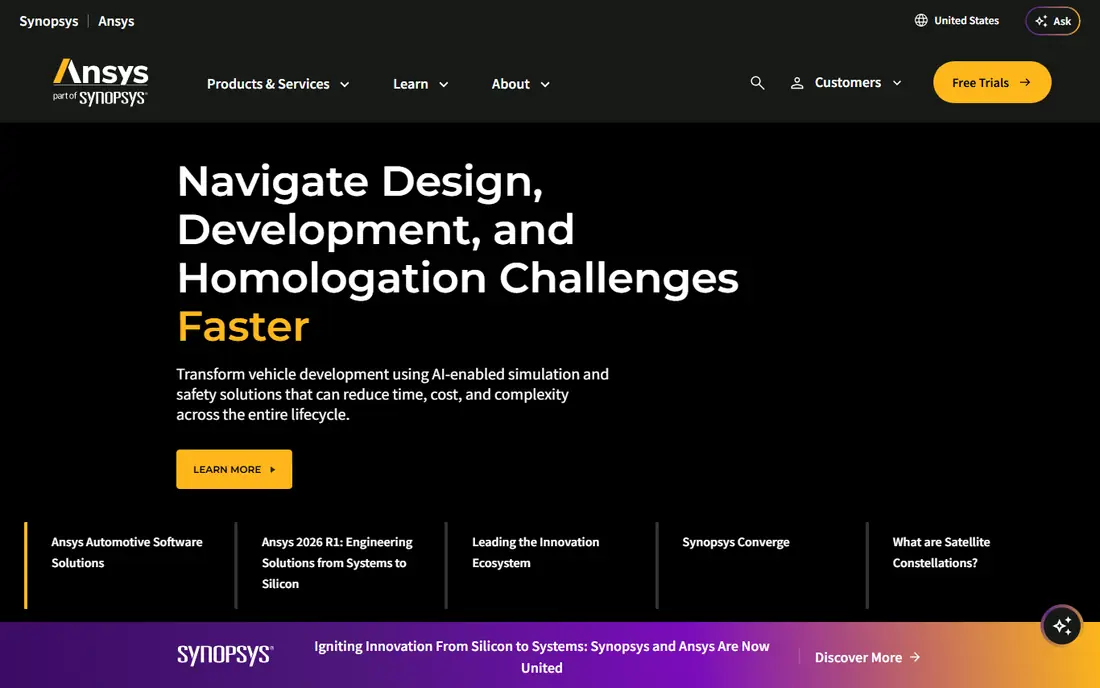
Ansys Fluent is the solver most engineers mean when they say industrial CFD. It covers incompressible and compressible flow, turbulence, heat transfer, multiphase flow, combustion, and reacting flows, with a long record in aerospace, automotive, and energy work. Its meshing tools handle complex assemblies, and its adjoint solver supports shape optimization for drag and lift, which is central to aerodynamics projects.
The cost of that breadth is complexity and price. Fluent is sold by quote, usually as part of a larger Ansys bundle, and large cases need a workstation or cluster with ample memory. New users also face a long learning curve, since Fluent exposes many model choices that affect results. If your work carries safety, regulatory, or certification weight, Fluent is the conservative pick. If you run occasional small cases, a lighter tool may serve you better.
- Very broad physics models
- Strong turbulence and combustion libraries
- Large user community
- Quote based pricing
- Steep learning curve
- Needs serious hardware for large cases
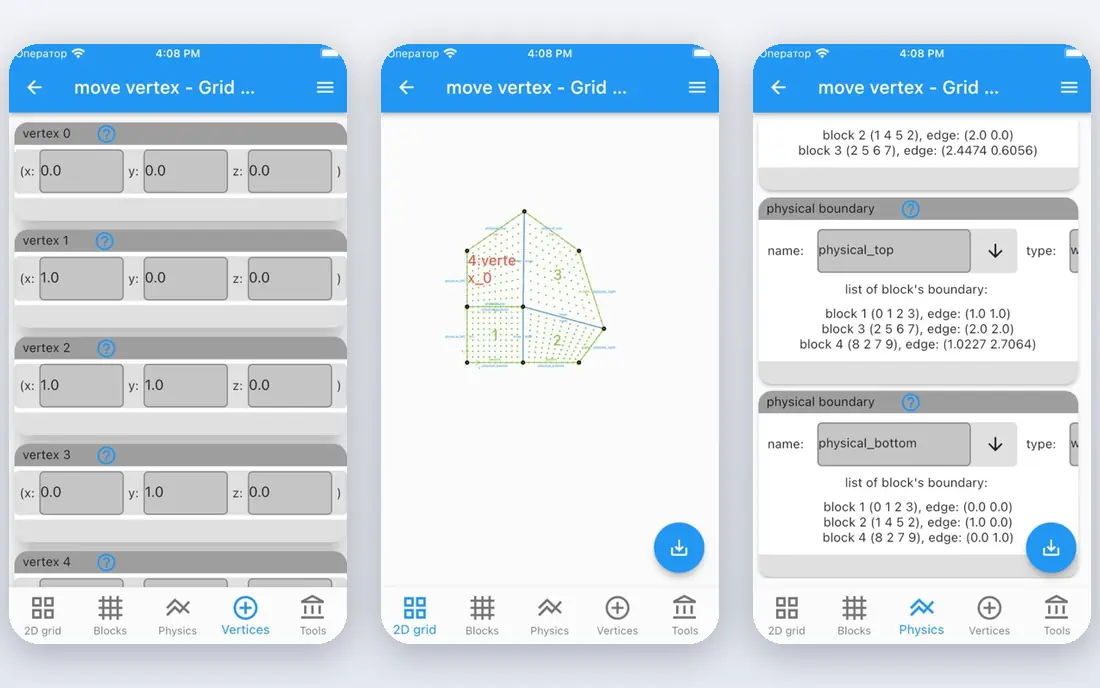
OpenFOAM is the open source CFD standard, used in universities, research labs, and a growing number of companies. It ships with solvers for incompressible and compressible flow, turbulence, heat transfer, multiphase flow, and combustion, plus tools for meshing and post processing. Because the code is open, you can inspect, modify, and extend any solver, which researchers and specialist firms value highly.
That freedom comes with work. OpenFOAM has no single polished graphical interface in its core distribution, case setup involves editing text dictionaries, and troubleshooting often means reading forums and source code. Commercial distributions and support vendors soften this, but they add cost. For students, researchers, and engineers with Linux skills and a tight budget, OpenFOAM is unmatched. For a team that needs a guided workflow and vendor support on day one, a commercial tool is easier.
- Free and open source
- Huge solver and turbulence model library
- Full control over cases
- Command line heavy
- Setup takes longer
- Support comes from the community unless you pay a vendor
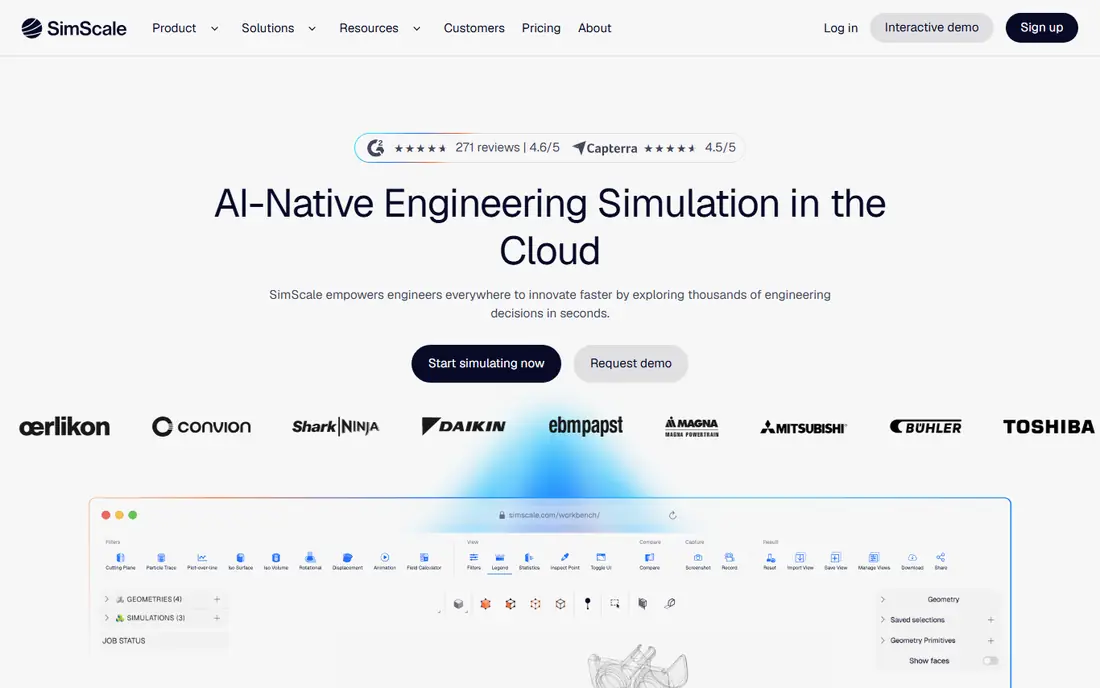
SimScale moves CFD into the cloud, so you run simulations from a browser and use cloud hardware instead of buying a workstation. Its Community plan is free, with a set number of core hours and public projects, which makes it a practical way to learn CFD or test a design idea before committing to a license. Paid plans add private projects, larger compute capacity, and more analysis types, including rotating machinery solvers.
The limits are clear. Free plan projects are public, which rules out confidential product work, and paid pricing is quote based, so budgeting takes a sales conversation. SimScale also suits steady state and moderately sized transient cases better than the largest industrial simulations, where a dedicated solver on a cluster still wins. For small teams, students, and design engineers who want CFD without infrastructure, SimScale is the easiest entry point.
- Runs in a browser with no workstation needed
- Free Community plan
- Good for learning and early design studies
- Paid plans are quote based
- Community projects are public
- Compute limits apply on the free plan
Autodesk CFD fits design teams that already work in Autodesk products, since models move from CAD to simulation with less cleanup than a standalone solver often requires. Its workflow is guided, with wizards for materials, boundary conditions, and meshing, which helps mechanical and building engineers who run CFD as part of design rather than as a full time job. Electronics cooling, HVAC, and product flow studies are natural fits.
Against Fluent or STAR-CCM+, Autodesk CFD has a narrower physics library and a smaller presence in high end aerodynamics research. Pricing is also quote based, so small teams cannot see a price without talking to sales. If your team designs in Autodesk tools and needs practical flow answers during design, Autodesk CFD is a sensible choice. If your work is advanced aerodynamics, compare it carefully against the larger solvers first.
- Works closely with Autodesk CAD tools
- Guided workflow for design engineers
- Strong for electronics cooling and building flow
- Quote based pricing
- Smaller physics library than Fluent
- Less common in aerospace research
COMSOL Multiphysics is the tool to pick when fluid flow is only part of the problem. It couples CFD with structural mechanics, heat transfer, acoustics, electromagnetics, and chemical reactions in one model, and it lets users define custom equations where built in physics fall short. Research teams, medical device engineers, and product designers with coupled problems use it heavily, and its application builder can turn a model into a shareable app for non specialist colleagues.
For pure, large scale aerodynamics, specialist solvers usually run faster and scale better on clusters. COMSOL pricing is quote based, and its breadth means new users need time to learn how to build stable coupled models. When the question spans several physics domains, though, COMSOL saves the effort of stitching separate tools together, and that integration is worth the trade off.
- Couples fluid flow with heat, structure, acoustics, and chemistry
- Flexible equation based modeling
- Strong for research
- Quote based pricing
- CFD performance lags specialist solvers on very large cases
- Needs modeling skill
STAR-CCM+ takes an integrated approach, putting geometry preparation, meshing, solving, and visualization in a single environment. That single pipeline reduces file transfers and rework, and its automated meshing handles complex assemblies well. It is widely used in automotive and marine aerodynamics and hydrodynamics, with adjoint optimization, overset meshes for moving bodies, and design exploration tools built in.
Like other enterprise solvers, STAR-CCM+ is quote priced and demands capable hardware for large cases. Its breadth also means a learning curve, though its workflow is more guided than OpenFOAM. For teams that run CFD daily on complex products and want one environment from CAD to results, STAR-CCM+ is a top tier choice. For occasional users, its cost and depth may be more than needed.
- CAD, meshing, solving, and post processing in one environment
- Strong aerodynamics and marine tools
- Automated design exploration
- Quote based pricing
- Large install and hardware needs
- Learning curve for new users
Altair AcuSolve is a finite element based CFD solver known for speed and scaling on parallel hardware. It handles incompressible and compressible flow, turbulence, heat transfer, and fluid structure interaction, and it pairs naturally with Altair tools for structural analysis and optimization. Engineers who already use Altair HyperWorks often add AcuSolve rather than buying a separate CFD platform.
AcuSolve has a smaller user community and fewer ready made templates than Fluent, so finding worked examples for a niche application can take longer. Pricing is quote based, usually within an Altair units licensing model that can be flexible but takes effort to understand. If speed on large cases and integration with Altair optimization matter to you, AcuSolve deserves a trial. If community examples and training courses matter more, a larger solver may suit you better.
- Fast finite element based solver
- Scales well on clusters
- Pairs with Altair optimization tools
- Quote based pricing
- Smaller community than Fluent
- Fewer ready made industry templates
SOLIDWORKS Flow Simulation puts CFD inside the CAD tool, so designers can test flow, pressure drop, and thermal behavior without exporting geometry or learning a separate solver. That tight loop is its main strength. A designer can change a part, rerun a study, and see the effect in minutes, which catches bad designs early, before a specialist simulation is even scheduled.
Depth is the limit. Flow Simulation covers common internal and external flow, heat transfer, and electronics cooling well, but it lacks the advanced turbulence, combustion, and multiphase models of specialist solvers, and it is only useful if your team already uses SOLIDWORKS. Treat it as a design stage tool that complements a full solver, not as a replacement for one, and it will earn its place quickly.
- Runs inside SOLIDWORKS
- Very fast for design stage checks
- Easy for CAD users to learn
- Limited physics depth
- Tied to SOLIDWORKS
- Not suited to large research grade cases
How we picked these
We compared vendor documentation, solver feature lists, pricing pages, and public guides for aerodynamics and general CFD work. We favored tools with a current release, a real user base, and documented support for turbulence modeling, meshing of complex geometry, and transient or moving body cases where relevant. We weighted physics breadth, ease of use, hardware needs, and pricing transparency together, and we note where pricing is quote based rather than publishing a number we could not verify.
Choosing CFD software for aerodynamics
Start with the flow regime, not the brand
List your cases first. Subsonic external flow, transonic aircraft work, rotating machinery, and multiphase flows need different solvers and turbulence models. A tool that excels at building ventilation may struggle with transonic shock capture, and a research solver may be slow to set up for a simple pressure drop study. Match the solver to the regime, then compare price and workflow.
Test with your own geometry
Vendor benchmarks use clean, favorable cases. Run a trial on one of your own models, with your mesh size and your accuracy target, and measure setup time, solve time, and result stability. Check mesh independence by refining the mesh and confirming that key outputs such as drag or pressure drop stop changing. That single test tells you more than any feature list.
Budget for hardware and people, not just licenses
CFD cost includes workstations or cloud compute, training time, and the hours spent building and checking meshes. A free solver that needs a week of setup can cost more than a commercial tool with a guided workflow, and a fast solver on weak hardware still runs slowly. Budget the full workflow, including meshing and post processing, before you choose.
FAQ
What is the best CFD software for aerodynamics?
Ansys Fluent and Siemens Simcenter STAR-CCM+ are the most common industrial choices for aerodynamics, with broad turbulence models, adjoint optimization, and moving mesh support. OpenFOAM is the strongest free alternative for users with the skills to set cases up by hand, and SimScale is a good browser based starting point.
Is OpenFOAM really free?
Yes, OpenFOAM is open source and free to download and use, including for commercial work under its license terms. Costs can still arise from hardware, training, and optional commercial support or graphical front ends, so a free license does not always mean a free project.
Can I run CFD in a browser?
Yes, SimScale runs CFD in a browser using cloud compute, with a free Community plan for public projects and paid plans for private work. Browser CFD suits learning, early design studies, and moderately sized cases, while the largest industrial cases still favor dedicated solvers on clusters.
How much does commercial CFD software cost?
Most commercial CFD tools are quote priced, and cost depends on modules, user count, and whether you buy a single solver or a bundle. Expect enterprise solvers to be a major annual expense, and ask vendors for a written quote that includes support, training, and compute needs before you compare.
Do I need a powerful computer for CFD?
For small and medium cases, a modern workstation with ample memory is enough, and cloud options such as SimScale remove the workstation requirement entirely. Large transient or high resolution cases need many cores and large memory, so check the solver's scaling guidance and test your largest case before you buy hardware.
What turbulence model should I use for aerodynamics?
The common starting point for external aerodynamics is a two equation model such as k-omega SST, which handles attached flow and mild separation reasonably well. Separated, unsteady, or high lift cases may need scale resolving methods such as large eddy simulation, which cost far more compute. Validate your model choice against test data or published cases for a similar geometry.