Best Chinese English Translation Software for 2026: Our 6 Vetted Picks
Best chinese english translation software in 2026: 6 tools with starting prices, free plans and limits. Every pick gets a straight assessment. Easy to scan.
- Editor's choiceBaidu Translate
Chinese-first document translation
Starts atSee websiteVisit fanyi.baidu.comFull review - Great alternativeiFlytek Translator
Speech and language AI
Starts atSee websiteVisit iflytek.comFull review - Also consider
 MemoQ
Professional localization management
Starts at$3,025 per yearVisit memoq.comFull review
Direct answer
This list puts Baidu Translate first for Chinese-first document translation. Listed starting prices: MemoQ from $3,025 per year and DeepL Translator from $8.74 per month, billed yearly. Alternatives: iFlytek Translator for speech and language AI, and MemoQ for professional localization management. Details, prices and limits for the rest of the 6 tools are below.
TL;DR:
- Baidu Translate sits first on this list: Chinese-first document translation.
- Google Translate is the one to check for fast everyday translation.
- A fair warning about iFlytek Translator: consumer translation details are not prominent on the homepage.
- For the cheapest start, look at DeepL Translator: $8.74 per month, billed annually.
Last checked November 2026. Prices and plan details were read from the vendors' own pages in November 2026; vendors change plans often, so confirm the current price on the vendor site before you buy.
Quick comparison
| Tool | Best for | Starts at | Free plan? | |
|---|---|---|---|---|
| Baidu Translate | Chinese-first document translation | See website | Not stated | Visit |
| iFlytek Translator | Speech and language AI | See website | Not stated | Visit |
| MemoQ | Professional localization management | $3,025 per year | Free trial | Visit |
| DeepL Translator | Refined Chinese to English text | $8.74 per month, billed yearly | Free trial | Visit |
 Microsoft Translator | Everyday consumer translation | See website | Not stated | Visit |
 Google Translate | Fast everyday translation | See website | Not stated | Visit |
Chinese English Translation Software profiles
LinkVetted put together this guide to chinese english translation software for readers who want a clear shortlist without reading every vendor page. It compares 6 tools on starting price, free plans, who each one suits and where each one falls short.
Baidu Translate
Best for: Chinese-first document translation
Where Baidu Translate fits: Chinese-first document translation. Baidu Translate is a Chinese AI translation system that supports many different languages, including Chinese, English, Japanese, Korean, German, and French. It gives you document translation, AI translation, English polishing, bilingual review, and grammar analysis, making it a good fit for Chinese users who require to translate English content or produce refined English output.
More specifically, the interface is Chinese-first, which can be a barrier for non-Chinese speakers, and some capabilities may rely on account access. More specifically, if you need a Western-oriented interface or heavy localization management, consider another tool. Pricing for Baidu Translate is not stated here, so ask the vendor for current figures. As for free access: Not stated.
Limits to weigh: Interface is primarily in Chinese.
- Contains English polishing and grammar analysis
- Supports document and AI-assisted translation
- Some features may need a Baidu account
iFlytek Translator
Best for: Speech and language AI
iFlytek Translator is a good fit for speech and language AI. If you need a straightforward text translation tool, a dedicated service like Google Translate or Baidu Translate may be simpler to start with.
Where it falls short: Consumer translation details are not prominent on the homepage.
Also, iFlytek is an AI option provider centred on language exchange and machine learning. Check the vendor site for iFlytek Translator pricing; none is listed in this comparison. As for free access: Not stated.
- Wide language technology portfolio
- AI-driven translation capabilities
- May be oriented toward enterprise options
MemoQ is aimed squarely at professional localization management. It is not aimed at casual or one-off translation, and new users will need time to learn its project-based approach.
Watch-outs: Not intended for fast casual translation.
For straightforward text or document conversion, a consumer translator is a better starting point. The starting price for MemoQ: $3,025 per year. Free options: Free trial.
- Translation and localization management in one product
- Designed for translators and language service providers
- Needs setup and familiarity with CAT tools
DeepL Translator
Best for: Refined Chinese to English text
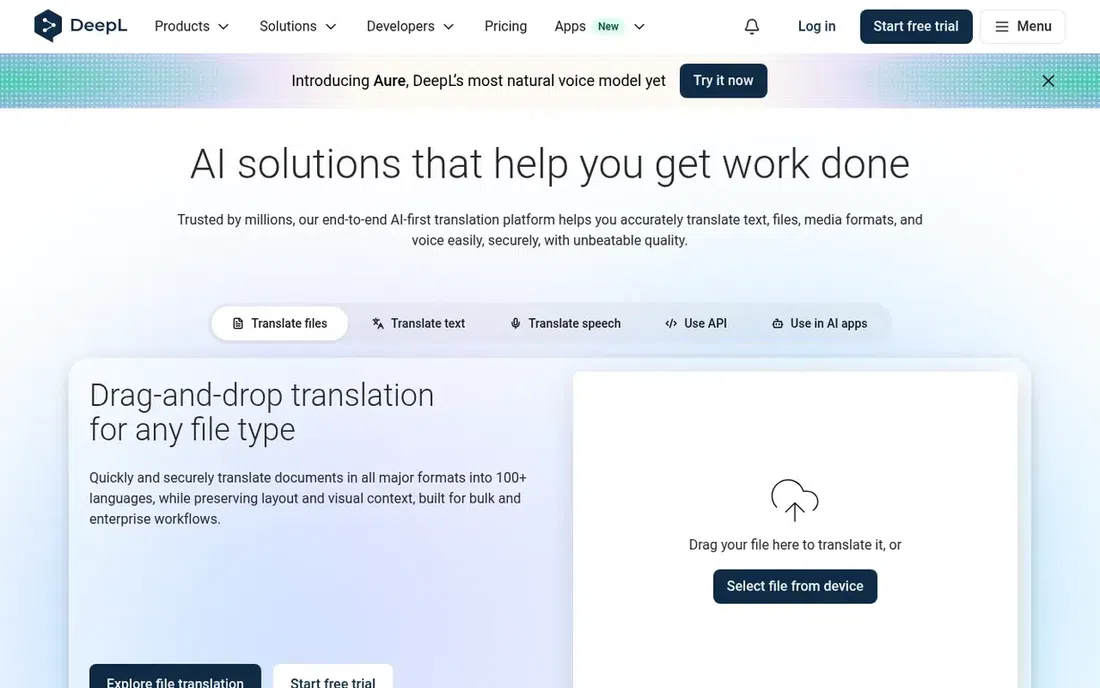
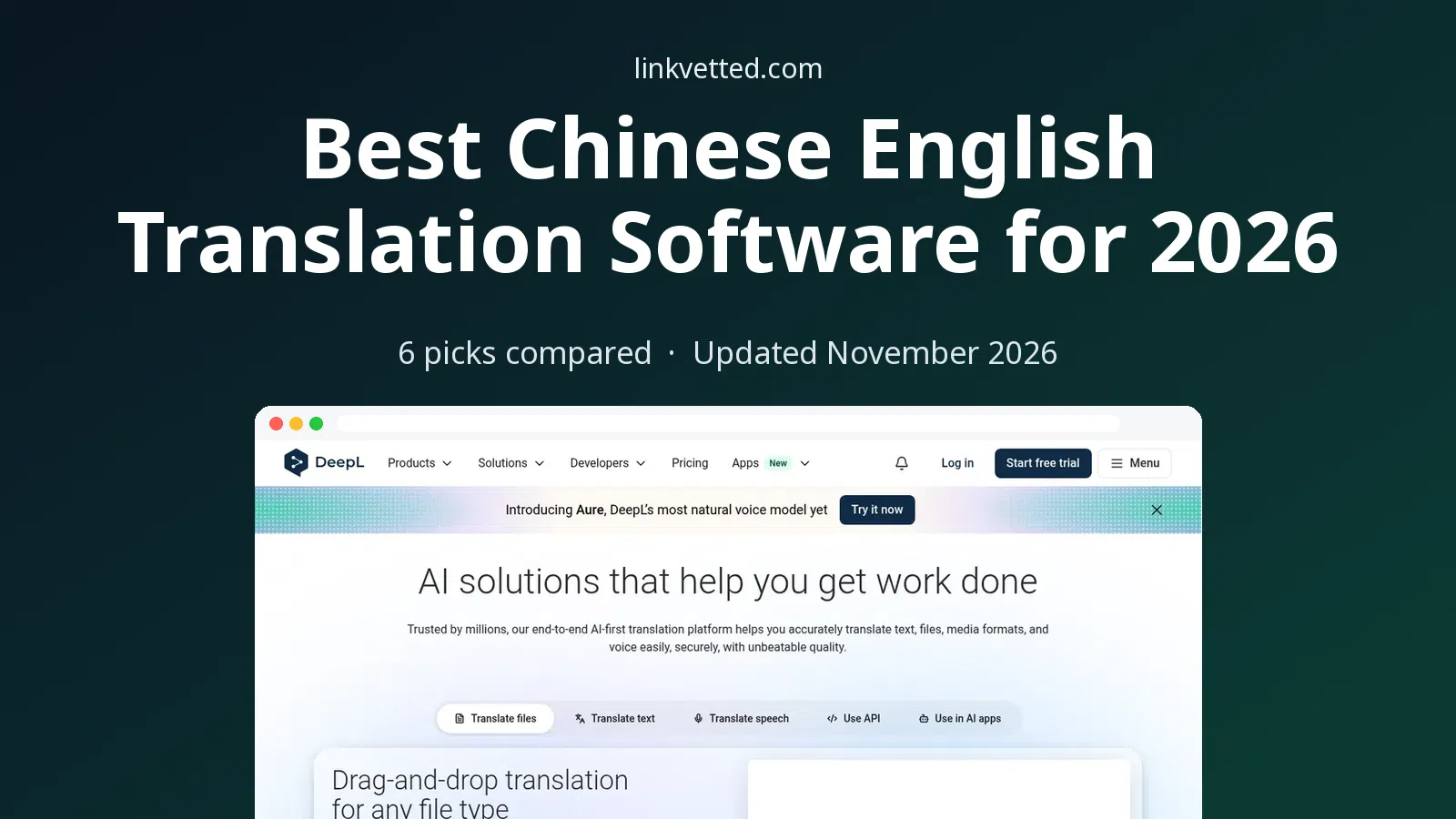
DeepL Translator is built with refined Chinese to English text in mind. If your work is heavily Chinese-centric or you need broad document formatting support, a Chinese-first tool may serve you better. DeepL Translator is an AI translation product that takes care of text, speech, and media, with an API for developers and firms.
It is recognised for producing fluent, context-aware output, which makes it a solid fit for professionals who require readable Chinese to English translations of emails, articles, and reports instead of word-for-word conversion. Its Chinese language handling is capable but not as tailored to Chinese-specific idioms as domestic tools. The interface is oriented toward Western language pairs. Entry price for DeepL Translator: $8.74 per month, billed annually. Free plan details: Free trial.
Honest limits: Advanced features are pitched at business users. Upsides: API available for integration.
- Media translation
- Supports text, speech
- Chinese support is less deep than Chinese-first tools
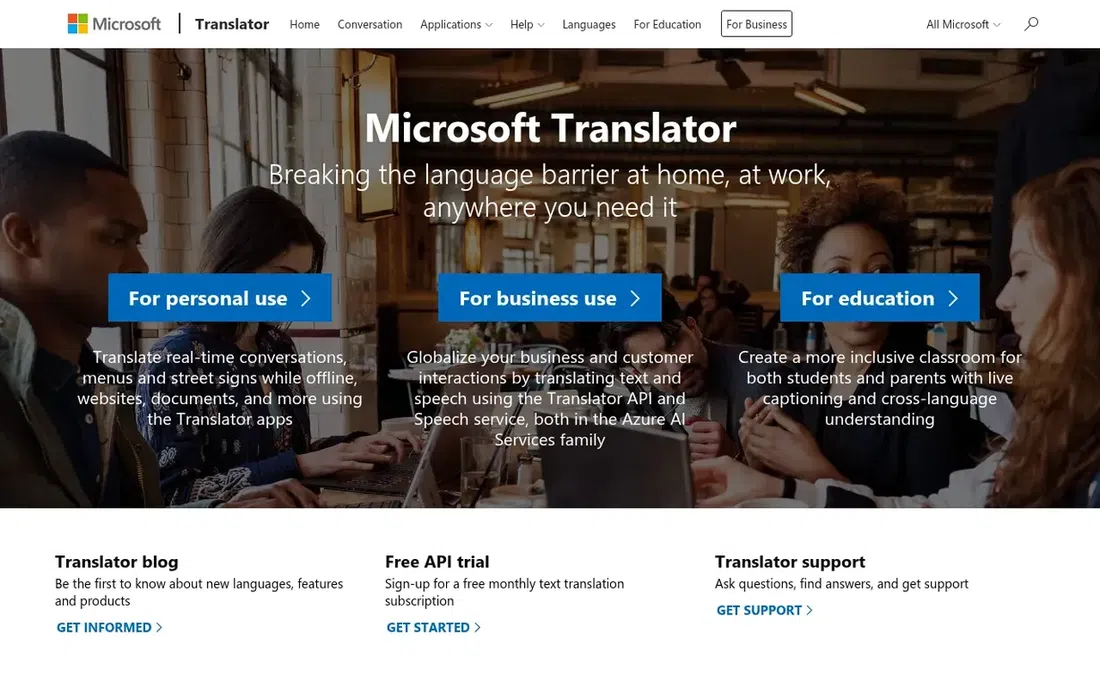
Think of Microsoft Translator for everyday consumer translation. Microsoft Translator is a consumer translation service from Microsoft, offered through a straightforward home page for text and speech translation.
It is not made for heavy document translation or terminology management, so complicated Chinese to English projects may need a dedicated localization tool. Choose it for convenience instead of for professional translation workflows. Check the vendor site for Microsoft Translator pricing; none is listed in this comparison. On free options: Not stated.
Where it is weaker: Less specialized for Chinese document workflows.
- Supports text and speech scenarios
- Accessible across devices
- Restricted customization for terminology
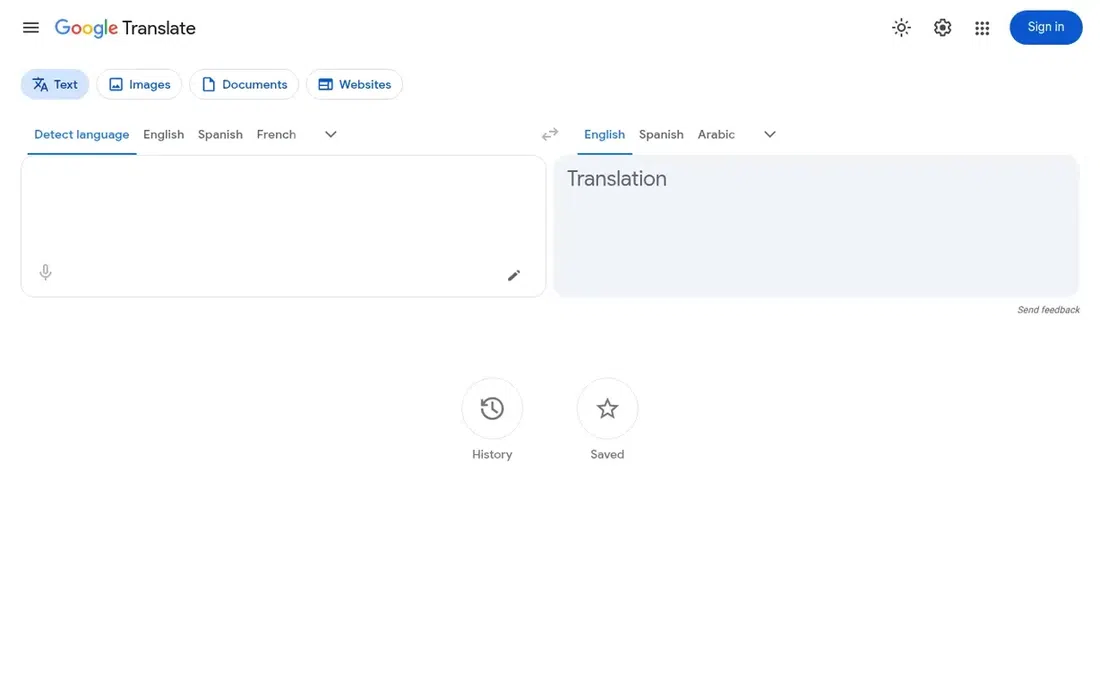
Google Translate is built with fast everyday translation in mind. For long or nuanced Chinese texts, the output may sound literal, and there is little control over specialized terminology.
More specifically, if you need consistent, professional-grade Chinese to English translation, a tool with glossary or management features is a better fit. This comparison lists no price for Google Translate; ask the vendor. Trial and free access: Not stated.
Points against: Restricted control over terminology.
- Broad language coverage
- Straightforward browser access
- Output can be literal for complicated Chinese
How we built this list
LinkVetted looked at what each vendor publishes: pricing, plan limits, feature coverage for chinese english translation software and stated drawbacks. No hands-on testing is claimed. Figures are shown as the vendors publish them. Billing terms, seat minimums and add-ons can change the real cost. The order reflects how well each tool fits the most common buying scenario for chinese english translation software, then price clarity, then free plan access. It is a starting point, not a verdict.
Pre-purchase checklist
- Confirm the entry price on the vendor page. For Baidu Translate, iFlytek Translator, Microsoft Translator and Google Translate that means a quote rather than a fixed price.
- Take the trial from MemoQ and DeepL Translator and push a live task through it before you pay.
- Read the limits listed for Baidu Translate first: interface is primarily in Chinese.
- Run a one or two week pilot of Microsoft Translator with the people who will use it every day.
- Ask iFlytek Translator how an export works before you move any records in; an easy exit lowers the risk.
FAQ
What is the cheapest option for chinese english translation software in this list?
On published monthly entry prices, DeepL Translator is the lowest here at $8.74 per month, billed annually. Entry price is only part of the cost, because seats, add-ons and billing terms can change the total. For the full picture, the cards above cover all 6 entries of this Chinese English translation software list, including price, free plan and limits.
Do these tools publish their prices?
Not all of them. Baidu Translate, iFlytek Translator, Microsoft Translator and Google Translate publish no starting price, so expect a quote request for those. The rest, MemoQ included, show a starting price, though seats and billing terms still change the final cost.
Is Baidu Translate the right pick for everyone comparing chinese english translation software?
No single tool suits every team. Baidu Translate comes first because it fits Chinese-first document translation, while iFlytek Translator suits speech and language AI and MemoQ suits professional localization management. Match the tool to your own size, budget and workflow before deciding.
Can I try these options before paying?
Often, yes. MemoQ and DeepL Translator offer a free trial. Use your own data and a real task during the test, and check what the free tier or trial limits before you rely on it.
Can I use these tools at no cost?
Multiple tools offer accessible entry points, but terms vary by vendor and may change. Check each vendor site for current access choices and any limits that apply to your usage.
Sources
- https://fanyi.baidu.com
- https://www.iflytek.com
- https://www.memoq.com
- https://www.deepl.com
- https://translator.microsoft.com
- https://translate.google.com