Best Childcare Software for Daycare Centers (2026): 5 Picks Checked on Vendor Pages
Best childcare software for daycare centers in 2026: 5 contenders with entry costs and free tiers. Each tool is judged on the same checks. Jump to the table.
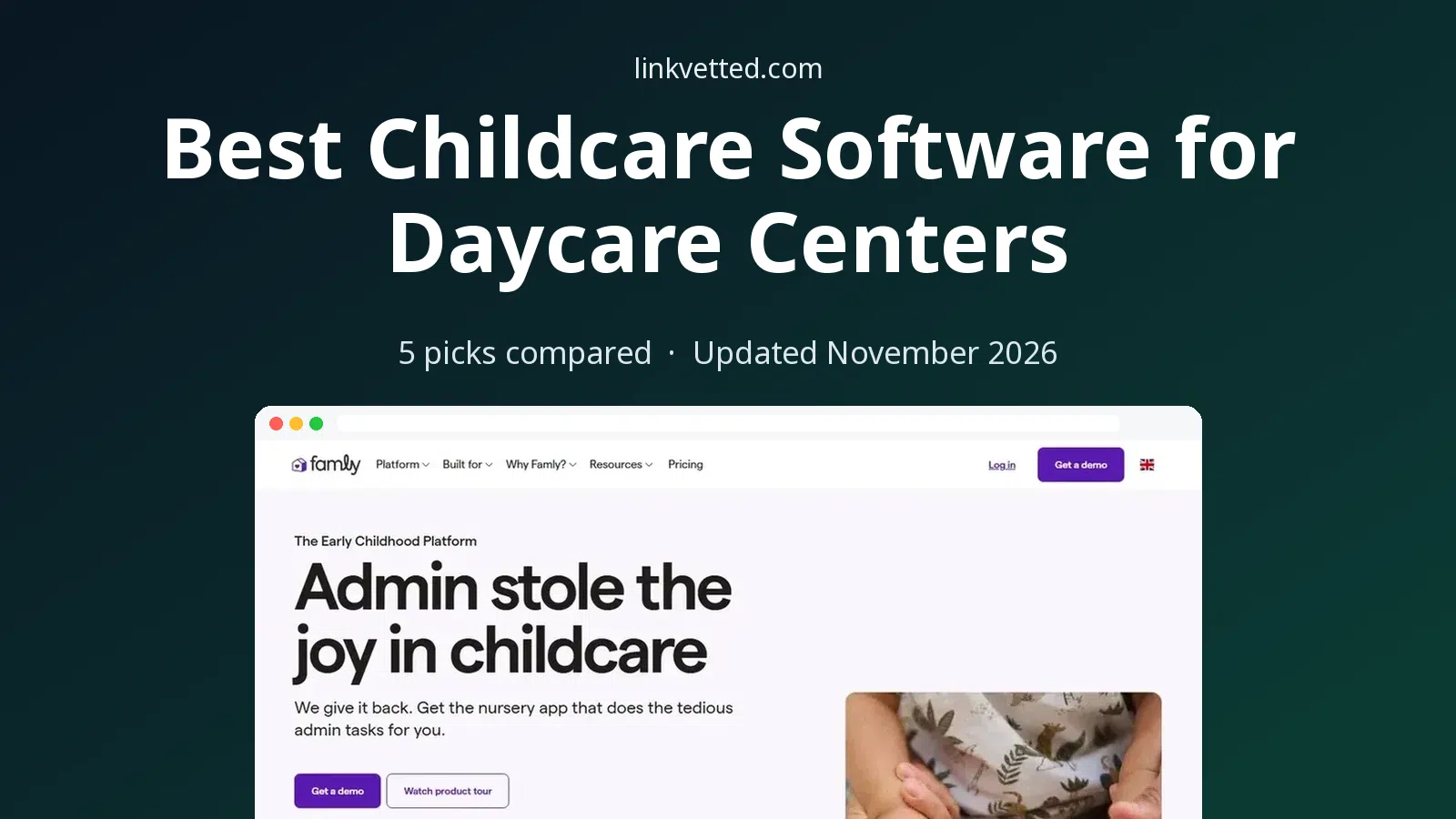
- Editor's choice
 Famly
Early years settings of any size
Starts at£79 a monthVisit famly.coFull review - Great alternativeHiMama
Parent messaging and daily reports
Starts atSee websiteVisit himama.comFull review - Also consider
 Brightwheel
All-in-one daycare management
Starts atSee websiteVisit mybrightwheel.comFull review
Direct answer
If you need early years settings of any size, Famly is the first tool to look at here. Listed starting prices: Famly from £79 a month and Bloomz from $3 per student per year. HiMama fits parent messaging and daily reports; Brightwheel fits all-in-one daycare management. The other 2 tools in the list cover narrower or pricier cases.
TL;DR:
- Famly sits first on this list: early years settings of any size.
- Pricing for HiMama, Brightwheel and ChildCare CRM is quote-based, which adds a sales step before you can compare cost.
- A permanent free plan is missing from all 5 tools, Famly and Bloomz included; plan for a trial or a premium start.
- A fair warning about Famly: positioned for the UK and Ireland market.
Last checked November 2026. Prices and plan details were read from the vendors' own pages in November 2026; vendors change plans often, so confirm the current price on the vendor site before you buy.
Quick comparison
| Tool | Best for | Starts at | Free plan? | |
|---|---|---|---|---|
| Famly | Early years settings of any size | £79 a month | Free trial | Visit |
| HiMama | Parent messaging and daily reports | See website | Not stated | Visit |
| Brightwheel | All-in-one daycare management | See website | Not stated | Visit |
| ChildCare CRM | Enrollment and family engagement | See website | Not stated | Visit |
| Bloomz | School communications and operations | $3 per student per year | Not stated | Visit |
Childcare Software for Daycare Centers profiles
Choosing childcare software for daycare centers usually comes down to price, fit and limits. This LinkVetted guide sets 5 tools side by side on those three points, with the facts kept short and checkable.
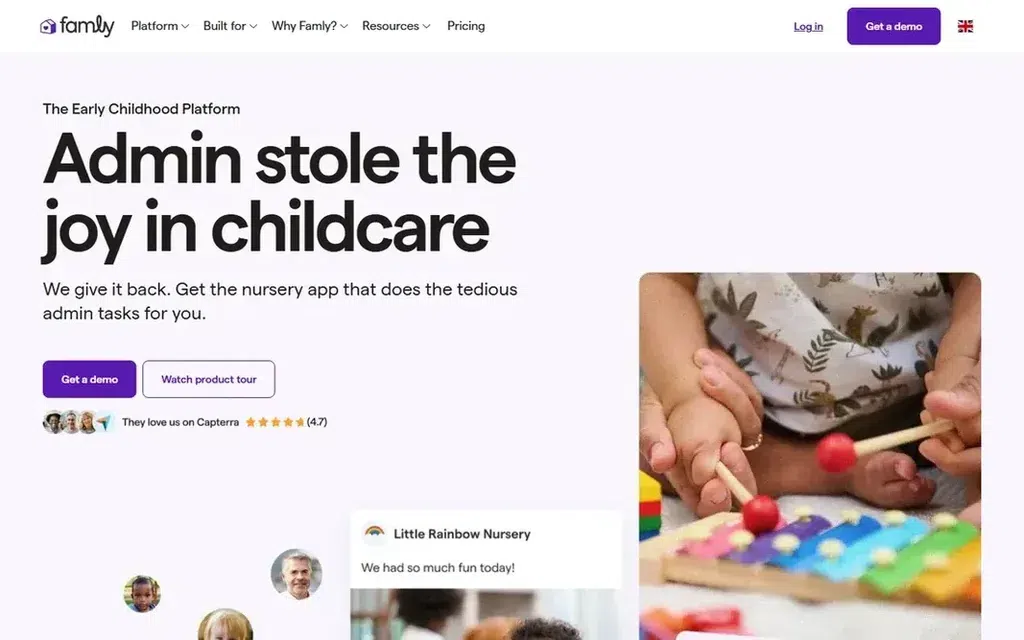
Famly was built for early years settings of any size. Settings needing a specialized enrollment CRM may prefer a dedicated tool.
Honest limits: Positioned for the UK and Ireland market.
Its homepage positions it for the UK and Ireland, so centers elsewhere should confirm regional fit and support. Price to start with Famly: £79 per month. Trial and free access: Free trial.
- Made for early years settings
- All-in-one nursery app
- General management focus instead of niche workflows
HiMama
Best for: Parent messaging and daily reports
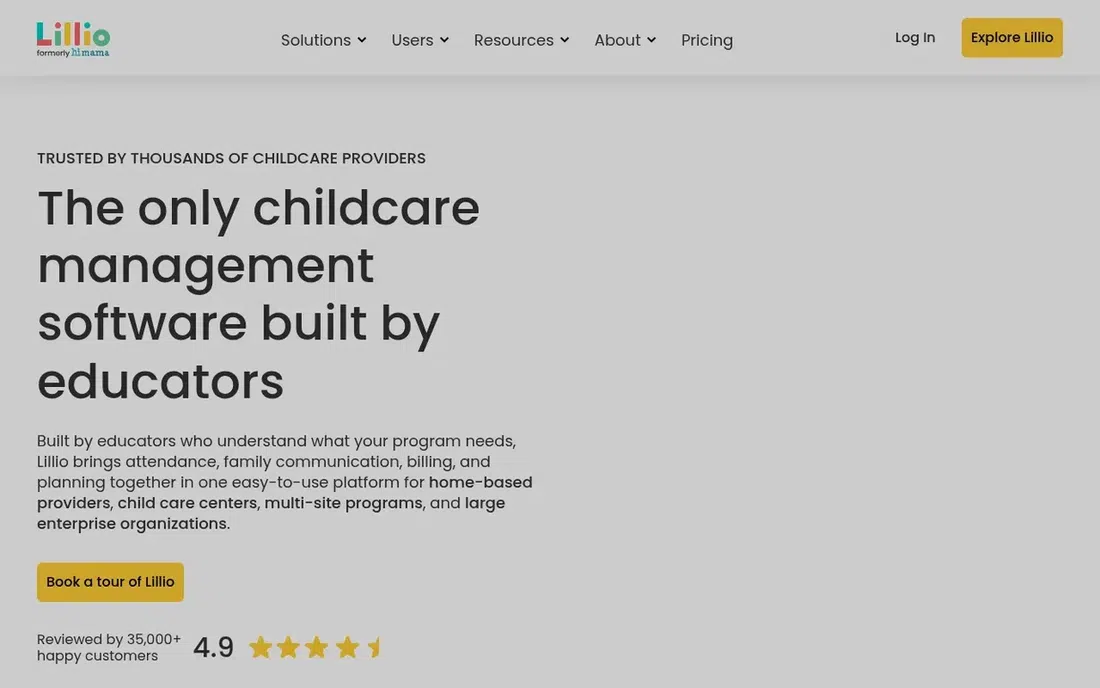
HiMama is aimed squarely at parent messaging and daily reports. Its strengths lean toward family communication instead of enrollment pipeline management.
No starting price is listed for HiMama here; confirm pricing on the vendor site. Trial and free access: Not stated.
Where it falls short: Core emphasis is family communication.
- Daily reports for families
- Parent messaging built in
- Restricted focus on enrollment CRM
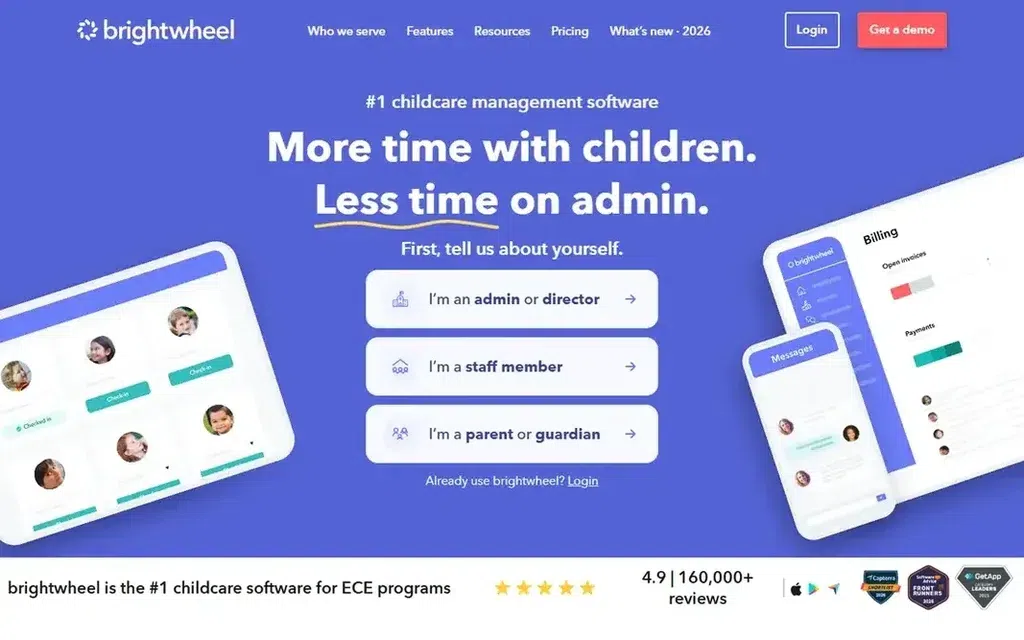
Brightwheel works best for all-in-one daycare management. Centers whose priority is enrollment marketing or a dedicated CRM may want to compare a more specialized choice before deciding.
Limits to weigh: Less concentrated on enrollment marketing.
It suits daycare centers that want a single system for the core daily workflows rather than stitching together separate tools for payments, parent updates, and sign in and out. Brightwheel does not show a starting price in this comparison, so check the vendor site for current pricing. As for free access: Not stated.
Reasons to shortlist it: Positioned as a complete childcare management hub.
- Billing, communication
- Built around daily center operations
- Wide feature set may feel like more than small centers need
ChildCare CRM
Best for: Enrollment and family engagement
Think of ChildCare CRM for enrollment and family engagement. ChildCare CRM, branded as LineLeader, is childcare software built to boost enrollment and family engagement with tools for registration, childcare CRM, and center management.
Beyond that, a CRM-first product may not go as deep on daily classroom reporting as all-in-one management tools. Centers that primarily need attendance and daily parent updates should weigh that tradeoff. ChildCare CRM shows no starting price here, so confirm the cost on the vendor site. Free options: Not stated.
Downsides: Branded as LineLeader.
What users get: CRM for family engagement.
- Childcare registration tools
- Center management features
- CRM emphasis may not handle every daily task
Bloomz
Best for: School communications and operations
Choose Bloomz for school communications and operations. It suits daycare and early education settings that value capable multilingual family communication and school-style operations.
Drawbacks to consider: K-12 focus instead of daycare-specific.
Best features of Bloomz: dismissal features.
Centers wanting childcare-specific billing or daily reports may have to look at a dedicated daycare system. The starting price for Bloomz: $3 per student per year. As for free access: Not stated.
- Family messaging with two-way translation
- Safety, attendance
- Wide product may bundle features centers do not need
What went into this list
Selection started from tools commonly considered for childcare software for daycare centers, then narrowed to 5 that have clear pricing information or a clear quote process. Plan names, prices and limits change often. Treat the figures here as a starting point and verify them with the vendor. We ordered the tools by general fit, then by how clearly pricing is shown, then by free access. A buyer with unusual needs may reorder them.
Questions to settle before buying
- Confirm the entry price on the vendor page. For HiMama, Brightwheel and ChildCare CRM that means a quote rather than a fixed price.
- Use real work to test the free trial from Famly, rather than a demo project.
- Read the limits listed for Famly first: positioned for the UK and Ireland market.
- Read the plan comparison for HiMama carefully; key features often start on a higher tier.
- See whether Bloomz offers onboarding or training, and whether it is included in the price.
FAQ
How do enrollment-focused tools differ from management systems?
Enrollment-focused tools like ChildCare CRM emphasize registration, inquiries, and family engagement to help fill seats. Management systems emphasize daily operations for example attendance and parent reports. Some centers combine both approaches.
Can I try these tools before paying?
Often, yes. Famly offers a free trial. Use your own data and a real task during the test, and check what the free tier or trial limits before you rely on it. For the full picture, the cards above cover all 5 entries of this childcare software for Daycare centers list, including price, free plan and limits.
Do these tools publish their prices?
Not all of them. HiMama, Brightwheel and ChildCare CRM publish no starting price, so expect a quote request for those. The rest, Famly included, show a starting price, though seats and billing terms still change the final cost.
Does any tool for childcare software for daycare centers here have a free plan?
No tool in this list, Famly and Bloomz included, has a permanent free plan. Famly offer a trial. Trials and quotes are the usual route, so plan a short evaluation period.
How are the tools for childcare software for daycare centers ordered?
The order follows typical fit for childcare software for daycare centers, with Famly first and Bloomz last, then price clarity and free access. It is editorial judgement, not a score, so another team could rank the tools differently.
Sources
- https://www.famly.co
- https://www.himama.com
- https://mybrightwheel.com
- https://www.childcarecrm.com
- https://www.bloomz.com