Best Apps for Daycare Providers in 2026: 8 Apps Compared
We compared the best apps for daycare providers for billing, attendance, parent updates and enrollment, checking prices and free options for centers daily.
- Editor's choice
 brightwheel
Centers that want simplicity first
Starts atFreeVisit mybrightwheel.comFull review - Great alternative
 Procare
Large centers with deep billing needs
Starts at$69 per monthVisit procaresoftware.comFull review - Also consider
 Lillio
Programs focused on learning documentation
Starts atSee websiteVisit lillio.comFull review
TL;DR:
- brightwheel is the easiest start for small centers, with a free basic plan and one parent app.
- Procare leads on deep billing and multi-location control for larger centers.
- Lillio leads on learning documentation, while Kangarootime suits multi-site firms that want human support.
- Quote-based pricing is common, so ask for the full cost including add-ons before you compare.
Quick comparison
| Tool | Best for | Starts at | Free plan? | |
|---|---|---|---|---|
| brightwheel | Centers that want simplicity first | Free | Yes | Visit |
| Procare | Large centers with deep billing needs | $69 per month | Free trial | Visit |
| Lillio | Programs focused on learning documentation | See website | Free trial | Visit |
 Kangarootime | Multi-location firms that want human support | See website | Free trial | Visit |
 Playground | Modern centers that want billing plus engagement | $50 per month | Free trial | Visit |
 Famly | Centers that want admin work reduced | $49 per month | Free trial | Visit |
 ChildPilot | Centers that want a stable veteran platform | See website | Free trial | Visit |
 illumine | Centers that want clear per-child pricing | See website | Free trial | Visit |
The best apps for daycare providers
We compared the options below on current features, pricing pages and public reviews, and we kept only services that work in October 2026. Start with the pick that matches your main job, then check its limits before you sign up.
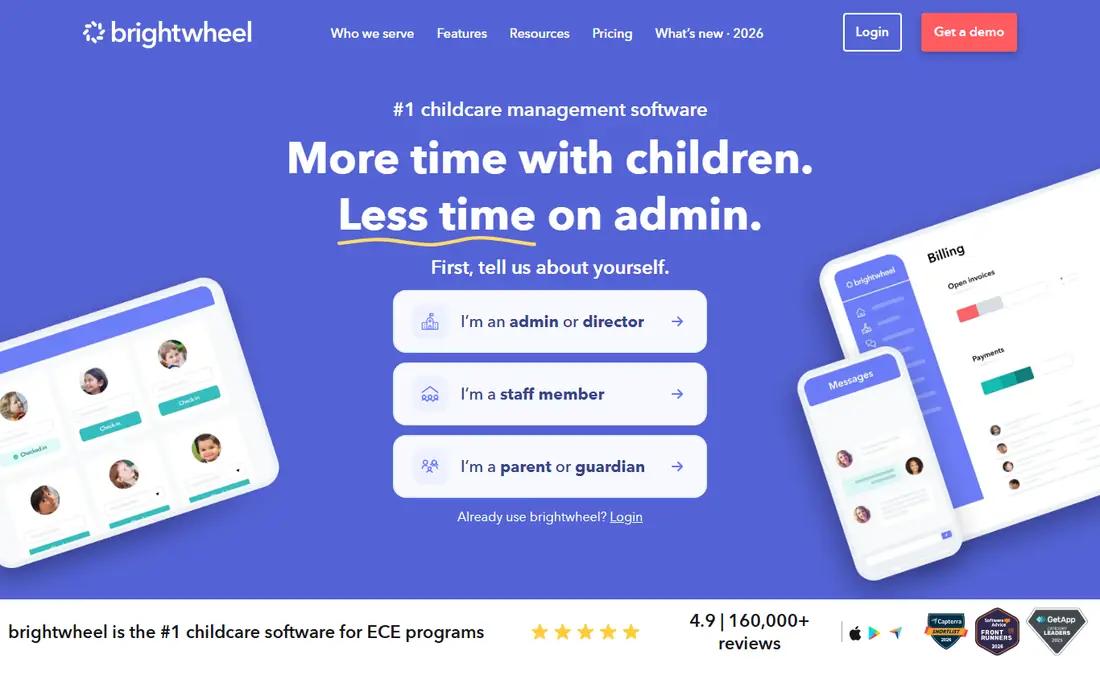
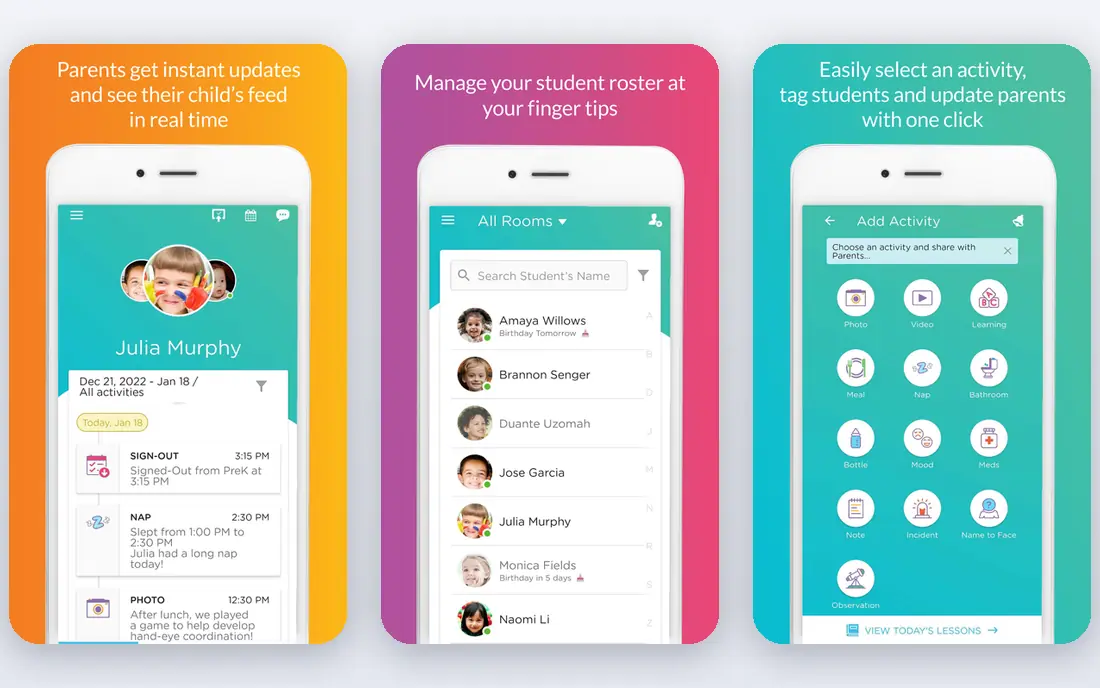
For small and midsize centers that want fast adoption, brightwheel is a strong place to start. brightwheel combines billing, family communication, attendance and enrollment in a single app that staff can learn quickly. Parents get updates, photos and billing in one place, which reduces separate messages and paper forms. We liked its ease of use, which helps small teams go live without a long project, and larger centers with complex payroll needs may need extra tools beside it
The catch is Paid tiers scale by size; advanced reports need higher plans Starting price is Free. Check that trade-off against your budget and your patience for setup before you commit, and test the free option first when one is offered.
- Billing, messaging and attendance in one app
- Free basic plan
- Parent app
- Paid tiers scale by size
- Advanced reports need higher plans
Procare is built for established centers with dedicated admin staff, and that focus shows in daily use. Procare has served childcare centers for years with deep billing, accounting, attendance and staff tools. Multi-location support and payroll links suit franchises and large centers that need control across sites. We liked its billing depth, which remains the strongest in this group, and small programs may find setup and pricing heavier than a simpler app
The catch is Learning curve is steeper; add-ons can raise the total Starting price is $69 per month. Check that trade-off against your budget and your patience for setup before you commit, and test the free option first when one is offered.
- Deep billing and accounting
- Payroll tools
- Multi-location support
- Learning curve is steeper
- Add-ons can raise the total
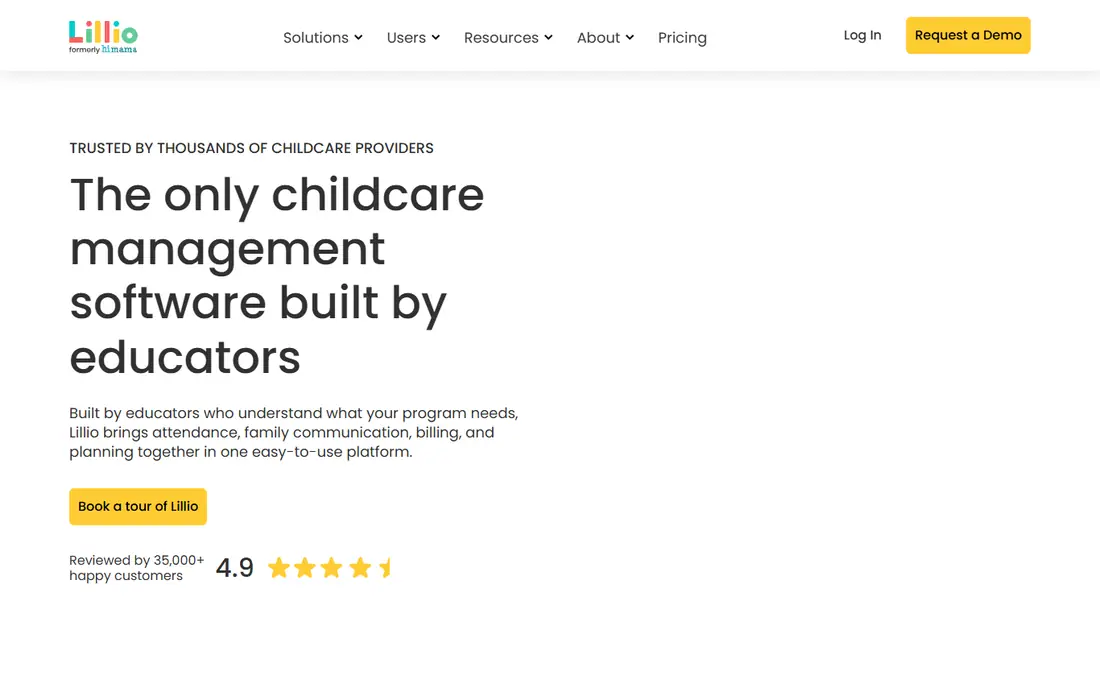
If you are in the group of education-focused programs that document child progress, Lillio deserves a close look. Lillio, formerly HiMama, focuses on learning documentation, with portfolios, observations and family updates tied to development. Billing and registration cover daily needs, while the learning record is the reason many programs choose it. We liked its learning documentation, which gives parents a clear view of progress, and firms that need deep finance tools should compare Procare first
The catch is Pricing is quote-based; billing is less deep than Procare Starting price is See website. Check that trade-off against your budget and your patience for setup before you commit, and test the free option first when one is offered.
- Learning portfolios
- Family updates
- Billing and registration
- Pricing is quote-based
- Billing is less deep than Procare
Kangarootime fits multi-site operators that want support by phone. Kangarootime covers billing, enrollment, communication and staff management for multi-location firms, with a support style that many midsize operators praise. Its tools suit firms that want one system across sites without building reports by hand. We liked its multi-site support, which helps growing firms stay consistent, and small single-site programs may not need its full scope
The catch is Pricing is quote-based; setup needs a guided onboarding Starting price is See website. Check that trade-off against your budget and your patience for setup before you commit, and test the free option first when one is offered.
- Billing and payments
- Enrollment
- Staff tools
- Pricing is quote-based
- Setup needs a guided onboarding
For modern centers that want a fresh interface, Playground is a strong place to start. Playground offers billing, payments, messaging and attendance in a modern interface that staff and parents find easy to use. Its flat monthly start price is clear, though buyers should confirm how its place inside the Procare group affects future plans. We liked its clean design and clear starting price, and buyers should ask about long-term product direction on a demo
The catch is Now part of Procare group, so future direction needs checking; features vary by plan Starting price is $50 per month. Check that trade-off against your budget and your patience for setup before you commit, and test the free option first when one is offered.
- Billing and payments
- Parent messaging
- Attendance
- Now part of Procare group, so future direction needs checking
- Features vary by plan
Famly is built for centers that want a tidy all-in-one system, and that focus shows in daily use. Famly aims to reduce admin work with billing, invoicing, communication and learning journals in one platform. Its interface is calm and its monthly start price is public, which helps small firms budget without a sales call first. We liked its tidy workflow, which cuts duplicate entry, and US firms should confirm billing and compliance fit for their state
The catch is US coverage varies by state needs; some features are add-ons Starting price is $49 per month. Check that trade-off against your budget and your patience for setup before you commit, and test the free option first when one is offered.
- Billing and invoicing
- Parent communication
- Learning journals
- US coverage varies by state needs
- Some features are add-ons
If you are in the group of centers moving off paper that want stability, ChildPilot deserves a close look. ChildPilot offers billing, attendance, parent communication and reporting in a stable system that many long-running centers use. It suits programs that value reliability over flashy design, and its onboarding helps paper-based teams move step by step. We liked its stability, which matters when billing must run every week, and programs that want a modern parent app may prefer brightwheel or Playground
The catch is Pricing is quote-based; design feels less modern than newer rivals Starting price is See website. Check that trade-off against your budget and your patience for setup before you commit, and test the free option first when one is offered.
- Billing and attendance
- Parent portal
- Reporting
- Pricing is quote-based
- Design feels less modern than newer rivals
illumine fits centers that want transparent pricing and global scale. illumine combines billing, admissions, parent communication and assessments, with pricing that many reviewers describe as clear per student. Multilingual communication helps diverse families, and its scale across many countries suits firms with varied needs. We liked its per-student clarity and multilingual tools, and US billing details should be confirmed on a demo before signing
The catch is Pricing varies by region; some features need higher tiers Starting price is See website. Check that trade-off against your budget and your patience for setup before you commit, and test the free option first when one is offered.
- Billing and admissions
- Parent communication
- Assessments
- Pricing varies by region
- Some features need higher tiers
How we picked these
We compared official feature and pricing pages, plus public reviews, and we weighted the daily jobs of a center: billing, attendance, parent messages, enrollment and staff records. We favoured systems that cover at least three of those jobs well, and we noted where a system is strong in one area but light in another. Prices are listed as shown by vendors, or as See website where pricing is quote-based. We did not claim testing inside a live center.
How to choose a daycare app without disrupting families
Start with billing, because that is the job that cannot fail. Then check parent communication, since families judge the app by daily updates. Run a trial with one classroom, not the whole center, and ask staff to record attendance, send a message and issue a test invoice. Check data export, because you should be able to leave with your records. Ask about support hours, training and how billing handles subsidies, late fees and part-time schedules. A calm rollout with clear parent instructions beats a fast switch that confuses families.
FAQ
Do parents need to pay for these apps?
Parents usually use a free parent app, while the center pays the subscription. Check the vendor page, because some features or payment fees may affect families, and state that clearly in your welcome note.
Which app is best for a small home-based program?
brightwheel is a strong start, because its free basic plan covers core billing and messaging. Yardbook-style simplicity does not apply here, so keep the choice to childcare-specific tools that handle attendance and billing.
Can I switch from paper without losing records?
Yes, if you plan the move. Export or enter current enrollment, billing and attendance records before go-live, and run paper beside the app for a short overlap. Ask the vendor about migration help, since some offer guided onboarding.
What about child safety and privacy?
Use role-based access, limit photo sharing to authorised family members, and review the vendor privacy policy. Staff should never share child photos outside the app, and families should know how long records are kept.
Do these apps handle staff scheduling and payroll?
Some do, led by Procare, while others focus on billing and communication. If payroll is central, confirm that feature on a demo rather than assuming every all-in-one app covers it.