Best Digital Accessibility Platforms in 2026: 8 Platforms Compared
We compared the best digital accessibility platforms for WCAG testing, remediation, and monitoring, so you can choose one that fits your site and budget.
- Editor's choice
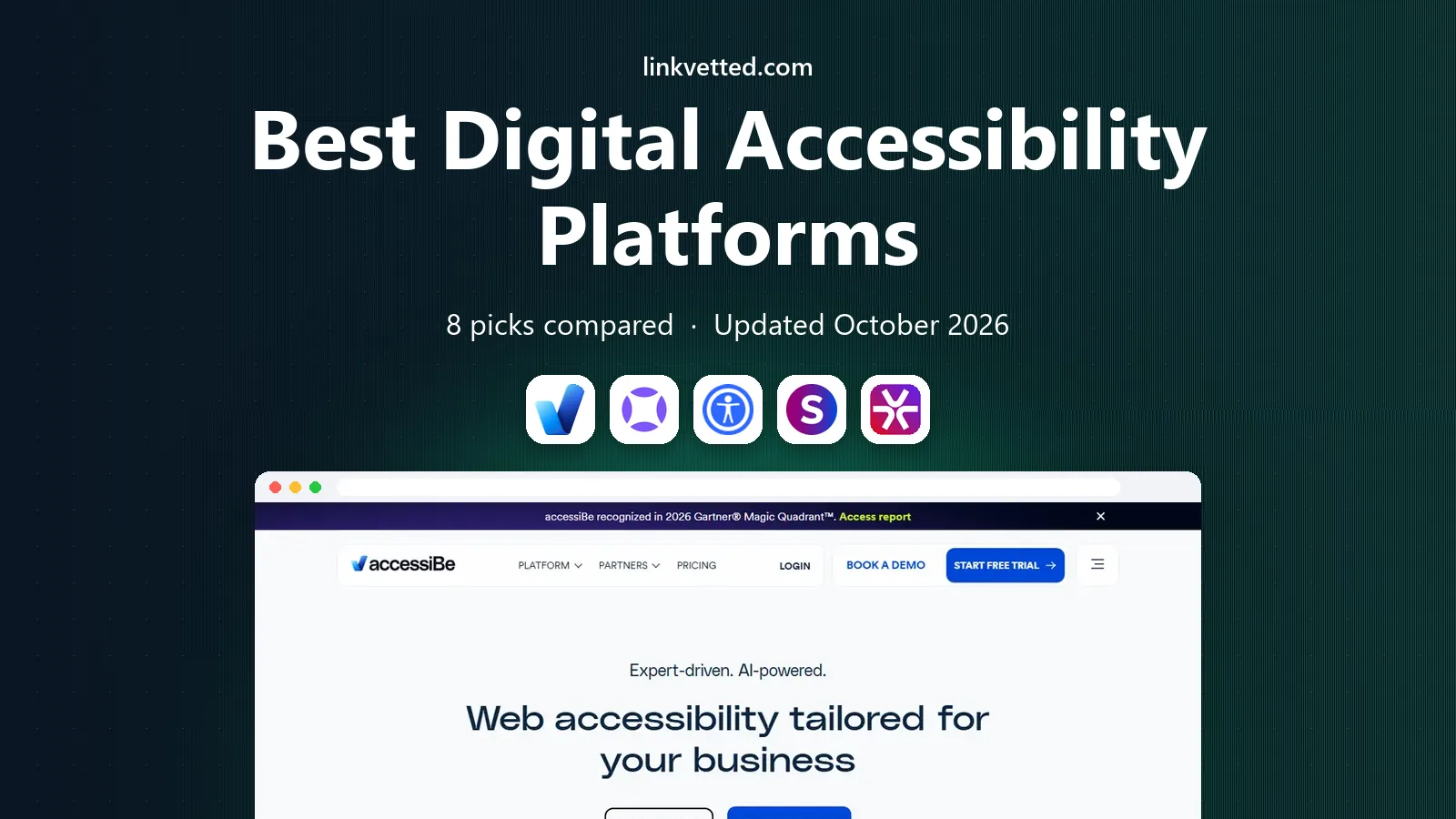
 accessiBe
Small sites wanting fast setup
Starts at$49 per monthVisit accessibe.comFull review - Great alternative
 AudioEye
Sites wanting automation plus managed help
Starts atSee websiteVisit audioeye.comFull review - Also consider
 UserWay
Small businesses wanting a simple widget
Starts atFreeVisit userway.orgFull review
TL;DR:
- Overlays alone do not fix source code problems, so pair any widget with real testing and code fixes.
- Small sites often do fine with accessiBe, UserWay, or EqualWeb, while large sites usually need Siteimprove or Level Access.
- Developer teams get the most lasting value from axe tools, which find problems in code before release.
- Pricing ranges from a free browser extension to quote-only enterprise contracts, so check what page views or page counts are included.
- Ask every vendor how it handles manual testing, keyboard checks, and screen reader checks before you sign.
Quick comparison
| Tool | Best for | Starts at | Free plan? | |
|---|---|---|---|---|
| accessiBe | Small sites wanting fast setup | $49 per month | Free trial | Visit |
| AudioEye | Sites wanting automation plus managed help | See website | No | Visit |
| UserWay | Small businesses wanting a simple widget | Free | Yes | Visit |
 Siteimprove | Large sites needing broad digital quality checks | See website | No | Visit |
 Level Access | Regulated organisations needing expert audits | See website | No | Visit |
 Deque axe DevTools | Developers testing code during build | Free | Yes | Visit |
 EqualWeb | Small and mid-size sites wanting hybrid help | $39 per month | No | Visit |
 Monsido | Mid-size sites wanting audits and content checks | See website | No | Visit |
The best digital accessibility platforms
We compared official feature pages, pricing pages, and public documentation to see which platforms help real visitors, not just which ones add a toolbar. The list below covers widgets, enterprise platforms, and developer tools.
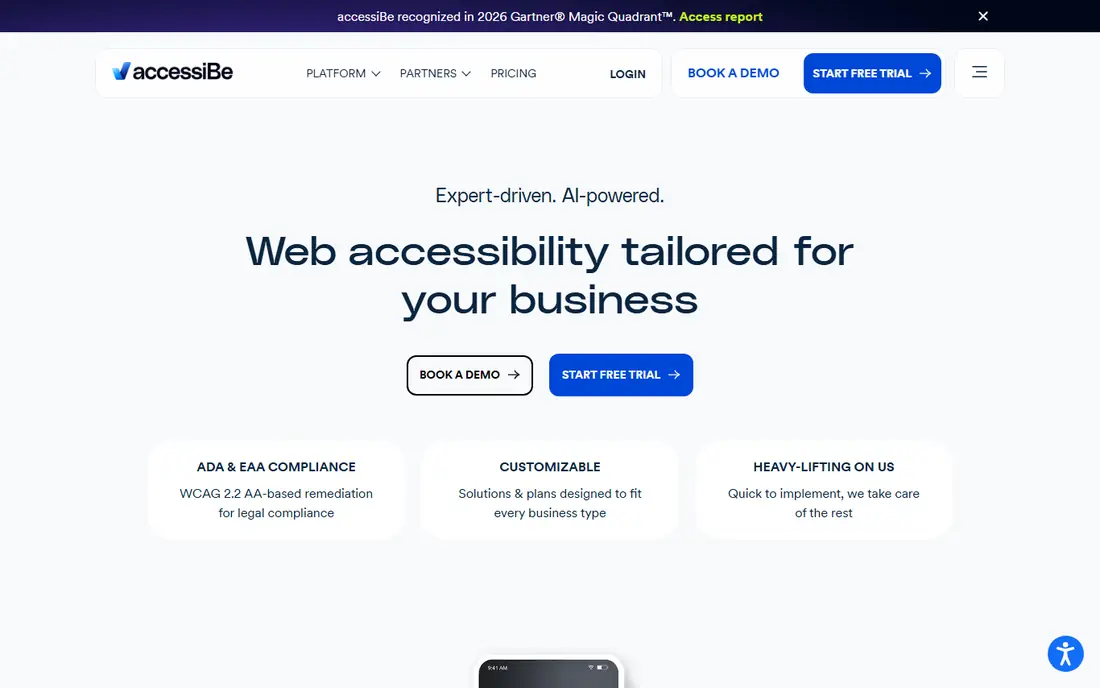
Many small business owners start with accessiBe because setup takes minutes and the interface widget appears right away. The platform scans the site each day, applies interface and design adjustments, and provides an accessibility statement that owners can publish. For a brochure site or a small store, that visible layer plus ongoing scans can be a useful first step, especially when the team has no developer time to spare.
The honest catch is that accessiBe does not replace fixing the underlying code. Automated adjustments can help with some contrast, text size, and navigation settings, but they cannot fix every keyboard trap, form label problem, or screen reader order issue. Buyers should treat it as one part of a plan that also includes manual checks and fixes to templates, menus, and checkout flows. If your site handles a large volume of pages, check the tier limits carefully, since price climbs with page count.
- Fast to install
- Daily scans and monitoring
- Accessibility statement included
- Overlay limits remain
- Higher tiers rise sharply with page count

AudioEye positions itself between a simple widget and a full audit firm, which suits teams that want automation plus a human layer. The platform scans for common issues, applies fixes where automation can help, and offers managed plans that add expert review and remediation support. That blend matters for sites that have already had complaints or that serve customers in regulated sectors, where a scan report alone feels thin.
The trade-off is price clarity. AudioEye does not publish a simple starting price on its main plans page, so budgeting requires a sales conversation and a clear count of pages and traffic. Teams should ask exactly what human review covers on the tier they buy, how often retests happen, and what happens after a legal letter arrives. Used well, AudioEye can reduce risk, but it still works best when the site owner fixes template problems rather than relying on the tool to cover them.
- Combines automated fixes with human review options
- Legal response support on higher plans
- Ongoing monitoring
- No published starting price
- Managed help costs more on lower tiers
UserWay is one of the easiest ways to add accessibility controls to a small site, and its free widget tier explains much of its popularity. Visitors get controls for text size, contrast, cursor size, and reading aids, while the site owner gets a quick install that works on common platforms such as WordPress and Shopify. Paid plans add automated scans, monitoring, and a legal support program, which gives growing sites a clear upgrade path without changing vendors.
As with other widgets, the limits matter. A toolbar changes how a visitor can adjust the page, but it does not rewrite poor heading order, missing form labels, or broken keyboard paths in the source code. Small sites should use UserWay as a visible aid while also fixing the most common template issues, such as alt text, link text, and focus order. Watch the page view limits on paid plans, since a traffic spike can push a site into a higher tier.
- Free widget tier
- Easy install
- Paid plans add scans and legal support
- Widget cannot fix all code issues
- Paid tiers are priced by page views
Siteimprove suits large organisations that manage hundreds or thousands of pages across several teams. Its accessibility checks sit beside content quality, broken link, spelling, and search checks, so one dashboard can show marketing, web, and compliance teams the same list of problems. Managers can assign issues, track progress over time, and show leaders whether scores are improving, which helps when accessibility competes with other web work for time.
The cost and scope are the drawbacks. Siteimprove is priced by quote, and published estimates point to enterprise-level annual costs, so it rarely makes sense for a single small site. Implementation also takes planning, since teams must decide who owns each issue type and how fixes flow through content and development queues. For a university, a council, or a large company with many editors, that structure is a strength. For a five-page site, it is more tool than the job needs.
- Covers accessibility, content quality, and search checks
- Strong reporting for large teams
- Workflow tools for fixes
- Quote-only pricing
- More than small sites need
Level Access is a compliance-led choice for organisations where an accessibility failure carries legal or procurement risk. The company pairs its platform with expert audits, manual testing by people who use assistive technology, and conformance reports such as VPAT documents that buyers often request. That combination helps procurement teams, government agencies, and large firms show documented work rather than pointing to a widget alone.
Buyers should expect a serious engagement, not a plug-in purchase. Scoping, audits, remediation support, and retesting take time, and pricing is quoted per organisation. Smaller teams may find the process heavy, and they may be better served by a simpler tool plus a one-off audit. For regulated work, though, the documented method and the human testing are exactly what makes Level Access worth the conversation.
- Deep audit expertise
- Platform plus services
- Strong conformance reporting
- Quote-only pricing
- Implementation can be long
Deque axe DevTools takes a different route from the widget tools on this list, because it helps developers find and fix problems in their own code. The free browser extension runs the axe engine against a page and lists issues by severity, with guidance on each rule and how to fix it. Paid axe products add team dashboards, automated testing in build pipelines, and monitoring, which suits product teams that ship often.
The catch is honest and simple: axe tells you what is wrong, but your team still has to fix it. Automated tests catch a large share of common problems, such as missing alt text, poor contrast, and broken ARIA, yet they cannot judge every keyboard flow or screen reader experience on their own. Teams that pair axe with manual checks and user testing get the best results. For any team that builds its own site or app, this is the tool we would start with, even if a widget is added later for visitors.
- Finds real code issues early
- Free browser extension
- Trusted axe engine
- Finds issues but does not fix them for you
- Manual testing still needed
EqualWeb gives smaller sites a middle path between a free widget and an enterprise platform. Its AI-powered widget starts at a lower monthly price than several rivals, and its managed plans add expert remediation for teams that want human help without hiring a full audit firm. The platform also provides monitoring and an accessibility statement, which helps owners show ongoing work rather than a one-time install.
As with every widget on this list, buyers should keep expectations grounded. The widget helps visitors adjust the interface, and the managed service can fix more, but no automated layer alone guarantees full conformance with WCAG. Ask EqualWeb what its managed plan covers, how fixes are delivered, and how retesting works before choosing it over a code-level fix. For a small store or a service site with a modest page count, the entry price makes it an easy shortlist candidate.
- Lower entry price than many rivals
- Hybrid AI plus managed options
- Accessibility statement included
- Managed plans are quote-based
- Widget limits still apply
Monsido is popular with councils, universities, and nonprofits that need regular scans across a mid-size site. It checks accessibility alongside content quality, broken links, and policy issues, and it presents issues in plain lists that non-technical editors can act on. That matters, because many accessibility problems live in content, such as missing alt text on new images or poor heading order in a new page, rather than in code alone.
The main drawback is pricing transparency. Monsido prices by quote, so small teams cannot budget from the website alone. It also has a smaller United States presence than Siteimprove or Level Access, so buyers should check support hours and references in their sector. For a mid-size organisation that wants one dashboard for editors and a steady scan routine, Monsido deserves a demo alongside Siteimprove.
- Accessibility checks plus content and quality checks
- Clear issue lists
- Suits councils and nonprofits
- Quote-only pricing
- Less known in the United States
How we picked these
We compared official feature pages, pricing pages, and public documentation for each platform, and we checked that each homepage loads and belongs to the product named. We favoured tools that are still sold and supported in 2026, that cover a clear buyer type, and that explain their method in plain terms. We gave extra weight to platforms that pair automation with manual testing or code fixes, since automation alone misses a large share of real barriers.
We did not claim hands-on testing that did not happen. Instead, we weighed published pricing, page and traffic limits, the difference between widget tools and code-level tools, and whether a vendor offers audits, retesting, and conformance reports. That method keeps the list useful for a small shop owner and a large compliance team alike, even though their budgets differ sharply.
What to check before you buy
Start with the problem your visitors actually face, not with the sales page. Run a free scan with axe DevTools or a similar checker, then try your own site with a keyboard only, without a mouse, for five minutes. You will learn more from that exercise than from any demo, because keyboard traps and missing focus states show up fast.
Match the tool to your team
A solo owner needs a simple install and a clear monthly price. A product team needs developer tools and pipeline checks. A large organisation needs assignments, reporting, and audit records. Buying an enterprise platform for a ten-page site wastes money, while buying only a widget for a regulated portal leaves real risk untouched.
Ask about manual testing
Ask each vendor who does manual testing, how often, and whether testers use assistive technology. Ask how fixes reach your code or content, and how retests confirm the fix. If a vendor cannot answer those questions in plain language, keep looking.
Budget for fixes, not just software
Software is only part of the cost. Template fixes, alt text, captioning, and PDF remediation all take staff time or contractor fees. A realistic first-year budget includes the platform fee plus time to fix the top issues on your most visited pages, then a retest to prove progress.
FAQ
What are the best digital accessibility platforms for a small business?
Small businesses often start with UserWay, accessiBe, or EqualWeb because setup is fast and entry prices are published. Pair the widget with free axe checks and fixes to your templates for the best result. A widget alone is a starting point, not a full conformance claim.
Do accessibility overlays guarantee WCAG compliance?
No. No widget or automated tool alone can guarantee full conformance, because many checks need human judgment, keyboard testing, and screen reader testing. Overlays can help visitors adjust a page, but they do not fix every source code problem. Treat any guarantee claim with care and ask for audit evidence.
What is the difference between an overlay and a scanner?
An overlay adds a visitor toolbar and applies some automated adjustments on top of your site. A scanner, such as axe DevTools, inspects your code and lists issues for your team to fix at the source. Scanners lead to lasting fixes, while overlays mainly change the visitor experience on top of existing code.
How much do digital accessibility platforms cost?
Entry widget plans start near $39 to $49 per month, while enterprise platforms are quote-only and can cost far more each year. Price usually depends on page count, page views, or traffic, plus whether managed audits are included. Always confirm what counts toward your limit before signing.
Should I hire an auditor as well as buy a platform?
For a small site, a platform plus disciplined fixes may be enough to start. For a large, regulated, or high-traffic site, an independent audit with manual testing adds evidence that automation cannot provide. Many teams use a platform for ongoing monitoring and an auditor for annual checks.
How do I check accessibility myself for free?
Install the free axe DevTools extension, run it on your main pages, and fix the critical and serious issues first. Then test with only a keyboard, check that focus is visible, and confirm that images have useful alt text. Those three steps catch many common barriers at no cost.