Best Digital Adoption Platform in 2026: 9 Platforms Compared
Compare the best digital adoption platform in 2026, with in-app guides, product analytics, employee training, and onboarding tools for growing teams today.
- Editor's choice
 WalkMe
Large enterprise adoption
Starts atSee websiteVisit walkme.comFull review - Great alternative
 Whatfix
Enterprise guided workflows
Starts atSee websiteVisit whatfix.comFull review - Also consider
 Pendo
Product analytics plus guidance
Starts atFreeVisit pendo.ioFull review
TL;DR:
- WalkMe is our pick for large enterprise adoption, with deep workflow automation and strong coverage across major business apps.
- Whatfix is the closest enterprise alternative, with guided workflows, self-help, and training content in many formats.
- Pendo leads when product analytics matter as much as guidance, since it pairs in-app guides with usage data.
- Small teams should start with UserGuiding or Userpilot, which offer published pricing and faster setup.
Quick comparison
| Tool | Best for | Starts at | Free plan? | |
|---|---|---|---|---|
| WalkMe | Large enterprise adoption | See website | No | Visit |
| Whatfix | Enterprise guided workflows | See website | No | Visit |
| Pendo | Product analytics plus guidance | Free | Yes | Visit |
 Userpilot | Mid-market product onboarding | See website | Free trial | Visit |
 Appcues | Fast no-code onboarding | See website | Free trial | Visit |
 UserGuiding | Budget-friendly onboarding | See website | Free trial | Visit |
 Gainsight PX | Adoption analytics for large orgs | See website | No | Visit |
 Apty | Compliance-focused process guidance | See website | No | Visit |
 Userlane | Step-by-step employee guidance | See website | No | Visit |
The best digital adoption platforms
A digital adoption platform, often called a DAP, adds in-app guides, tooltips, and walkthroughs on top of software your team or customers already use. The goal is fewer support tickets, faster onboarding, and better use of tools you already pay for. The platforms below split into enterprise employee tools and product-led customer tools.
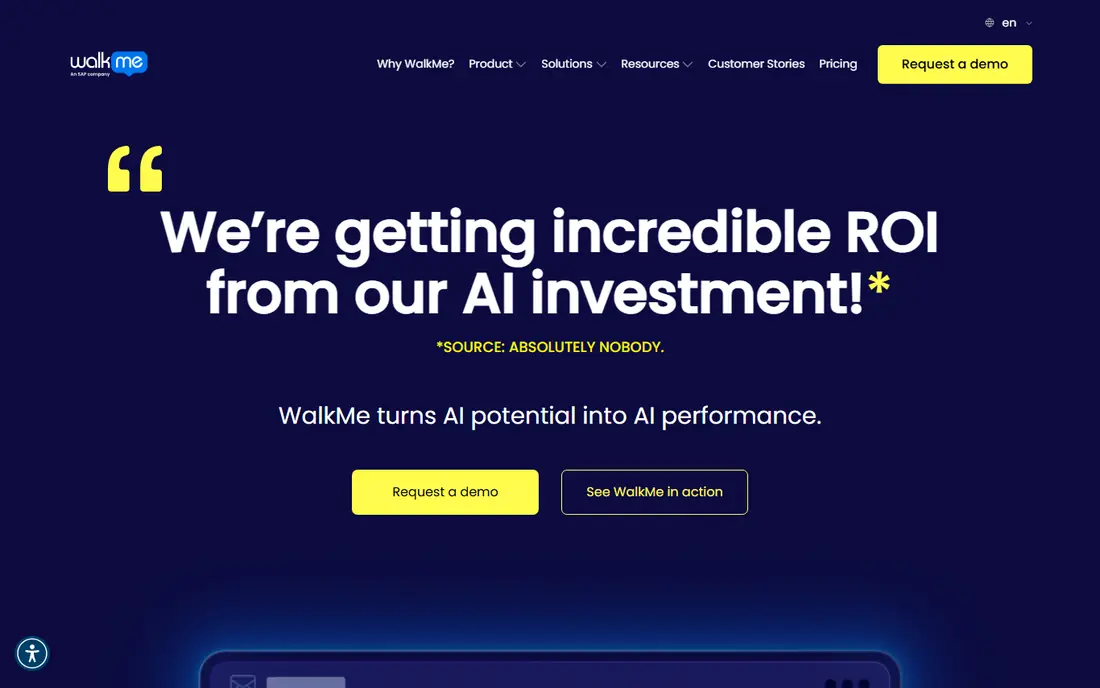
WalkMe is the pioneer in this category and still the default for large enterprises. It adds guided walkthroughs, automation, and analytics across many business apps, including SAP, Salesforce, and Workday. Since SAP acquired WalkMe in 2024, SAP customers may find extra integration value, while non-SAP buyers should weigh that tie-in.
The trade is cost and effort. Pricing is quote-based and enterprise-level, implementation can take months, and guides need upkeep when underlying apps change. For a large rollout across many apps and thousands of users, that investment can pay off in fewer errors and support tickets.
- Deep automation and workflow tools
- Strong SAP, Salesforce, and Workday coverage
- Rich analytics
- Quote-based enterprise pricing
- Longer implementation and content upkeep
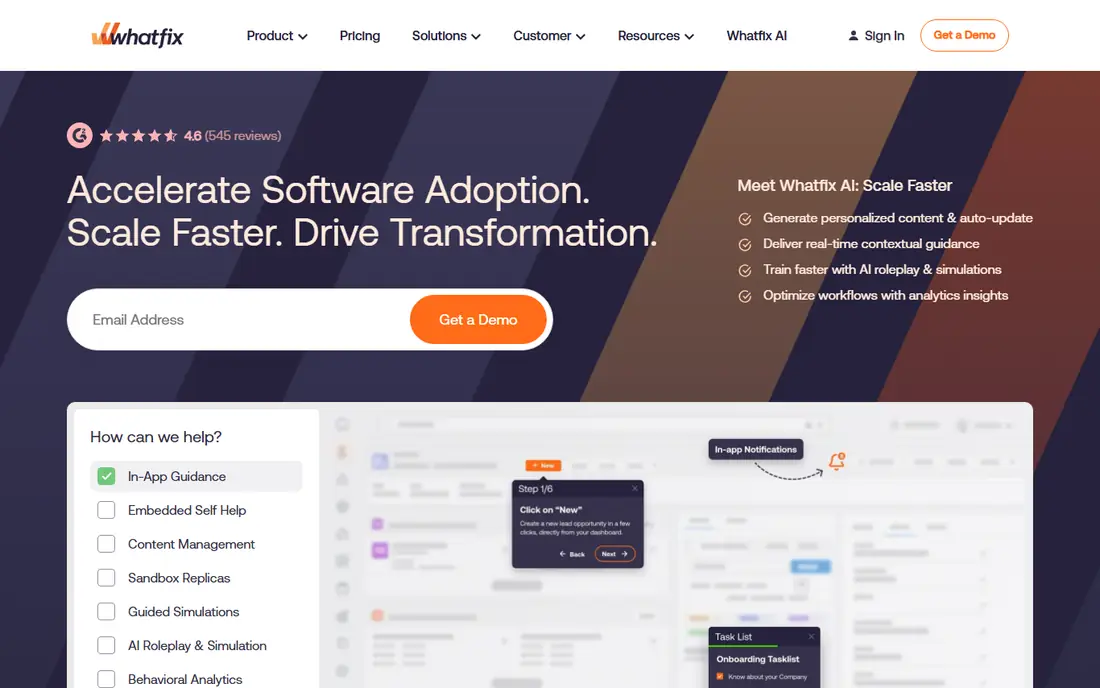
Whatfix is the closest like-for-like alternative to WalkMe for enterprise employee and customer guidance. It offers step-by-step walkthroughs, smart tips, self-help widgets, and training content generated in several formats. That mix helps in regulated sectors where staff must follow exact processes in complex systems.
Implementation is faster than WalkMe in many reports, but it still needs planning and content owners. Pricing is quote-based, so ask for a quote tied to user count and app count. If you want enterprise depth with a slightly lighter rollout, Whatfix is a strong first demo.
- Guided workflows plus self-help and training content
- Strong for regulated industries
- Desktop app support in places
- Quote-based pricing
- Setup complexity and content maintenance
Pendo pairs product analytics with in-app guidance, which sets it apart from pure DAP tools. You can see where users get stuck, then build a guide for that exact step, and measure whether completion improves. A free tier for up to 500 monthly active users in public comparisons helps small teams start without a sales call.
At enterprise scale, pricing becomes custom, and the system rewards teams that invest in analytics. If your main goal is customer onboarding and product adoption, rather than employee training on back-office apps, Pendo is often the better fit than WalkMe or Whatfix.
- Product analytics plus in-app guides and feedback in one system
- Free tier for small user counts
- Retroactive analytics
- Paid plans are quote-based at scale
- Reporting depth can feel complex
Userpilot suits mid-market SaaS teams that want to onboard customers based on behavior. You can trigger guides by user actions, segment audiences, and test two versions of a flow to see which one converts better. That product-led approach fits teams that already track product usage.
It is less suited to compliance-heavy employee training across desktop apps. If your audience is customers using a web product, Userpilot gives good value for the price. If your audience is employees on SAP or Oracle, look at WalkMe, Whatfix, or Apty first.
- Behavior-based targeting and onboarding flows
- Built-in A/B testing
- Faster setup than enterprise DAPs
- Less depth for employee back-office apps
- Advanced reporting needs higher plans
Appcues is known for speed. A product team can build tours, checklists, and announcements without engineering help, and launch them in days rather than months. That speed helps startups and mid-size SaaS firms that need to improve activation quickly.
The trade is depth. Analytics and enterprise governance are lighter than Pendo or WalkMe, and pricing at scale is custom. For a team that values launch speed and simple onboarding over deep analytics, Appcues is a practical pick.
- Fast no-code builder
- Multi-channel onboarding flows
- Good for product-led teams
- Pricing is largely custom at scale
- Analytics are lighter than Pendo
UserGuiding is the budget pick in this list. Public comparisons put its starting plan near $69 per month, with a full feature set at a lower price point than most rivals. Setup is simple, and the builder covers guides, hotspots, and checklists that most startups need.
Advanced needs, such as deep analytics, complex segmentation, or enterprise security reviews, will push you toward a larger tool. For a startup or small SaaS team that needs solid onboarding without an enterprise contract, UserGuiding offers clear value.
- Low starting price in public comparisons
- Full builder on lower plans
- Simple setup for startups
- Fewer advanced features than enterprise tools
- Customization limits at scale
Gainsight PX, formerly Gainsight PX, ties product adoption to customer success work. It shows adoption at the account level, so a customer success team can see which accounts need help and which are ready to expand. In-app guides and feedback tools sit alongside that analytics view.
The main limit is ecosystem fit. Teams already using Gainsight for customer success get the most value, while standalone buyers may find Pendo or Userpilot simpler. Pricing is quote-based, so request a quote tied to user count and account volume.
- Account-level adoption analytics
- Fits Gainsight customer success workflows
- In-app guides plus feedback
- Quote-based pricing
- Best value inside the Gainsight ecosystem
Apty targets organizations where process compliance matters, such as finance, healthcare, and government. It guides users through required steps, enforces process order where needed, and reports on completion. That focus helps when an error is costly or a regulator checks the process.
It is less of a product marketing tool than Appcues or Userpilot. If your goal is to drive feature adoption for customers, a product-led tool fits better. If your goal is to make sure employees complete a regulated process correctly, Apty deserves a demo.
- Process enforcement and compliance focus
- Analytics for process completion
- Strong for regulated workflows
- Quote-based enterprise pricing
- Narrower product-led onboarding focus
Userlane focuses on step-by-step guidance for employees learning business software. Its walkthroughs are clear and easy to follow, and it can help create guides from real workflows. That simplicity helps training teams that need to onboard staff on a new system quickly.
Analytics and automation depth are lighter than WalkMe or Whatfix, and pricing is custom. For a mid-size team that needs employee guidance without a full enterprise DAP rollout, Userlane offers a focused, practical option.
- Clear interactive walkthroughs
- Good for employee software training
- Automated guide creation in places
- Quote-based pricing
- Analytics are lighter than Pendo or WalkMe
How we picked these
We compared official feature pages, pricing pages, and public reviews for digital adoption platforms available in October 2026. We favored tools with real in-app guidance, analytics, and a clear audience, either employees or customers. We mixed enterprise DAPs with product-led onboarding tools, since buyers often confuse the two and need to see the difference.
How to choose a digital adoption platform
Start with audience and apps. Employee tools such as WalkMe, Whatfix, Apty, and Userlane focus on back-office systems and compliance. Customer tools such as Pendo, Userpilot, and Appcues focus on product onboarding and analytics. A tool built for one audience will feel awkward for the other.
Next, count users the way vendors price. Customer tools often price by monthly active users, while employee tools price by total users or per application. Get a quote for your real user count and app list, not a generic tier, since the gap can be large.
Finally, test with a real workflow. Build one walkthrough for a task users actually struggle with, measure completion before and after, and check how long upkeep takes when the app changes. A tool that looks good in a demo but needs heavy upkeep will fail in practice.
Ownership and upkeep
Assign a content owner for each app, and plan updates when the underlying software changes. Guides that point to old buttons create more confusion than no guide at all. Review guide usage monthly, retire low-use guides, and update high-use guides first.
Privacy and data handling
In-app tools capture usage data, so check hosting region, data retention, and compliance terms before you sign, especially in regulated sectors. Confirm what data is collected, who can see it, and how long it is kept. That review matters as much as the feature list.
FAQ
What is the best digital adoption platform?
WalkMe leads for large enterprise adoption, Whatfix is the closest enterprise alternative, and Pendo leads when product analytics matter most. The best digital adoption platform depends on audience, app list, and budget. Small teams should start with UserGuiding or Userpilot.
What is the difference between a DAP and onboarding software?
A DAP adds guides and analytics on top of existing software, often for employees on complex business apps. Onboarding software focuses on new customer activation inside a product. Many tools overlap, but enterprise DAPs lean to employee processes and product tools lean to customer activation.
How much does a digital adoption platform cost?
Costs range from free tiers and low monthly plans for small product tools to quote-based enterprise contracts for WalkMe and Whatfix. Public reports put enterprise DAP contracts in the tens of thousands per year and higher. Get a quote for your user and app count.
Does WalkMe work with SAP and Salesforce?
Yes. WalkMe is known for deep integration with SAP, Salesforce, and Workday, and SAP ownership may add value for SAP customers. Confirm coverage for your exact app versions in a demo, since coverage varies by app and deployment type.
Can a small team use a digital adoption platform?
Yes. UserGuiding, Userpilot, and Appcues offer lower-cost plans and faster setup for small teams. Start with one product and one workflow, measure completion, and expand only if the results justify a larger plan.
How do I measure digital adoption success?
Track task completion, time to first value, support ticket volume for guided tasks, and feature adoption rates. Compare before and after a guide launches, and segment by user group. A guide that does not move completion or ticket volume needs rework or retirement.