6 Best Note-Taking Software for Engineering Teams for 2026, Vetted and Compared
Compare 6 best Note-Taking software for engineering teams, with prices, free plans and who each fits. The catches are listed up front. Updated November 2026.
- Editor's choice
 Confluence
Teams already in Atlassian tools
Starts atSee websiteVisit atlassian.comFull review - Great alternative
 Coda
Docs blended with structured trackers
Starts atSee websiteVisit coda.ioFull review - Also consider
 Notion
Adaptable docs with AI and automation
Starts at$10 per member per monthVisit notion.soFull review
Direct answer
Start with Confluence if you need teams already in Atlassian tools. Listed starting prices: Notion from $10 per member per month, Craft from $4.8 a month and Slite from $10 per user a month. Coda is the stronger choice for docs blended with structured trackers, while Notion suits adaptable docs with AI and automation. The full list of 6 tools follows, with prices and free plan facts.
TL;DR:
- This list starts with Confluence, which is built for teams already in Atlassian tools.
- Starting prices begin at $4.8 per month with Craft.
- Microsoft OneNote comes with a trade-off: less AI-forward than newer workspaces.
- 3 of 6 tools offer a free plan: Notion, Craft, Slite.
Last checked November 2026. Prices and plan details were read from the vendors' own pages in November 2026; vendors change plans often, so confirm the current price on the vendor site before you buy.
Quick comparison
| Tool | Best for | Starts at | Free plan? | |
|---|---|---|---|---|
| Confluence | Teams already in Atlassian tools | See website | Not stated | Visit |
| Coda | Docs blended with structured trackers | See website | Not stated | Visit |
| Notion | Adaptable docs with AI and automation | $10 per member per month | Yes | Visit |
 Microsoft OneNote | Familiar digital notebooks in Microsoft 365 | See website | Not stated | Visit |
 Craft | Refined notes across devices | $4.8 a month | Yes | Visit |
 Slite | Keeping shared knowledge accurate | $10 per user a month | Yes | Visit |
The 6 tools in detail
Choosing Note-Taking software for engineering teams usually comes down to price, fit and limits. This LinkVetted guide sets 6 tools side by side on those three points, with the facts kept short and checkable.
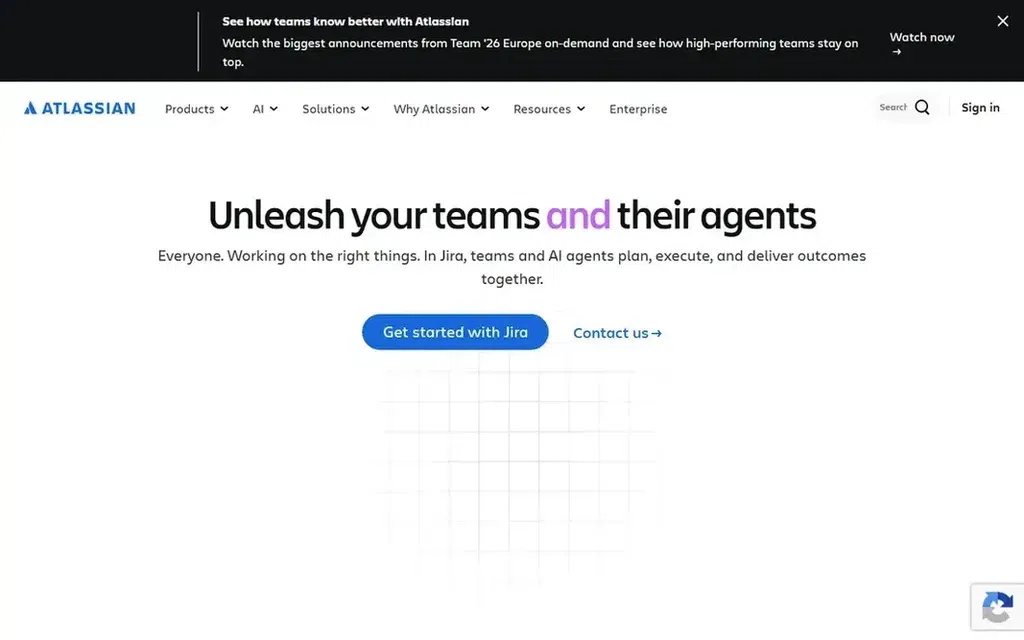
Where Confluence fits: teams already in Atlassian tools. Pick Confluence when knowledge sharing should sit beside existing project workflows.
Strengths: Workspace for creating and sharing knowledge.
Drawbacks to consider: Less appealing outside Atlassian ecosystems.
No starting price is listed for Confluence here; confirm pricing on the vendor site. As for free access: Not stated.
- Suits teams with existing Atlassian workflows
- Summarizing and answers
- Page organization can grow messy
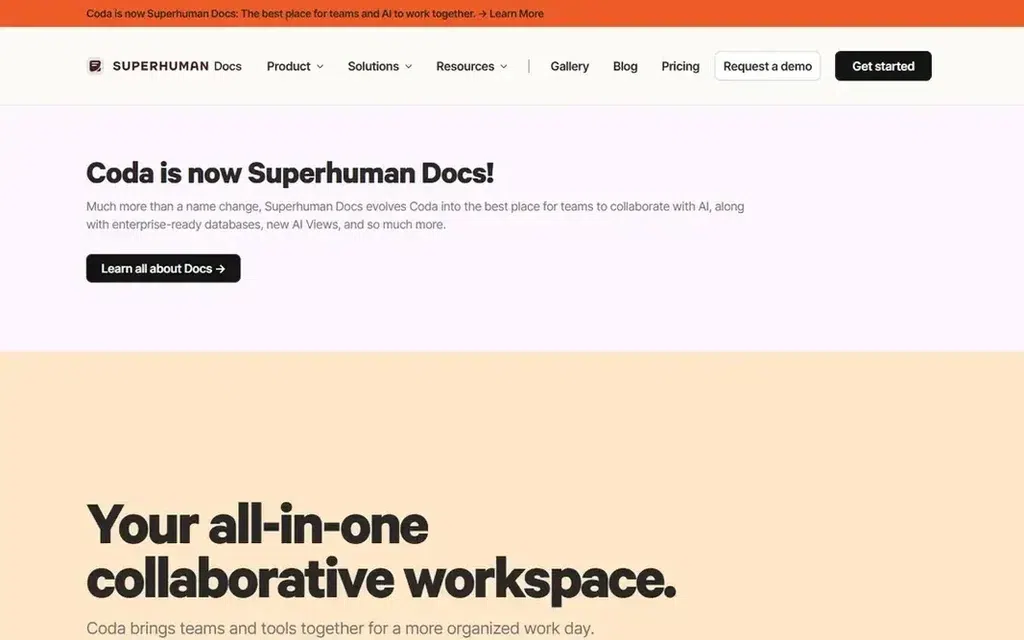
For docs blended with structured trackers, Coda is a natural candidate. Engineering teams can keep meeting notes alongside structured trackers, checklists and light internal tools without stitching multiple products together.
What Coda does well: A decent match for structured engineering trackers.
Choose Coda when your documentation and tracking should share one structured surface. As for the details, teams wanting plain, quick notes may find it heavy. No starting price is listed for Coda here; confirm pricing on the vendor site. Free options: Not stated. Watch-outs: Learning curve for app-style pages.
- AI features built into the workspace
- Spreadsheets and apps
- Can be overbuilt for straightforward notes
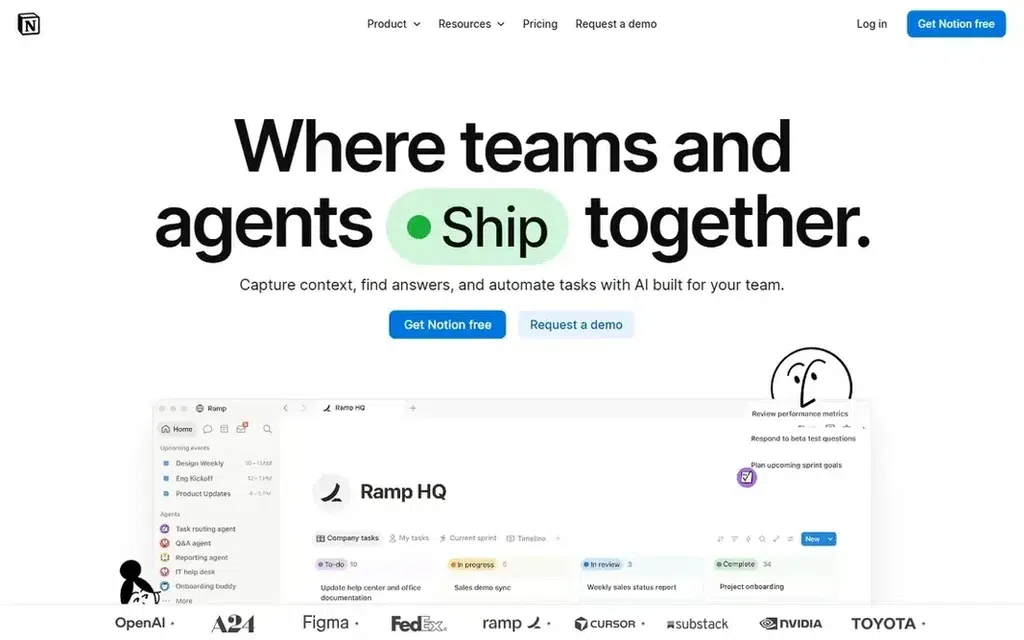
Notion makes the most sense for adaptable docs with AI and automation. Notion presents itself as an AI workspace for building custom agents, searching across connected apps and automating busywork. In practice, choose Notion when adaptability matters more than preset structure.
Where Notion stands out: databases and AI search.
More specifically, teams that require strict governance or a knowledge base that maintains itself may prefer a more opinionated tool. The openness is also the limit: without conventions, pages and databases can sprawl and become hard to navigate. On top of that, for engineering teams, that means meeting notes, design docs and project trackers can live in one place with AI assistance layered on top. Notion starts at: $10 per member per month. Notion offers a free plan.
Where it is weaker: Structure needs upfront planning.
- Automation for repetitive busywork
- Merges docs
- Large workspaces can feel complicated
Microsoft OneNote works best for familiar digital notebooks in Microsoft 365. OneNote is Microsoft's digital note-taking app, handling notebook needs with tools that strengthen organization and ease collaboration. For everyday use, compared to newer AI-centered workspaces, OneNote is more traditional in how it surfaces and links information, and heavy notebook use can make content harder to find.
Points against: Less AI-forward than newer workspaces.
On top of that, engineering teams in Microsoft 365 environments get a familiar place for meeting notes, research and shared notebooks without adding another vendor. More specifically, teams wanting automation and cross-app AI may look elsewhere. Also, pick OneNote when familiarity and Microsoft integration lead your requirements. This comparison lists no price for Microsoft OneNote; ask the vendor. Free plan details: Not stated.
- Collaboration features built in
- Notebook structure for organization
- Search across many notebooks can be uneven
Craft is designed for refined notes across devices. Craft is presented as a productivity app for notes, tasks and docs that follows you across all your devices, with premium features available.
Drawbacks to consider: Less centered on large team wikis.
As for the details, teams needing deep cross-project governance may outgrow it. Craft pricing: $4.8 per month. Craft offers a free plan.
- Tasks and docs in one app
- Follows you across devices
- Some features sit behind premium levels
Where Slite fits: keeping shared knowledge accurate. Teams wanting one workspace for everything may have to pair it with other software.
Slite positions itself as the AI knowledge base that stays accurate, connecting to the tools where work happens to build and maintain the knowledge a business relies on. Pick Slite when dependable shared answers are the central goal. Slite pricing: $10 per user per month. Slite offers a free plan.
Limits to weigh: Less suited to freeform personal notes.
- Focus on steady
- Maintained answers
- Narrower than general-purpose workspaces
Selection criteria
Questions to settle before buying
- Ask Confluence, Coda and Microsoft OneNote for a written quote, since no starting price is shown.
- Check what the free option really includes: Notion, Craft and Slite offer a free plan, and usage caps differ.
- Before choosing Confluence, weigh its main limit: less appealing outside Atlassian ecosystems.
- Pick one real project and run it in Craft first; a small pilot shows fit faster than a checklist.
- Ask Confluence how an export works before you move any records in; an easy exit lowers the risk.
FAQ
Which note-taking tool is a good match for engineering documentation?
Confluence comes first here and is built for teams already in Atlassian tools. Buyers with other needs may prefer Coda (for docs blended with structured trackers) or Notion (for adaptable docs with AI and automation). Compare costs and limits first.
Which options for Note-Taking software for engineering teams have a free plan?
Notion, Craft and Slite offer a free plan in this list. Free plans usually cap users, projects or features, so check the limits on the vendor page.
What is the cheapest option for Note-Taking software for engineering teams in this list?
On published monthly entry prices, Craft is the lowest here at $4.8 per month. Entry price is only part of the cost, because seats, add-ons and billing terms can change the total. All 6 picks in this Note-Taking software for engineering teams comparison list a starting price, free plan details and the main limits on their cards above.
Is Confluence the right pick for everyone comparing Note-Taking software for engineering teams?
No single tool suits every team. Confluence comes first because it fits teams already in Atlassian tools, while Coda suits docs blended with structured trackers and Notion suits flexible docs with AI and automation. Match the tool to your own size, budget and workflow before deciding.
How are the tools for Note-Taking software for engineering teams ordered?
The order follows typical fit for Note-Taking software for engineering teams, with Confluence first and Slite last, then price clarity and free access. It is editorial judgement, not a score, so another team could rank the tools differently.
Sources
- https://www.atlassian.com/software/confluence
- https://coda.io
- https://www.notion.so
- https://www.microsoft.com/en-us/microsoft-365/onenote/digital-note-taking-app
- https://www.craft.do
- https://slite.com