6 Best Personal Productivity Software with Task Automation for 2026, Vetted and Compared
Best personal productivity software with task automation: 6 tools compared on price, free plans and fit. Every profile names its biggest catch. Pick by budget.
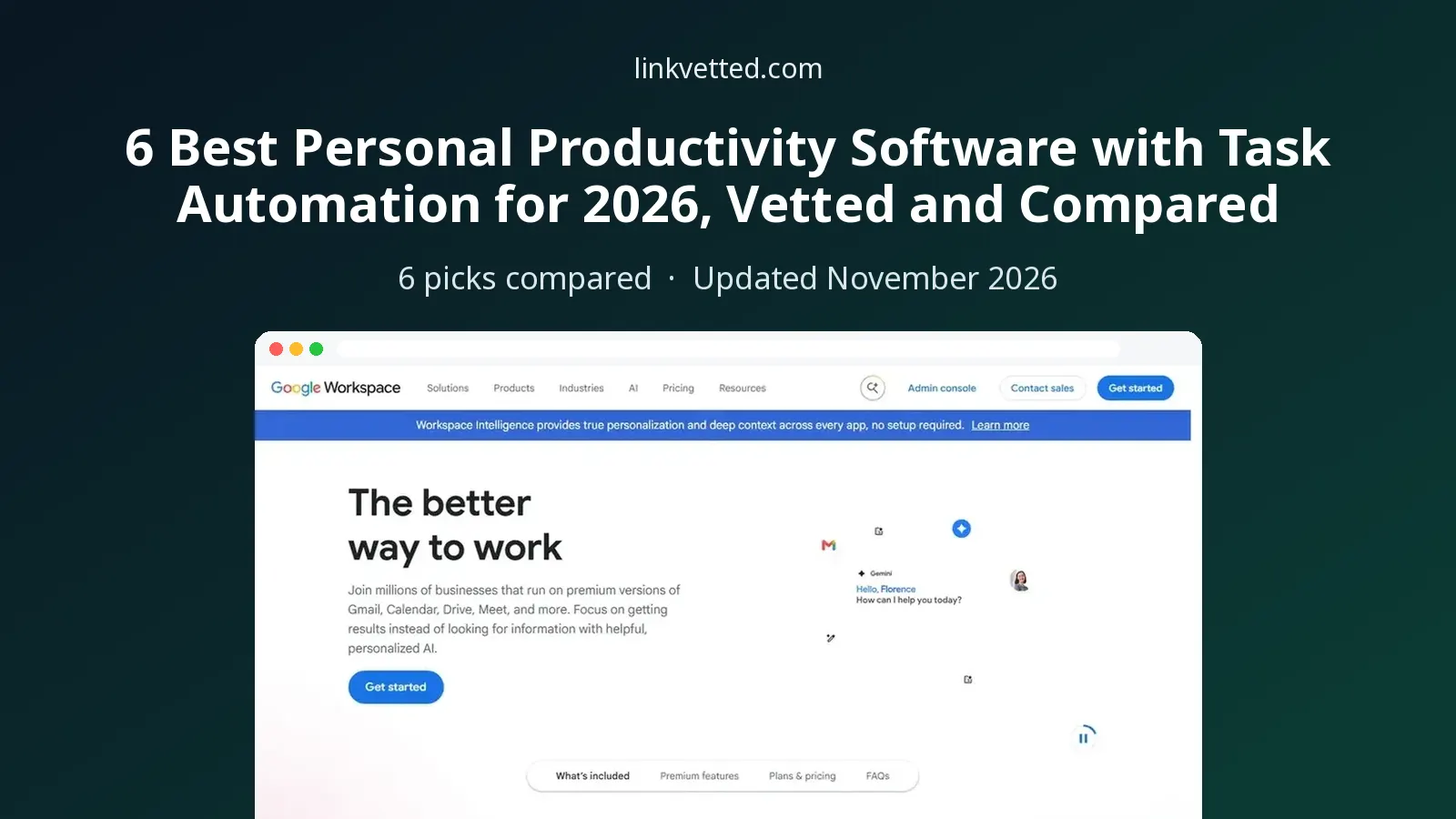
- Editor's choice
 ClickUp
All-in-one work app with tasks and docs
Starts at$9 per user a monthVisit clickup.comFull review - Great alternative
 Asana
Work and project management with automation
Starts at$10.99 per user per monthVisit asana.comFull review - Also consider
 Notion
Adaptable AI workspace with custom agents
Starts at$10 per member a monthVisit notion.comFull review
Direct answer
ClickUp comes first here, mainly for all-in-one work app with tasks and docs. Listed starting prices: ClickUp from $9 per user a month, Asana from $10.99 per user per month and Notion from $10 per member a month. If your case is different, Asana suits work and project management with automation and Notion suits adaptable AI workspace with custom agents. The full list of 6 tools follows, with prices and free plan facts.
TL;DR:
- This list starts with ClickUp, which is built for all-in-one work app with tasks and docs.
- For the cheapest start, look at ClickUp: $9 per user per month.
- Before buying Google Workspace, weigh this: fewer desktop app choices.
- Free plans exist at 4 of 6 tools (ClickUp, Asana, Notion, monday.com).
- monday.com fits AI workspace for people and agents.
Last checked November 2026. Prices and plan details were read from the vendors' own pages in November 2026; vendors change plans often, so confirm the current price on the vendor site before you buy.
Quick comparison
| Tool | Best for | Starts at | Free plan? | |
|---|---|---|---|---|
| ClickUp | All-in-one work app with tasks and docs | $9 per user a month | Yes | Visit |
| Asana | Work and project management with automation | $10.99 per user per month | Yes | Visit |
| Notion | Adaptable AI workspace with custom agents | $10 per member a month | Yes | Visit |
 Google Workspace | Browser-based collaboration and productivity | See website | Not stated | Visit |
 Microsoft 365 Copilot | AI help inside familiar Office apps | See website | Free trial | Visit |
 monday.com | AI workspace for people and agents | $9 per seat per month | Yes | Visit |
6 options for personal productivity software with task automation in detail
If you are comparing personal productivity software with task automation, this page covers 6 tools in one place: what each is best for, what it costs to start, whether it has a free plan, and the main limit to know about.
Pick ClickUp if this describes you: all-in-one work app with tasks and docs. Its stated mission is to make the world more productive, and it brings software, AI and humans together.
On top of that, the breadth of features can feel overwhelming at first, and getting the setup right takes some effort. Asana or monday.com are worth considering if you want a more guided work management experience. Starting cost for ClickUp: $9 per user per month. Free access exists with ClickUp.
Highlights: Tasks, docs. Limits to weigh: Setup takes time to tune.
- Goals and chat together
- Wide feature coverage
- Plenty of features can overwhelm
Asana is designed for work and project management with automation. Asana is work management software for teams and AI agents, designed to help you plan, automate and execute critical workflows together.
Watch-outs: Automation depth varies by workflow.
The homepage frames it around coordinating work across people and agents. Asana centers on work coordination rather than document editing or cross-app integration, so it fits best alongside other tools. What you pay to start with Asana: $10.99 per user per month. You can start on Asana without paying.
- Supports human and AI agent teams
- Clear project structure
- Less suited to document creation
In short, Notion is for adaptable AI workspace with custom agents. It merges notes, documents and databases in one place.
Highlights: Highly adaptable structure.
Where it falls short: Adaptability needs setup. More specifically, people who want rigid, prebuilt project management may prefer ClickUp or Asana. Price to start with Notion: $10 per member per month. Free access exists with Notion.
- Custom agents for busywork
- Search and automation together
- Can sprawl without conventions
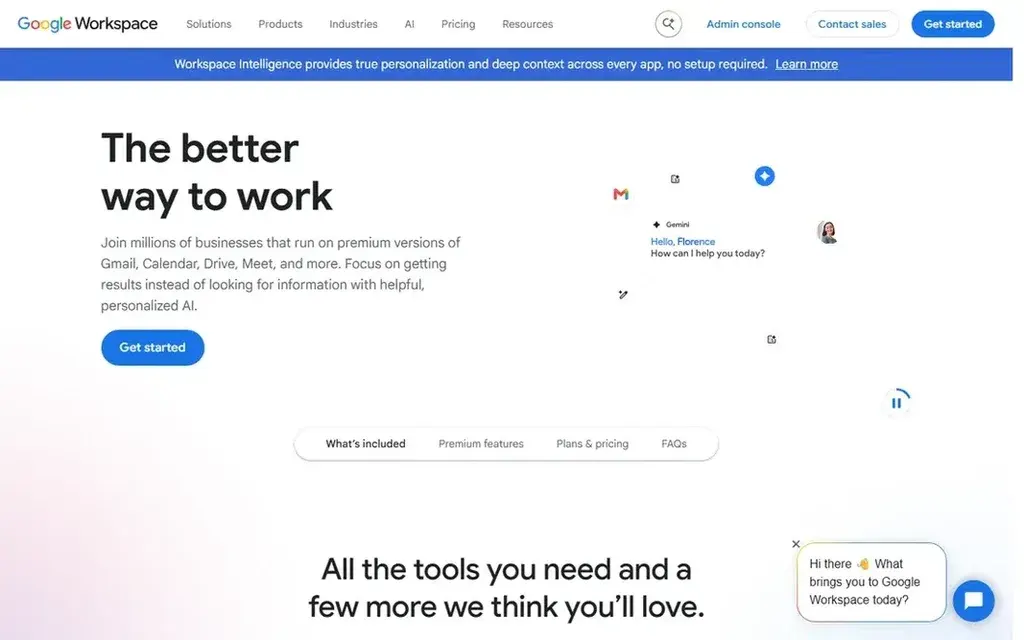
Google Workspace is designed for browser-based collaboration and productivity. Its homepage describes how the tools enable teams of all sizes to do their best work, with documents, spreadsheets and communication made for the browser. People who depend on Microsoft formats or offline desktop work may prefer Microsoft 365 Copilot.
Limits to weigh: Best experience inside Google ecosystem.
It is a solid pick for browser-centric users who want collaboration built in from the start. The suite is most rewarding when you commit to the Google ecosystem for storage and communication. Pricing for Google Workspace is not stated here, so ask the vendor for current figures. Free access: Not stated.
- Capable live collaboration
- Aimed at teams of all sizes
- Fewer desktop app choices
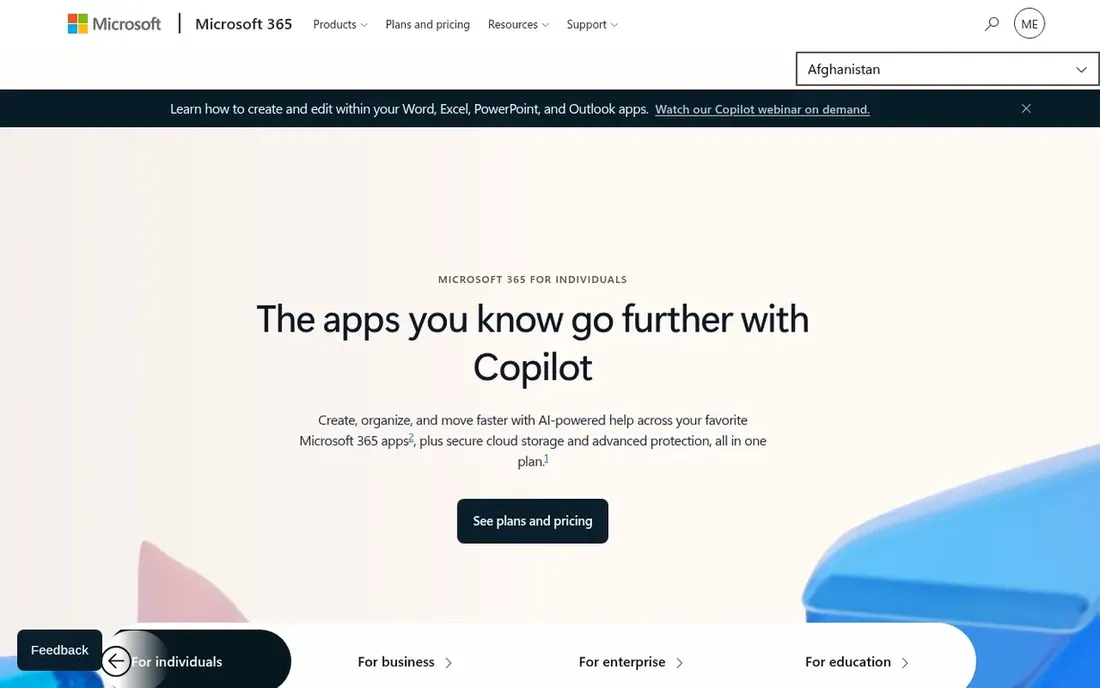
In short, Microsoft 365 Copilot is for AI help inside familiar Office apps. Since it is tied to the Microsoft ecosystem, the experience is most solid for those comfortable with Microsoft apps and cloud storage.
Watch-outs: Best value within the Microsoft ecosystem.
As for the details, people who prefer browser-first tools or who seldom use Office apps may find less benefit. Microsoft 365 Copilot does not show a starting price in this comparison, so check the vendor site for current pricing. On free options: Free trial.
- AI assistance for everyday tasks
- Excel and Outlook
- AI features vary by app
monday.com is designed for AI workspace for people and agents. monday.com presents itself as the AI workspace for people and agents, where AI agents work side by side with your people to execute, run and operate together.
Drawbacks to consider: Can need configuration.
Its adaptable boards reward planning but can demand configuration to match your process. monday.com cost at the entry level: $9 per seat per month. monday.com offers a free plan.
- AI agents work alongside people
- Adaptable boards for plenty of workflows
- Wide scope may distract
Our selection method
For each of the 6 tools we noted price, free plan or trial, fit for personal productivity software with task automation and the main limit, using vendor pages and documentation. Prices and plan limits come from vendor pages and can change, so confirm them on the vendor site before you buy. Position on the page reflects fit for a typical buyer first, with price clarity and free access breaking ties. Treat it as a guide, not a ruling.
Pre-purchase checklist
- Confirm the entry price on the vendor page. For Google Workspace and Microsoft 365 Copilot that means a quote rather than a fixed price.
- Read the fine print on the free plans from ClickUp, Asana, Notion and monday.com; seat, project and feature caps differ.
- Take the trial from Microsoft 365 Copilot and push a live task through it before you pay.
- Before choosing ClickUp, weigh its main limit: many features can overwhelm.
- Let daily users try monday.com on real work; their feedback beats any feature checklist.
- Look at which plan of Asana unlocks the features you need; entry tiers are often cut down.
FAQ
Which tool is a good match for automating repetitive personal tasks?
ClickUp is the pick this page puts first, mainly for all-in-one work app with tasks and docs. If your situation differs, Asana suits work and project management with automation, and Notion suits adaptable AI workspace with custom agents. Compare price and limits before you decide.
How do Notion, ClickUp and Asana differ for task automation?
Notion is an adaptable workspace where you build your own structure and agents. Asana concentrates on planning and executing workflows across people and agents.
Is ClickUp the right pick for everyone comparing personal productivity software with task automation?
No single tool suits every team. ClickUp comes first because it fits all-in-one work app with tasks and docs, while Asana suits work and project management with automation and Notion suits flexible AI workspace with custom agents. Match the tool to your own size, budget and workflow before deciding.
Which options for personal productivity software with task automation have a free plan?
ClickUp, Asana, Notion and monday.com offer a free plan in this list. Free plans usually cap users, projects or features, so check the limits on the vendor page. One other tool offers a trial instead.
What is the cheapest option for personal productivity software with task automation in this list?
On published monthly entry prices, ClickUp is the lowest here at $9 per user per month. Entry price is only part of the cost, because seats, add-ons and billing terms can change the total. All 6 picks in this personal productivity software with task automation comparison list a starting price, free plan details and the main limits on their cards above.
Can I try these tools before paying?
Often, yes. ClickUp, Asana, Notion and monday.com have a free plan and Microsoft 365 Copilot offers a free trial. Use your own data and a real task during the test, and check what the free tier or trial limits before you rely on it.
Sources
- https://clickup.com
- https://asana.com
- https://www.notion.com
- https://workspace.google.com
- https://www.microsoft.com/microsoft-365
- https://monday.com