Best Productivity App for ADHD Professionals (2026): 6 Picks Checked on Vendor Pages
Compare 6 best productivity app for ADHD professionals, with prices, free plans and who each fits. We note where every tool falls short. Updated November 2026.
- Editor's choice
 ClickUp
All-in-one productivity suite
Starts at$9 per user a monthVisit clickup.comFull review - Great alternative
 RescueTime
Automatic time tracking and focus
Starts at$7 a monthVisit rescuetime.comFull review - Also consider
 Trello
Visual task management with boards
Starts at$5 per user a monthVisit trello.comFull review
Direct answer
ClickUp is the first pick on this list for all-in-one productivity suite. Listed starting prices: ClickUp from $9 per user a month, RescueTime from $7 a month and Trello from $5 per user a month. RescueTime is the stronger choice for automatic time tracking and focus, while Trello suits visual task management with boards. The other 3 tools in the list cover narrower or pricier cases.
TL;DR:
- The list opens with ClickUp, aimed at all-in-one productivity suite.
- 5 of 6 tools offer a free plan: ClickUp, Trello, Evernote, Todoist, Notion.
- What to know about Trello first: restricted built-in time tracking.
- Starting prices begin at $5 per user per month with Trello.
Last checked November 2026. Prices and plan details were read from the vendors' own pages in November 2026; vendors change plans often, so confirm the current price on the vendor site before you buy.
Quick comparison
| Tool | Best for | Starts at | Free plan? | |
|---|---|---|---|---|
| ClickUp | All-in-one productivity suite | $9 per user a month | Yes | Visit |
| RescueTime | Automatic time tracking and focus | $7 a month | Free trial | Visit |
| Trello | Visual task management with boards | $5 per user a month | Yes | Visit |
 Evernote | Note capture and organization | See website | Yes | Visit |
 Todoist | Straightforward task capture and organization | $5 a month | Yes | Visit |
 Notion | Configurable all-in-one workspace | $10 per member a month | Yes | Visit |
The 6 tools in detail
LinkVetted put together this guide to productivity app for ADHD professionals for readers who want a clear shortlist without reading every vendor page. It compares 6 tools on starting price, free plans, who each one suits and where each one falls short.
Pick ClickUp if this describes you: all-in-one productivity suite. Its mission is to make the world more productive.
Beyond that, if you prefer a focused tool with fewer choices, consider more straightforward alternatives like Trello or Todoist. Beyond that, the broad feature set can be overwhelming and may result in distraction if not carefully managed. Starting cost for ClickUp: $9 per user per month. ClickUp offers a free plan.
Where it falls short: Needs time to configure.
- Highly configurable views
- AI features for automation
- Feature overload can distract
RescueTime makes the most sense for automatic time tracking and focus. ADHD professionals can use it to build awareness of distractions and set goals for focused work, complementing task management tools.
On top of that, RescueTime does not run tasks or projects, so it fits best alongside another app. Price to start with RescueTime: $7 per month. As for free access: Free trial.
Drawbacks to consider: Needs installation on devices.
- Insights into time usage patterns
- Automatic time tracking in background
- No task management features
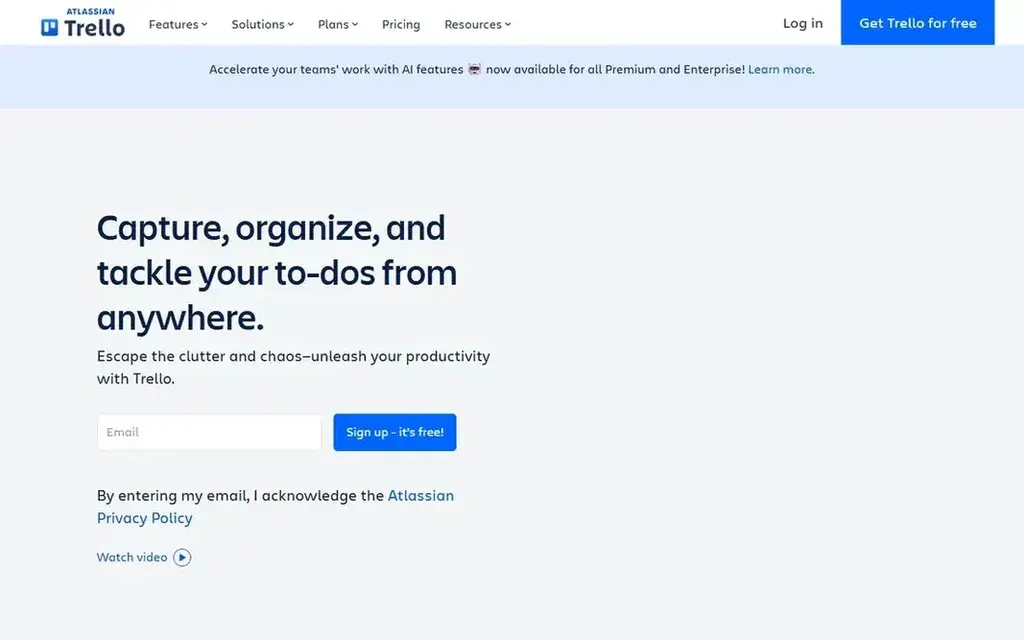
Pick Trello if this describes you: visual task management with boards. Trello is a visual tool that uses boards, lists, and cards to help users capture, organize, and tackle to-dos from anywhere.
Its easy-to-learn drag-and-drop interface appeals to ADHD professionals who benefit from seeing tasks move through stages, supplying a clear sense of progress and structure. Starting cost for Trello: $5 per user per month. Trello has a free plan.
Where it falls short: Restricted built-in time tracking.
- Drag-and-drop simplicity
- Mobile access for on-the-go updates
- Can become cluttered with plenty of cards
Pick Evernote if this describes you: note capture and organization. Evernote is a note-taking app that helps users capture and prioritize ideas, projects, and to-do lists. Beyond that, Evernote is not a full project management tool and lacks advanced task views or time tracking.
Drawbacks to consider: Can become disorganized without discipline.
If you need structured task management, pair it with a dedicated app like Todoist or use a more thorough tool like Notion. For everyday use, for ADHD professionals, it serves as a dependable digital notebook for jotting down thoughts and organizing reference materials, reducing the chance of losing important information. This comparison lists no price for Evernote; ask the vendor. You can start on Evernote without paying.
- Solid note-taking and web clipping
- Task integration within notes
- Restricted project management features
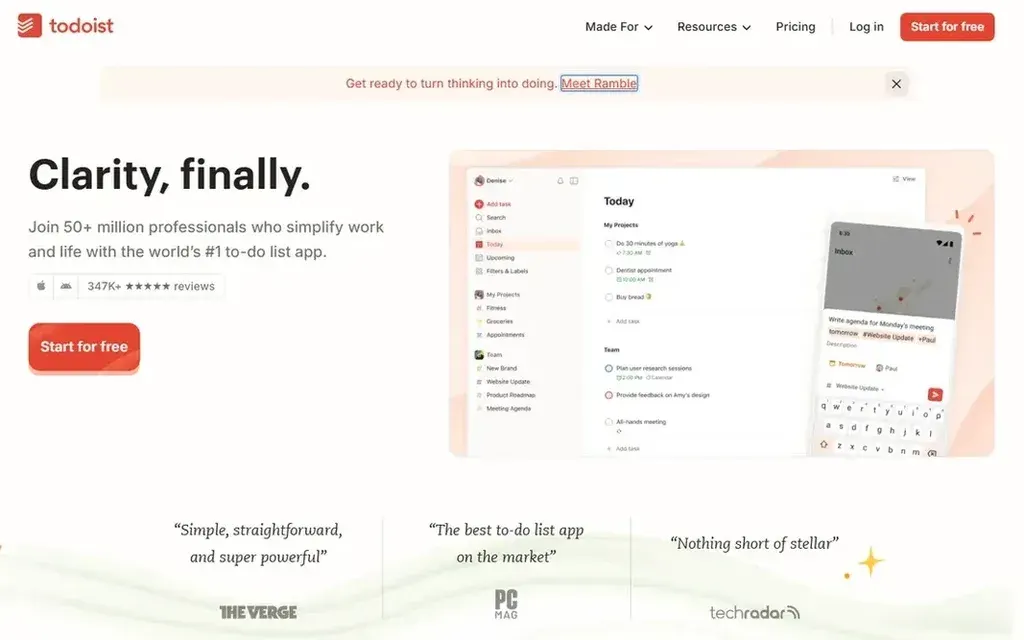
Todoist works best for straightforward task capture and organization. Todoist is a to-do list app meant to help users organize work and life. It supplies a straightforward way to capture tasks, set due dates, and prioritize items.
Downsides: Advanced features need setup.
Upsides: Cross-platform availability.
From a buyer's view, for ADHD professionals, the simplicity can cut overwhelm and make it simpler to stay on top of daily responsibilities without complex configurations. That said, Todoist lacks native time tracking and may not suit those who require integrated calendars or advanced project views. What you pay to start with Todoist: $5 per month. Todoist includes a free tier.
- Uncluttered interface
- Fast task entry
- Restricted built-in time tracking
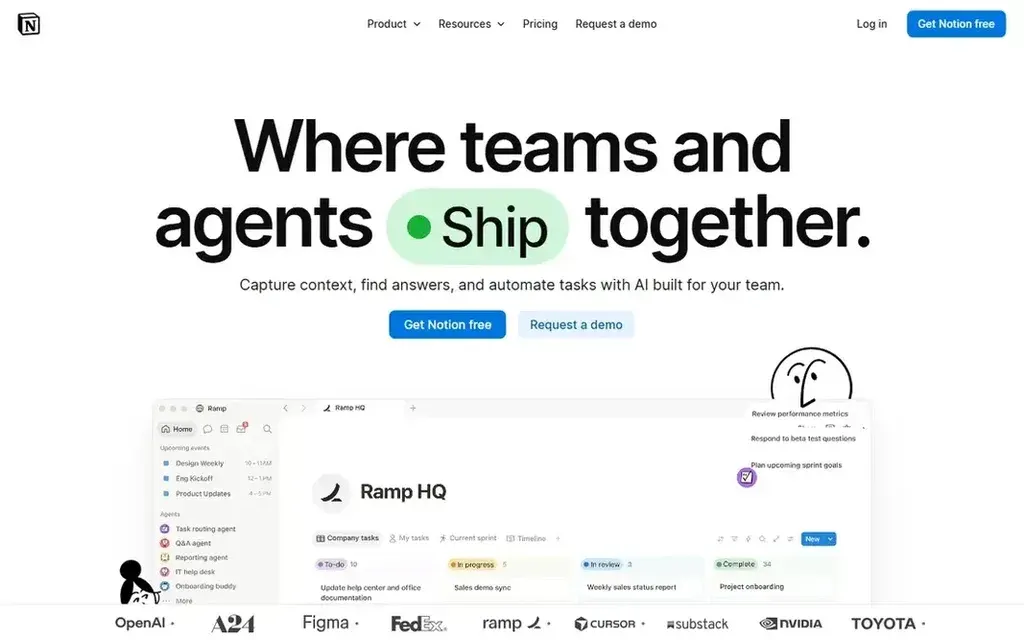
Where Notion fits: configurable all-in-one workspace. Notion is an AI workspace that permits users to build custom agents, search across apps, and automate busywork. It merges notes, tasks, and databases in one place.
Limits to weigh: Can become complicated to set up.
As for the details, the adaptability of Notion can also be a drawback, as too numerous choices might result in distraction or over-engineering. If you prefer a ready-to-use structure with minimal setup, a more straightforward app like Todoist might be a better fit. Starting cost for Notion: $10 per member per month. A free plan is available with Notion.
- Highly adaptable pages and databases
- Centralizes notes and tasks
- May need templates for ADHD-friendly use
How we compared the tools
LinkVetted looked at what each vendor publishes: pricing, plan limits, feature coverage for productivity app for ADHD professionals and stated drawbacks. No hands-on testing is claimed. Where a price is missing, the vendor does not list one publicly or ties it to a quote. Always confirm before budgeting. Tools are placed by general fit for productivity app for ADHD professionals, with price clarity and free access as tie-breakers. A different team can reasonably rank them differently.
A buyer's checklist
- Confirm the entry price on the vendor page. For Evernote that means a quote rather than a fixed price.
- Read the fine print on the free plans from ClickUp, Trello, Evernote and others; seat, project and feature caps differ.
- Take the trial from RescueTime and push a live task through it before you pay.
- Read the limits listed for ClickUp first: feature overload can distract.
- Check whether the features you need in Todoist sit on the entry plan or only on higher tiers.
- Involve the people who will use Notion daily; a short pilot beats a long feature checklist.
FAQ
Can I try these tools before paying?
Often, yes. ClickUp, Trello, Evernote and others have a free plan and RescueTime offers a free trial. Use your own data and a real task during the test, and check what the free tier or trial limits before you rely on it.
How does RescueTime help with ADHD?
RescueTime automatically tracks time spent on apps and websites, offering insights into focus patterns. This awareness can help ADHD professionals identify distractions and set goals for improved time management.
How are the productivity app for ADHD professionals ordered?
ClickUp sits first and Notion last because the order follows typical fit for productivity app for ADHD professionals, then price clarity and free access. It is a judgement call, so read each profile for fit and limits.
Is ClickUp the right pick for everyone comparing productivity app for ADHD professionals?
No single tool suits every team. ClickUp comes first because it fits all-in-one productivity suite, while RescueTime suits automatic time tracking and focus and Trello suits visual task management with boards. Match the tool to your own size, budget and workflow before deciding.
Can Notion be too complicated for ADHD users?
Notion's adaptability can be both an advantage and a drawback. Whereas it permits custom systems, the numerous choices might result in distraction or over-engineering. Users who prefer simplicity may benefit from a more structured app.
What makes a productivity app suitable for ADHD professionals?
Apps that cut overwhelm through straightforward interfaces, clear task visualization, and focus features tend to work well. Tools like Todoist and Trello offer straightforward structures, whereas RescueTime helps build time awareness.
Sources
- https://clickup.com
- https://www.rescuetime.com
- https://trello.com
- https://evernote.com
- https://todoist.com
- https://www.notion.so