Top 6 Calendar Apps for Busy Professionals for 2026 (Prices and Free Plans)
Best calendar apps for busy professionals: 6 contenders ranked by fit, with entry costs and free tiers. With pricing notes and limits. Read the profiles.
- Editor's choice
 Reclaim.ai
AI time blocking for tasks
Starts at$10 per seat a monthVisit reclaim.aiFull review - Great alternativeClockwise
Team calendar coordination
Starts atSee websiteVisit getclockwise.comFull review - Also consider
 Fantastical
Natural language calendar entry
Starts atSee websiteVisit flexibits.comFull review
Direct answer
This list puts Reclaim.ai first for AI time blocking for tasks. Listed starting prices: Reclaim.ai from $10 per seat a month, Calendly from $10 per seat a month and Morgen from $10 per seat per month. If your case is different, Clockwise suits team calendar coordination and Fantastical suits natural language calendar entry. Details, prices and limits for the rest of the 6 tools are below.
TL;DR:
- Reclaim.ai takes the first slot, best suited to AI time blocking for tasks.
- A fair warning about Clockwise: product direction has changed.
- Free plans exist at 3 of 6 tools (Reclaim.ai, Fantastical, Calendly).
- Reclaim.ai has the lowest monthly starting price in this list: $10 per seat per month.
- Google Calendar suits shared team and personal scheduling.
Last checked November 2026. Prices and plan details were read from the vendors' own pages in November 2026; vendors change plans often, so confirm the current price on the vendor site before you buy.
Quick comparison
| Tool | Best for | Starts at | Free plan? | |
|---|---|---|---|---|
| Reclaim.ai | AI time blocking for tasks | $10 per seat a month | Yes | Visit |
| Clockwise | Team calendar coordination | See website | Not stated | Visit |
| Fantastical | Natural language calendar entry | See website | Yes | Visit |
 Calendly | Client-facing meeting scheduling | $10 per seat a month | Yes | Visit |
 Morgen | Unified calendars and tasks | $10 per seat per month | Free trial | Visit |
 Google Calendar | Shared team and personal scheduling | See website | Not stated | Visit |
Calendar Apps for Busy Professionals profiles
This LinkVetted guide covers 6 calendar apps for busy professionals. Each profile lists a starting price, free plan details, strengths and drawbacks, so you can drop poor fits quickly.
Where Reclaim.ai fits: AI time blocking for tasks. Reclaim.ai is an AI-powered calendar app that auto-schedules tasks, habits, meetings, and breaks on top of Google Calendar or Outlook Calendar.
Drawbacks to consider: AI scheduling may need tuning.
What you pay to start with Reclaim.ai: $10 per seat per month. You can start on Reclaim.ai without paying.
- Guards focus time
- Auto-schedules tasks and habits
- Depends on connected calendars
Clockwise
Best for: Team calendar coordination
Clockwise is built with team calendar coordination in mind. Clockwise is a calendar tool that has centred on coordinating team schedules and optimizing work calendars.
Where it is weaker: Product direction has changed.
Check the vendor site for Clockwise pricing; none is listed in this comparison. Free access: Not stated.
- Calendar optimization concept
- Focus on team scheduling
- Restricted public feature detail
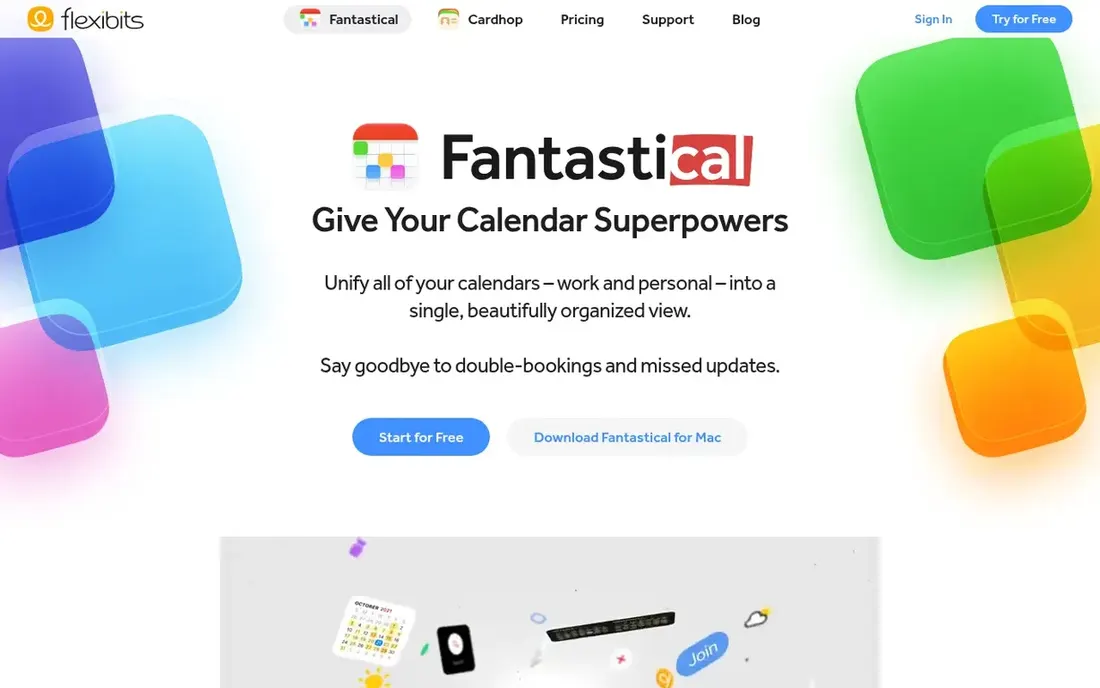
Fantastical is built with natural language calendar entry in mind. Fantastical is a calendar and tasks app known for natural language input, letting you create events and reminders rapidly by typing phrases.
From a buyer's view, Fantastical is most solid as a personal calendar and task app instead of a team scheduling system. If you need shared booking pages or AI-driven time blocking across teams, consider a dedicated scheduling or planning tool instead. This comparison lists no price for Fantastical; ask the vendor. Fantastical includes a free tier.
Downsides: Primarily Apple-focused.
What works well: Fast event creation.
- Natural language input
- Calendar and tasks together
- Advanced planning features are restricted
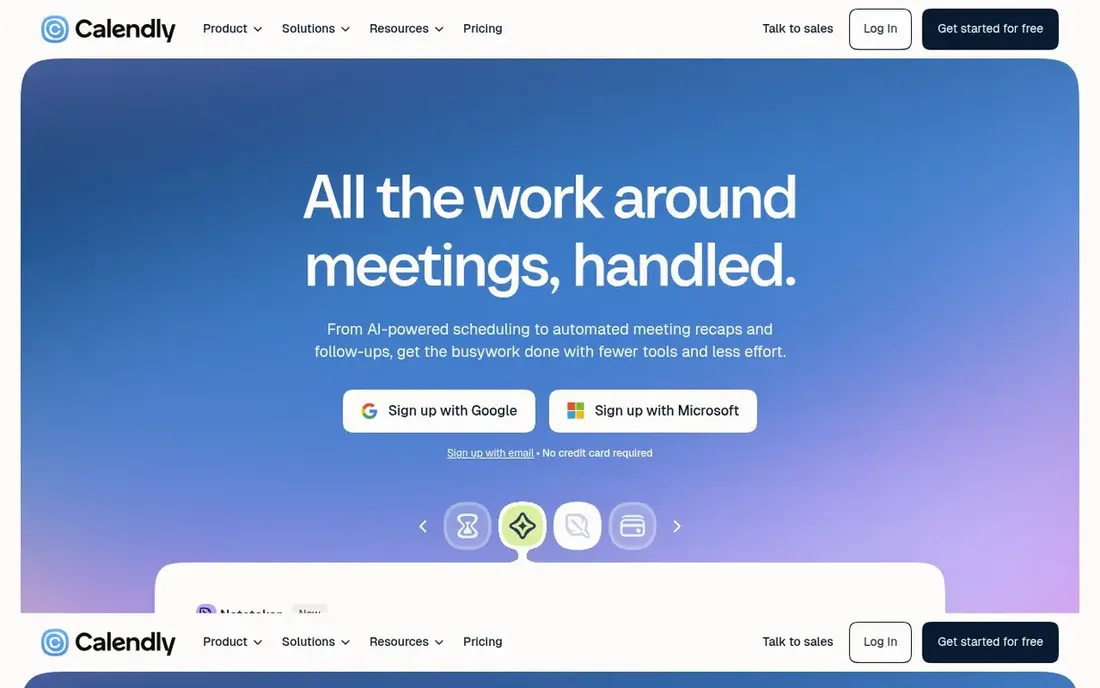
Calendly is built with client-facing meeting scheduling in mind. Calendly is meeting scheduling software that links the work around meetings, from scheduling and payments to meeting prep, notetaking, contact management, and follow-up.
Calendly is centered on meetings instead of daily task planning or focus-time protection. If your central need is a unified calendar with task scheduling, a broader planner may be more suitable, and Calendly can still manage external booking. Calendly starts at: $10 per seat per month. Calendly offers a free plan.
Trade-offs to know: May overlap with existing calendar tools.
- Eases booking
- Contact management
- Centred on meetings
For unified calendars and tasks, Morgen is a natural candidate. If you work within a single calendar ecosystem and do not need unified planning, a native calendar app may be more straightforward.
Where it is weaker: AI planning may need review.
In daily use, Morgen's value relies on the calendars and task managers you link, and AI-generated plans should be reviewed for accuracy. The starting price for Morgen: $10 per seat per month. Trial and free access: Free trial.
- Links several calendars
- Time blocking and focus time
- Relies on connected tools
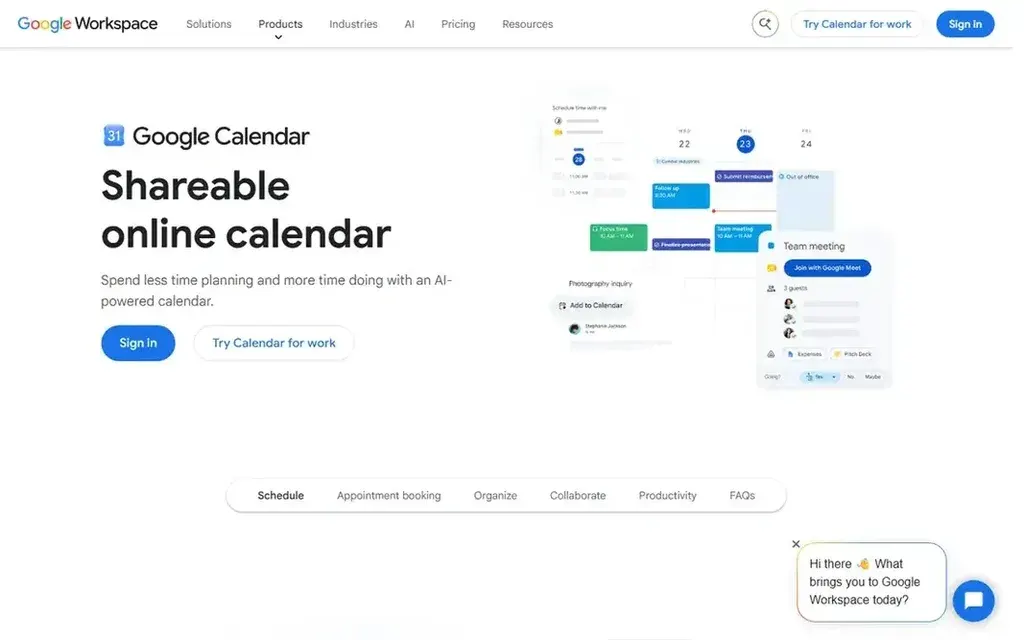
Google Calendar is built with shared team and personal scheduling in mind. Google Calendar is a shareable online calendar made for managing business and personal schedules. It supports shared meetings and appointment scheduling, and it connects with Google Workspace.
From a buyer's view, outside Google Workspace, some collaboration features may be less handy, and native automation for tasks and focus time is restricted. More specifically, if you need AI-driven time blocking or advanced meeting workflows, a dedicated scheduling or planning app may be a better fit alongside it. Pricing for Google Calendar is not stated here, so ask the vendor for current figures. On free options: Not stated.
Points against: Restricted native task automation.
- Appointment scheduling
- Workspace integration
- Best value inside Google Workspace
How we compared the tools
We compared the tools on published pricing, free plan or trial availability, feature coverage for calendar apps for busy professionals, and the limits each vendor documents. Prices and plan limits come from vendor pages and can change, so confirm them on the vendor site before you buy. We ordered the tools by general fit, then by how clearly pricing is shown, then by free access. A buyer with unusual needs may reorder them.
A buyer's checklist
- Get a written quote from Clockwise, Fantastical and Google Calendar; the list shows no starting price for them.
- Read the fine print on the free plans from Reclaim.ai, Fantastical and Calendly; seat, project and feature caps differ.
- Take the trial from Morgen and push a live task through it before you pay.
- Read the limits listed for Reclaim.ai first: depends on connected calendars.
- The entry price of Reclaim.ai is only the starting point; model the full cost with seats and extras.
- Read the plan comparison for Clockwise carefully; key features often start on a higher tier.
FAQ
Can I try these tools before paying?
Often, yes. Reclaim.ai, Fantastical and Calendly have a free plan and Morgen offers a free trial. Use your own data and a real task during the test, and check what the free tier or trial limits before you rely on it.
How are the tools for calendar apps for busy professionals ordered?
The order follows typical fit for calendar apps for busy professionals, with Reclaim.ai first and Google Calendar last, then price clarity and free access. It is editorial judgement, not a score, so another team could rank the tools differently.
Do these tools publish their prices?
Not all of them. Clockwise, Fantastical and Google Calendar publish no starting price, so expect a quote request for those. The rest, Reclaim.ai included, show a starting price, though seats and billing terms still change the final cost.
Do I need a separate scheduling tool if I use Google Calendar?
Google Calendar deals with shared calendars and appointment scheduling for numerous professionals. A separate tool like Calendly can help if you book numerous external meetings and want simplified prep and follow-up workflows.
Is Reclaim.ai the right pick for everyone comparing calendar apps for busy professionals?
No single tool suits every team. Reclaim.ai comes first because it fits AI time blocking for tasks, while Clockwise suits team calendar coordination and Fantastical suits natural language calendar entry. Match the tool to your own size, budget and workflow before deciding.
Which calendar app is a good match for scheduling client meetings?
Reclaim.ai comes first here and is built for AI time blocking for tasks. Buyers with other needs may prefer Clockwise (for team calendar coordination) or Fantastical (for natural language calendar entry). Compare costs and limits first.
Sources
- https://reclaim.ai
- https://www.getclockwise.com
- https://flexibits.com/fantastical
- https://calendly.com
- https://www.morgen.so
- https://calendar.google.com