Best Table Management Software for Busy Cafes in 2026: Prices, Free Plans and 6 Picks
6 best table management software for busy cafes, compared on pricing, free plans and best-fit use. Every pick includes one clear drawback. See which fits.
- Editor's choice
 OpenTable
Reservation and operations management
Starts at$149 per monthVisit opentable.comFull review - Great alternative
 Clover
Adaptable POS with table management
Starts atSee websiteVisit clover.comFull review - Also consider
 Square for Restaurants
Cafes wanting integrated orders and payments
Starts atSee websiteVisit squareup.comFull review
Direct answer
For reservation and operations management, OpenTable is where this list starts. Listed starting prices: OpenTable from $149 per month, Eat App from $69 a month and TouchBistro from $69 per month. Clover is the stronger choice for flexible POS with table management, while Square for Restaurants suits Cafes wanting integrated orders and payments. The full list of 6 tools follows, with prices and free plan facts.
TL;DR:
- Top of the list is OpenTable, which targets reservation and operations management.
- Starting prices begin at $69 per month with Eat App.
- TouchBistro suits all-in-one restaurant management.
- A fair warning about OpenTable: focus on reservations rather than POS.
- Eat App is the only tool of the 6 with a free plan.
Last checked November 2026. Prices and plan details were read from the vendors' own pages in November 2026; vendors change plans often, so confirm the current price on the vendor site before you buy.
Quick comparison
| Tool | Best for | Starts at | Free plan? | |
|---|---|---|---|---|
| OpenTable | Reservation and operations management | $149 per month | No | Visit |
| Clover | Adaptable POS with table management | See website | Not stated | Visit |
| Square for Restaurants | Cafes wanting integrated orders and payments | See website | Not stated | Visit |
| TableCheck | Reservations with international reach | See website | Not stated | Visit |
 Eat App | Front-of-house optimization | $69 a month | Yes | Visit |
 TouchBistro | All-in-one restaurant management | $69 per month | Not stated | Visit |
Table Management Software for Busy Cafes compared in detail
LinkVetted put together this guide to table management software for busy cafes for readers who want a clear shortlist without reading every vendor page. It compares 6 tools on starting price, free plans, who each one suits and where each one falls short.
OpenTable is aimed squarely at reservation and operations management. OpenTable is primarily a reservation and operations tool, so it may not cover POS or payment processing as deeply as other systems.
If your cafe is largely walk-in and doesn't depend on reservations, a different tool might be more appropriate. Entry price for OpenTable: $149 per month. OpenTable does not include a free plan.
Downsides: May be more than needed for walk-in cafes.
- Easy-to-use interface
- Integrated operations system
- Focus on reservations instead of POS
Where Clover fits: adaptable POS with table management. Clover is a point-of-sale system with credit card readers that is widely used in food service. It gives you a mix of hardware and software choices, including table management capabilities through its app marketplace.
If you need deep table management from day one, consider a restaurant-specific option. On top of that, Clover is a solid fit if you value a modular approach and already use its payment ecosystem. Clover does not show a starting price in this comparison, so check the vendor site for current pricing. Free plan details: Not stated.
Trade-offs to know: May need external apps for full table management.
- Widely used in food service
- Supports table management apps
- Features vary by setup
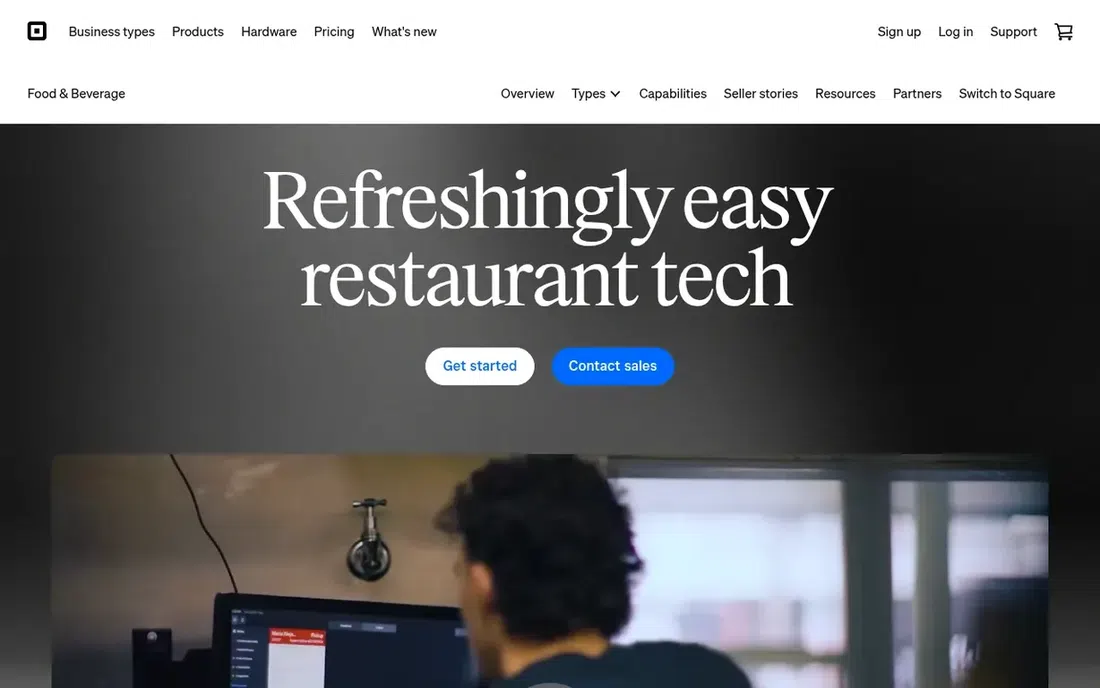
Square for Restaurants was built for Cafes wanting integrated orders and payments. Square for Restaurants is a point-of-sale and management tool designed for food and beverage companies.
Choose Square if you prioritize a smooth payment and order experience over advanced reservation capabilities. Square for Restaurants does not show a starting price in this comparison, so check the vendor site for current pricing. As for free access: Not stated.
Watch-outs: Limited reservation features compared with dedicated systems.
- Merges order tracking with payment processing
- Tools to organize your team
- May require extras for full table management
TableCheck
Best for: Reservations with international reach
In short, TableCheck is for reservations with international reach. TableCheck is a reservation product that helps venues run bookings and lets diners to discover and book tables, with a capable presence in Japan. It is right for cafes that want a reservation system with international reach, especially if you cater to tourists or operate in several regions.
Trade-offs to know: Restricted presence outside Japan.
Beyond that, if your cafe is located outside Japan and needs a widely integrated system, consider other tools. For everyday use, choose TableCheck if you value its reservation network and international diner base. More specifically, the system centres on smooth booking experiences. No starting price is listed for TableCheck here; confirm pricing on the vendor site. As for free access: Not stated.
- Reservation system used in Japan
- Helps venues run bookings
- May not plug into all POS systems
In short, Eat App is for front-of-house optimization. Eat App is an all-in-one reservation system that serves as a complete front-of-house optimization tool, helping venues deliver outstanding guest experiences. In practice, if your cafe needs a combined POS and table management option, you might have to pair it with another tool.
Watch-outs: Most useful for venues that take reservations.
Worth adding: Eat App may not offer the same depth of POS or payment integration as full restaurant management systems. Consider Eat App if your primary need is to optimize reservations and front-of-house flow. Starting cost for Eat App: $69 per month. Eat App includes a free tier.
- Helps optimize front-of-house operations
- Focus on guest experience
- May lack broad POS features
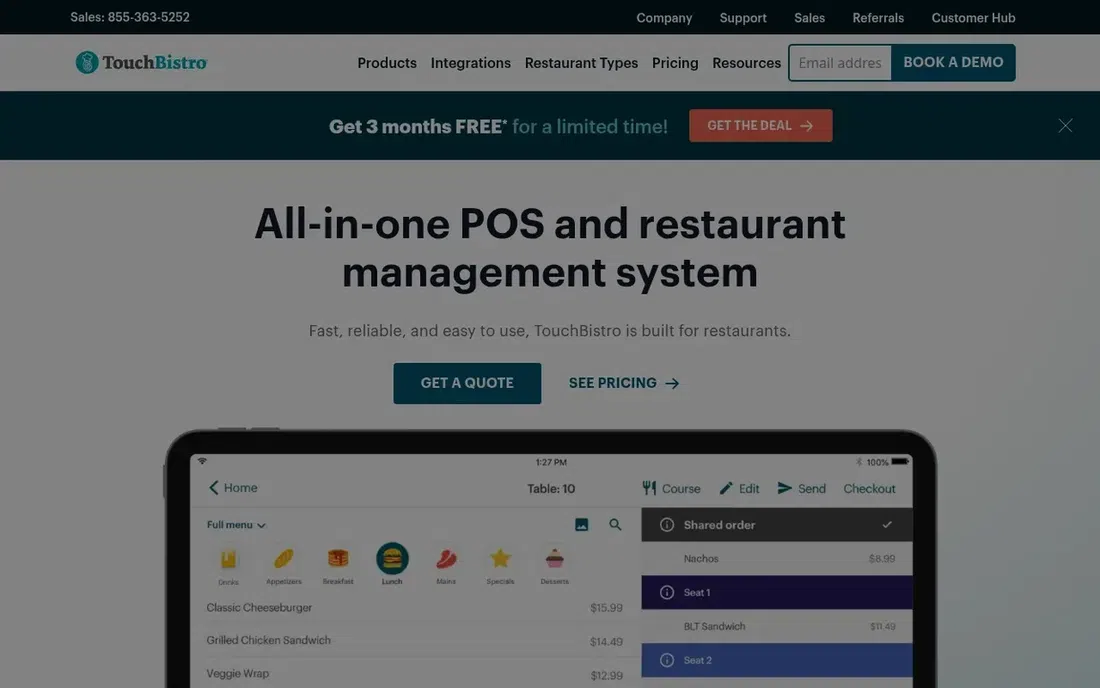
Think of TouchBistro for all-in-one restaurant management. TouchBistro is an all-in-one POS and restaurant management system built to help restaurants increase sales, delight guests, and save time and money.
Trade-offs to know: May need hardware investment.
For everyday use, Whereas TouchBistro gives you broad features, it may come with higher complexity and cost compared with entry-level table management tools. What you pay to start with TouchBistro: $69 per month. On free options: Not stated.
- Merges POS with management tools
- Aims to increase sales and save time
- Feature set could be overkill for very small cafes
How we built this list
Pre-purchase checklist
- Confirm the entry price on the vendor page. For Clover, Square for Restaurants and TableCheck that means a quote rather than a fixed price.
- Look at the free plan from Eat App closely: its caps decide whether it is usable for real work.
- Read the limits listed for OpenTable first: focus on reservations instead of POS.
- Confirm you can export your data from Clover, so leaving later does not mean losing records.
- Total up the real monthly cost of OpenTable, including add-ons, extra users and usage-based fees.
FAQ
What features should I look for in table management software for a busy cafe?
Look for live table status, waitlist management, reservation integration, and the capacity to combine with POS for smooth service. Also consider floor plan customization and reporting to optimize turnover.
Is OpenTable the right pick for everyone comparing table management software for busy cafes?
No single tool suits every team. OpenTable comes first because it fits reservation and operations management, while Clover suits flexible POS with table management and Square for Restaurants suits Cafes wanting integrated orders and payments. Match the tool to your own size, budget and workflow before deciding.
How does OpenTable differ from Eat App for table management?
OpenTable is a full reservation and operations system with a capable brand presence, whereas Eat App concentrates on front-of-house optimization and guest experience.
Is TableCheck right for cafes outside Japan?
TableCheck has a capable presence in Japan and may have restricted adoption elsewhere. From a buyer's view, if you are outside Japan, check whether it supports your region and connects with your other systems before committing.
How are the tools for table management software for busy cafes ordered?
OpenTable sits first and TouchBistro last because the order follows typical fit for table management software for busy cafes, then price clarity and free access. It is a judgement call, so read each profile for fit and limits.
Which options for table management software for busy cafes have a free plan?
Eat App is the only tool in this list with a free plan. Free plans usually cap users, projects or features, so check the limits on the vendor page. For the full picture, the cards above cover all 6 entries of this table management software for busy Cafes list, including price, free plan and limits.
Sources
- https://www.opentable.com/restaurant-solutions
- https://www.clover.com
- https://squareup.com/us/en/restaurants
- https://www.tablecheck.com
- https://www.eatapp.co
- https://www.touchbistro.com