Best Table Management Software for 2026: Our 5 Vetted Picks
5 options for the best table management software, with entry costs, free tiers and the buyer each one serves. Pros and cons for every tool. Read before you buy.
- Editor's choiceNowait
Waitlist and reservation management
Starts at$129 a monthVisit nowait.comFull review - Great alternative
 Eat App
Reservation-led guest experience
Starts at$69 per monthVisit eatapp.coFull review - Also consider
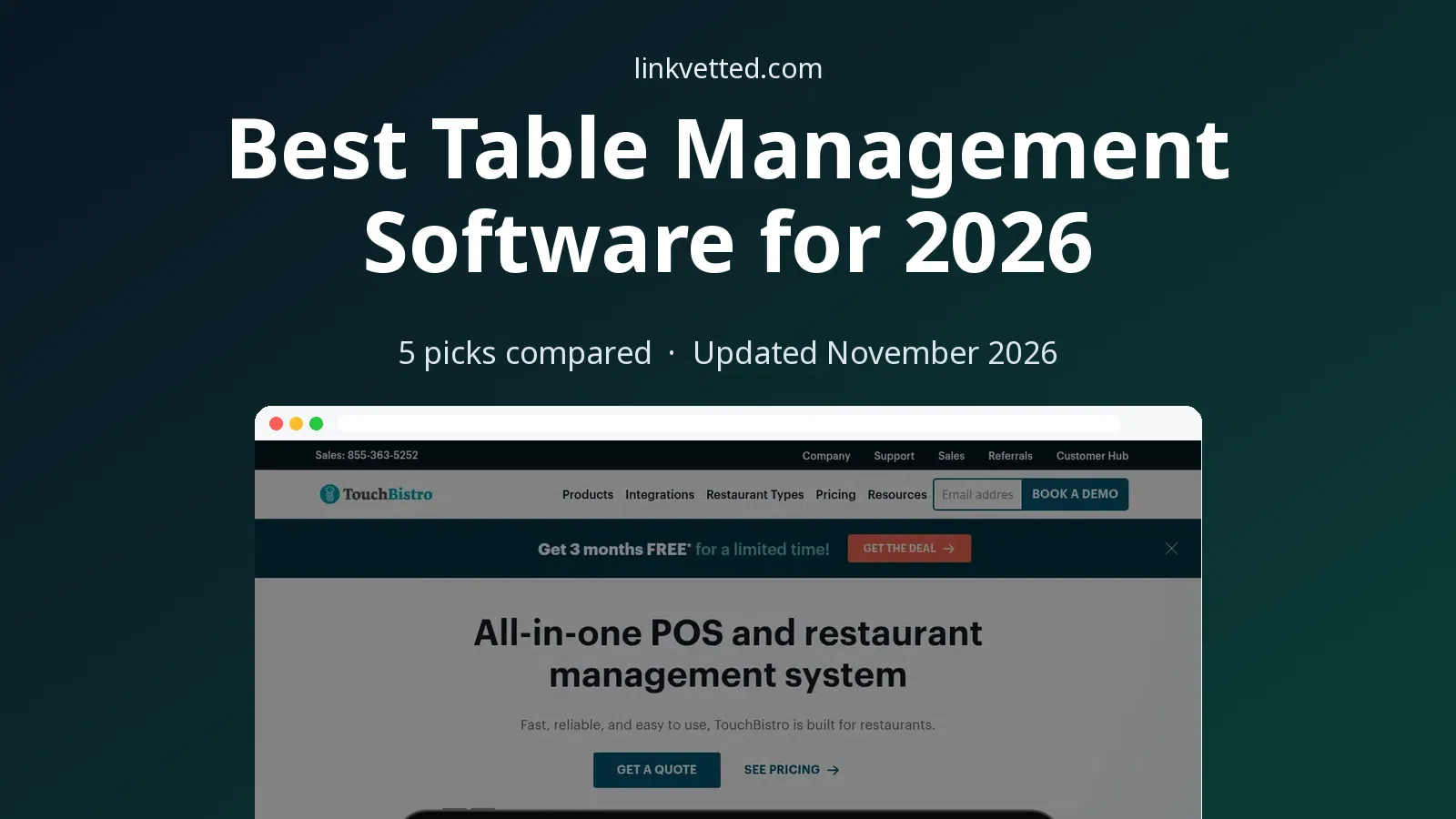
 TouchBistro
Full-service restaurants wanting one system
Starts at$69 a monthVisit touchbistro.comFull review
Direct answer
This list puts Nowait first for waitlist and reservation management. Listed starting prices: Nowait from $129 a month, Eat App from $69 per month and TouchBistro from $69 a month. If your case is different, Eat App suits reservation-led guest experience and TouchBistro suits full-service restaurants wanting one system. The remaining 2 options are covered below with prices and limits.
TL;DR:
- Number one here is Nowait, a fit for waitlist and reservation management.
- Toast Tables suits restaurants already using Toast POS.
- Just one of the 5 tools, Eat App, has a free plan.
- What to know about Eat App first: less centered on POS and payments.
- The cheapest monthly starting price in the list is $69 per month, offered by Eat App.
Last checked November 2026. Prices and plan details were read from the vendors' own pages in November 2026; vendors change plans often, so confirm the current price on the vendor site before you buy.
Quick comparison
| Tool | Best for | Starts at | Free plan? | |
|---|---|---|---|---|
| Nowait | Waitlist and reservation management | $129 a month | Not stated | Visit |
| Eat App | Reservation-led guest experience | $69 per month | Yes | Visit |
| TouchBistro | Full-service restaurants wanting one system | $69 a month | Not stated | Visit |
 Lightspeed Restaurant | Restaurants wanting POS plus table tools | See website | Not stated | Visit |
 Toast Tables | Restaurants already using Toast POS | See website | Not stated | Visit |
Table Management Software compared in detail
If you are comparing table management software, this page covers 5 tools in one place: what each is best for, what it costs to start, whether it has a free plan, and the main limit to know about.
Nowait
Best for: Waitlist and reservation management
Pick Nowait if this describes you: waitlist and reservation management. Venues seeking a purely internal floor management tool, without a consumer network angle, may prefer a more straightforward system.
Where it falls short: Feature set oriented to demand capture.
Beyond that, the product leans toward demand capture and consumer discovery, which may be more than some restaurants want. Nowait, part of Yelp for Restaurants, gives you reservation and waitlist management tools built for busy restaurants, along with an AI answering service that records calls around the clock. Nowait pricing: $129 per month. Free options: Not stated.
- Reservation and waitlist tools for busy restaurants
- AI answering service for calls
- Consumer-facing angle may not suit all venues
Eat App is built with reservation-led guest experience in mind. It suits restaurants where reservations, table allocation and guest history are the core of daily operations, like busy dining rooms and venues that run demand carefully.
Restaurants with mostly walk-in trade may find a more straightforward waitlist tool sufficient. Eat App pricing: $69 per month. Free access exists with Eat App.
Honest limits: Best value for reservation-heavy venues.
- Focus on front-of-house optimization
- Built around guest experience
- Less centered on POS and payments
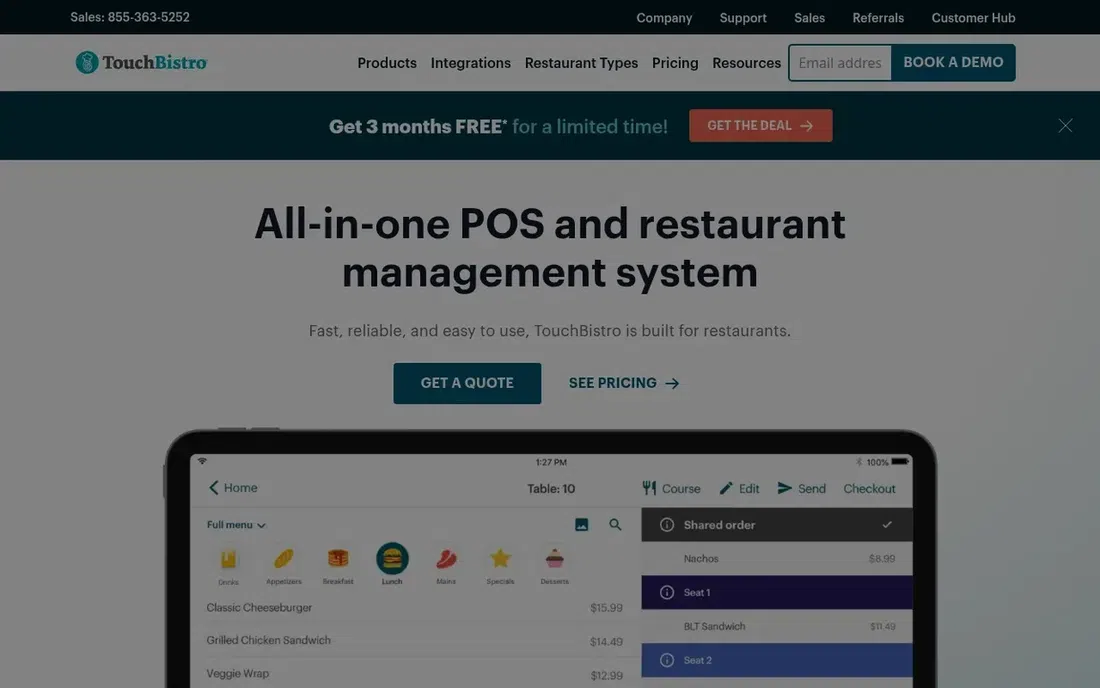
TouchBistro was built for full-service restaurants wanting one system. In that case, pairing the existing POS with a dedicated reservation or waitlist system is frequently the more practical route.
What to check first: Table features sit inside a bigger POS.
More specifically, restaurants that already have a POS they are happy with may not want to switch just for table management. On cost, TouchBistro starts like this: $69 per month. Trial and free access: Not stated.
- Built for full-service dining workflows
- Aims to save time and increase sales
- Setup effort relies on venue size
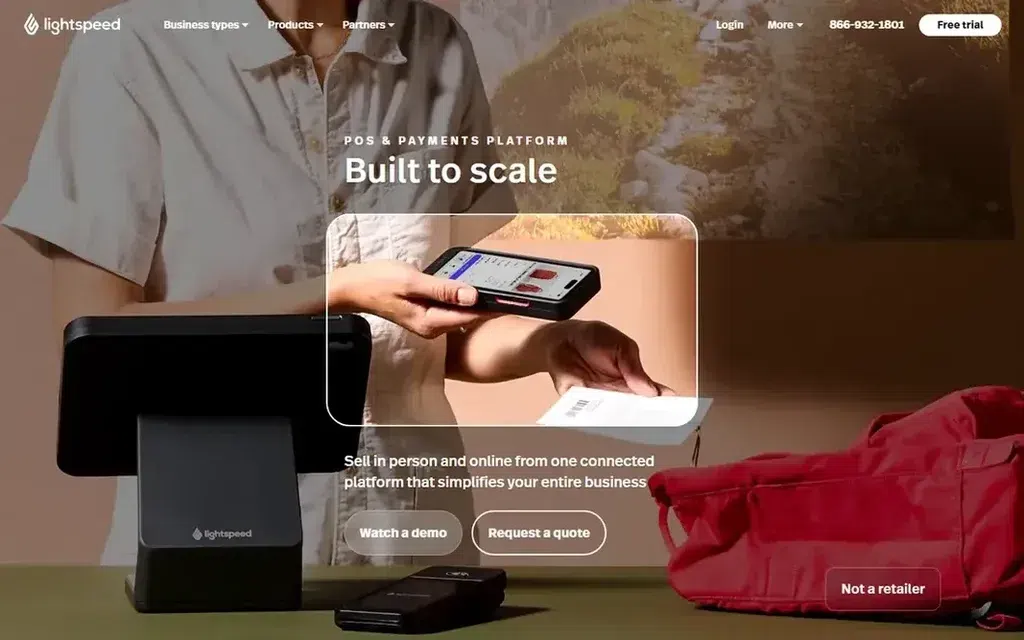
Lightspeed Restaurant is built with restaurants wanting POS plus table tools in mind. Lightspeed Restaurant is a point-of-sale and commerce system with restaurant-focused tools that bundle table and floor management.
It fits operators who want seating and service workflows connected to ordering, payments and back-office reporting in one place, especially firms running several venues or concepts. Pricing for Lightspeed Restaurant is not stated here, so ask the vendor for current figures. Free options: Not stated.
Where it is weaker: Full value relies on the wider system.
- Scales across hospitality concepts
- Restaurant POS within a wider commerce product
- Feature depth varies by package
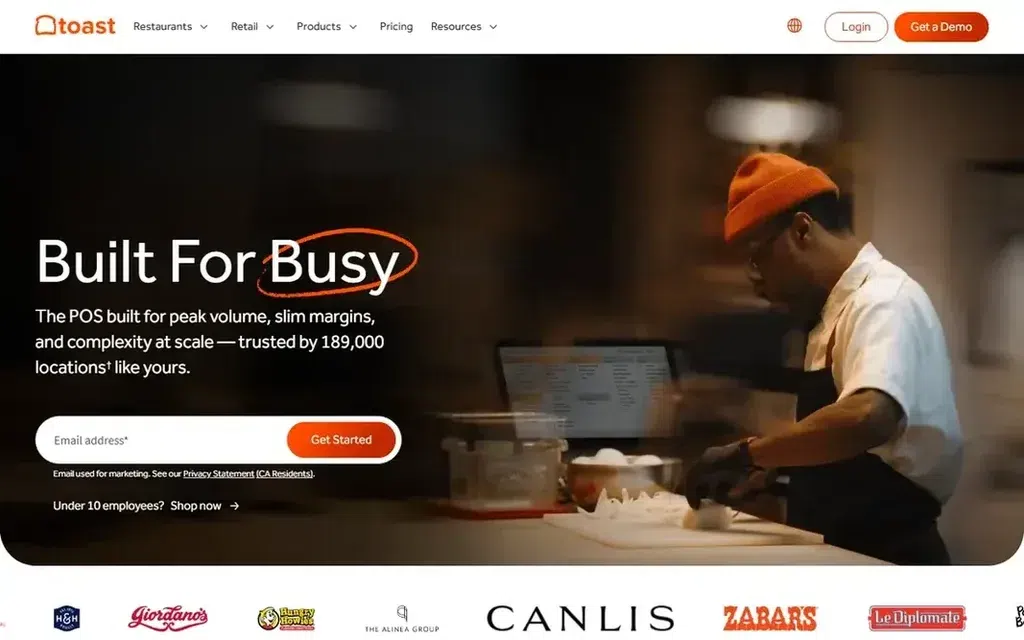
Toast Tables serves restaurants already using Toast POS. It suits restaurants that want seating, waitlist and reservation workflows connected to the same system that deals with orders and payments, reducing the number of separate tools staff juggle during service.
Since it is part of a broader POS product, the value relies on whether you use or plan to use Toast for sales. Check the vendor site for Toast Tables pricing; none is listed in this comparison. Trial and free access: Not stated.
The main drawbacks: Details vary by market and setup.
- Table and waitlist tools tied to a restaurant POS product
- Suited to full-service dining operations
- Most handy within the Toast ecosystem
How we compared the tools
What to confirm before you sign up
- Ask Lightspeed Restaurant and Toast Tables for a written quote, since no starting price is shown.
- Look at the free plan from Eat App closely: its caps decide whether it is usable for real work.
- Before choosing Nowait, weigh its main limit: consumer-facing angle may not suit all venues.
- Ask Nowait whether prices are locked for the first term and what happens at renewal.
- Total up the real monthly cost of Eat App, including add-ons, extra users and usage-based fees.
FAQ
What should I check before choosing a tool?
Also check setup and training support, reporting on wait times and bookings, and whether the tool suits your venue type, like daily dining or private events.
Which options for table management software have a free plan?
Eat App is the only tool in this list with a free plan. Free plans usually cap users, projects or features, so check the limits on the vendor page. Each of the 5 options in this table management software guide has its own card above with the price, free plan and limits.
How are the tools for table management software ordered?
The order follows typical fit for table management software, with Nowait first and Toast Tables last, then price clarity and free access. It is editorial judgement, not a score, so another team could rank the tools differently.
Is Nowait the right pick for everyone comparing table management software?
No single tool suits every team. Nowait comes first because it fits waitlist and reservation management, while Eat App suits reservation-led guest experience and TouchBistro suits full-service restaurants wanting one system. Match the tool to your own size, budget and workflow before deciding.
Do these tools publish their prices?
Not all of them. Lightspeed Restaurant and Toast Tables publish no starting price, so expect a quote request for those. The rest, Nowait included, show a starting price, though seats and billing terms still change the final cost.
Sources
- https://www.nowait.com
- https://www.eatapp.co
- https://www.touchbistro.com
- https://www.lightspeedhq.com
- https://pos.toasttab.com