Best Supply Chain Collaboration Software in 2026: 9 Tools Compared
Compare the best supply chain collaboration software for suppliers, logistics and planning, with network coverage, visibility and pricing notes included.
- Editor's choice
 E2open
Multi-enterprise supplier networks
Starts atSee websiteVisit e2open.comFull review - Great alternative
 Infor Nexus
Networked supply chain and finance
Starts atSee websiteVisit infor.comFull review - Also consider
 Kinaxis
Concurrent scenario planning
Starts atSee websiteVisit kinaxis.comFull review
TL;DR:
- E2open and Infor Nexus suit firms that need a shared network for suppliers, manufacturers and logistics partners.
- Kinaxis and o9 Solutions fit planning-led teams that test scenarios before they commit to a supply plan.
- Coupa and SAP Ariba help procurement teams collaborate with suppliers on orders, invoices and spend in one place.
- FourKites and project44 focus on shipment visibility, which helps partners act on delays early.
- Most tools here price by quote, so plan for implementation and partner onboarding, not only a subscription.
Quick comparison
| Tool | Best for | Starts at | Free plan? | |
|---|---|---|---|---|
| E2open | Multi-enterprise supplier networks | See website | No | Visit |
| Infor Nexus | Networked supply chain and finance | See website | No | Visit |
| Kinaxis | Concurrent scenario planning | See website | No | Visit |
 o9 Solutions | AI planning with digital twins | See website | No | Visit |
 Blue Yonder | Retail and manufacturing planning | See website | No | Visit |
 Coupa | Supplier spend collaboration | See website | No | Visit |
 SAP Ariba | Large enterprise supplier network | See website | No | Visit |
 FourKites | Real-time shipment visibility | See website | No | Visit |
 project44 | Supply chain visibility at scale | See website | No | Visit |
The best supply chain collaboration software
Supply chain collaboration is about shared data, not shared email threads. The tools below let suppliers, manufacturers, logistics providers and buyers work from the same orders, forecasts and shipment status. We focused on platforms that connect more than one company, not only tools that plan inside a single firm.
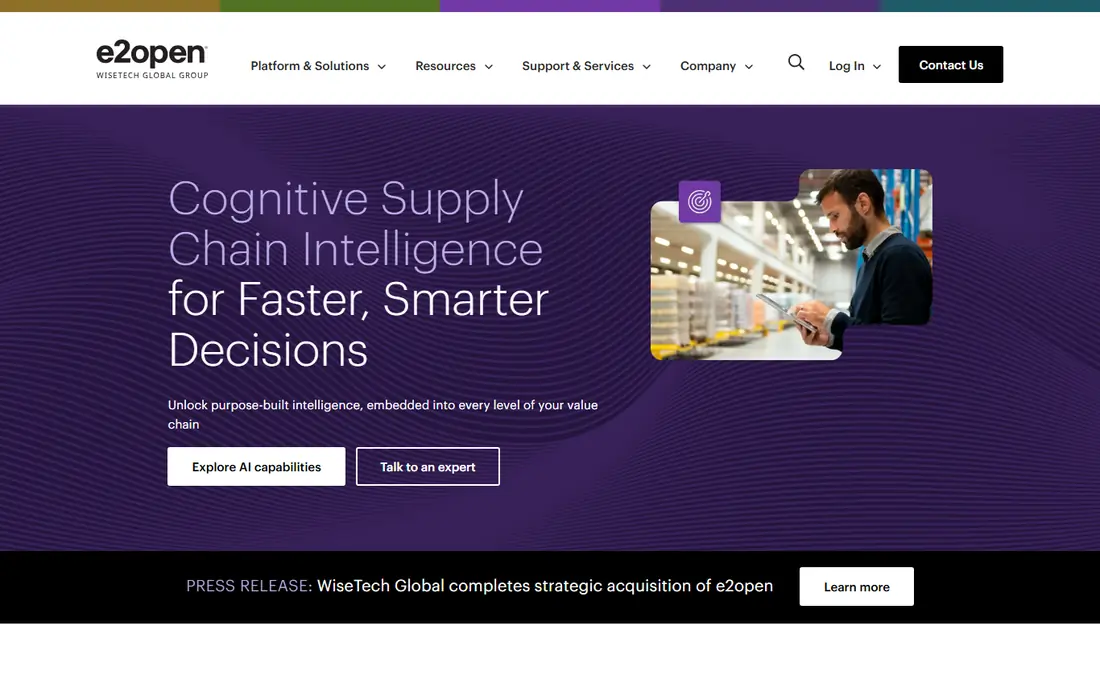
E2open is built around a network idea: trading partners share data on one platform instead of sending separate files to each other. That shared view covers orders, inventory, shipments and trade documents, which helps when a delay in one tier affects production in another. For high-tech, automotive and industrial firms with deep supplier tiers, that network effect is the main reason to look at E2open.
The challenge is adoption. A network only helps if your key suppliers and logistics providers actually use it, so onboarding partners is part of the project, not an afterthought. Pricing is quote-based and implementations run in months for large networks. If your supply chain problems are mostly internal, a conventional suite may fit better. If they are partner problems, E2open deserves a serious look.
- Network connects suppliers, manufacturers and logistics partners
- Strong global trade and logistics tools
- Shared visibility reduces manual status updates
- Value depends on partner adoption
- Implementation is a multi-company project

Infor Nexus, formerly GT Nexus, connects a company with its suppliers, banks and third-party logistics providers on a shared network. Orders, shipments, invoices and finance can flow through the same system, which reduces the gap between a shipment arriving and an invoice being paid. That finance link is useful for firms that use supply chain finance or need tighter control over working capital.
Planning features, including probabilistic forecasting, sit alongside the network tools, so a firm can move from a forecast to an order to a payment without switching systems for each step. The trade-off is complexity. Data mapping, partner onboarding and configuration need experienced help, and pricing is by quote. Infor Nexus fits firms with a global, multi-tier network that want planning and finance in one place.
- Connects suppliers, banks and logistics providers
- Combines planning with supply chain finance
- Strong for global, multi-tier networks
- Quote-based pricing
- Setup and data mapping take specialist help
Kinaxis Maestro is known for concurrent planning, where demand, supply and inventory plans update together rather than in separate steps. A planner can test a scenario, such as a supplier delay or a demand spike, and see the effect across the network quickly. That speed matters when a disruption forces a decision in days, not in a monthly planning cycle.
Collaboration comes from that shared, current plan. Sales, operations and procurement can work from the same numbers and debate trade-offs with data, rather than with separate spreadsheets. The platform is enterprise-grade, with quote-based pricing and a need for planning skill in-house. It fits manufacturers and firms with complex, constrained supply chains that plan in scenarios, not only in averages.
- Concurrent planning lets teams test scenarios fast
- Strong for constraint-aware planning
- Clear what-if tools for supply disruptions
- Enterprise pricing
- Needs planning expertise to use well
o9 Solutions offers an AI-driven platform that builds a digital twin of a supply chain, linking demand, supply, inventory and financial planning in one model. Planners can test scenarios, compare outcomes and align decisions across sales, supply and finance teams. That cross-functional view is the collaboration benefit: teams stop optimising their own silo at the expense of the whole network.
The platform suits large firms with complex networks and enough clean data to feed a model. Without good data, even a strong model will produce weak plans, so data work is part of the project. Pricing is by quote and implementations are phased. o9 fits a firm that is ready to plan from one model and to invest in the data and skills to run it.
- Digital twin models link planning across functions
- AI forecasting supports scenario work
- Good for large, complex networks
- Enterprise cost and rollout
- Requires data maturity to deliver value
Blue Yonder covers a wide span of supply chain planning, from demand forecasting and replenishment to transportation and warehouse planning. For retailers and manufacturers, that breadth means a forecast can connect to store replenishment and to logistics planning without a patchwork of point tools. Collaboration improves when buyers, planners and logistics teams share the same plan and status.
Breadth is also the challenge. A full Blue Yonder rollout is a major project with configuration, integration and training across teams. Smaller firms may find a narrower tool faster to adopt. Blue Yonder fits a retailer or manufacturer that wants a proven planning suite, has the team to run it, and needs planning depth across several supply chain functions.
- Broad planning coverage for retail and manufacturing
- Strong demand and replenishment tools
- Large partner and integration ecosystem
- Quote-based pricing
- Suite breadth can make rollout complex
Coupa is best known as a business spend management suite, and its supplier portal is a key collaboration piece. Suppliers can register, maintain profiles, receive purchase orders and submit invoices through the portal at no cost to the supplier. That free supplier access removes a common barrier: asking vendors to pay to sell to you.
For buyers, Coupa ties procurement, invoicing and expenses together, so supplier collaboration sits inside the spend workflow rather than in email. The suite also includes supply chain design tools from its LLamasoft acquisition, which helps larger firms model network choices. Pricing for buyers is custom and implementations run in months. If you only need a simple portal, Coupa may be more suite than you need.
- Supplier portal is free for suppliers to use
- Strong purchase order and invoice collaboration
- Broad spend management suite
- Buyer pricing is quote-only and enterprise-grade
- Full suite may be more than a portal-only buyer needs
SAP Ariba runs one of the largest business supplier networks, connecting buyers and suppliers for sourcing, procurement, invoicing and supplier management. For a large firm already on SAP, that fit is a strong reason to choose Ariba, because orders, invoices and supplier data can align with core ERP processes. The network effect also helps, since many large suppliers already transact on Ariba.
The trade-off is scale and complexity. Ariba is an enterprise purchase with implementation, configuration and supplier onboarding work. Small suppliers may need guidance to register and transact correctly, and buyers should plan support for that onboarding. Ariba fits large, SAP-centric firms that want a proven supplier network and full procurement workflow in one place.
- Large supplier network with broad adoption
- Strong sourcing, procurement and invoicing tools
- Deep fit for SAP-centric firms
- Enterprise pricing and complexity
- Smaller suppliers may need help onboarding
FourKites focuses on a clear collaboration problem: no one knows where a shipment is, or when it will arrive. Its platform tracks shipments across road, ocean, rail and air, combines carrier data, and gives predictive arrival times that buyers, suppliers and logistics teams can share. When a delay appears, partners can act early, such as rescheduling labour or warning a customer, instead of learning about it after the fact.
Visibility only works as well as the data behind it. Carrier coverage, data quality and partner participation shape accuracy, so check coverage for your lanes and modes before you commit. FourKites fits firms with high shipment volumes, complex lanes or strict delivery promises, where shared, current shipment status saves time and prevents costly surprises.
- Real-time tracking across modes and carriers
- Predictive arrival times help partners plan
- Shared visibility reduces status calls
- Value depends on carrier and partner data quality
- Pricing is quote-based
project44 offers supply chain visibility at scale, tracking shipments across modes and carriers and turning that data into status, exceptions and analytics. Teams can see which shipments are on time, which are at risk, and where to focus attention, rather than chasing status updates one carrier at a time. That shared view helps procurement, logistics and customer service give consistent answers.
The platform is enterprise-grade, with quote-based pricing and a carrier onboarding effort that should be planned into the rollout. Coverage and data quality vary by lane, so test your key routes during evaluation. project44 fits firms with large, global shipment volumes that need one visibility layer across carriers, modes and regions, and that will use exception data to act, not only to watch.
- Broad carrier network and shipment tracking
- Visibility across transport modes
- Tools for exception management and analytics
- Enterprise pricing
- Onboarding carriers and partners takes time
How we picked these
We compared official product pages, pricing pages and public reviews for platforms that support collaboration between companies in a supply chain. We kept tools with a network, portal or shared visibility layer, active maintenance in 2026, and a clear fit for supplier, logistics or planning collaboration. We left out single-company planning tools with no partner layer, because they do not solve the collaboration problem in this guide.
What to check before you buy
Start with the collaboration problem you actually have. Is it supplier orders and invoices, shipment visibility, or a shared supply plan? Each problem points to a different tool type, and buying a planning suite for a visibility problem will waste time. Map your top partners and lanes, then test coverage for those partners first.
Plan partner onboarding as a project
A network tool fails if partners do not join or do not use it well. Budget time for supplier training, carrier connections and support, and assign an owner for onboarding. Start with your largest partners, prove value on a few lanes or categories, then expand in waves.
Check data quality and integration fit
Confirm how the tool connects to your ERP, warehouse and transport systems, and how often data refreshes. Ask about data standards, error handling and what happens when a carrier feed drops. A tool with a clean interface but weak integrations will still leave your team copying data by hand.
Measure collaboration, not only software use
Track fewer status calls, faster exception response, on-time delivery and invoice accuracy after rollout. If those numbers do not move, the tool may be installed but not adopted. Review adoption by partner and lane each month, and fix onboarding gaps before you add more features.
FAQ
What is supply chain collaboration software?
It is software that lets companies in a supply chain share orders, forecasts, shipment status and invoices on a common platform. Suppliers, manufacturers, logistics providers and buyers work from the same data, which reduces email, phone calls and version confusion. The goal is faster, more reliable decisions across company lines.
How is this different from supply chain planning software?
Planning software often focuses on forecasting and optimisation inside one company. Collaboration software adds a partner layer, such as a supplier portal, a shared network or shipment visibility, so outside partners can act on the same plan. Many suites do both, but the partner layer is what defines this category.
Do suppliers have to pay to use these platforms?
It depends on the platform. Coupa Supplier Portal is free for suppliers, while other networks may charge suppliers or buyers in different ways. Ask about supplier fees, transaction fees and onboarding costs before you invite a large supplier base, because fees can slow adoption.
How long does implementation take?
It varies from weeks for a focused visibility tool to many months for a large planning suite or network rollout. Partner onboarding, data mapping and integration work drive the timeline more than software installation alone. Ask vendors for a phased plan with a first live lane or category date.
Can small businesses use supply chain collaboration software?
Yes, for focused needs such as shipment visibility or a supplier portal, but large enterprise suites are often too costly and complex for a small firm. Start with the one collaboration pain that costs the most time, such as shipment status calls, and pick a tool that solves that pain without a full suite.
What data do I need before I start?
You need clean supplier, item, order and shipment data, plus a list of key partners and lanes. Lead times, carrier details and invoice rules also matter. A tool can improve collaboration, but it cannot fix missing or inconsistent master data on its own, so clean the basics during implementation.