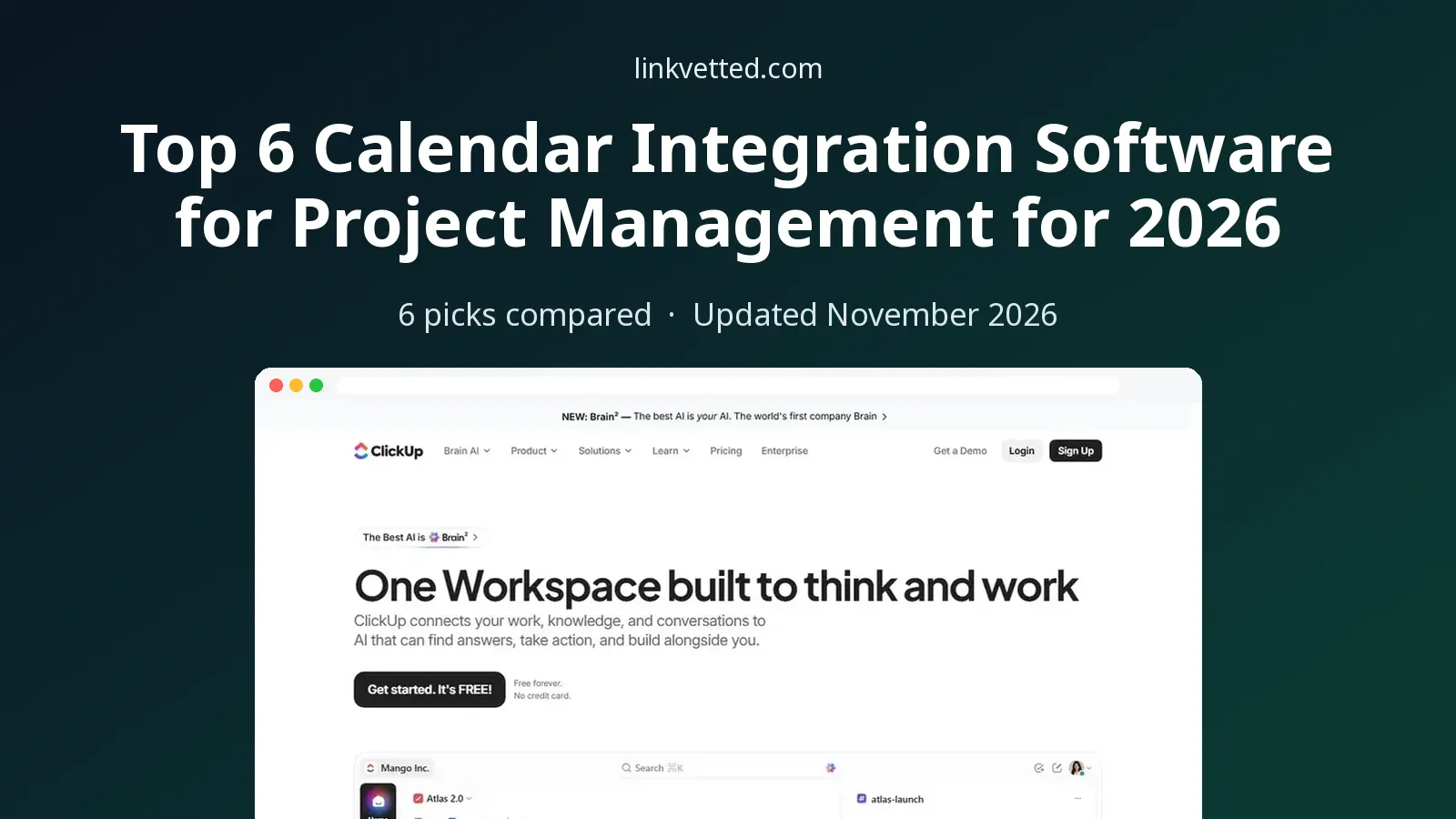
Top 6 Calendar Integration Software for Project Management for 2026 (Prices and Free Plans)
Best calendar integration software for project management in 2026: 6 contenders with entry costs and free tiers. Each tool gets a one-line verdict. Facts only.
- Editor's choice
 Airtable
Database-driven workflows with calendar views
Starts at$20 per user a monthVisit airtable.comFull review - Great alternative
 ClickUp
All-in-one productivity with calendar views
Starts at$9 per user a monthVisit clickup.comFull review - Also consider
 Trello
Straightforward boards with light scheduling
Starts at$5 per user a monthVisit trello.comFull review
Direct answer
Our first pick is Airtable, best for database-driven workflows with calendar views. Listed starting prices: Airtable from $20 per user a month, ClickUp from $9 per user a month and Trello from $5 per user a month. Alternatives: ClickUp for all-in-one productivity with calendar views, and Trello for straightforward boards with light scheduling. All 6 tools are compared below on price, free plan and limits.
TL;DR:
- Top of the list is Airtable, which targets database-driven workflows with calendar views.
- The main caution on ClickUp: feature depth can overwhelm new users.
- 4 of 6 tools offer a free plan: Airtable, ClickUp, Trello, Asana.
- Asana suits visual project planning with calendar sync.
Last checked November 2026. Prices and plan details were read from the vendors' own pages in November 2026; vendors change plans often, so confirm the current price on the vendor site before you buy.
Quick comparison
| Tool | Best for | Starts at | Free plan? | |
|---|---|---|---|---|
| Airtable | Database-driven workflows with calendar views | $20 per user a month | Yes | Visit |
| ClickUp | All-in-one productivity with calendar views | $9 per user a month | Yes | Visit |
| Trello | Straightforward boards with light scheduling | $5 per user a month | Yes | Visit |
 Smartsheet | Spreadsheet-style timelines and governance | $12 per Member/month | Not stated | Visit |
 Wrike | Enterprise work delivery with scheduling control | See website | Not stated | Visit |
 Asana | Visual project planning with calendar sync | $10.99 per user a month | Yes | Visit |
The best calendar integration software for project management
LinkVetted put together this guide to calendar integration software for project management for readers who want a clear shortlist without reading every vendor page. It compares 6 tools on starting price, free plans, who each one suits and where each one falls short.
Airtable is built with database-driven workflows with calendar views in mind. Organizations wanting a ready-made project management structure may prefer a more prescriptive tool.
On top of that, Airtable rewards teams comfortable with database concepts, and newcomers may need time to model their work properly. Starting cost for Airtable: $20 per user per month. Airtable has a free plan.
Downsides: Needs database-style thinking.
- Live collaboration
- Calendar views built on structured records
- Less prescriptive project templates
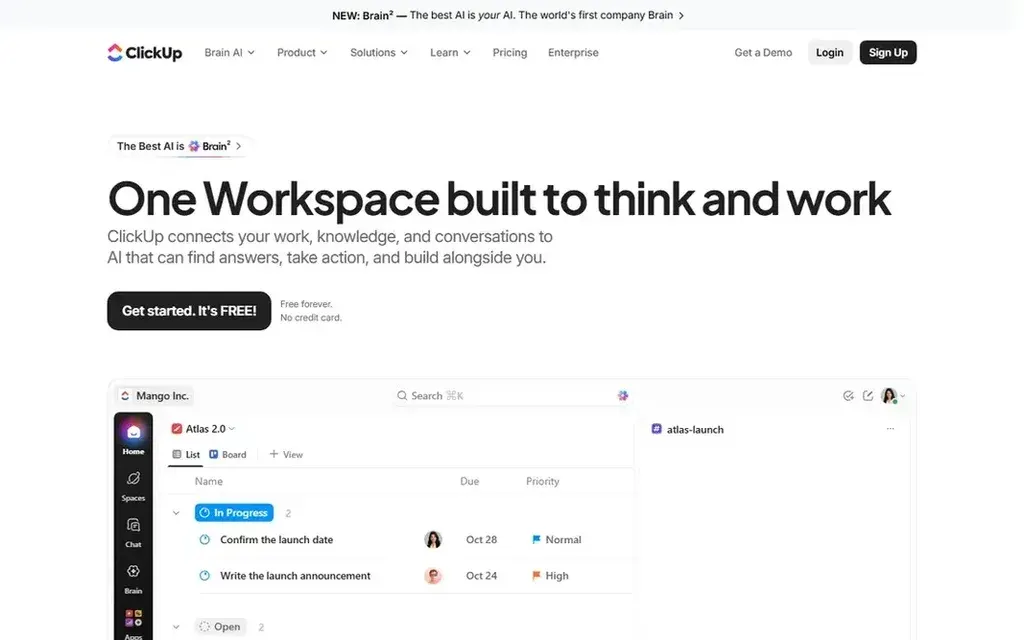
ClickUp makes the most sense for all-in-one productivity with calendar views. ClickUp presents itself as the everything app for work, combining tasks, docs, goals, and chat with a mission to make the world more productive.
Honest limits: Needs time to configure well.
Where ClickUp stands out: chat in one app.
It fits teams that prefer consolidating many tools into a single system instead of stitching separate apps together. Starting cost for ClickUp: $9 per user per month. ClickUp includes a free tier.
- Calendar view for scheduled work
- Wide feature coverage
- Feature depth can overwhelm new users
Trello was built for straightforward boards with light scheduling. It fits small teams, personal planning, and projects where clarity matters more than deep configuration.
Best features of Trello: Inbox, Boards.
Teams outgrowing board-based scheduling should look at spreadsheet-style or enterprise products. Starting cost for Trello: $5 per user per month. Trello has a free plan. Where it falls short: Restricted for complicated dependencies.
- Performs well on mobile
- Quick to learn and adopt
- Fewer advanced reporting choices
Think of Smartsheet for spreadsheet-style timelines and governance. Smartsheet positions itself as the execution hub for enterprise work, where people and AI get work done together with the governance and visibility large organizations need.
It suits teams that think in rows and columns, for example PMOs and operations groups managing structured programs. Entry price for Smartsheet: $12 per Member/month. Free options: Not stated.
Trade-offs to know: Interface feels traditional.
- Calendar views for scheduled work
- Governance and visibility for enterprises
- Less easy-to-learn for creative teams
Wrike was built for enterprise work delivery with scheduling control. Wrike is an AI-powered enterprise work management product, described as a trusted work delivery system for people and AI that helps enterprises reach outcomes quicker without losing control. For everyday use, teams without dedicated administrators should plan configuration carefully.
Where it is weaker: Setup benefits from planning.
In practice, pick Wrike when calendar-connected work delivery and control over process are central requirements. In practice, Wrike's enterprise focus means smaller teams may find it more elaborate than necessary. Wrike shows no starting price here, so confirm the cost on the vendor site. On free options: Not stated.
- Control over how work gets done
- Calendar views tied to project delivery
- Can be complicated for small teams
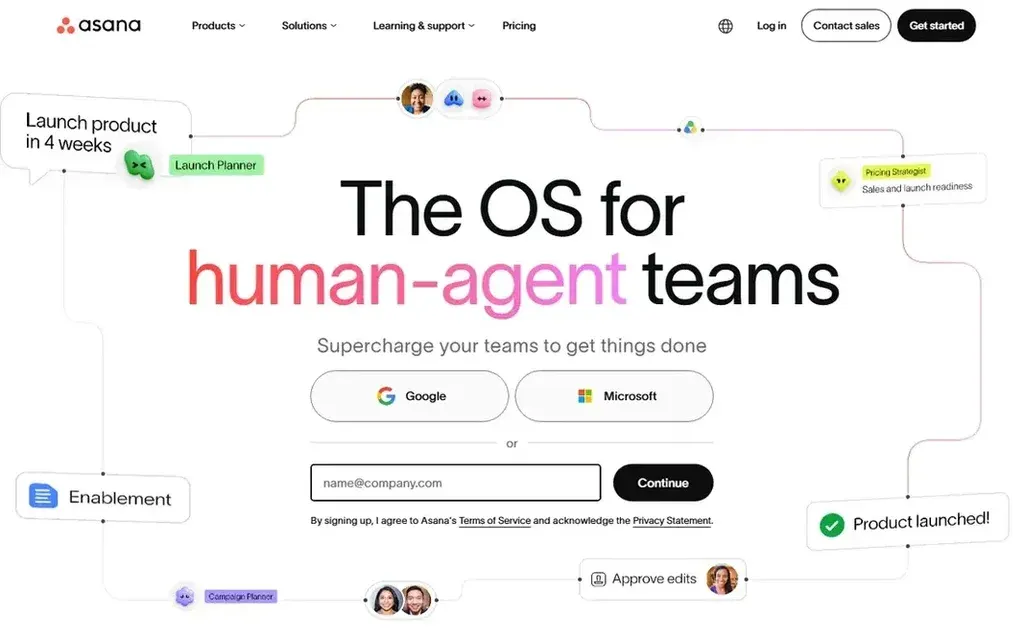
Asana is a good fit for visual project planning with calendar sync. Asana is work management software for teams and AI agents, built to plan, automate, and execute critical workflows together. Asana can feel heavy for very small teams or straightforward to-do tracking, where a lighter board tool may be enough.
Limits to weigh: Less suited to spreadsheet-style work.
Pick Asana when calendar-connected project planning is central to how your team works. Also, teams that primarily need spreadsheet-style timelines or resource capacity modeling should compare alternatives before committing. The starting price for Asana: $10.99 per user per month. A free plan is available with Asana.
- Supports human and AI agent collaboration
- Calendar view alongside project timelines
- Advanced features need configuration
How we built this list
For each of the 6 tools we noted price, free plan or trial, fit for calendar integration software for project management and the main limit, using vendor pages and documentation. Treat prices as a snapshot: vendors change plans often, so check the vendor site for the figure that applies today. Tools are placed by general fit for calendar integration software for project management, with price clarity and free access as tie-breakers. A different team can reasonably rank them differently.
What to check before you buy
- Confirm the entry price on the vendor page. For Wrike that means a quote rather than a fixed price.
- Check what the free option really includes: Airtable, ClickUp, Trello and Asana offer a free plan, and usage caps differ.
- Before choosing Airtable, weigh its main limit: needs database-style thinking.
- Check the integration list for ClickUp against the tools you run today, and note which ones need a higher plan.
- A short pilot of Asana with your real workflow tells you more than a feature table.
FAQ
Which options for calendar integration software for project management have a free plan?
Airtable, ClickUp, Trello and Asana offer a free plan in this list. Free plans usually cap users, projects or features, so check the limits on the vendor page.
How are the tools for calendar integration software for project management ordered?
The order follows typical fit for calendar integration software for project management, with Airtable first and Asana last, then price clarity and free access. It is editorial judgement, not a score, so another team could rank the tools differently.
Do these tools publish their prices?
Not all of them. Wrike publishes no starting price, so expect a quote request for it. The rest, Airtable included, show a starting price, though seats and billing terms still change the final cost.
What does calendar integration mean in project management software?
Calendar integration links project tasks and deadlines to a calendar view inside the tool or to external calendars your team uses. It helps teams see scheduled work in one place and cuts the have to maintain separate schedules by hand.
What is the cheapest option for calendar integration software for project management in this list?
On published monthly entry prices, Trello is the lowest here at $5 per user per month. Entry price is only part of the cost, because seats, add-ons and billing terms can change the total. Each of the 6 options in this calendar integration software for project management guide has its own card above with the price, free plan and limits.
Sources
- https://airtable.com
- https://clickup.com
- https://trello.com
- https://smartsheet.com
- https://wrike.com
- https://asana.com