Calendar Software with Slack Integration in 2026: The 5 Best Options Side by Side
Best calendar software with slack integration: 5 tools compared on price, free plans and fit. Plain-spoken summaries throughout. Last reviewed November 2026.
- Editor's choice
 Fantastical
Refined calendar and task app
Starts atSee websiteVisit flexibits.comFull review - Great alternative
 Reclaim.ai
AI-assisted time blocking and focus
Starts at$10 per seat per monthVisit reclaim.aiFull review - Also considerClockwise
Teams coordinating shared focus time
Starts atSee websiteVisit getclockwise.comFull review
Direct answer
Fantastical is the first pick on this list for refined calendar and task app. Listed starting prices: Reclaim.ai from $10 per seat per month and Motion from $19 per seat per month. Look at Reclaim.ai for AI-assisted time blocking and focus, and at Clockwise for teams coordinating shared focus time. All 5 tools are compared below on price, free plan and limits.
TL;DR:
- Number one here is Fantastical, a fit for polished calendar and task app.
- Reclaim.ai has the lowest monthly starting price in this list: $10 per seat per month.
- Free plans exist at 2 of 5 tools (Fantastical, Reclaim.ai).
- A fair warning about Reclaim.ai: relies on an existing base calendar.
Last checked November 2026. Prices and plan details were read from the vendors' own pages in November 2026; vendors change plans often, so confirm the current price on the vendor site before you buy.
Quick comparison
| Tool | Best for | Starts at | Free plan? | |
|---|---|---|---|---|
| Fantastical | Refined calendar and task app | See website | Yes | Visit |
| Reclaim.ai | AI-assisted time blocking and focus | $10 per seat per month | Yes | Visit |
| Clockwise | Teams coordinating shared focus time | See website | Not stated | Visit |
 Google Calendar | Teams already in Google Workspace | See website | Not stated | Visit |
 Motion | All-in-one AI productivity workspace | $19 per seat per month | Free trial | Visit |
Calendar Software with Slack Integration, one by one
This LinkVetted guide covers 5 options for calendar software with slack integration. Each profile lists a starting price, free plan details, strengths and drawbacks, so you can drop poor fits quickly.
Fantastical serves refined calendar and task app. Fantastical is a calendar and tasks app from Flexibits that emphasizes fast event creation through natural language input and a refined interface across devices. It performs well as the calendar you check daily alongside other work systems.
Points against: Team scheduling features are restricted.
In daily use, choose it when a refined, quick calendar and task experience matters more than team-wide automation. In daily use, Fantastical is centered on personal productivity, so organizations needing shared booking pages, automatic team scheduling or project tracking will need extra tools. Check the vendor site for current integration details. Fantastical does not show a starting price in this comparison, so check the vendor site for current pricing. Free access exists with Fantastical.
- Merges calendar and tasks
- Refined experience across devices
- Concentrated on personal productivity
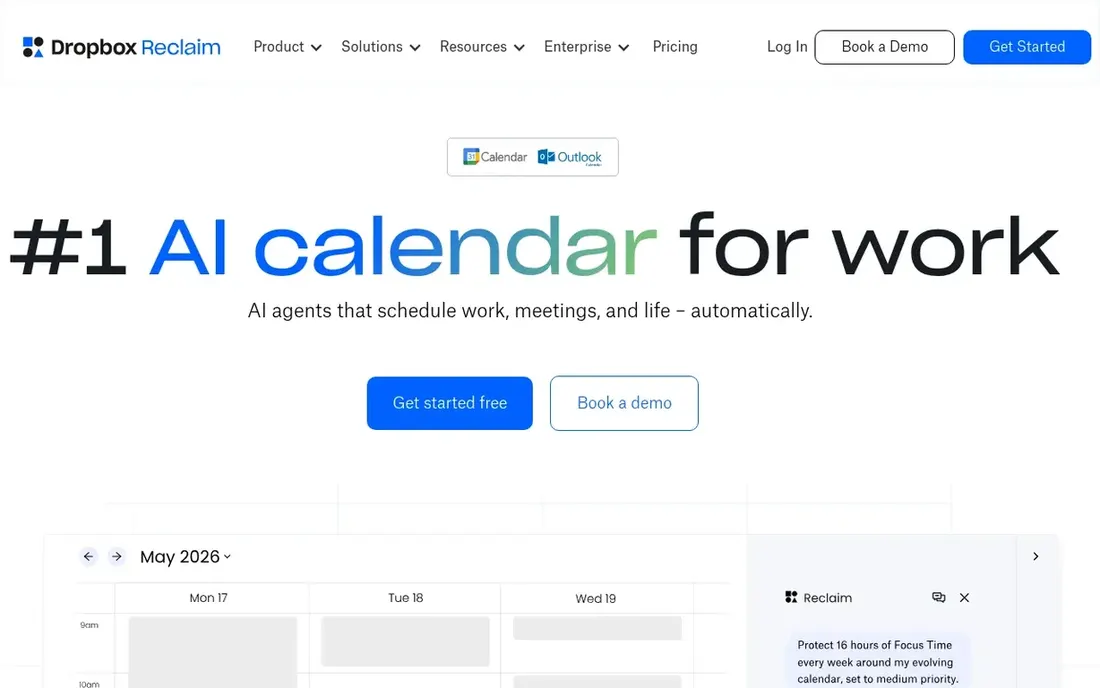
In short, Reclaim.ai is for AI-assisted time blocking and focus. Since it rearranges your schedule automatically, the output is only as good as your task list and priorities.
Trade-offs to know: Automatic changes need tuning to fit habits.
Some users will want to review changes instead of accept them blindly. Worth adding: if you need a standalone calendar of record or prefer completely manual control, a more straightforward tool may be a better fit. Reclaim.ai pricing: $10 per seat per month. A free plan is available with Reclaim.ai.
- Auto-schedules tasks
- Aims to protect focus time for teams
- Depends on an existing base calendar
Clockwise
Best for: Teams coordinating shared focus time
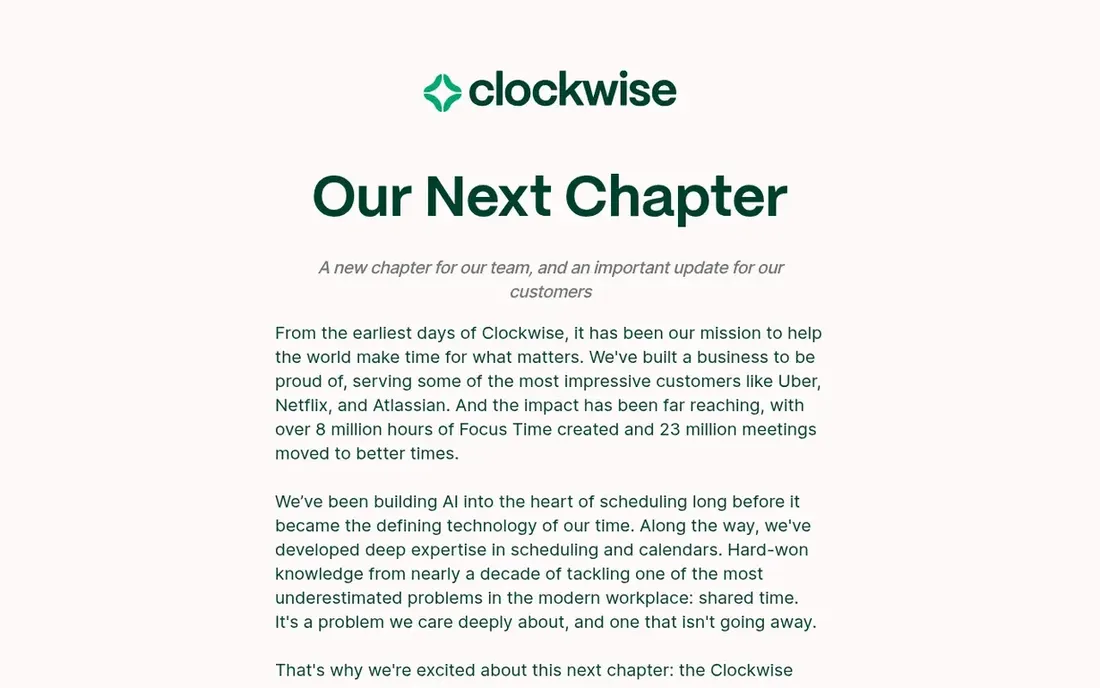
Clockwise targets teams coordinating shared focus time. Consider alternatives if you need a straightforward personal calendar instead of team-wide coordination.
In daily use, Clockwise is a calendar tool built around helping teams find and protect focus time by coordinating schedules across an organization. The benefits grow with adoption, so a single user gets far less value than a coordinated team. Clockwise shows no starting price here, so confirm the cost on the vendor site. Free plan details: Not stated.
Honest limits: Product direction has shifted over time.
- Team-oriented scheduling approach
- Aims to free up focus blocks across teams
- Value depends on team-wide adoption

Google Calendar is a good fit for teams already in Google Workspace. Since it sits inside Google Workspace, it pairs well with Gmail, Meet and Drive, and its sharing model makes it simple to publish team calendars.
Its strengths are breadth and familiarity rather than deep automation. Beyond that, pick Google Calendar when a shared, dependable calendar is the priority and you are comfortable adding integrations for advanced scheduling. Google Calendar shows no starting price here, so confirm the cost on the vendor site. Free access: Not stated.
The main drawbacks: Best value inside the Google ecosystem.
- Works across business and personal use
- Shareable calendars and appointment scheduling
- Advanced controls spread across settings
Motion is aimed squarely at all-in-one AI productivity workspace. Motion is an AI-powered work system that bundles projects, tasks, calendar, meetings, documents, notes and reports.
For everyday use, if your priority is a straightforward shared calendar with Slack notifications, a focused tool is simpler to adopt. Motion cost at the entry level: $19 per seat per month. On free options: Free trial.
Honest limits: Broad scope means a ramp-up time.
- AI-driven scheduling and prioritization
- Wide feature set in one product
- Best value for teams adopting the entire suite
How we compared the tools
Each tool was reviewed on what its vendor publishes: price, plan limits, core features and stated drawbacks. We did not run hands-on tests. Treat prices as a snapshot: vendors change plans often, so check the vendor site for the figure that applies today. Tools are placed by general fit for calendar software with slack integration, with price clarity and free access as tie-breakers. A different team can reasonably rank them differently.
Before you commit
- Get a written quote from Fantastical, Clockwise and Google Calendar; the list shows no starting price for them.
- Read the fine print on the free plans from Fantastical and Reclaim.ai; seat, project and feature caps differ.
- Use real work to test the free trial from Motion, rather than a demo project.
- Read the limits listed for Fantastical first: concentrated on personal productivity.
- Compare total cost, not headline price: for Fantastical, add extra seats, add-ons and any usage-based charges.
- Look at the help docs and support options for Motion before you commit.
FAQ
Is Fantastical the right pick for everyone comparing calendar software with slack integration?
No single tool suits every team. Fantastical comes first because it fits polished calendar and task app, while Reclaim.ai suits AI-assisted time blocking and focus and Clockwise suits teams coordinating shared focus time. Match the tool to your own size, budget and workflow before deciding.
Can I try these tools before paying?
Often, yes. Fantastical and Reclaim.ai have a free plan and Motion offers a free trial. Use your own data and a real task during the test, and check what the free tier or trial limits before you rely on it.
Do these tools publish their prices?
Not all of them. Fantastical, Clockwise and Google Calendar publish no starting price, so expect a quote request for those. The rest, Reclaim.ai included, show a starting price, though seats and billing terms still change the final cost.
How are the tools for calendar software with slack integration ordered?
The order follows typical fit for calendar software with slack integration, with Fantastical first and Motion last, then price clarity and free access. It is editorial judgement, not a score, so another team could rank the tools differently.
Sources
- https://flexibits.com/fantastical
- https://reclaim.ai
- https://www.getclockwise.com
- https://calendar.google.com
- https://www.usemotion.com