Top 5 Calendar App with Zoom Integration for 2026 (Prices and Free Plans)
Searching for the best calendar app with Zoom integration? Here are 5 options with prices and free plans. Costs and caveats sit beside each pick. Quick to scan.
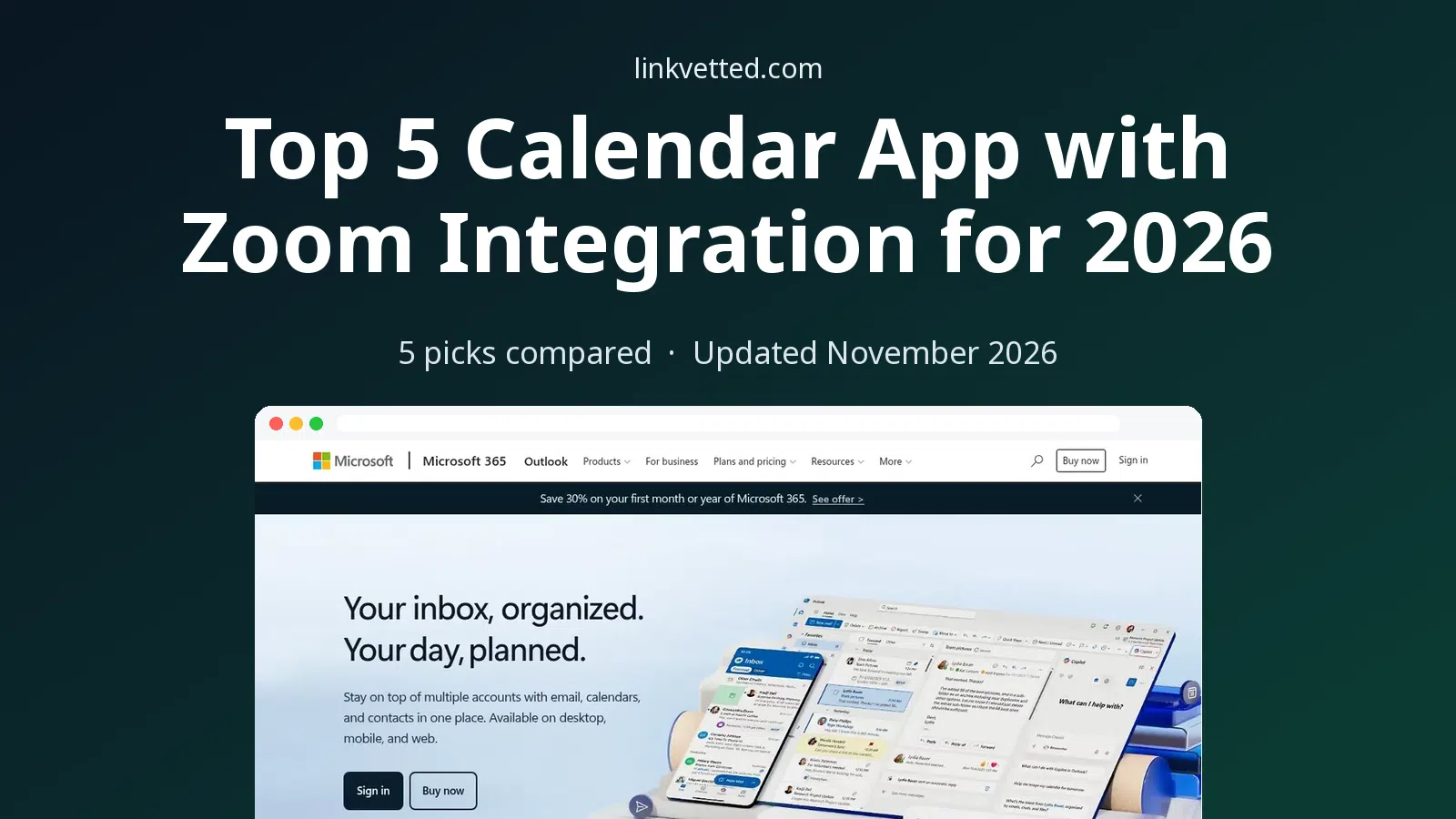
- Editor's choiceCron
Modern calendar navigation
Starts atSee websiteVisit cron.comFull review - Great alternative
 Microsoft Outlook
Microsoft email and calendar users
Starts at$1.99 per monthVisit microsoft.comFull review - Also consider
 Fantastical
Natural language event creation
Starts atSee websiteVisit flexibits.comFull review
Direct answer
This list puts Cron first for modern calendar navigation. Listed starting prices: Microsoft Outlook from $1.99 per month and Calendly from $10 per seat a month. Microsoft Outlook fits Microsoft email and calendar users; Fantastical fits natural language event creation. The remaining 2 options are covered below with prices and limits.
TL;DR:
- The list opens with Cron, aimed at modern calendar navigation.
- Calendly is the one to check for external meeting scheduling.
- The lowest published monthly entry price here is $1.99 per month, from Microsoft Outlook.
- A free plan is available from 2 of the 5 tools: Fantastical, Calendly.
Last checked November 2026. Prices and plan details were read from the vendors' own pages in November 2026; vendors change plans often, so confirm the current price on the vendor site before you buy.
Quick comparison
| Tool | Best for | Starts at | Free plan? | |
|---|---|---|---|---|
| Cron | Modern calendar navigation | See website | Not stated | Visit |
| Microsoft Outlook | Microsoft email and calendar users | $1.99 per month | Free trial | Visit |
| Fantastical | Natural language event creation | See website | Yes | Visit |
 Google Calendar | Shared scheduling in Google Workspace | See website | Not stated | Visit |
 Calendly | External meeting scheduling | $10 per seat a month | Yes | Visit |
Tool-by-tool breakdown
Short on time? The summary and table above give the quick view of 5 tools for calendar app with Zoom integration, and the profiles that follow give the detail behind each entry.
Cron
Best for: Modern calendar navigation
Pick Cron if this describes you: modern calendar navigation. Cron is a calendar application known for a focused, modern interface and efficient navigation across connected calendars. It appeals to professionals who handle dense schedules and want a cleaner view than traditional calendar clients.
For everyday use, Cron is less established than Google Calendar or Outlook, so teams should confirm system support and collaboration features before standardizing. It may not replace a full productivity suite. No starting price is listed for Cron here; confirm pricing on the vendor site. Free plan details: Not stated.
Drawbacks to consider: Feature set may be narrower.
- Made for desktop workflows
- Clean calendar interface
- Less known than major calendars
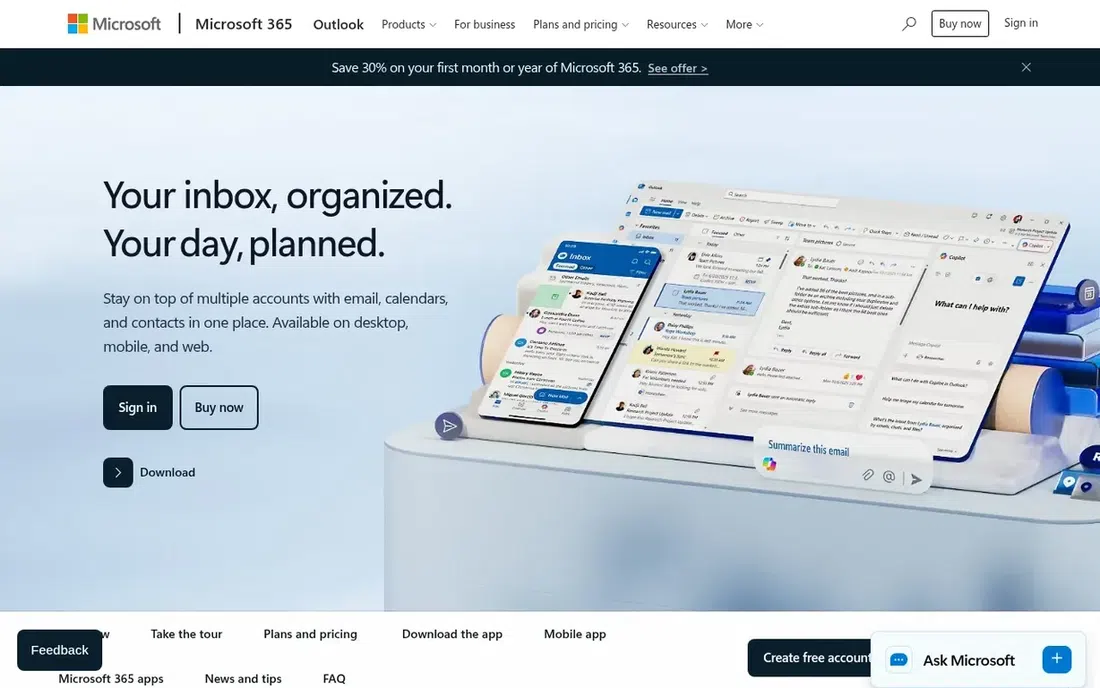
Microsoft Outlook serves Microsoft email and calendar users. Microsoft Outlook is a personal email and calendar application within the Microsoft ecosystem. It brings mail, scheduling and Office Online apps together, which fits organizations standardized on Microsoft services.
Beyond that, Outlook is less natural for teams that do not use Microsoft email or calendar services. More specifically, the interface carries plenty of features, which can slow down straightforward scheduling. Microsoft Outlook pricing: $1.99 per month. Trial and free access: Free trial.
What to check first: Interface can feel dense.
- Works with Office Online apps
- Familiar Microsoft interface
- Zoom needs an add-in
Fantastical is a good fit for natural language event creation. Fantastical is most at home on Apple devices, so Windows-heavy organizations may prefer Outlook or Google Calendar.
Limits to weigh: Less suited to Windows teams.
In daily use, Fantastical is a calendar and tasks app from Flexibits that emphasizes fast event creation through natural language input. Consider a booking tool if external scheduling is the priority. Fantastical does not show a starting price in this comparison, so check the vendor site for current pricing. A free plan is available with Fantastical.
- Natural language input
- Tasks and calendar together
- Apple products first
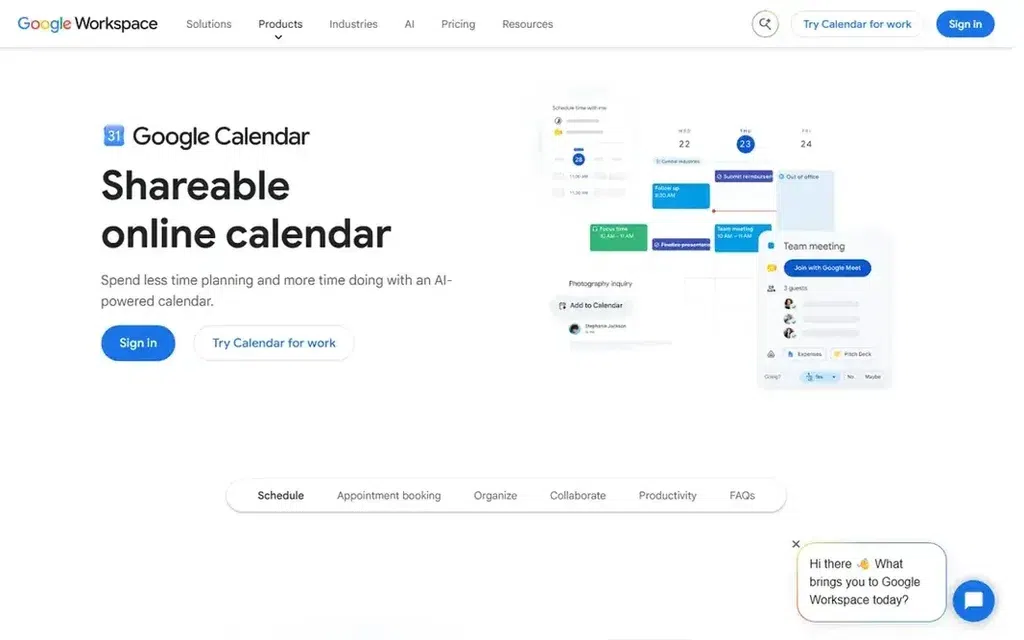
Choose Google Calendar for shared scheduling in Google Workspace. It supports shared meetings and appointment scheduling, and it suits teams already using Google Workspace. Its strengths are tied to the Google ecosystem, so heavy Microsoft or Apple users may find less value.
Worth adding: choose something else if you need deep native Microsoft integration or a dedicated booking page for external clients. From a buyer's view, administrative controls for extras can need setup by a workspace admin. Google Calendar shows no starting price here, so confirm the cost on the vendor site. Free access: Not stated.
Honest limits: Best experience inside Google ecosystem.
- Simple calendar sharing
- Straightforward Zoom add-on scheduling
- Advanced controls need admin setup
Calendly makes the most sense for external meeting scheduling. Calendly is meeting scheduling software that links the work around meetings, including scheduling, payments, preparation, notetaking and follow-up. For everyday use, consider a native calendar app if your meetings are largely with colleagues.
Drawbacks to consider: Depends on connected calendar.
Worth adding: internal team scheduling may not need the additional booking layer. Calendly complements a primary calendar instead of replacing it, and its value relies on the calendar you link. Price to start with Calendly: $10 per seat per month. A free plan is available with Calendly.
- Deals with meeting prep
- Links scheduling to follow-up
- Less handy for internal calendars
How we chose
For each of the 5 tools we noted price, free plan or trial, fit for calendar app with Zoom integration and the main limit, using vendor pages and documentation. Figures are shown as the vendors publish them. Billing terms, seat minimums and add-ons can change the real cost. The order reflects how well each tool fits the most common buying scenario for calendar app with Zoom integration, then price clarity, then free plan access. It is a starting point, not a verdict.
Pre-purchase checklist
- Confirm the entry price on the vendor page. For Cron, Fantastical and Google Calendar that means a quote rather than a fixed price.
- Look at free plan limits closely: Fantastical and Calendly have one, and the caps decide whether it is usable for real work.
- Take the trial from Microsoft Outlook and push a live task through it before you pay.
- Before choosing Cron, weigh its main limit: less known than major calendars.
- Pick one real project and run it in Calendly first; a small pilot shows fit faster than a checklist.
- Check the integration list for Google Calendar against the tools you run today, and note which ones need a higher plan.
FAQ
Can I try these tools before paying?
Often, yes. Fantastical and Calendly have a free plan and Microsoft Outlook offers a free trial. Use your own data and a real task during the test, and check what the free tier or trial limits before you rely on it.
Which calendar app performs best with Zoom for team meetings?
The first pick on this list is Cron, because it suits modern calendar navigation. Microsoft Outlook is better for Microsoft email and calendar users, and Fantastical for natural language event creation. Check price and limits against your own needs before choosing.
Which options for calendar app with Zoom integration have a free plan?
On this list, Fantastical and Calendly include a free plan. Caps on seats, usage or features are common, so test the free plan against your real workload. One other tool offers a trial instead.
Do these tools publish their prices?
Not all of them. Cron, Fantastical and Google Calendar publish no starting price, so expect a quote request for those. The rest, Microsoft Outlook included, show a starting price, though seats and billing terms still change the final cost.
Is Cron the right pick for everyone comparing calendar app with Zoom integration?
No single tool suits every team. Cron comes first because it fits modern calendar navigation, while Microsoft Outlook suits Microsoft email and calendar users and Fantastical suits natural language event creation. Match the tool to your own size, budget and workflow before deciding.
Sources
- https://cron.com
- https://www.microsoft.com/en-us/microsoft-365/outlook/email-and-calendar-software-microsoft-outlook
- https://flexibits.com/fantastical
- https://calendar.google.com
- https://calendly.com