Top 5 Calendar Software for Consultants for 2026 (Prices and Free Plans)
Compare 5 best calendar software for consultants, with prices, free plans and who each fits. Every pick includes one clear drawback. See the full list.
- Editor's choiceClockwise
Team scheduling and focus time optimization
Starts atSee websiteVisit getclockwise.comFull review - Great alternative
 Acuity Scheduling
Configurable appointment booking with automation
Starts at$16 a monthVisit acuityscheduling.comFull review - Also consider
 Calendly
Client-facing meeting scheduling and follow-up
Starts at$10 per seat per monthVisit calendly.comFull review
Direct answer
Clockwise is the first pick on this list for team scheduling and focus time optimization. Listed starting prices: Acuity Scheduling from $16 a month, Calendly from $10 per seat per month and Reclaim.ai from $10 per seat per month. Look at Acuity Scheduling for configurable appointment booking with automation, and at Calendly for client-facing meeting scheduling and follow-up. All 5 tools are compared below on price, free plan and limits.
TL;DR:
- The list opens with Clockwise, aimed at team scheduling and focus time optimization.
- Acuity Scheduling comes with a trade-off: ramp-up time for setup.
- Google Calendar fits consultants already using Google Workspace.
- The cheapest monthly starting price in the list is $10 per seat per month, offered by Calendly.
- Free plans exist at 2 of 5 tools (Calendly, Reclaim.ai).
Last checked November 2026. Prices and plan details were read from the vendors' own pages in November 2026; vendors change plans often, so confirm the current price on the vendor site before you buy.
Quick comparison
| Tool | Best for | Starts at | Free plan? | |
|---|---|---|---|---|
| Clockwise | Team scheduling and focus time optimization | See website | Not stated | Visit |
| Acuity Scheduling | Configurable appointment booking with automation | $16 a month | Free trial | Visit |
| Calendly | Client-facing meeting scheduling and follow-up | $10 per seat per month | Yes | Visit |
 Reclaim.ai | Protecting focus time with AI scheduling | $10 per seat per month | Yes | Visit |
 Google Calendar | Consultants already using Google Workspace | See website | Not stated | Visit |
Calendar Software for Consultants profiles
Short on time? The summary and table above give the quick view of 5 calendar software for consultants, and the profiles that follow give the detail behind each entry.
Clockwise
Best for: Team scheduling and focus time optimization
Clockwise targets team scheduling and focus time optimization. Public details about its features are restricted.
Clockwise is primarily built for team environments, so solo consultants may find it less beneficial. No starting price is listed for Clockwise here; confirm pricing on the vendor site. Free plan details: Not stated.
Watch-outs: Restricted public information.
- Links up with work calendars
- Optimizes team calendars
- May be team-oriented
Acuity Scheduling
Best for: Configurable appointment booking with automation
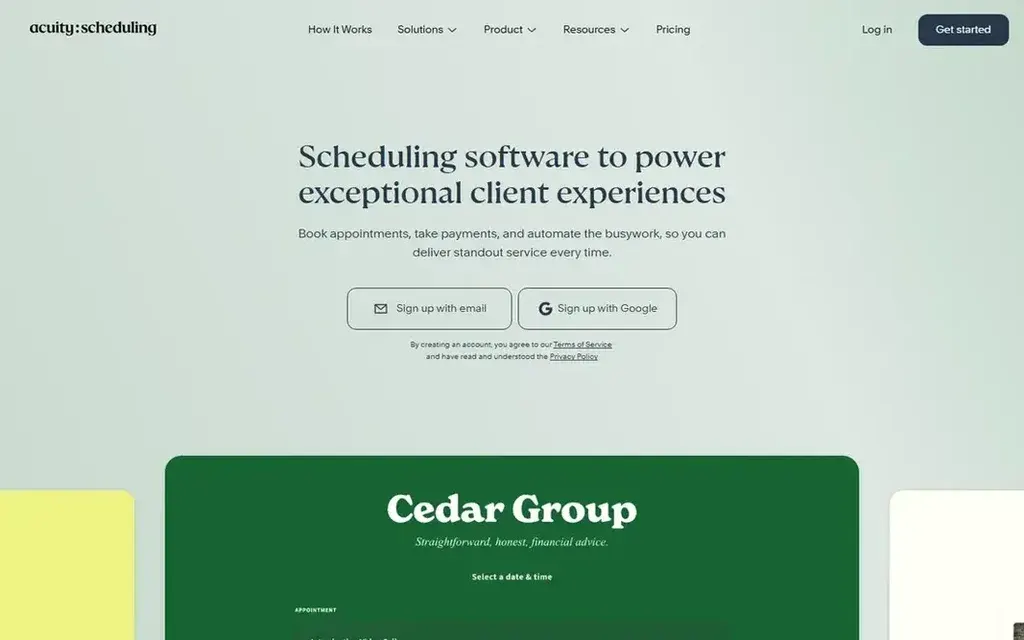
Acuity Scheduling works best for configurable appointment booking with automation. Acuity Scheduling is an appointment booking software and scheduling app offering automation and full customization. It is well suited for consultants who want clients to book appointments straight whereas maintaining control over availability, intake forms, and other details through configurable settings.
Where it is weaker: May be overkill for straightforward needs.
If you need a straightforward booking link, a lighter tool might suffice. In practice, Acuity Scheduling is primarily an appointment booking tool, so it may not replace a full calendar for personal task management. Acuity Scheduling cost at the entry level: $16 per month. Free access: Free trial.
- Client self-service
- Scheduling automation
- Ramp-up time for setup
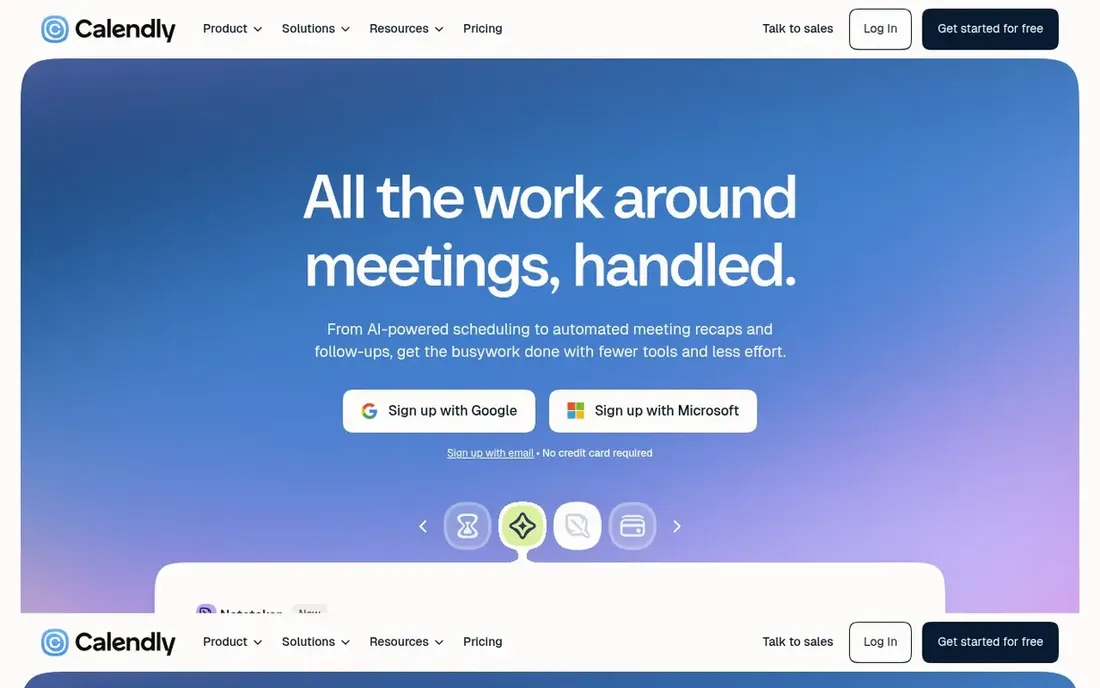
Calendly is aimed squarely at client-facing meeting scheduling and follow-up. If you need a primary calendar with deep task management, you might pair Calendly with another tool.
Also, Calendly is meeting scheduling software that links and eases the work around meetings, from scheduling and payments to meeting prep, notetaking, contact management, and follow-up. From a buyer's view, Calendly concentrates on the scheduling process instead of serving as a full calendar replacement. Calendly pricing: $10 per seat per month. Calendly has a free plan.
Where it is weaker: Restricted native calendar features.
- Simplifies meeting scheduling
- Manages payments and prep
- May need premium plan for full features
For protecting focus time with AI scheduling, Reclaim.ai is a natural candidate. Reclaim.ai works on top of your existing calendar and does not offer client-facing booking pages. If you need a public booking link, pair it with a tool like Calendly.
Honest limits: Restricted client-facing booking.
In daily use, Reclaim.ai is an AI-powered calendar app that auto-schedules tasks, habits, meetings, and breaks on Google Calendar or Outlook Calendar. It is a strong match for consultants who require to protect focus time and balance client meetings with deep work, using AI to optimize their schedule automatically. What you pay to start with Reclaim.ai: $10 per seat per month. Reclaim.ai has a free plan.
- Defends focus time
- Auto-schedules tasks and habits
- Needs existing calendar
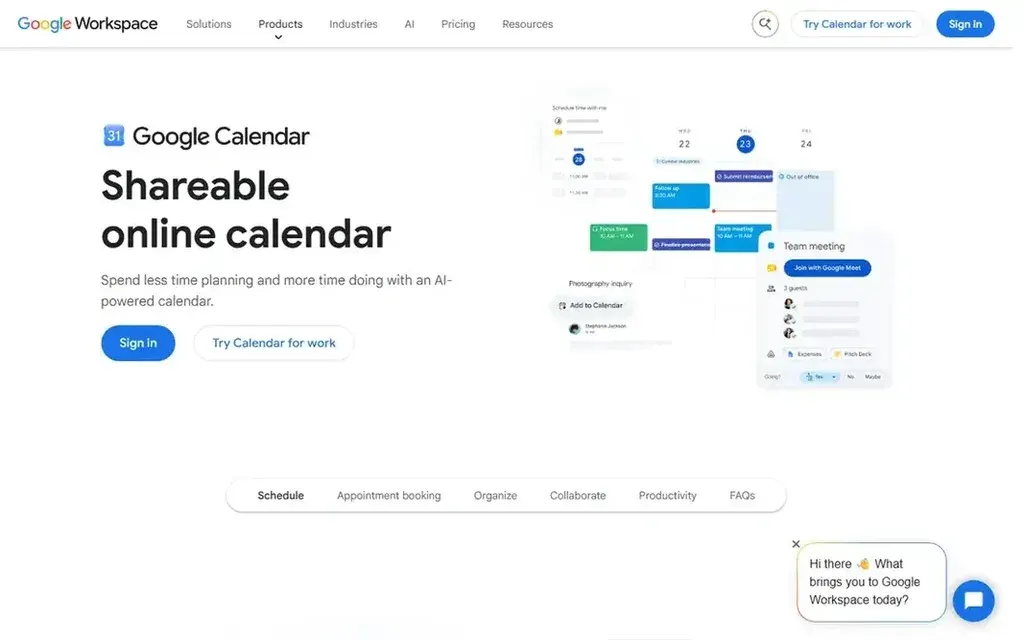
Google Calendar is designed for consultants already using Google Workspace. Google Calendar is a shareable online calendar made for managing business and personal life. It lets consultants share meetings and schedule appointments, and it plugs into Google Workspace.
The main drawbacks: Restricted advanced automation.
Whereas Google Calendar takes care of entry-level scheduling well, it lacks the advanced automation and client-facing booking features of dedicated scheduling tools. More specifically, if you need automatic appointment booking or AI-driven time blocking, consider a specialized tool instead. Google Calendar does not show a starting price in this comparison, so check the vendor site for current pricing. Trial and free access: Not stated.
- Simple sharing and scheduling
- Links up with Google Workspace
- Needs Google account
How we built this list
Pricing pages, product documentation and feature lists were the main sources, and every entry carries at least one honest drawback. Where a price is missing, the vendor does not list one publicly or ties it to a quote. Always confirm before budgeting. The ranking is editorial: typical fit first, then clear pricing, then free access. If your needs are unusual, read the profiles rather than relying on position.
A buyer's checklist
- Ask Clockwise and Google Calendar for a written quote, since no starting price is shown.
- Look at free plan limits closely: Calendly and Reclaim.ai have one, and the caps decide whether it is usable for real work.
- Run a trial of Acuity Scheduling with real work before paying for a year; your own workflow is the best test.
- Before choosing Clockwise, weigh its main limit: restricted public information.
- Read the plan comparison for Google Calendar carefully; key features often start on a higher tier.
- A short pilot of Calendly with your real workflow tells you more than a feature table.
FAQ
Which options for calendar software for consultants have a free plan?
On this list, Calendly and Reclaim.ai include a free plan. Caps on seats, usage or features are common, so test the free plan against your real workload. One other tool offers a trial instead.
Do these tools publish their prices?
Not all of them. Clockwise and Google Calendar publish no starting price, so expect a quote request for those. The rest, Acuity Scheduling included, show a starting price, though seats and billing terms still change the final cost.
Is Google Calendar sufficient for a consultant's scheduling needs?
Google Calendar is a solid, shareable calendar that connects with Google Workspace, making it a good match for entry-level scheduling and coordination. Consultants with complicated needs may want to add a specialized tool.
Can I try these tools before paying?
Often, yes. Calendly and Reclaim.ai have a free plan and Acuity Scheduling offers a free trial. Use your own data and a real task during the test, and check what the free tier or trial limits before you rely on it.
What is the cheapest option for calendar software for consultants in this list?
On published monthly entry prices, Calendly is the lowest here at $10 per seat per month. Entry price is only part of the cost, because seats, add-ons and billing terms can change the total.
Sources
- https://www.getclockwise.com
- https://acuityscheduling.com
- https://calendly.com
- https://reclaim.ai
- https://calendar.google.com