Top 5 Calendar Tool for Event Planners for 2026 (Prices and Free Plans)
Best calendar tool for event planners: 5 contenders ranked by fit, with entry costs and free tiers. Limits and pricing notes included. Jump to the table.
- Editor's choice
 Google Calendar
Shareable team calendars
Starts atSee websiteVisit calendar.google.comFull review - Great alternative
 Microsoft Outlook
Email and calendar in one
Starts at$1.99 a monthVisit microsoft.comFull review - Also consider
 HubSpot Meetings
Quick meeting scheduling
Starts atSee websiteVisit hubspot.comFull review
Direct answer
Our first pick is Google Calendar, best for shareable team calendars. Listed starting prices: Microsoft Outlook from $1.99 a month, Acuity Scheduling from $16 per month and Calendly from $10 per seat per month. Look at Microsoft Outlook for email and calendar in one, and at HubSpot Meetings for quick meeting scheduling. Details, prices and limits for the rest of the 5 tools are below.
TL;DR:
- The list opens with Google Calendar, aimed at shareable team calendars.
- The cheapest monthly starting price in the list is $1.99 per month, offered by Microsoft Outlook.
- Check the limits for Acuity Scheduling before you commit: restricted to scheduling use cases.
- Calendly is the only tool of the 5 with a free plan.
- For coordinating external meetings, Calendly is worth a look.
Last checked November 2026. Prices and plan details were read from the vendors' own pages in November 2026; vendors change plans often, so confirm the current price on the vendor site before you buy.
Quick comparison
| Tool | Best for | Starts at | Free plan? | |
|---|---|---|---|---|
| Google Calendar | Shareable team calendars | See website | Not stated | Visit |
| Microsoft Outlook | Email and calendar in one | $1.99 a month | Free trial | Visit |
| HubSpot Meetings | Quick meeting scheduling | See website | Not stated | Visit |
 Acuity Scheduling | Appointment booking with automation | $16 per month | Free trial | Visit |
 Calendly | Coordinating external meetings | $10 per seat per month | Yes | Visit |
5 calendar tool for event planners in detail
If you are comparing calendar tool for event planners, this page covers 5 tools in one place: what each is best for, what it costs to start, whether it has a free plan, and the main limit to know about.
Google Calendar serves shareable team calendars. Google Calendar is a shareable online calendar for scheduling meetings and appointments in business and personal life, with Google Workspace integration.
Drawbacks to consider: Best within Google ecosystem.
Google Calendar shows no starting price here, so confirm the cost on the vendor site. As for free access: Not stated.
- Works with Google Workspace
- Shareable online calendar
- Restricted booking automation
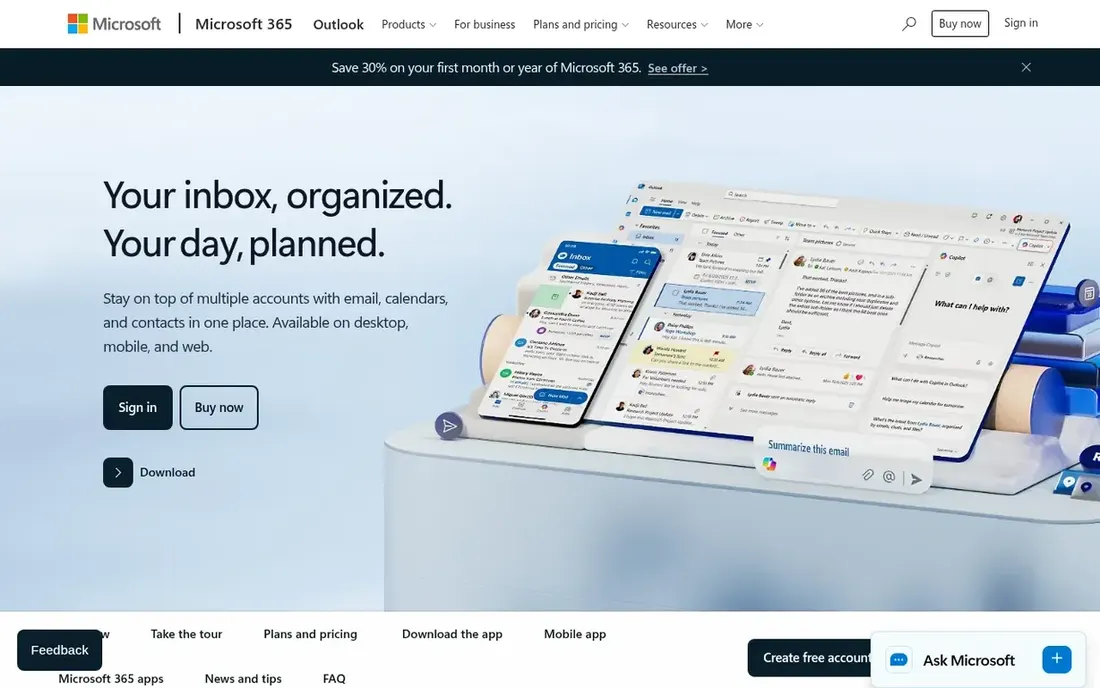
For email and calendar in one, Microsoft Outlook is a natural candidate. Microsoft Outlook is a personal email and calendar application offered as part of Microsoft 365. In daily use, Outlook is a general productivity tool instead of a dedicated event booking system, so planners needing automatic appointment pages may look elsewhere.
Where it is weaker: Feature depth varies by setup.
Its value relies on how your organization is set up. Beyond that, choose Outlook when email and calendar integration is the central requirement. Microsoft Outlook cost at the entry level: $1.99 per month. On free options: Free trial.
- Part of Microsoft 365
- Integrated email and calendar
- Can feel heavy for straightforward needs
Where HubSpot Meetings fits: quick meeting scheduling. Planners needing shared calendars or booking automation may prefer Google Calendar or Acuity Scheduling.
Where it falls short: Best with HubSpot context.
As for the details, event planners who already use HubSpot for contacts can add scheduling to their client and vendor communication. Check the vendor site for HubSpot Meetings pricing; none is listed in this comparison. As for free access: Not stated.
- Straightforward sharing
- Fast scheduling
- Narrow scheduling scope
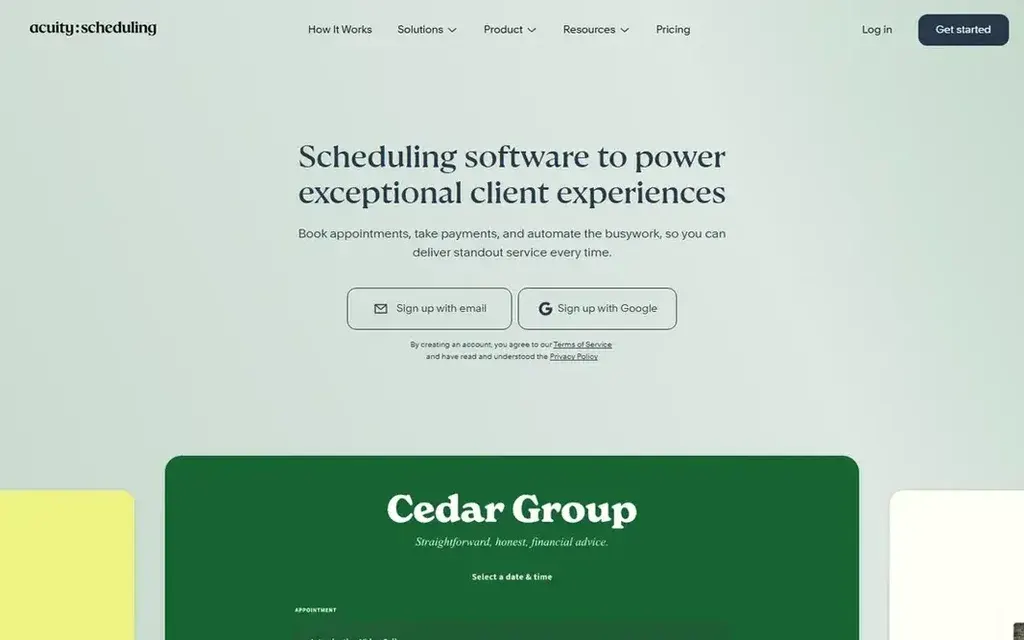
Acuity Scheduling is aimed squarely at appointment booking with automation. If you need wide calendar sharing across an organization, a system like Google Calendar or Microsoft Outlook may be a better fit.
Where it falls short: Setup may need planning.
The starting price for Acuity Scheduling: $16 per month. On free options: Free trial.
- Full customization
- Online booking focus
- Restricted to scheduling use cases
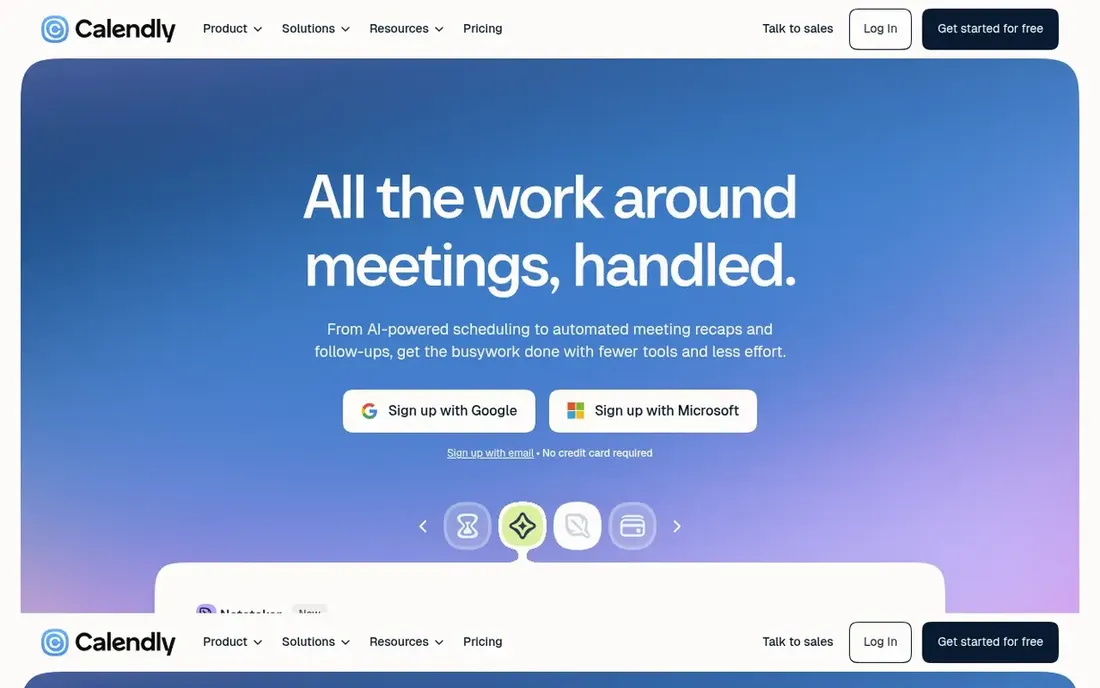
Calendly works best for coordinating external meetings. Calendly is meeting scheduling software that links the work around meetings, from scheduling and payments to meeting preparation and follow-up. For everyday use, event planners who spend much of their day booking calls with venues, speakers, and clients can cut back-and-forth by sharing availability.
Calendly is centered on meetings instead of event timelines or resource planning, so it fits best alongside a broader calendar. Worth adding: pick Calendly when external meeting coordination is the priority. Calendly cost at the entry level: $10 per seat per month. You can start on Calendly without paying.
Downsides: Depends on calendar sync.
- Payment collection support
- Meeting scheduling focus
- Not made for event logistics
Selection criteria
Pre-purchase checklist
- Ask Google Calendar and HubSpot Meetings for a written quote, since no starting price is shown.
- Test the free plan from Calendly against your real workload before relying on it.
- Take the trial from Microsoft Outlook and Acuity Scheduling and push a live task through it before you pay.
- Read the limits listed for Google Calendar first: restricted booking automation.
- Total up the real monthly cost of Microsoft Outlook, including add-ons, extra users and usage-based fees.
- Pick one real project and run it in Google Calendar first; a small pilot shows fit faster than a checklist.
FAQ
Can I try these tools before paying?
Often, yes. Calendly has a free plan and Microsoft Outlook and Acuity Scheduling offer a free trial. Use your own data and a real task during the test, and check what the free tier or trial limits before you rely on it.
What is the cheapest option for calendar tool for event planners in this list?
On published monthly entry prices, Microsoft Outlook is the lowest here at $1.99 per month. Entry price is only part of the cost, because seats, add-ons and billing terms can change the total. All 5 picks in this calendar tool for event planners comparison list a starting price, free plan details and the main limits on their cards above.
Is Google Calendar the right pick for everyone comparing calendar tool for event planners?
No single tool suits every team. Google Calendar comes first because it fits shareable team calendars, while Microsoft Outlook suits email and calendar in one and HubSpot Meetings suits fast meeting scheduling. Match the tool to your own size, budget and workflow before deciding.
Which calendar tool is best for event planners who book numerous client calls?
Google Calendar comes first here and is built for shareable team calendars. Buyers with other needs may prefer Microsoft Outlook (for email and calendar in one) or HubSpot Meetings (for quick meeting scheduling). Compare costs and limits first.
How are the tools for calendar tool for event planners ordered?
The order follows typical fit for calendar tool for event planners, with Google Calendar first and Calendly last, then price clarity and free access. It is editorial judgement, not a score, so another team could rank the tools differently.
Sources
- https://calendar.google.com
- https://www.microsoft.com/en-us/microsoft-365/outlook/email-and-calendar-software-microsoft-outlook
- https://www.hubspot.com/products/sales/schedule-meeting
- https://acuityscheduling.com
- https://calendly.com