Appointment Scheduling Software for Consultants in 2026: The 5 Best Options Side by Side
Best appointment scheduling software for consultants: 5 contenders ranked by fit, with entry costs and free tiers. Each profile ends with a plain caveat.
- Editor's choiceMicrosoft Bookings
Consultants inside Microsoft 365
Starts atSee websiteVisit microsoft.comFull review - Great alternative
 Zoho Bookings
Zoho users wanting AI-assisted scheduling
Starts atSee websiteVisit zoho.comFull review - Also consider
 Calendly
Quick, low-friction client booking
Starts at$10 per seat per monthVisit calendly.comFull review
Direct answer
If you need consultants inside Microsoft 365, Microsoft Bookings is the first tool to look at here. Listed starting prices: Calendly from $10 per seat per month, Setmore from $5 per user per month and Acuity Scheduling from $16 per month. Zoho Bookings fits Zoho users wanting AI-assisted scheduling; Calendly fits quick, low-friction client booking. The full list of 5 tools follows, with prices and free plan facts.
TL;DR:
- Microsoft Bookings takes the first slot, best suited to consultants inside Microsoft 365.
- Free plans exist at 2 of 5 tools (Calendly, Setmore).
- A fair warning about Zoho Bookings: most cohesive within Zoho.
- Acuity Scheduling suits configurable booking and automation.
Last checked November 2026. Prices and plan details were read from the vendors' own pages in November 2026; vendors change plans often, so confirm the current price on the vendor site before you buy.
Quick comparison
| Tool | Best for | Starts at | Free plan? | |
|---|---|---|---|---|
| Microsoft Bookings | Consultants inside Microsoft 365 | See website | Not stated | Visit |
| Zoho Bookings | Zoho users wanting AI-assisted scheduling | See website | Not stated | Visit |
| Calendly | Quick, low-friction client booking | $10 per seat per month | Yes | Visit |
 Setmore | Round-the-clock automatic booking | $5 per user per month | Yes | Visit |
 Acuity Scheduling | Configurable booking and automation | $16 per month | Free trial | Visit |
Appointment Scheduling Software for Consultants, one by one
LinkVetted put together this guide to appointment scheduling software for consultants for readers who want a clear shortlist without reading every vendor page. It compares 5 tools on starting price, free plans, who each one suits and where each one falls short.
Microsoft Bookings
Best for: Consultants inside Microsoft 365
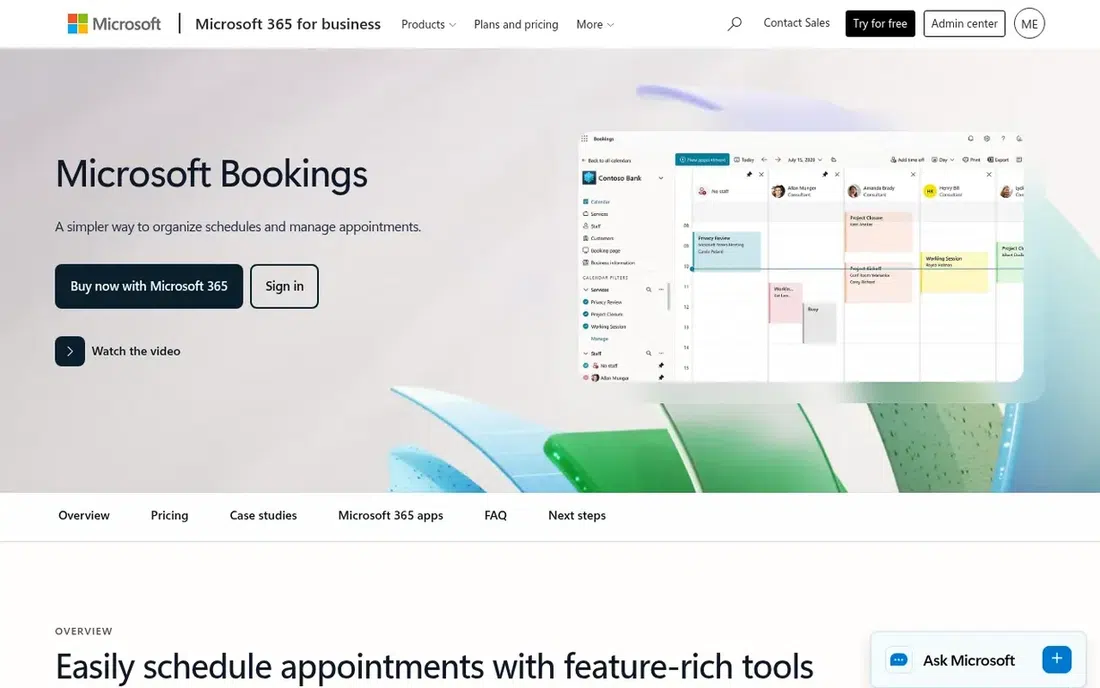
Microsoft Bookings works best for consultants inside Microsoft 365. Microsoft Bookings is an online booking and appointment scheduling tool within Microsoft 365, offering adaptability and customization across departments, individuals, and appointment types.
Trade-offs to know: Less appealing outside Microsoft environments.
Pick a standalone scheduler if you want booking decoupled from a broader productivity suite. Microsoft Bookings shows no starting price here, so confirm the cost on the vendor site. Free plan details: Not stated.
- Works for individuals and departments
- Customization across appointment types
- Best value if already in the ecosystem
Think of Zoho Bookings for Zoho users wanting AI-assisted scheduling. Zoho Bookings is an AI-powered appointment scheduling tool that automates bookings, syncs calendars, collects payments, and simplifies workflows.
In daily use, consider a more straightforward scheduler if you only need a booking link and nothing more. This comparison lists no price for Zoho Bookings; ask the vendor. As for free access: Not stated.
Points against: Most cohesive within Zoho.
- Workflow simplifying
- Calendar sync and payment collection
- Feature depth varies by setup
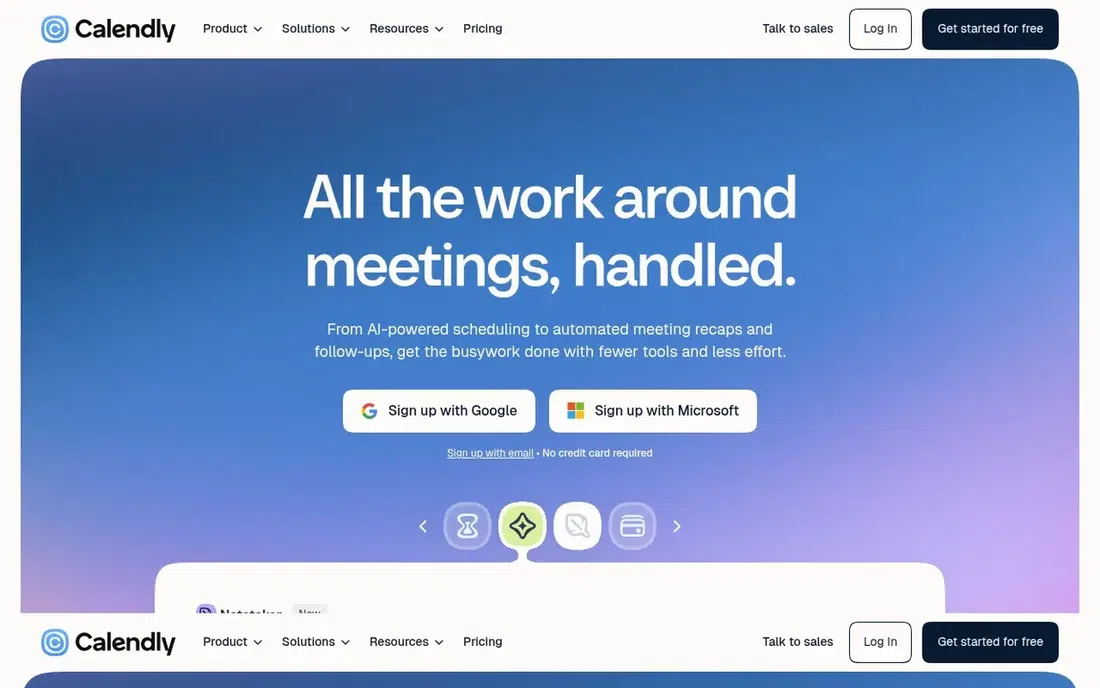
Calendly works best for quick, low-friction client booking. Calendly is a meeting scheduling product that links the work around meetings, including scheduling, payments, meeting preparation, notetaking, contact management, and follow-up. From a buyer's view, choose something else if you need heavy form logic or industry-specific booking rules built in.
Customization and deeper workflow control are more restricted than in dedicated booking suites, so consultants with complicated intake or multi-service menus may outgrow it. In practice, for consultants who largely need clients to book a slot without email chains, it keeps the process familiar and fast. On cost, Calendly starts like this: $10 per seat per month. Calendly offers a free plan.
Points against: Advanced needs may need upgrades.
- Straightforward link-based scheduling
- Payment and contact management
- Restricted deep customization
Setmore is built with round-the-clock automatic booking in mind. Setmore is online appointment scheduling software that lets clients book at any hour and automates reminders to cut down on back-and-forth.
What to check first: Branding adaptability may be restricted.
From a buyer's view, choose a more configurable system if your booking flow has numerous conditional steps. Consultants needing complicated intake forms, in-depth service rules, or deep CRM ties may find it entry-level. Starting cost for Setmore: $5 per user per month. Free access exists with Setmore.
- Straightforward appointment scheduling
- Online booking around the clock
- Fewer advanced workflow choices
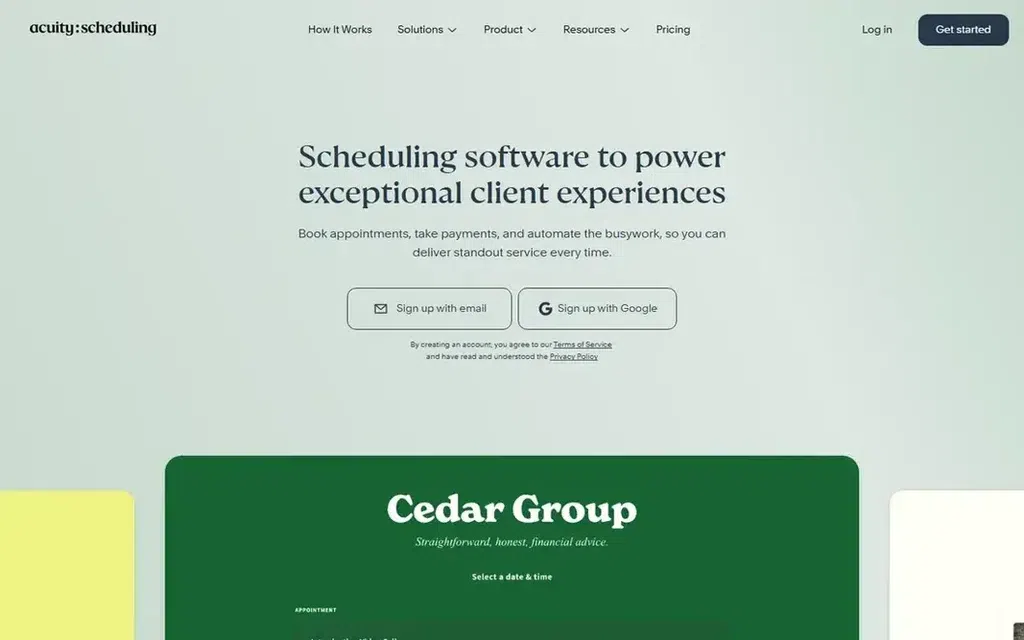
Acuity Scheduling makes the most sense for configurable booking and automation. Acuity Scheduling is an appointment booking and scheduling app built around automation and full customization. Consultants who offer multiple session types, varying durations, or in-depth intake questions can shape the booking flow to match how they actually work.
Watch-outs: Setup can take more effort.
That adaptability means more configuration at the start, and solo consultants with straightforward needs may find it heavier than necessary. Consider a lighter scheduler if you only ever offer one call type and want to be booked within minutes. What you pay to start with Acuity Scheduling: $16 per month. Trial and free access: Free trial.
- Appointment booking focused
- Full customization of booking pages
- Interface may feel dense for solo use
Our selection method
For each of the 5 tools we noted price, free plan or trial, fit for appointment scheduling software for consultants and the main limit, using vendor pages and documentation. Where a price is missing, the vendor does not list one publicly or ties it to a quote. Always confirm before budgeting. We ordered the tools by general fit, then by how clearly pricing is shown, then by free access. A buyer with unusual needs may reorder them.
Questions to settle before buying
- Confirm the entry price on the vendor page. For Microsoft Bookings and Zoho Bookings that means a quote rather than a fixed price.
- Check what the free option really includes: Calendly and Setmore offer a free plan, and usage caps differ.
- Run a trial of Acuity Scheduling with real work before paying for a year; your own workflow is the best test.
- Before choosing Microsoft Bookings, weigh its main limit: best value if already in the ecosystem.
- Ask Microsoft Bookings which support channels and response times come with the plan you would buy.
- Check how data leaves Zoho Bookings: formats, limits and whether exports are available on every plan.
FAQ
Can I try these tools before paying?
Often, yes. Calendly and Setmore have a free plan and Acuity Scheduling offers a free trial. Use your own data and a real task during the test, and check what the free tier or trial limits before you rely on it. Prices, free plan details and limits for all 5 tools in this appointment scheduling software for consultants roundup sit on the individual cards above.
Can consultants collect payments at booking?
Confirm the specific payment choices and currencies on the vendor site for your region.
What is the cheapest option for appointment scheduling software for consultants in this list?
On published monthly entry prices, Setmore is the lowest here at $5 per user per month. Entry price is only part of the cost, because seats, add-ons and billing terms can change the total. Each of the 5 options in this appointment scheduling software for consultants guide has its own card above with the price, free plan and limits.
Do these tools publish their prices?
Not all of them. Microsoft Bookings and Zoho Bookings publish no starting price, so expect a quote request for those. The rest, Calendly included, show a starting price, though seats and billing terms still change the final cost.
How are the tools for appointment scheduling software for consultants ordered?
Microsoft Bookings sits first and Acuity Scheduling last because the order follows typical fit for appointment scheduling software for consultants, then price clarity and free access. It is a judgement call, so read each profile for fit and limits.
What should consultants look for in scheduling software?
Prioritize steady calendar syncing, clear availability rules, and a booking page clients can complete rapidly. If you run multiple session types, check customization and intake form support before committing.
Sources
- https://www.microsoft.com/en-us/microsoft-365/business/scheduling-and-booking-app
- https://www.zoho.com/bookings
- https://calendly.com
- https://www.setmore.com
- https://acuityscheduling.com