Best Appointment Scheduling Software in 2026: 8 Tools Compared
Looking for the best appointment scheduling software? We compare 8 booking tools on price, payments, reminders and ease of use for your business today.
- Editor's choice
 Calendly
Meetings and consultations
Starts at$10 per seat per month, billed annuallyVisit calendly.comFull review - Great alternative
 Acuity Scheduling
Intake forms and packages
Starts at$16 per month, billed annuallyVisit acuityscheduling.comFull review - Also consider
 Setmore
Small teams starting free
Starts at$5 per user per month, billed annuallyVisit setmore.comFull review
TL;DR:
- Calendly is best for meetings and consultations, while Square Appointments and Setmore suit service businesses with staff and rooms.
- Acuity Scheduling leads on intake forms, packages and deposits for established service businesses.
- Setmore free plan covers up to four users, which makes it the best no-cost start for a small team.
- Price by your real model: per seat, per location, per calendar or per booking all change the total.
- Reminders, deposits and calendar sync cut no-shows more than a pretty booking page alone.
Quick comparison
| Tool | Best for | Starts at | Free plan? | |
|---|---|---|---|---|
| Calendly | Meetings and consultations | $10 per seat per month, billed annually | Yes | Visit |
| Acuity Scheduling | Intake forms and packages | $16 per month, billed annually | Free trial | Visit |
| Setmore | Small teams starting free | $5 per user per month, billed annually | Yes | Visit |
 Square Appointments | Businesses taking card payments | Free | Yes | Visit |
 SimplyBook.me | Configurable service booking | $11.90 per month, billed annually | Yes | Visit |
 Zoho Bookings | Zoho users and small teams | $6 per user per month, billed annually | Yes | Visit |
 Cal.com | Open and self-hostable scheduling | $12 per seat per month, billed annually | Yes | Visit |
 Appointy | Budget booking for service businesses | See website | Yes | Visit |
The best appointment scheduling software
The right booking tool should fill your calendar without phone tag, missed reminders or double bookings. These eight tools cover meetings, salons, clinics, coaches and service teams.
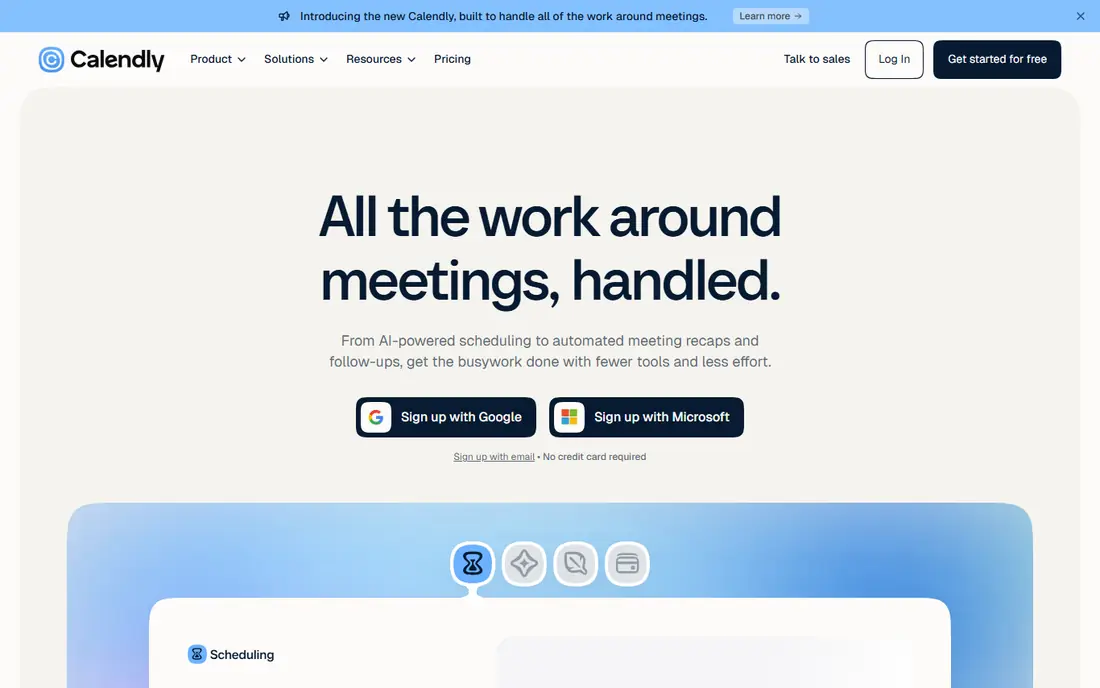
Calendly is the standard for one-to-one meetings. Share a link, let the other person pick a time that fits your real availability, and get a calendar invite with a video link. For consultants, coaches, sales teams and recruiters, that simple flow saves hours of back-and-forth email.
It is less suited to a salon or clinic that needs staff calendars, rooms, services of different lengths and payments at booking. Round-robin routing and team features sit on higher plans, so price by seats. If your work is meetings, Calendly is the easiest pick here.
- Very easy booking links
- Good calendar and video integrations
- Routing and round-robin on higher plans
- Free plan has one event type
- Not built for staff, rooms or counter payments
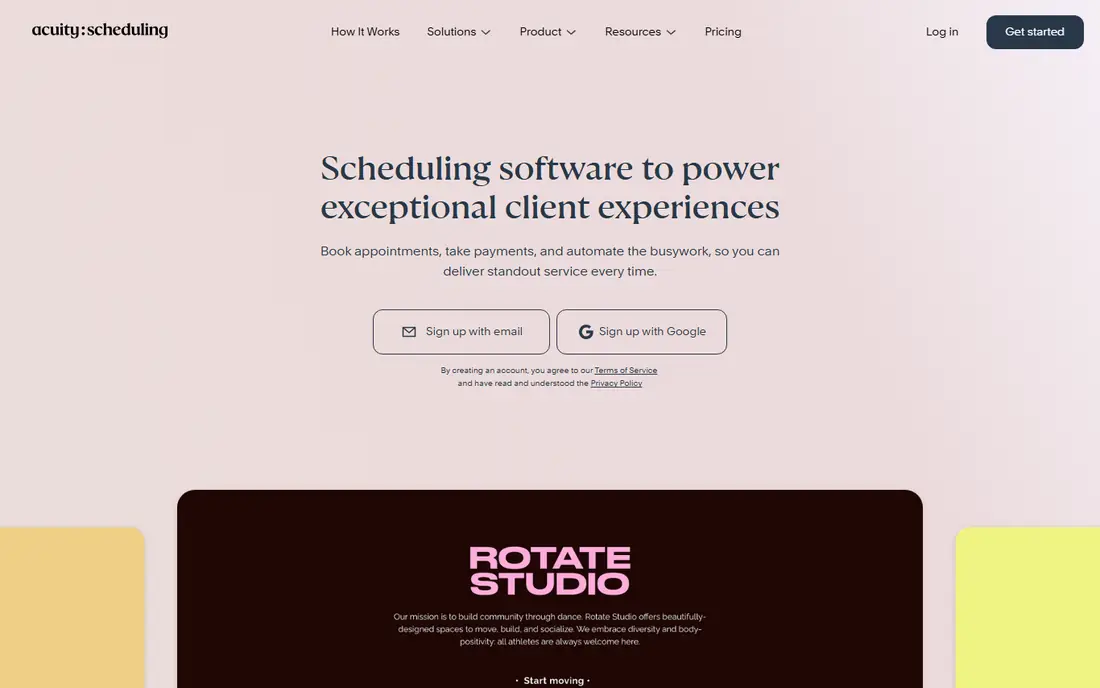
Acuity, now part of Squarespace, is built for service businesses that need more than a time slot. Intake forms collect health, preference or project details before the visit, and packages let clients buy a set of sessions at once. Deposits and full payment at booking cut no-shows and late cancellations.
That depth means setup takes longer. You need to define services, staff, availability and forms before the booking page feels right. The Starter plan at $16 per month on annual billing covers one calendar, so larger teams pay more. For established service businesses, Acuity is worth the setup time.
- Strong intake forms
- Packages, subscriptions and deposits
- Good payment options
- Setup takes longer than Calendly
- Calendar limits on the cheapest plan
- No lasting free plan
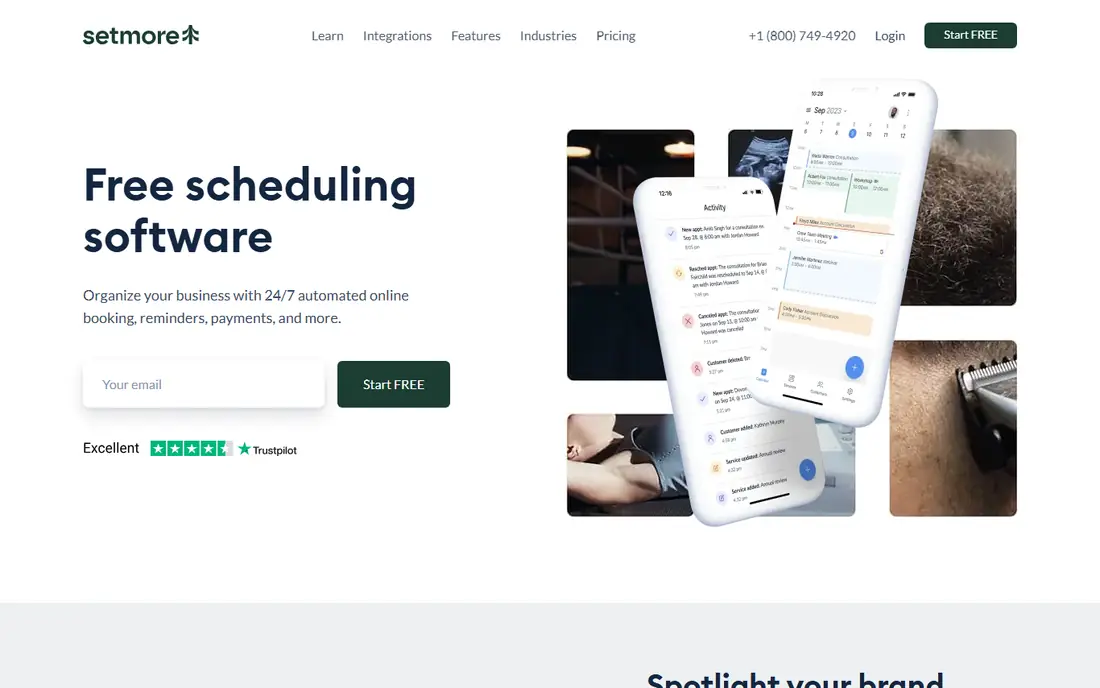
Setmore is the best free start for a small service team. The free plan covers up to four users, a booking page and reminders, which is enough for many salons, clinics and repair shops to test online booking properly. Pro at $5 per user per month on annual billing adds two-way sync, deposits and API access.
Watch the user count. Each staff calendar counts as a user on Pro, even without a login, so a team with rooms or shared calendars can grow past four users fast. Even so, Setmore remains one of the cheapest paid options for small teams.
- Free plan for up to four users
- Booking page and reminders
- Payments through common providers
- Two-way sync, deposits and video appointments need Pro
- Each staff calendar counts as a user
Square Appointments is the natural pick if you already take card payments with Square. The free plan covers a booking site, reminders and staff calendars with no monthly fee, and you pay through card processing instead. Paid Plus and Premium plans add no-show fees, multi-staff booking and a waitlist, priced per location.
The main limit is lock-in. Square Appointments works best inside the Square system, and a business with several locations can see the monthly cost rise. For a single-location salon, barbershop or clinic that already uses Square, the free plan is hard to beat.
- Free plan with booking site and staff calendars
- Payments built in
- No per-user charge on free plan
- Ties you to Square payments
- Paid features scale per location
- Processing fees apply
SimplyBook.me suits businesses with unusual booking needs: multiple providers, rooms, equipment, classes and add-on services. You pick only the features you need, from deposits to memberships to waiting lists, which keeps the booking flow close to how your business actually works. The free plan covers 50 bookings a month.
Pricing by bookings is the point to watch. A busy month can push you to a higher tier, and premium features add cost. For a business with a long feature checklist, SimplyBook.me is more flexible than most rivals at this price.
- Huge choice of booking features
- Provider and resource booking
- Free plan with 50 bookings
- Priced by bookings, so busy months cost more
- Feature choice can feel overwhelming
Zoho Bookings is a clean, low-cost scheduler for meetings and simple services. It offers booking pages, team workspaces and calendar sync, and it connects with Zoho CRM, Mail and other Zoho apps. For a small team already using Zoho, that connection saves duplicate data entry.
It is not as deep as Acuity for packages or SimplyBook.me for complex resources, and paid resource costs need checking on the current pricing page. If your needs are straightforward and your budget is tight, Zoho Bookings at $6 per user per month on annual billing is good value.
- Low per-user price
- Booking pages and workspaces
- Fits the wider Zoho suite
- Less depth for complex service businesses than Acuity or SimplyBook.me
- Resource pricing needs checking
Cal.com appeals to technical teams and privacy-minded businesses. The core product is open source, individuals can use a free plan, and teams can self-host if they want full control over data and branding. Booking pages, routing and calendar connections cover the usual meeting needs well.
The trade is polish. Cal.com needs more setup than Calendly for service features such as payments, rooms and packages, and team pricing adds up per seat. For developers, agencies and teams that value openness, it is a strong and flexible choice.
- Open-source option
- Self-hosting available
- Good for teams that want control over data
- Feels more like a platform than a finished service product
- Team features cost more
Appointy is a budget-friendly scheduler for salons, clinics, tutors and service teams. It covers online booking, staff calendars, reminders and payments through add-ons, and a free plan lets small teams test it with a limited number of bookings. For a business that wants basic booking without a monthly fee at first, Appointy is worth trying.
Check the current pricing page carefully, since paid tiers and booking limits have changed over time. Appointy will not match Acuity on intake depth or Square on payments, but for simple, low-cost booking it does the job.
- Free plan with booking limits
- Service, staff and calendar booking
- Payment add-ons
- Pricing and feature limits vary by plan
- Interface is less modern than newer rivals
How we picked these
We compared official pricing pages, feature documentation and public reviews, focusing on booking flow, reminders, payments, calendar sync, staff and resource handling, and total cost for a real team. We included meeting tools and service tools because appointment scheduling covers both. We did not claim hands-on testing of every booking flow. Where pricing was not stable enough to print, we list See website.
How to choose the right scheduling tool
The best tool is the one clients actually use, and staff actually keep updated. Test with real clients before you pay for a year.
Match the tool to your booking type
Meetings need links and routing. Service businesses need staff, rooms, service lengths and deposits. A tool that excels at one may fail at the other, so shortlist by booking type first, then by price.
Test reminders, deposits and calendar sync
Turn on email and text reminders, test a deposit booking, and check two-way calendar sync with a real calendar. These three features cut no-shows and double bookings more than any design choice. If sync is one-way only, budget for manual calendar checks.
Check the total bill for your team
Add seats, locations, calendars, text message costs and processing fees. A free plan can be cheapest for one person and costly for a team with many calendars. Price the team you will have in a year, not just the team you have today.
FAQ
What is the best appointment scheduling app for small businesses?
Setmore and Square Appointments are strong for small service businesses, with usable free plans. Calendly suits small teams that book meetings rather than services. Pick by whether you need staff calendars, payments or simple meeting links.
What is the best app for scheduling clients?
Calendly is best for one-to-one client meetings, while Acuity Scheduling suits clients who need intake forms and packages. SimplyBook.me suits clients who book different providers, rooms or services. Test the client booking flow on a phone before you commit.
What is the best appointment scheduling tool for salons?
Square Appointments and Setmore suit salons with staff calendars and repeat clients. SimplyBook.me suits salons with many services and providers. Check deposits, no-show fees and payment options, since those matter more for salons than meeting routing.
Is there a free appointment scheduling software option?
Yes. Calendly, Setmore, Square Appointments, SimplyBook.me, Zoho Bookings, Cal.com and Appointy all offer free plans, though booking, user and feature limits differ. Setmore free plan for up to four users is the most generous for a small team.
How do I reduce no-shows with scheduling software?
Use automatic reminders by email and text, take a deposit or card hold for high-value bookings, and make rescheduling easy from the reminder itself. Confirm the booking a day before, and track which services or staff have the highest no-show rate.