Document Management Software for Consultants in 2026: The 5 Best Options Side by Side
Best document management software for consultants in 2026: 5 contenders with entry costs and free tiers. Pros and cons for every tool. Read the profiles.
- Editor's choice
 M-Files
Organizing documents in context with AI
Starts at€65 per seat a monthVisit m-files.comFull review - Great alternative
 Laserfiche
Document management with process automation
Starts at$42 per user a monthVisit laserfiche.comFull review - Also consider
 DocuWare
Structured document management with workflow automation
Starts atSee websiteVisit start.docuware.comFull review
Direct answer
If you need organizing documents in context with AI, M-Files is the first tool to look at here. Listed starting prices: M-Files from €65 per seat a month and Laserfiche from $42 per user a month. Look at Laserfiche for document management with process automation, and at DocuWare for structured document management with workflow automation. Details, prices and limits for the rest of the 5 tools are below.
TL;DR:
- Top of the list is M-Files, which targets organizing documents in context with AI.
- A fair warning about M-Files: metadata-driven approach takes adjustment.
- Microsoft SharePoint fits collaboration inside Microsoft 365.
- None of the 5 tools, from M-Files to Microsoft SharePoint, has a free plan, so budget for a subscription or use a trial.
Last checked November 2026. Prices and plan details were read from the vendors' own pages in November 2026; vendors change plans often, so confirm the current price on the vendor site before you buy.
Quick comparison
| Tool | Best for | Starts at | Free plan? | |
|---|---|---|---|---|
| M-Files | Organizing documents in context with AI | €65 per seat a month | Not stated | Visit |
| Laserfiche | Document management with process automation | $42 per user a month | Not stated | Visit |
| DocuWare | Structured document management with workflow automation | See website | Not stated | Visit |
 Dropbox Business | Straightforward cloud storage and sharing | See website | Not stated | Visit |
 Microsoft SharePoint | Collaboration inside Microsoft 365 | See website | Not stated | Visit |
5 document management software for consultants in detail
Short on time? The summary and table above give the quick view of 5 document management software for consultants, and the profiles that follow give the detail behind each entry.
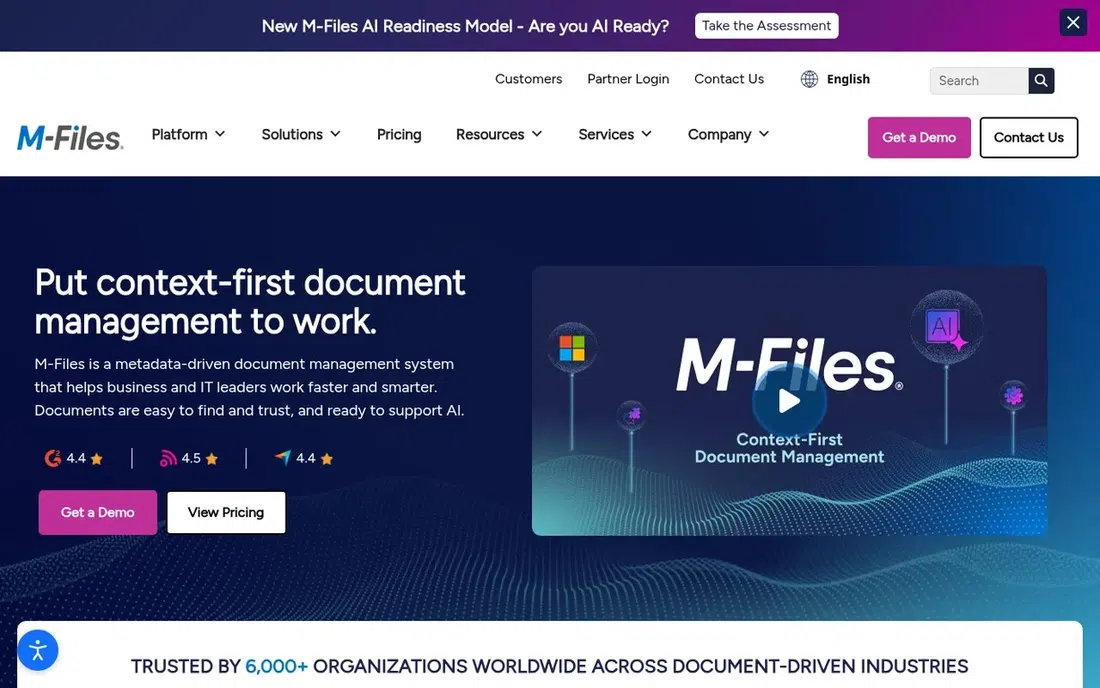
M-Files is aimed squarely at organizing documents in context with AI. M-Files helps teams organize documents in context, automate workflows and cut risk through secure, AI-powered document management.
M-Files cost at the entry level: €65 per seat per month. On free options: Not stated.
Honest limits: May be broad for small practices.
- Workflow automation and risk reduction
- Documents organized in context
- Metadata-driven approach takes adjustment

Laserfiche works best for document management with process automation. Laserfiche offers AI-powered document management and process automation, with workflows, electronic forms, document management and analytics. In daily use, pick Laserfiche when process automation and forms are central to how you run client work.
Trade-offs to know: Configuration effort can be significant.
As for the details, for consultants, the combination of forms and workflows can support intake, approvals and record keeping across engagements. The breadth of workflow, forms and analytics features means setup and configuration deserve careful planning. Price to start with Laserfiche: $42 per user per month. Free access: Not stated.
- Workflows and electronic forms
- Document management and analytics
- Wide feature set needs planning
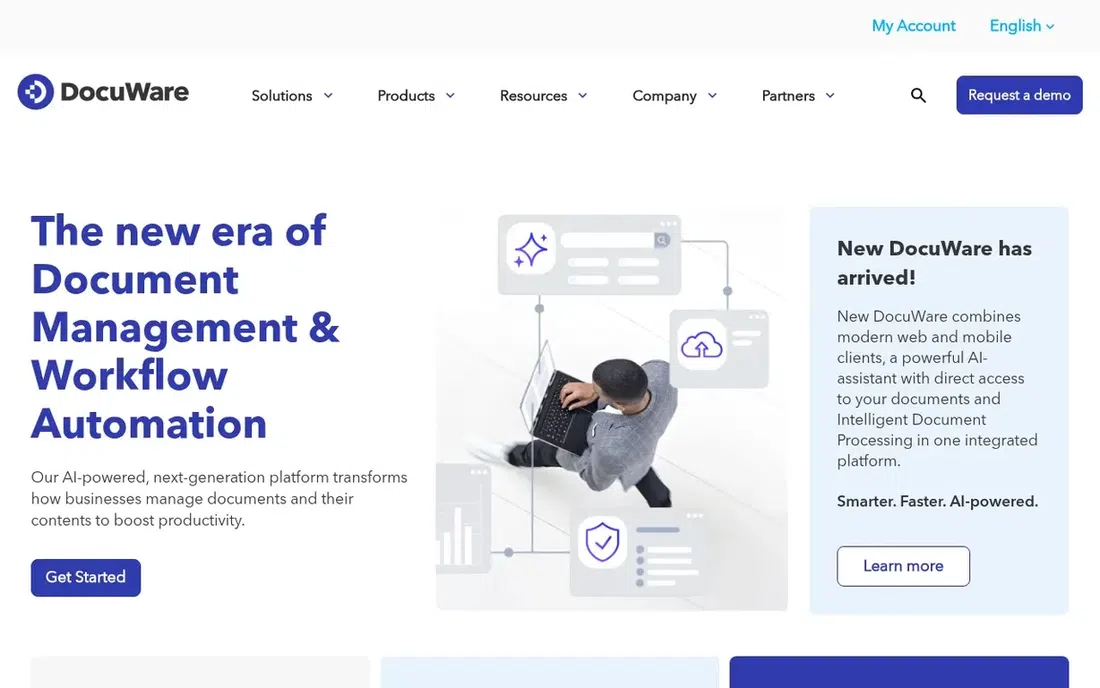
DocuWare is designed for structured document management with workflow automation. Choose DocuWare when organized records and automatic document handling matter.
Honest limits: Not built primarily for straightforward file storage.
Beyond that, if your priority is fast collaboration on shared files instead of process automation, a lighter storage tool may be more straightforward. DocuWare is document management software centered on improving document processing through workflow automation. This comparison lists no price for DocuWare; ask the vendor. Free options: Not stated.
- Suited to organized client records
- Central document management
- Setup may need planning
Where Dropbox Business fits: straightforward cloud storage and sharing. Dropbox Business goes beyond storage with cloud storage and sharing, eSignature, document tracking and backup. From a buyer's view, Dropbox Business is not a deep document management system, so structured workflows, metadata and retention controls are restricted compared to dedicated products.
Honest limits: Workflow automation is limited.
Practices with complicated compliance or process needs should look elsewhere. Beyond that, for consultants, it offers a familiar way to share deliverables and collect signatures without heavy setup. Pick it when simplicity and fast sharing matter more than advanced document governance. Dropbox Business shows no starting price here, so confirm the cost on the vendor site. Trial and free access: Not stated. Strengths: Cloud storage and file sharing.
- Backup for working files
- ESignature and document tracking
- Lighter document management depth
Choose Microsoft SharePoint for collaboration inside Microsoft 365. Microsoft SharePoint supports collaborative content management and secure file sharing, powering collaboration, communication, automation and AI experiences across Microsoft 365.
Also, consultants already working in Microsoft 365 can keep client documents alongside the rest of their productivity tools. SharePoint can become complicated to structure and administer as sites and libraries multiply, and its value is most solid inside Microsoft 365. Microsoft SharePoint shows no starting price here, so confirm the cost on the vendor site. Free access: Not stated.
Downsides: Can grow complicated to administer.
- Collaboration across Microsoft 365
- Governance of trusted knowledge
- Best value within Microsoft 365
How the list was put together
Selection started from tools commonly considered for document management software for consultants, then narrowed to 5 that have clear pricing information or a clear quote process. Prices and plan limits come from vendor pages and can change, so confirm them on the vendor site before you buy. The order reflects how well each tool fits the most common buying scenario for document management software for consultants, then price clarity, then free plan access. It is a starting point, not a verdict.
Before you commit
- Ask DocuWare, Dropbox Business and Microsoft SharePoint for a written quote, since no starting price is shown.
- Before choosing M-Files, weigh its main limit: metadata-driven approach takes adjustment.
- Find out whether the entry plan of Dropbox Business covers your must-haves or only a trimmed-down version.
- Ask M-Files whether prices are locked for the first term and what happens at renewal.
- Confirm you can export your data from Laserfiche, so leaving later does not mean losing records.
FAQ
Is a full document management system necessary for a solo consultant?
A solo consultant with straightforward needs may do well with cloud storage and sharing tools. A dedicated system becomes more valuable when you handle numerous clients, need structured workflows or must govern sensitive records.
Is M-Files the right pick for everyone comparing document management software for consultants?
No single tool suits every team. M-Files comes first because it fits organizing documents in context with AI, while Laserfiche suits document management with process automation and DocuWare suits structured document management with workflow automation. Match the tool to your own size, budget and workflow before deciding.
What is the cheapest option for document management software for consultants in this list?
On published monthly entry prices, Laserfiche is the lowest here at $42 per user per month. Entry price is only part of the cost, because seats, add-ons and billing terms can change the total. For the full picture, the cards above cover all 5 entries of this document management software for consultants list, including price, free plan and limits.
Can I try these tools before paying?
Not by default. None of the tools, from M-Files to Microsoft SharePoint, lists a free plan or a free trial here, so ask each vendor for a demo before committing.
Do these tools publish their prices?
Not all of them. DocuWare, Dropbox Business and Microsoft SharePoint publish no starting price, so expect a quote request for those. The rest, M-Files included, show a starting price, though seats and billing terms still change the final cost.
Sources
- https://www.m-files.com
- https://www.laserfiche.com
- https://start.docuware.com
- https://www.dropbox.com/business
- https://www.microsoft.com/en-us/microsoft-365/sharepoint/collaboration