Best Document Management Software in 2026: 9 Tools Compared
Compare the best document management software for small business and larger teams, with pricing, search, version control and security covered in one guide.
- Editor's choice
 Microsoft SharePoint
Teams already on Microsoft 365
Starts at$6 per user per monthVisit microsoft.comFull review - Great alternative
 Google Drive
Google Workspace teams
Starts at$7 per user per monthVisit drive.google.comFull review - Also consider
 Box
Secure enterprise content sharing
Starts atSee websiteVisit box.comFull review
TL;DR:
- Microsoft SharePoint and Google Drive give most teams the best value, because they are already bundled with office suites many companies pay for.
- M-Files, DocuWare and Laserfiche suit regulated work better, with stronger records control, workflows and audit trails than a shared drive.
- Box and Egnyte sit in the middle, with stronger sharing controls and compliance options than basic cloud storage.
- Price alone is a poor guide, because storage limits, minimum seats and implementation costs change the real yearly bill.
Quick comparison
| Tool | Best for | Starts at | Free plan? | |
|---|---|---|---|---|
| Microsoft SharePoint | Teams already on Microsoft 365 | $6 per user per month | Free trial | Visit |
| Google Drive | Google Workspace teams | $7 per user per month | Free trial | Visit |
| Box | Secure enterprise content sharing | See website | Free trial | Visit |
 Dropbox Business | Simple sync and sharing | $15 per user per month | Free trial | Visit |
 M-Files | Metadata driven document search | See website | Free trial | Visit |
 DocuWare | Paper heavy workflow automation | See website | Free trial | Visit |
 Egnyte | Hybrid cloud and regulated teams | $10 per user per month | No | Visit |
 Zoho WorkDrive | Budget conscious small teams | $2.50 per user per month | Free trial | Visit |
 Laserfiche | Records and compliance control | See website | Free trial | Visit |
The best document management software
We compared official pricing pages, feature lists, app store listings and public user reviews to find tools that help teams store, find, share and control documents without losing track of the latest version.
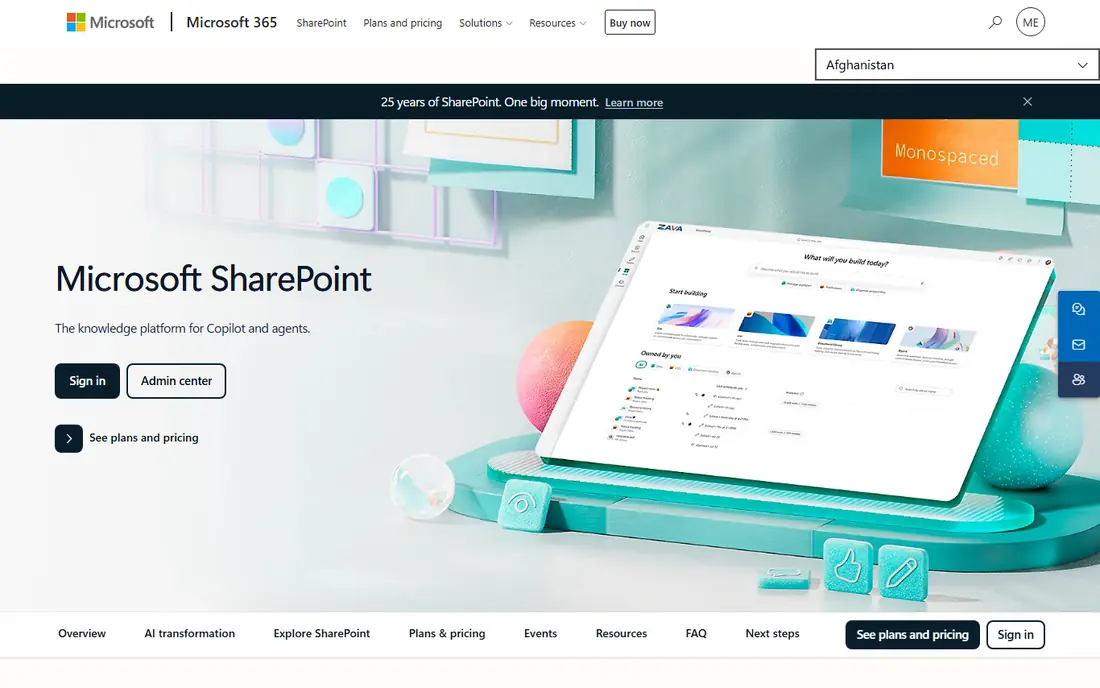
SharePoint is our pick for most people, and not only because it is familiar. If your company already pays for Microsoft 365, you already own a capable document system, with libraries, version history, check in and check out, metadata columns and permissions down to single files. Files shared in Teams channels live in SharePoint, so adoption often happens without a separate rollout.
The strength is the surrounding suite. Documents open in Word, Excel and PowerPoint on the web, retention policies tie into Microsoft Purview, and Power Automate can route approvals without extra software. That combination is hard for a standalone tool to match at the same price. The honest catch is governance. Without an owner for site structure and naming, libraries turn into the same mess they replaced. Give one person that job, keep the folder structure shallow, and use metadata for the rest, and SharePoint is the best value in this guide.
- Bundled with Microsoft 365
- Strong version history and permissions
- Deep Teams and Office integration
- Libraries can sprawl without governance
- Setup takes real planning
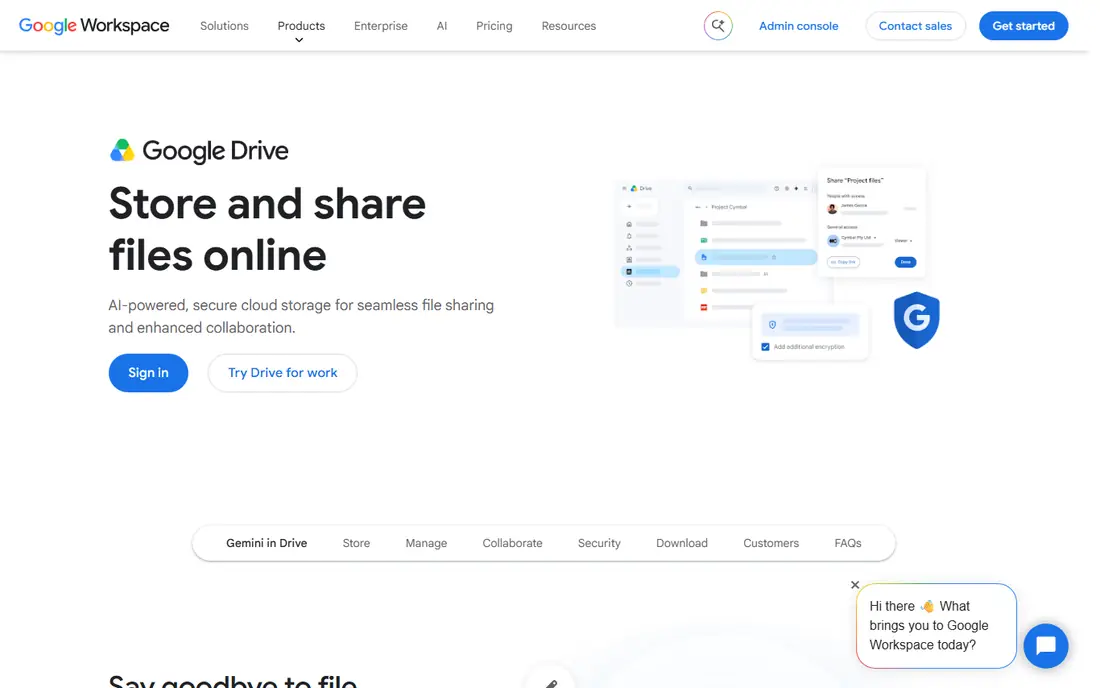
Google Drive works best for teams that live in Gmail, Docs and Sheets. Real time editing is still its clear edge, and sharing a file with a client or a contractor takes seconds. Search is fast, even across a large drive, and comments and suggestions keep review cycles in one place instead of in email threads.
For a small business, that simplicity is a feature. There is little to learn, and most new hires already know the interface. The limit shows up in regulated work. Retention, approval workflows and formal records control need extra configuration or third party tools, and the entry Workspace plan has pooled storage that can fill up faster than expected. If collaboration matters more than strict records management, Drive is a strong, low friction choice.
- Fast real time collaboration in Docs and Sheets
- Simple sharing controls
- Strong search
- Weaker lifecycle and records controls than a full DMS
- Entry storage is limited
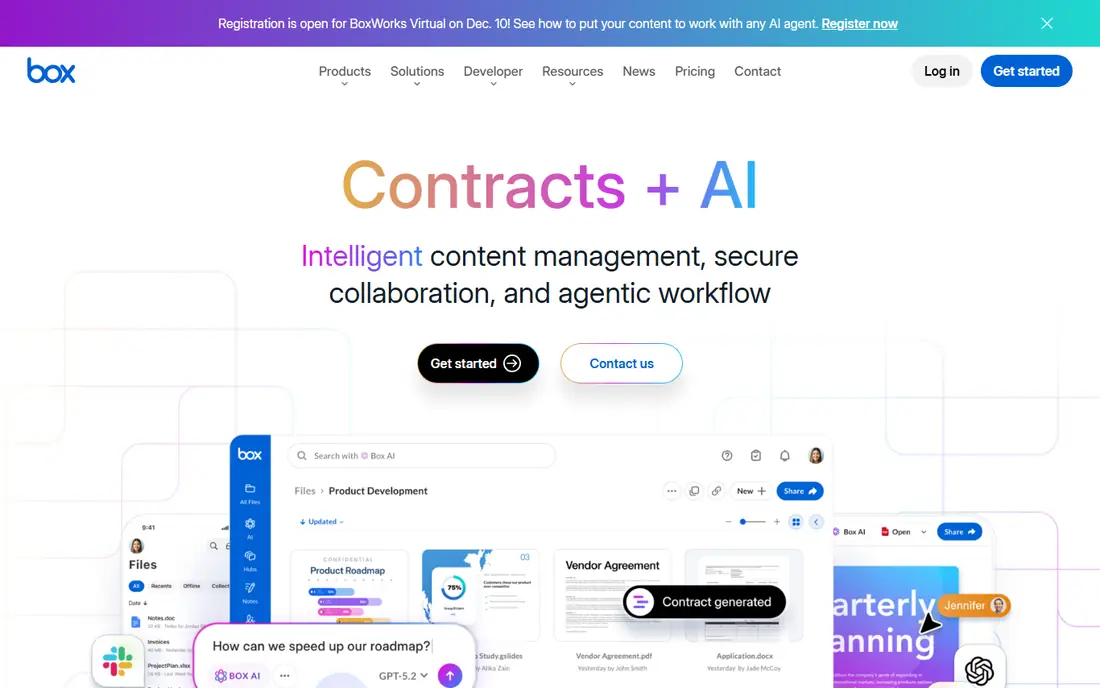
Box is built for companies that share sensitive files with people outside the company. External sharing controls, watermarking, access expiry and detailed activity logs give administrators a clearer picture of who opened what and when. It also connects well with Microsoft 365, Google Workspace, Salesforce and Slack, so it can sit beside tools a team already uses.
That focus makes Box a good fit for legal, financial and health care teams that need to prove control over documents. The trade off is cost and complexity at the top end. The features that matter most for compliance are not on the cheapest plans, so a small team should price the plan it actually needs, not the headline plan. For secure external collaboration, though, Box remains one of the most trusted names in this list.
- Strong security and compliance options
- Clean external sharing
- Good integrations
- Advanced governance sits on higher plans
- Pricing is not simple to compare
Dropbox Business suits teams that mainly need files to stay in sync and easy to share. Its desktop sync is fast, even with large files, and the interface is so simple that training is rarely needed. Shared folders, file requests and link controls cover most day to day needs for a small company.
It is not a full document management system in the same sense as M-Files or Laserfiche. Approval workflows, records retention and deep metadata search are lighter here, so a regulated firm will likely need more. For a creative team, a consultancy or a small business moving off personal drives, that simplicity is exactly the point. Dropbox gets out of the way and lets people find and share files quickly.
- Fast and reliable file sync
- Easy to learn
- Good desktop apps
- Weaker workflow and records features
- Storage is pooled, not unlimited on every plan
M-Files takes a different approach from folder based systems. Instead of asking staff to remember where a file was saved, it organises documents by metadata such as client, project, document type and status. Search for a contract by client name and you get the right version, even if three teams saved copies in three places. That matters most when a library grows into tens of thousands of files.
Workflows can route a document for review, approval and signature, and permissions follow the metadata, so access stays consistent as files move. The catch is implementation. Metadata design is a real project, and teams used to folders need time to adjust. Companies that invest in that setup, especially in legal, engineering and financial services, often find M-Files pays back in far less time spent hunting for files.
- Find files by what they are, not where they sit
- Strong workflow automation
- Good Microsoft 365 integration
- Setup needs careful planning
- Pricing requires a quote
DocuWare is a good choice for businesses still dealing with a lot of paper, scanned forms and emailed invoices. Its capture tools scan, read and index documents, then route them through approval workflows without manual filing. An invoice can arrive by email, be matched to a purchase order and sent to the right approver with little human handling.
That automation is where DocuWare earns its place. Accounting, human resources and operations teams can cut routine admin and reduce filing errors. The downside is that pricing is quote based, so you need a sales conversation to get a firm number, and the full system can feel heavy for a team of five that only needs shared storage. For mid size firms with repeatable document processes, it is a practical step up from a shared drive.
- Strong document capture and indexing
- Good invoice and approval workflows
- Cloud and on premises options
- Quote based pricing makes comparison harder
- Smaller teams may find it heavy
Egnyte appeals to teams that cannot move everything to the cloud at once. It can keep files on local servers and in the cloud under one system, which helps firms with large files, slow connections or data residency rules. Built in ransomware detection and governance tools add a layer of protection that basic storage tools do not offer.
That hybrid strength is also its complexity. Administrators need to plan which files live where, and the entry plan storage limit can surprise a team with large media files. For architecture, construction, life sciences and other regulated or file heavy industries, Egnyte offers a useful middle path between a pure cloud drive and a full enterprise content platform.
- Hybrid cloud and on premises storage
- Ransomware detection
- Strong governance controls
- Entry storage is capped
- Interface can feel busy
Zoho WorkDrive is the budget pick in this guide, and it is more capable than its price suggests. Team folders, file versioning, sharing controls and a clean web interface cover the core needs of a small business. If your company already uses Zoho CRM, Books or Mail, the integration adds real value, because documents sit close to the records they belong to.
It does not match Box or Laserfiche for compliance depth, and its integration library is smaller than Microsoft or Google. For a team of five to fifty people that needs proper document organisation without enterprise pricing, WorkDrive is hard to beat on value. Start on a low plan, test it with one department, and move up only if you hit a real limit.
- Very low starting price
- Team folders and shared drives
- Good Zoho integration
- Fewer advanced compliance features
- Smaller third party ecosystem
Laserfiche is the pick for organisations where records control is not optional. It handles the full document lifecycle, from capture and classification to retention and defensible disposal, with audit trails that hold up under scrutiny. Process automation can route forms and approvals across departments, which helps government agencies, banks and universities manage high volume paperwork.
That power comes with a higher bar to entry. Some plans have minimum seat counts, and a full rollout needs planning and training. A small business with simple needs should look elsewhere. A larger organisation with compliance duties, or a public body that must prove how records were handled, will find Laserfiche worth the effort and the price.
- Strong records lifecycle and retention
- Good process automation
- Trusted in government and finance
- Minimum seat requirements on some plans
- Implementation takes time
How we picked these
We compared official pricing pages, feature documentation, app store listings and public user reviews, and we kept only tools that are still sold and supported in October 2026. We favoured tools with clear version control, search, permissions and sharing controls, and we mixed low cost options with enterprise systems so small businesses and larger firms can both find a fit. We did not claim hands on testing we did not do, and where a vendor does not publish a price we say so rather than guessing.
What to check before you buy
Start with a short list based on the suite you already pay for. If you use Microsoft 365 or Google Workspace, test that built in option first, because switching costs time even when the new tool is better. Then run a small pilot with real files from one team, not sample documents, and watch how search, permissions and mobile access hold up.
Check storage, seats and limits before you sign. Ask whether storage is pooled or per user, whether external guests count as seats, and what happens to files if you cancel. For regulated work, ask about retention, audit logs, data residency and backup, and get those answers in writing. A tool that looks cheap on a pricing page can cost far more once minimum seats, add ons and implementation are added.
FAQ
What is the best document management software for small business?
For most small businesses, SharePoint, Google Drive or Zoho WorkDrive are the best starting points. SharePoint and Drive are already included in office suites many firms pay for, while WorkDrive is the cheapest standalone option with proper team folders. Move to Box, M-Files or DocuWare only when you need stronger workflows, compliance or automation.
Is Google Drive a document management system?
Google Drive works as a light document management system for collaboration, sharing and version history, but it lacks the deep records control of a full DMS. Teams in regulated industries often pair it with extra tools or choose a dedicated system such as Laserfiche or M-Files. For everyday office documents, Drive is usually enough.
How much does document management software cost?
Prices in this guide range from $2.50 per user per month for Zoho WorkDrive to quote based enterprise pricing for M-Files, DocuWare and Laserfiche. Mid range tools such as Dropbox Business start around $15 per user per month. Always check minimum seats, storage limits and implementation fees, because those change the yearly total.
What is the difference between a DMS and cloud storage?
Cloud storage mainly syncs and shares files, while a DMS adds version control, metadata, search, workflows, permissions and retention rules. Dropbox and Drive sit close to storage, while M-Files, DocuWare and Laserfiche are true document management systems. The right choice depends on how much control and automation your work requires.
Can I migrate from shared drives to a DMS?
Yes, most vendors offer migration tools or services, but plan the move in stages. Start with one department, clean up duplicate and outdated files first, and agree on naming and metadata before you import. A staged move reduces confusion and lets staff learn the new system with real work.