5 Personal Knowledge Management for Consultants Worth Shortlisting in 2026
Best personal knowledge management for consultants in 2026: 5 tools with starting prices, free plans and limits. Every pick gets a straight assessment.
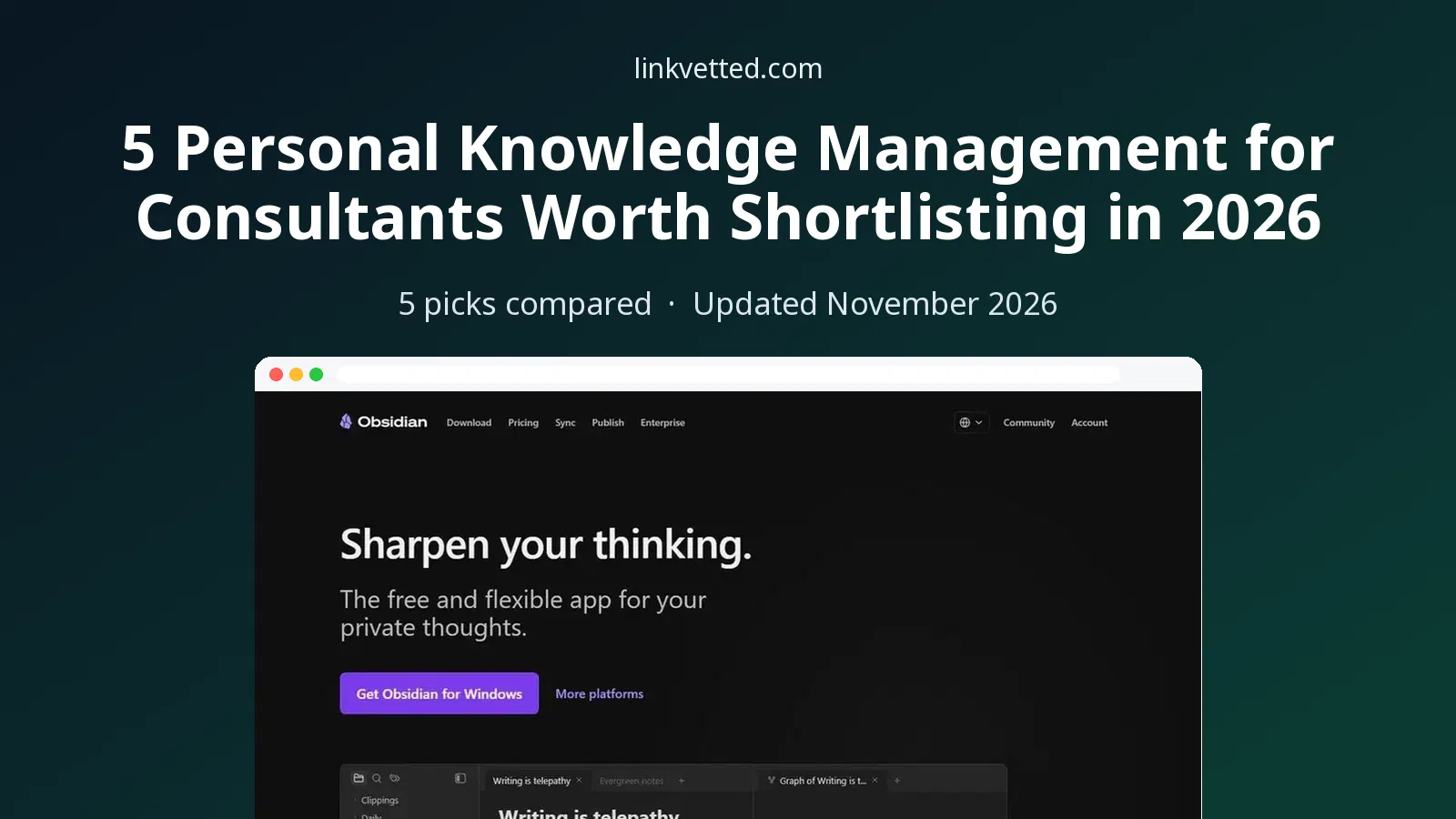
- Editor's choice
 Craft
Refined notes and client docs
Starts at$4.8 per monthVisit craft.doFull review - Great alternative
 Obsidian
Private linked note-taking
Starts at$4 per user per monthVisit obsidian.mdFull review - Also considerRoam Research
Networked thought and research
Starts atSee websiteVisit roamresearch.comFull review
Direct answer
Craft comes first here, mainly for refined notes and client docs. Listed starting prices: Craft from $4.8 per month, Obsidian from $4 per user per month and Notion from $10 per member a month. Alternatives: Obsidian for private linked note-taking, and Roam Research for networked thought and research. The full list of 5 tools follows, with prices and free plan facts.
TL;DR:
- The list opens with Craft, aimed at refined notes and client docs.
- Notion fits AI-assisted connected workspace.
- Obsidian is the lowest-priced starter here at $4 per user per month.
- Craft, Obsidian, Evernote, Notion: these are the 4 tools out of 5 that offer a free plan.
Last checked November 2026. Prices and plan details were read from the vendors' own pages in November 2026; vendors change plans often, so confirm the current price on the vendor site before you buy.
Quick comparison
| Tool | Best for | Starts at | Free plan? | |
|---|---|---|---|---|
| Craft | Refined notes and client docs | $4.8 per month | Yes | Visit |
| Obsidian | Private linked note-taking | $4 per user per month | Yes | Visit |
| Roam Research | Networked thought and research | See website | Not stated | Visit |
 Evernote | Capturing ideas and to-dos | See website | Yes | Visit |
 Notion | AI-assisted connected workspace | $10 per member a month | Yes | Visit |
Our 5 personal knowledge management for consultants
Short on time? The summary and table above give the quick view of 5 personal knowledge management for consultants, and the profiles that follow give the detail behind each entry.
Craft targets refined notes and client docs. Craft is a productivity app for notes, tasks and docs that follows you across all your devices, with premium features available.
In daily use, Craft is more document-centric than graph-centric, so heavy linking of ideas may feel restricted. The starting price for Craft: $4.8 per month. Craft includes a free tier.
Watch-outs: Premium features for advanced use.
- Works across devices
- Capable document presentation
- Less concentrated on graph linking
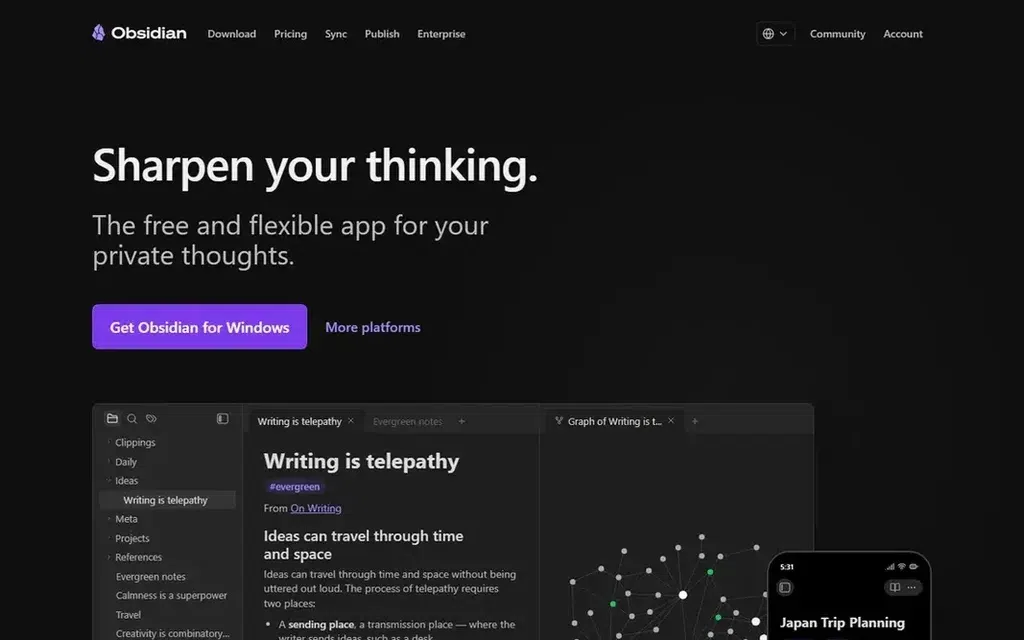
Obsidian serves private linked note-taking. Obsidian describes itself as the free and adaptable app for your private thoughts. As for the details, the emphasis on privacy and adaptability makes it a solid fit for research-heavy engagements where you build a durable web of ideas over time.
Best features of Obsidian: Adaptable app for private thoughts.
In daily use, Obsidian is not positioned as a shared team workspace, so client collaboration typically needs another tool. On top of that, if you need built-in databases, automation or live co-editing, a workspace product may be a better match. Entry price for Obsidian: $4 per user per month. Free access exists with Obsidian.
Where it falls short: Needs self-organization.
- Solid linking between notes
- Local-first approach
- No built-in team workspace
Roam Research
Best for: Networked thought and research
Roam Research is designed for networked thought and research. Roam Research is a note-taking tool for networked thought, built to be as simple as a document or bulleted list whereas connecting related ideas like a graph database.
Where it falls short: Unconventional structure for newcomers.
As for the details, if you need formal deliverables or straightforward folder-based organization, a document-oriented system may be simpler. As for the details, the networked approach can feel unfamiliar at first, and the tool is less about refined documents than about thinking. This comparison lists no price for Roam Research; ask the vendor. Free options: Not stated.
- Links related ideas
- Networked note-taking model
- Local storage option needs care
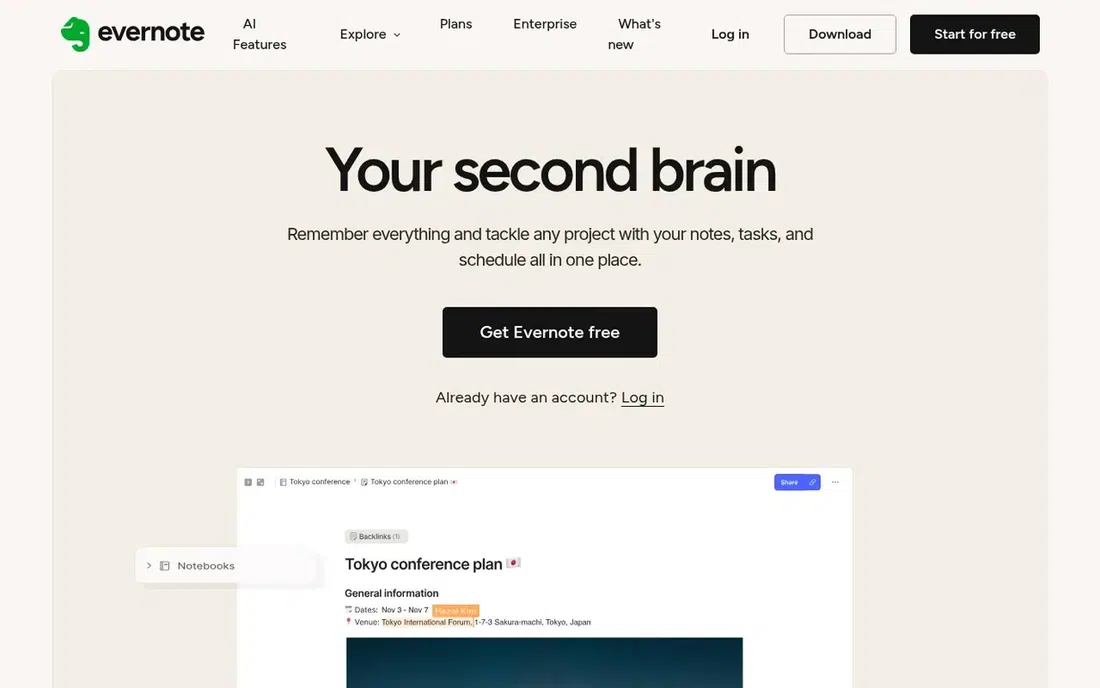
For capturing ideas and to-dos, Evernote is a natural candidate. Evernote is a note-taking app that helps you capture and prioritize ideas, projects and to-do lists so nothing falls through the cracks.
Trade-offs to know: Restricted networked-thought features.
Also, if your work relies on heavily interconnected notes or bespoke project systems, consider a more adaptable product. Evernote shows no starting price here, so confirm the cost on the vendor site. Evernote offers a free plan.
- Tracks projects and to-do lists
- Familiar note-taking model
- Less adaptable for custom structures
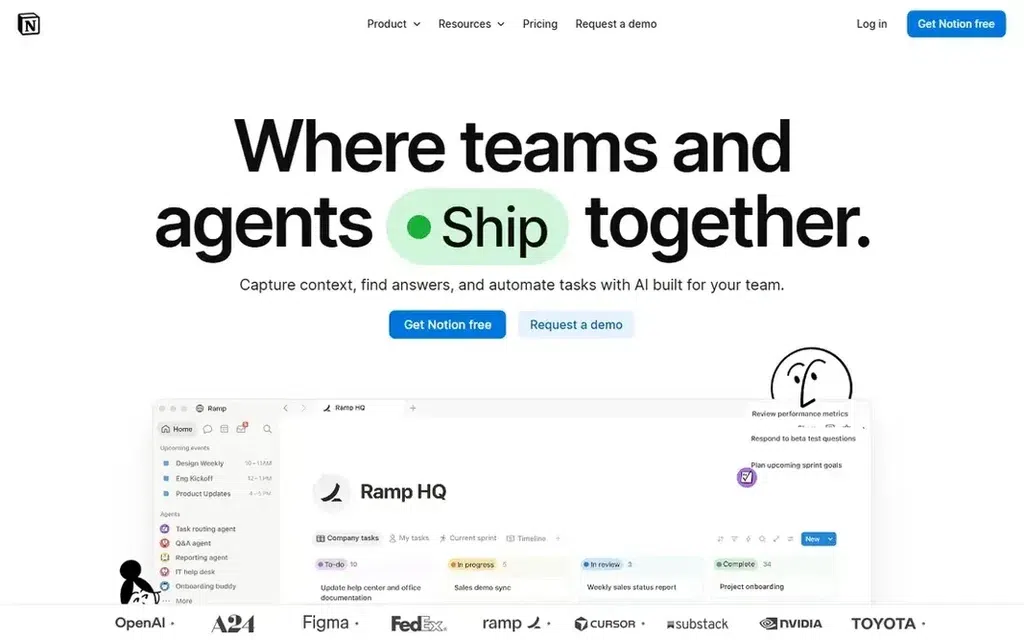
Notion is built with AI-assisted connected workspace in mind. If you prefer a straightforward, fixed note structure or completely local storage, a lighter or local-first tool may suit you better.
Where it is weaker: Can feel complicated to structure.
Price to start with Notion: $10 per member per month. Free access exists with Notion.
- Search across connected apps
- Automation for busywork
- Needs setup discipline
How we chose
What to check before you buy
- Get a written quote from Roam Research and Evernote; the list shows no starting price for them.
- Check what the free option really includes: Craft, Obsidian, Evernote and Notion offer a free plan, and usage caps differ.
- Before choosing Craft, weigh its main limit: premium features for advanced use.
- Get the contract term, renewal terms and any onboarding fees from Evernote in writing.
- Read the plan comparison for Roam Research carefully; key features often start on a higher tier.
FAQ
What is the cheapest option for personal knowledge management for consultants in this list?
On published monthly entry prices, Obsidian is the lowest here at $4 per user per month. Entry price is only part of the cost, because seats, add-ons and billing terms can change the total. Each of the 5 options in this personal knowledge management for consultants guide has its own card above with the price, free plan and limits.
Can I try these tools before paying?
Often, yes. Craft, Obsidian, Evernote and Notion have a free plan. Use your own data and a real task during the test, and check what the free tier or trial limits before you rely on it.
Do these tools publish their prices?
Not all of them. Roam Research and Evernote publish no starting price, so expect a quote request for those. The rest, Craft included, show a starting price, though seats and billing terms still change the final cost.
Which options for personal knowledge management for consultants have a free plan?
On this list, Craft, Obsidian, Evernote and Notion include a free plan. Caps on seats, usage or features are common, so test the free plan against your real workload.
Sources
- https://www.craft.do
- https://obsidian.md
- https://roamresearch.com
- https://evernote.com
- https://www.notion.so