Best Knowledge Management Software for Researchers in 2026: Prices, Free Plans and 5 Picks
Best knowledge management software for researchers in 2026: 5 contenders with entry costs and free tiers. Each pick lists its main limit. Plain facts.

- Editor's choice
 Mendeley
Reference management and collaboration
Starts at$26 a monthVisit mendeley.comFull review - Great alternative
 Evernote
Straightforward note capture and organization
Starts atSee websiteVisit evernote.comFull review - Also consider
 Notion
All-in-one research workspace
Starts at$10 per member a monthVisit notion.soFull review
Direct answer
Start with Mendeley if you need reference management and collaboration. Listed starting prices: Mendeley from $26 a month, Notion from $10 per member a month and Obsidian from $4 per user per month. For a different need, Evernote covers straightforward note capture and organization and Notion covers all-in-one research workspace. Details, prices and limits for the rest of the 5 tools are below.
TL;DR:
- The list opens with Mendeley, aimed at reference management and collaboration.
- The lowest published monthly entry price here is $4 per user per month, from Obsidian.
- The main caution on Notion: can feel overwhelming at first.
- Obsidian is the one to check for private linked note-taking.
- 4 of 5 tools offer a free plan: Mendeley, Evernote, Notion, Obsidian.
Last checked November 2026. Prices and plan details were read from the vendors' own pages in November 2026; vendors change plans often, so confirm the current price on the vendor site before you buy.
Quick comparison
| Tool | Best for | Starts at | Free plan? | |
|---|---|---|---|---|
| Mendeley | Reference management and collaboration | $26 a month | Yes | Visit |
| Evernote | Straightforward note capture and organization | See website | Yes | Visit |
| Notion | All-in-one research workspace | $10 per member a month | Yes | Visit |
 EndNote | Citation formatting at scale | See website | Not stated | Visit |
 Obsidian | Private linked note-taking | $4 per user per month | Yes | Visit |
Our 5 knowledge management software for researchers
If you are comparing knowledge management software for researchers, this page covers 5 tools in one place: what each is best for, what it costs to start, whether it has a free plan, and the main limit to know about.
Think of Mendeley for reference management and collaboration. Researchers seeking a single workspace for all knowledge management may need extra software. Like other reference managers, Mendeley is not a general-purpose knowledge base for project notes or task tracking.
Where it falls short: Needs account for full use.
Beyond that, Mendeley is widely known as a reference manager and academic collaboration product. It helps researchers organize PDFs, produce citations, and share references with colleagues. Mendeley cost at the entry level: $26 per month. You can start on Mendeley without paying.
- PDF annotation
- Reference organization
- Restricted general note-taking
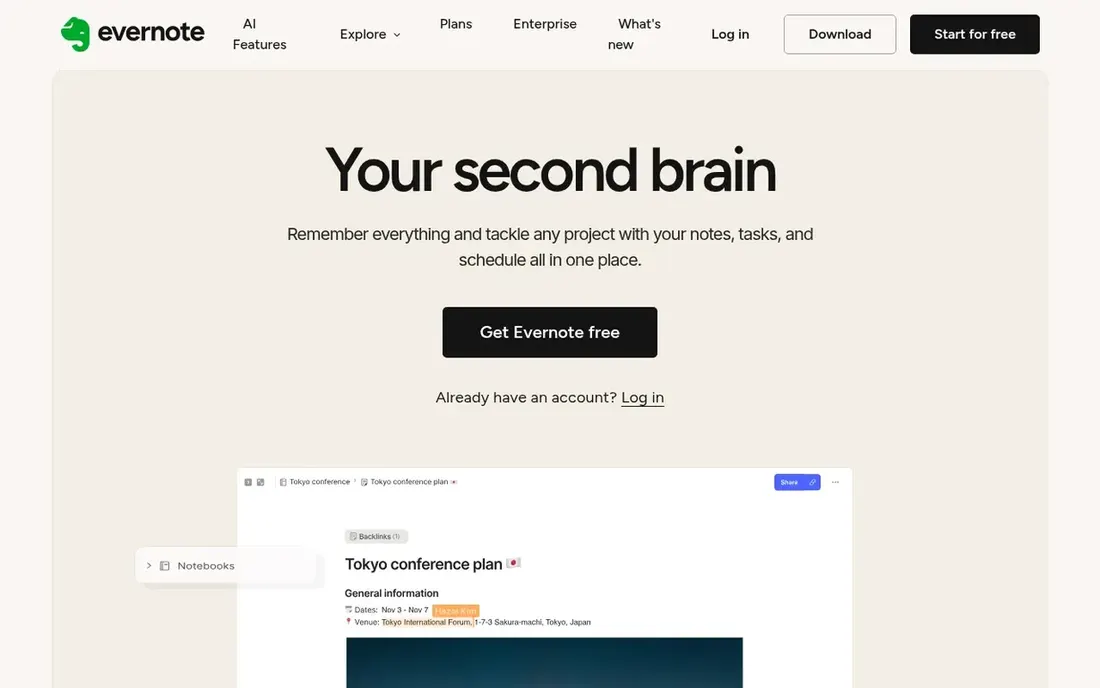
Choose Evernote for straightforward note capture and organization. Evernote is a note-taking app that helps you capture and prioritize ideas, projects, and to-do lists so nothing falls through the cracks.
Where it is weaker: Not designed for citation management.
From a buyer's view, researchers with large reference libraries will likely need a dedicated reference manager alongside it. In daily use, the focus on capture and organization makes it handy for early-stage idea gathering and daily research logs. Evernote does not show a starting price in this comparison, so check the vendor site for current pricing. Evernote has a free plan.
- Fast capture of ideas and to-dos
- Prioritization features
- Restricted database or relational features
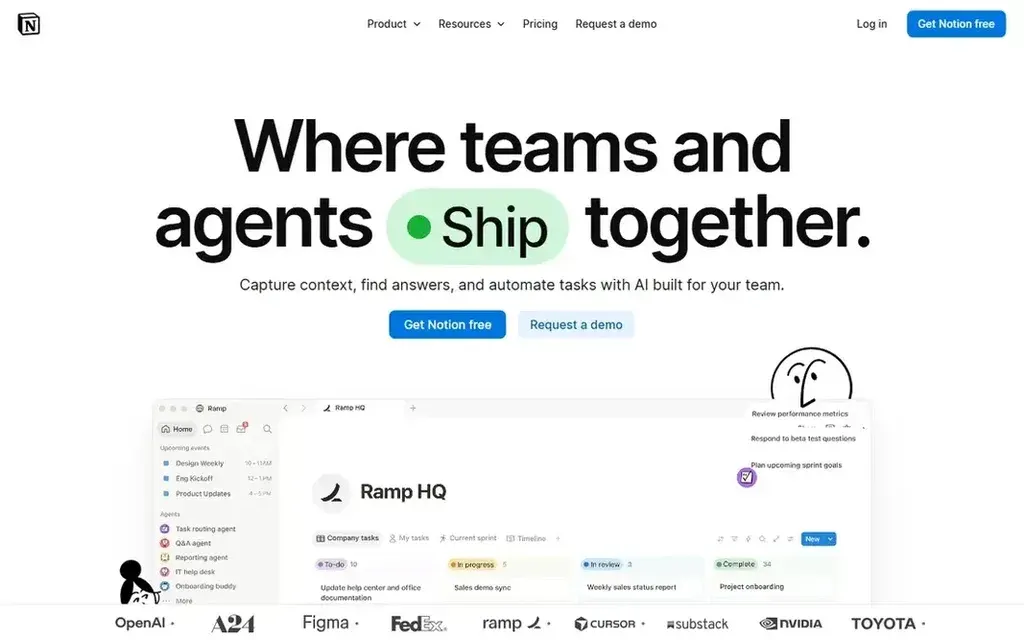
Choose Notion for all-in-one research workspace. Notion is an AI workspace where you can build custom agents, search across connected apps, and automate repetitive tasks.
Honest limits: Needs internet for most features.
Also, the adaptable page and database structure lets you design a system that mirrors your research process, from idea capture to final write-up. It is not a dedicated citation manager, so reference formatting is restricted. Notion starts at: $10 per member per month. A free plan is available with Notion.
- AI search across apps
- Custom databases and pages
- Can feel overwhelming at first
EndNote is built with citation formatting at scale in mind. EndNote is primarily a citation tool and does not offer wide note-taking or project management features. As for the details, the tool supports organizing references and inserting formatted citations into documents.
In practice, choose EndNote if citation formatting is a major part of your writing process, and use a separate tool for general knowledge management. Worth adding: EndNote is a reference manager that helps you save time formatting citations so you can focus on your research. It is aimed at researchers who deal with large bibliographies and need consistent citation output across manuscripts. EndNote shows no starting price here, so confirm the cost on the vendor site. Free options: Not stated.
Points against: Can be complicated for new users.
- Large reference libraries
- Time-saving citation formatting
- Concentrated on references, not notes

Pick Obsidian if this describes you: private linked note-taking. It appeals to researchers who want to build a personal knowledge base without relying on a cloud service.
Users must set up their own structure and may need plugins for advanced workflows. On cost, Obsidian starts like this: $4 per user per month. You can start on Obsidian without paying.
Where it is weaker: Needs manual setup for structure.
- Free and adaptable app
- Local-first storage
- No built-in citation manager
What went into this list
We compared the tools on published pricing, free plan or trial availability, feature coverage for knowledge management software for researchers, and the limits each vendor documents. Seat minimums, billing terms and add-ons can move the real cost, so the starting prices here are a guide and not a quote. Tools are placed by general fit for knowledge management software for researchers, with price clarity and free access as tie-breakers. A different team can reasonably rank them differently.
Pre-purchase checklist
- Ask Evernote and EndNote for a written quote, since no starting price is shown.
- Check what the free option really includes: Mendeley, Evernote, Notion and Obsidian offer a free plan, and usage caps differ.
- Read the limits listed for Mendeley first: restricted general note-taking.
- Ask whether EndNote integrates with your current software, and whether that comes standard or as an add-on.
- Ask the daily users to test Mendeley on a live task before you roll it out to everyone.
FAQ
Which options for knowledge management software for researchers have a free plan?
On this list, Mendeley, Evernote, Notion and Obsidian include a free plan. Caps on seats, usage or features are common, so test the free plan against your real workload.
What is the cheapest option for knowledge management software for researchers in this list?
On published monthly entry prices, Obsidian is the lowest here at $4 per user per month. Entry price is only part of the cost, because seats, add-ons and billing terms can change the total. All 5 picks in this knowledge management software for researchers comparison list a starting price, free plan details and the main limits on their cards above.
Is Mendeley the right pick for everyone comparing knowledge management software for researchers?
No single tool suits every team. Mendeley comes first because it fits reference management and collaboration, while Evernote suits simple note capture and organization and Notion suits all-in-one research workspace. Match the tool to your own size, budget and workflow before deciding.
How are the tools for knowledge management software for researchers ordered?
The order follows typical fit for knowledge management software for researchers, with Mendeley first and Obsidian last, then price clarity and free access. It is editorial judgement, not a score, so another team could rank the tools differently.
Sources
- https://www.mendeley.com
- https://evernote.com
- https://www.notion.so
- https://endnote.com
- https://obsidian.md