Top 6 Knowledge Management Software for Product Teams for 2026 (Prices and Free Plans)
Best knowledge management software for product teams, compared. 6 tools with published prices, free plans and limits. Short verdicts, no fluff. Start here.
- Editor's choice
 Slite
Knowledge bases that stay accurate
Starts at$10 per user per monthVisit slite.comFull review - Great alternative
 Document360
Documentation with AI search and chat
Starts atSee websiteVisit document360.comFull review - Also consider
 Guru
Governed knowledge for enterprise AI
Starts atSee websiteVisit getguru.comFull review
Direct answer
This list puts Slite first for knowledge bases that stay accurate. Listed starting prices: Slite from $10 per user per month and Notion from $10 per member a month. Document360 is better for documentation with AI search and chat, and Guru is better for governed knowledge for enterprise AI. The full list of 6 tools follows, with prices and free plan facts.
TL;DR:
- The list opens with Slite, aimed at knowledge bases that stay accurate.
- Before buying Coda, weigh this: can be complicated to set up well.
- The lowest published monthly entry price here is $10 per user per month, from Slite.
- For all-in-one docs, wikis and AI search, Notion is worth a look.
Last checked November 2026. Prices and plan details were read from the vendors' own pages in November 2026; vendors change plans often, so confirm the current price on the vendor site before you buy.
Quick comparison
| Tool | Best for | Starts at | Free plan? | |
|---|---|---|---|---|
| Slite | Knowledge bases that stay accurate | $10 per user per month | Yes | Visit |
| Document360 | Documentation with AI search and chat | See website | Not stated | Visit |
| Guru | Governed knowledge for enterprise AI | See website | Not stated | Visit |
 Coda | Docs blended with tables and app-like tools | See website | Not stated | Visit |
 Helpjuice | Knowledge base software for support content | See website | Free trial | Visit |
 Notion | All-in-one docs, wikis and AI search | $10 per member a month | Yes | Visit |
The full knowledge management software for product teams list
Choosing knowledge management software for product teams usually comes down to price, fit and limits. This LinkVetted guide sets 6 tools side by side on those three points, with the facts kept short and checkable.
For knowledge bases that stay accurate, Slite is a natural candidate. Slite positions itself as the AI knowledge base that stays accurate, connecting to the tools where work happens so the knowledge your business relies on is built and maintained.
Best features of Slite: Focus on dependable.
It suits teams that want a dedicated knowledge base instead of a general workspace. Price to start with Slite: $10 per user per month. A free plan is available with Slite.
Where it falls short: Narrower scope than full workspace suites.
- Made for team and AI use
- Connects to tools where work happens
- Less suited to heavy project tracking
Where Document360 fits: documentation with AI search and chat. Document360 presents itself as AI knowledge base software for documentation, with AI search, an AI chatbot and writing tools inside the product.
Watch-outs: less of a general wiki.
Choose Document360 when structured, searchable documentation with AI assistance is the core requirement. On top of that, teams wanting a shared scratchpad alongside formal docs may need a second tool. Document360 shows no starting price here, so confirm the cost on the vendor site. As for free access: Not stated.
- AI search and AI chatbot
- Concentrated on documentation workflows
- Internal collaboration is secondary
Guru makes the most sense for governed knowledge for enterprise AI. Guru describes itself as a governed knowledge layer for enterprise AI, structuring, governing and continuously improving knowledge so AI answers can be trusted. The governance model assumes someone owns verification and maintenance, which can be overhead for a small team without dedicated knowledge managers.
It is also geared toward enterprise needs instead of light note taking. For product teams in bigger organizations, that means verified information with clear ownership instead of scattered notes. Guru does not show a starting price in this comparison, so check the vendor site for current pricing. Free options: Not stated.
Where it is weaker: Enterprise focus may be heavy for small teams.
- Aims at trustworthy AI answers
- Continuous improvement of content
- Governance setup needs ownership
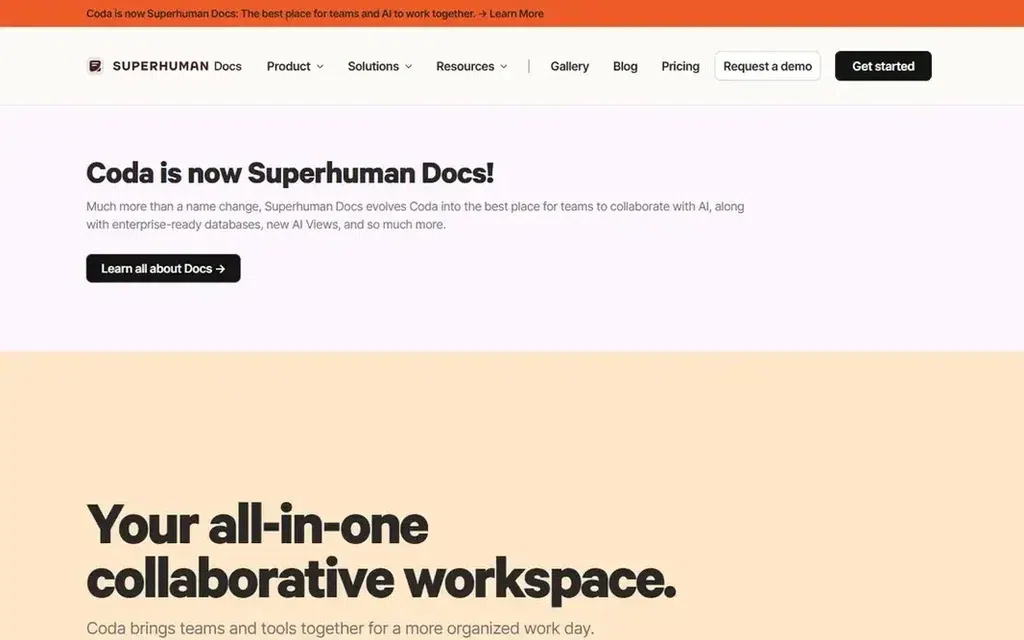
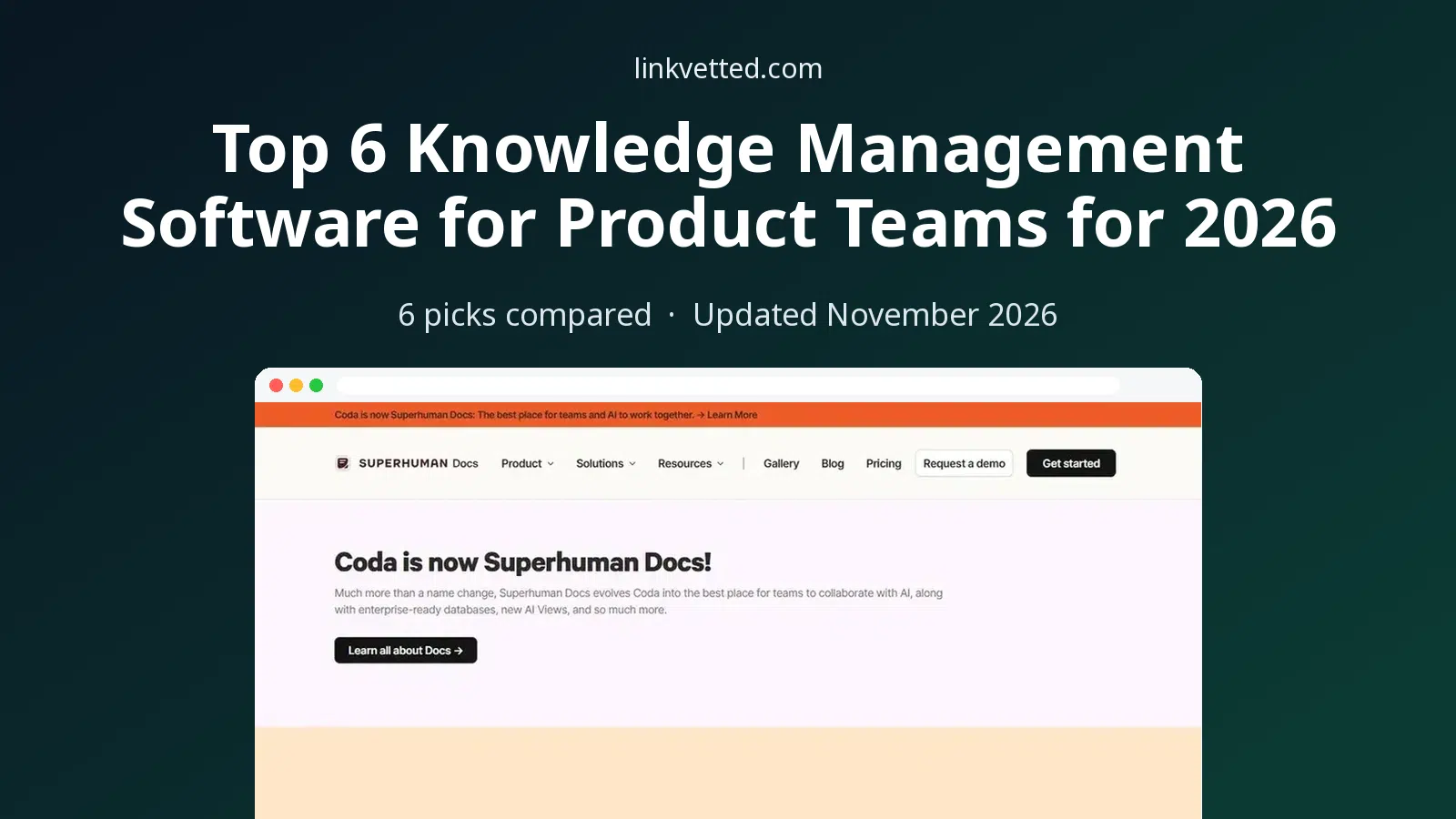
In short, Coda is for docs blended with tables and app-like tools. Coda describes itself as an all-in-one collaborative workspace that blends the adaptability of docs, the structure of spreadsheets, the power of applications and AI.
Drawbacks to consider: Can be complicated to set up well.
For everyday use, teams that primarily need clean, readable knowledge pages may prefer a dedicated knowledge base. In daily use, product teams use that mix for roadmaps, feedback trackers and process docs that require to update together. Check the vendor site for Coda pricing; none is listed in this comparison. As for free access: Not stated.
- Docs combined with spreadsheet structure
- App-like building blocks for workflows
- Less centred on pure wiki browsing
Helpjuice is designed for knowledge base software for support content. Helpjuice describes itself as knowledge base software that helps teams simplify support and boost productivity. For product teams, it can serve as a home for help content, internal reference articles and answers that support and success colleagues reuse.
Its focus on knowledge base publishing means it is not made for roadmaps, sprint notes or app-style workflows. Beyond that, pick Helpjuice when the priority is a clean, findable knowledge base for support-facing content. Helpjuice shows no starting price here, so confirm the cost on the vendor site. As for free access: Free trial.
Downsides: Narrower than all-in-one workspaces.
- Targeted at support and productivity
- Knowledge base concentrated on findability
- Less emphasis on product planning docs
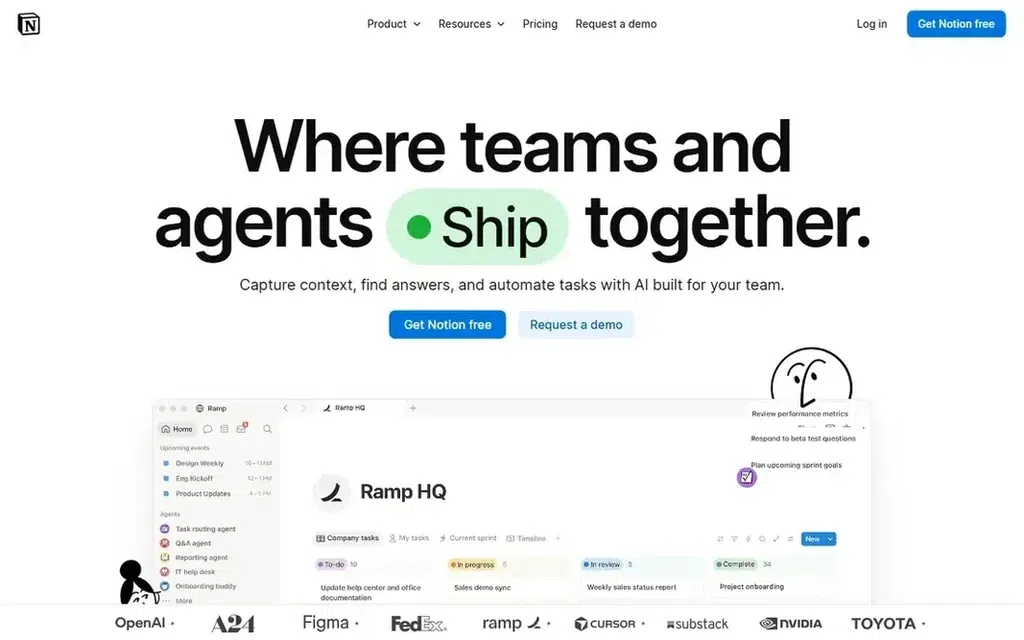
Notion is built with all-in-one docs, wikis and AI search in mind. For product teams, that means specs, meeting notes, roadmaps and research can live in one connected place, with pages and databases shaped around how the team actually works.
Worth adding: teams that require strict governance over every answer, or that primarily publish customer-facing documentation, may prefer a more structured knowledge base. The adaptability is also the main limit: without clear conventions, pages and databases multiply and navigation gets messy. On cost, Notion starts like this: $10 per member per month. You can start on Notion without paying.
The main drawbacks: Large workspaces can grow cluttered.
- Automation for repetitive busywork
- AI search across connected apps
- Adaptable structure needs internal conventions
How these tools were picked
Each tool was reviewed on what its vendor publishes: price, plan limits, core features and stated drawbacks. We did not run hands-on tests. Where a price is missing, the vendor does not list one publicly or ties it to a quote. Always confirm before budgeting. The order reflects how well each tool fits the most common buying scenario for knowledge management software for product teams, then price clarity, then free plan access. It is a starting point, not a verdict.
A buyer's checklist
- Confirm the entry price on the vendor page. For Document360, Guru, Coda and Helpjuice that means a quote rather than a fixed price.
- Read the fine print on the free plans from Slite and Notion; seat, project and feature caps differ.
- Use real work to test the free trial from Helpjuice, rather than a demo project.
- Read the limits listed for Slite first: narrower scope than full workspace suites.
- Find out what support Guru includes on your plan, and whether onboarding help costs extra.
- Price Helpjuice for your actual team size; headline prices rarely include add-ons or overage.
FAQ
Is Slite the right pick for everyone comparing knowledge management software for product teams?
No single tool suits every team. Slite comes first because it fits knowledge bases that stay accurate, while Document360 suits documentation with AI search and chat and Guru suits governed knowledge for enterprise AI. Match the tool to your own size, budget and workflow before deciding.
Which options for knowledge management software for product teams have a free plan?
Slite and Notion offer a free plan in this list. Free plans usually cap users, projects or features, so check the limits on the vendor page. One other tool offers a trial instead.
Can I try these tools before paying?
Often, yes. Slite and Notion have a free plan and Helpjuice offers a free trial. Use your own data and a real task during the test, and check what the free tier or trial limits before you rely on it.
What is the cheapest option for knowledge management software for product teams in this list?
On published monthly entry prices, Slite is the lowest here at $10 per user per month. Entry price is only part of the cost, because seats, add-ons and billing terms can change the total.
Sources
- https://slite.com
- https://document360.com
- https://www.getguru.com
- https://coda.io
- https://helpjuice.com
- https://www.notion.so